
Clawdi
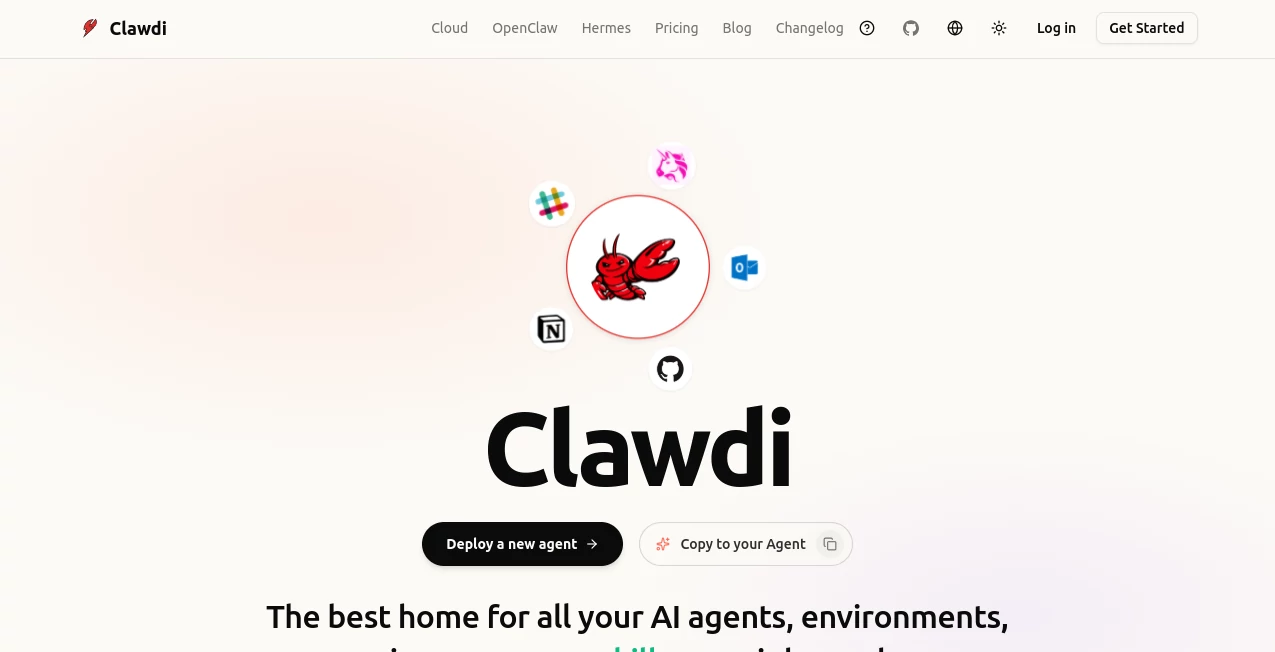
What is Clawdi?
Clawdi is a next-generation AI agent platform designed to give users a persistent, always-available AI environment where assistants, memories, skills, and integrations stay connected. Instead of starting from zero every time you open a new AI chat, it creates a dedicated workspace where intelligent agents can continue learning your workflow and supporting your daily tasks.
The platform solves a common challenge in modern AI usage: fragmented tools and disconnected experiences. Users often switch between different assistants, frameworks, and devices, losing important context along the way. This solution brings everything together with a unified environment for managing AI agents, automation, integrations, and long-running workflows.
Built for individuals, developers, and teams, it provides a practical way to use autonomous AI assistants for research, coding, productivity, business operations, and everyday automation. The focus is not only on conversation but also on helping AI agents take action, manage tasks, and work continuously in the background.
Key Features
User Interface
The platform offers a clean dashboard that helps users manage their AI environments, sessions, memories, skills, and connected services from one place. The interface is designed for both technical users who want advanced control and non-technical users who simply want a reliable digital assistant.
Users can monitor active agents, review previous sessions, manage integrations, and organize workflows without dealing with complicated infrastructure. The experience feels closer to managing a personal AI workspace rather than using a traditional chatbot.
Accuracy & Performance
The system focuses on maintaining context and improving productivity through persistent memory. AI agents can remember previous interactions, stored preferences, connected tools, and ongoing projects, allowing users to continue tasks without repeating background information.
With cloud-based environments and always-on capabilities, agents can continue running tasks even when users are offline. This makes it suitable for workflows that require monitoring, automation, scheduled actions, or long-term execution.
Capabilities
The platform provides powerful AI agent capabilities beyond simple text generation. It can support browsing, code execution, file management, workflow automation, application connections, and multi-step problem solving.
- Persistent AI agent environments with long-term memory
- Browser automation and online research capabilities
- Terminal access and coding assistance
- File management and document handling
- Integration with hundreds of external applications
- Support for multiple AI agent frameworks
- Automation of recurring tasks and workflows
- Cross-device continuation of AI sessions
Security & Privacy
Security is a major focus, especially for users who want AI assistants to handle sensitive workflows. Each environment is designed with isolated infrastructure and privacy-focused technologies to help protect user data, credentials, and connected services.
The platform also gives users more control over their AI setup by separating memories, skills, and connections from individual AI models. This approach reduces dependency on a single assistant ecosystem and provides greater flexibility.
Use Cases
This AI agent platform can support many professional and personal scenarios. Developers can use it to manage coding projects, automate repetitive tasks, and connect development tools. Business professionals can use AI assistants for research, customer communication, scheduling, reporting, and operational workflows.
- Automating daily business tasks and administrative work
- Managing emails, calendars, and productivity workflows
- Researching information and preparing reports
- Supporting software development and debugging
- Creating automated workflows across multiple applications
- Managing sales, CRM activities, and customer follow-ups
- Building personalized AI assistants for specific roles
Pros and Cons
Pros
- Persistent memory keeps AI interactions connected over time
- Supports powerful autonomous agent workflows
- Works with multiple AI frameworks and tools
- Reduces the complexity of managing AI infrastructure
- Useful for both technical and business users
- Offers extensive integrations and automation options
Cons
- Advanced features may require some technical understanding
- Users who only need simple chatbot conversations may find it more powerful than necessary
- Some automation workflows require configuration before delivering maximum value
Pricing Plans
The platform offers flexible options designed for different types of users. A free option is available for users who want to explore AI agent management and local environments. Paid plans provide additional cloud capabilities, always-on hosting, enhanced infrastructure, and advanced features for professional usage.
Teams and organizations can choose enterprise solutions with additional security features, collaboration options, and customized support.
How to Use Clawdi
Getting started is straightforward. Users can create an AI environment, select their preferred agent setup, connect their tools, and begin interacting with their assistant. The system handles much of the technical complexity, allowing users to focus on tasks instead of infrastructure management.
- Create an account and set up an AI environment
- Choose an agent framework or workflow
- Connect required applications and services
- Customize skills, memory, and preferences
- Start assigning tasks and automations
Comparison with Similar Tools
Traditional AI chat assistants are excellent for answering questions and generating content, but they often lack persistent memory, external connections, and the ability to complete complex workflows independently.
This platform takes a different approach by focusing on AI agents that can maintain context, use tools, and continue working across sessions. Compared with standard assistants, it provides a more complete environment for users who want AI to become an active part of their workflow.
Conclusion
Clawdi represents a shift from simple AI conversations toward practical AI teammates that can manage tasks, remember context, and operate across different tools. By combining persistent environments, automation capabilities, and flexible integrations, it creates a more powerful way to work with artificial intelligence.
For developers, professionals, and businesses looking to move beyond basic AI chat experiences, this platform provides a strong foundation for building reliable and personalized AI workflows.
Frequently Asked Questions (FAQ)
What is this AI agent platform used for?
It is used to create and manage persistent AI agents that can assist with productivity, automation, coding, research, business operations, and connected workflows.
Can AI agents remember previous tasks?
Yes. The system is designed around persistent memory, allowing agents to maintain context between sessions and continue ongoing projects more effectively.
Does it support integrations with other applications?
Yes. It supports connections with many popular applications and services, allowing AI agents to interact with external tools and automate workflows.
Is it suitable for developers?
Yes. Developers can use it for coding assistance, automation, environment management, and connecting AI agents with technical workflows.
Does it offer a free option?
Yes. Users can start with free options and upgrade to advanced plans when they need additional cloud capabilities and professional features.
AI Workflow Management , AI Chatbot , AI Developer Tools .
These classifications represent its core capabilities and areas of application. For related tools, explore the linked categories above.

Clawdi Alternatives Product

StarBattle O…

ChatFlowchart

AllInOneTools

ISEKAI ZERO

FlowGPT

Overchat AI

DevUtilX

KronoPrompt

Discord Time…