
CodeTrain
What is CodeTrain?
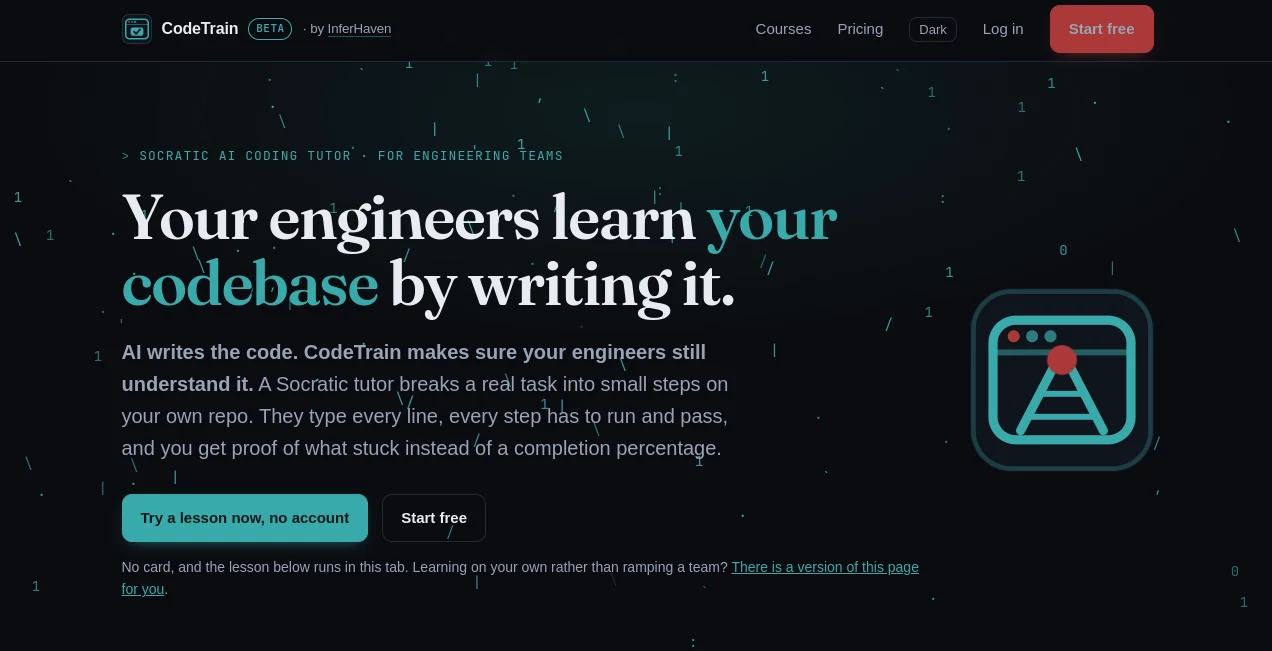
CodeTrain is an AI coding tutor designed around a simple but important idea: developers learn software best when they actually write and run the code themselves. Instead of generating a finished solution, it guides learners through small, practical steps based on a real codebase.
This approach makes it particularly interesting for engineering teams that rely heavily on AI coding assistants but still want developers to understand the systems they are building. The tutor asks questions, provides hints, reviews what the learner writes, and requires each step to run and pass before moving forward.
It can also be useful for individual developers who want to understand an unfamiliar repository rather than simply asking an AI to explain it. A public repository can be used to create lessons, while paid plans support learning directly from a developer's own checkout.
Key Features
- AI-powered Socratic tutoring focused on understanding rather than code generation.
- Hands-on lessons where learners write every line themselves.
- Lessons built around real repositories instead of generic coding exercises.
- Code execution and testing during lessons.
- Hints and smaller steps when a learner gets stuck.
- Spaced review that brings back concepts the learner previously struggled with.
- Support for individual learning as well as engineering-team onboarding.
- Team dashboards for tracking lessons, concepts, and usage.
- Bring-your-own-model-key support on applicable paid plans.
User Interface
The interface is deliberately centered on the coding task rather than a traditional course dashboard. Lessons are broken into small steps, with an editor and a Run action allowing learners to immediately test what they have written.
The course structure is presented like a transit map, with courses organized into lines and individual classes represented as stops. This gives learners a clear sense of progression without turning the experience into a collection of passive video lessons.
One particularly useful aspect is the ability to start a lesson without creating an account. Developers can experiment with the learning experience before deciding whether it fits their workflow.
Accuracy & Performance
The platform takes a practical approach to evaluating learning. Rather than treating a completed lesson or written explanation as proof of understanding, each coding step needs to run and pass before the learner can continue.
This creates a useful feedback loop. If a developer makes a mistake, the system can respond with a smaller step or another hint instead of immediately revealing the answer. For someone learning an unfamiliar codebase, that can make the difference between memorizing an explanation and actually understanding how the software behaves.
Repository-based lessons are also generated from the code itself. That is valuable for teams whose current implementation matters more than documentation that may have become outdated after several development cycles.
Capabilities
The platform can build lessons around public repositories on its free tier and can work with a developer's own repository through its paid repository mode. Developers can describe what they want to understand, such as an API flow or authentication system, and the learning experience is built around that area of the code.
Its curated learning material covers subjects including Python, JavaScript, Bash, and the fundamentals behind large language models using NumPy. Repository-based learning is broader because lessons can be created from the actual code being explored.
Another notable capability is its memory system. Concepts that caused difficulty can return later as new exercises, using the learner's previous mistakes rather than simply replaying the original lesson.
For engineering organizations, the platform extends beyond individual lessons with onboarding journeys, usage and progress dashboards, per-seat budgets, centralized billing, and enterprise-oriented controls.
Security & Privacy
Privacy is an important part of the product's local-first approach. The downloadable agent runs on the developer's own machine and serves its interface locally. In repository mode, the developer's checkout can also remain on the local machine.
The service states that secrets and gitignored files are not read. On the managed experience, only the information required for model interaction is sent to the model, while organizations using their own model key can send model calls directly through their configured provider.
Enterprise plans add features such as SSO, SCIM, audit logs, VPC or self-hosting options, and SOC 2-related support, making the offering more suitable for organizations with stricter security requirements.
Use Cases
Learning an unfamiliar codebase: Developers joining a new project can learn how its real components work instead of starting with unrelated tutorials.
Developer onboarding: Engineering teams can create structured journeys around their repositories, coding standards, and initial tasks, helping new hires become productive without requiring senior developers to answer the same introductory questions repeatedly.
Learning programming: Beginners can work through guided Python and JavaScript material while practicing directly in the editor.
Understanding AI systems: The LLM-focused course provides a hands-on path through neural-network foundations, tokens, embeddings, transformer architecture, training, and generation.
Retaining engineering knowledge: Developers who regularly rely on AI-generated code can use the tutor to strengthen their understanding of the code they are responsible for maintaining.
Repository exploration: A developer who inherits an unfamiliar open-source project can turn questions about the repository into focused learning exercises.
Pros and Cons
Pros
- Focuses on genuine understanding rather than simply producing code.
- Uses real codebases for practical learning.
- Requires code to run and pass before progressing.
- Hints help learners recover without immediately giving away solutions.
- Useful for both individual developers and engineering teams.
- Strong local-first approach for repository-based learning.
- Free plan available without requiring a payment card.
Cons
- It is intentionally not a replacement for AI coding assistants that generate code.
- The strict hands-on approach may feel slower to developers who simply want an immediate answer.
- Some advanced team and enterprise capabilities require paid plans.
- The product is still in beta and continues to evolve.
Pricing Plans
The platform offers a free entry point, making it possible to try the learning experience without entering payment information.
- Free: $0, with lessons from public repositories, up to 10 lessons per month, local profiles and streaks, plus access to the open-source skill.
- Pro: $24 per month, adding learning from real repositories, fair-use lessons, cross-device profile synchronization, and optional bring-your-own-key support.
- Team: $32 per seat per month, adding team-oriented features such as onboarding journeys, usage and progress dashboards, per-seat budgets, centralized billing, and bring-your-own-key support.
- Enterprise: Custom pricing with features including SSO/SCIM, audit logs, VPC or self-hosting options, SOC 2 support, and enterprise onboarding arrangements.
How to Use
- Start with a free lesson to understand how the interactive tutor works.
- Choose a programming course or provide a public repository to create a lesson around real code.
- Select a topic or area of the codebase you want to understand.
- Work through the lesson one small step at a time.
- Write the requested code yourself rather than relying on generated solutions.
- Run your code and use the tutor's feedback to identify problems.
- Use hints or smaller steps if you become stuck.
- For private projects, use the appropriate paid repository mode or local agent.
- Return to previously difficult concepts through the platform's review system.
Comparison with Similar Tools
Traditional coding courses are usually built around predefined examples, exercises, documentation, or video lessons. This approach can work well for learning programming fundamentals, but it does not necessarily teach someone how a particular production repository works.
AI coding assistants such as code completion and agent-based development tools have the opposite priority. They are designed to help developers produce software faster by generating or modifying code. That is valuable for productivity, but faster code production does not automatically mean deeper understanding.
The approach here sits between those two categories. It uses AI to guide the learning process while deliberately refusing to do the coding task for the learner. For a team already using AI development tools, that makes it more complementary than competitive: one helps developers ship faster, while the other helps make sure they understand what they are shipping.
The repository-first model is another meaningful distinction. Instead of learning only from generic examples, developers can study the patterns, architecture, and implementation details that actually exist in the software they will maintain.
Conclusion
For developers who want to understand code rather than simply obtain it, this is a thoughtful alternative to conventional AI coding assistants. Its strongest idea is also its simplest: the learner has to write the code.
The combination of Socratic guidance, real repository-based lessons, executable exercises, spaced review, and local-first development makes the experience especially relevant to modern engineering teams. It can help turn AI-assisted development from a purely productivity-focused workflow into an opportunity for stronger technical understanding.
The free plan is a sensible way to test the concept, while the paid tiers provide a path toward private repositories and structured team onboarding. For organizations concerned about developers becoming overly dependent on generated code, this offers a practical way to put learning back into the development workflow.
Frequently Asked Questions (FAQ)
Does it generate code for developers?
No. The central teaching principle is that learners write the code themselves. The tutor provides guidance, questions, feedback, and hints instead of handing over the finished solution.
Can it teach from a real repository?
Yes. The free experience can create lessons from public repository URLs, while paid repository mode can work with a developer's own checkout.
What programming languages are supported?
Curated courses currently cover Python, JavaScript, Bash, and concepts behind LLMs using NumPy. Repository-based lessons can work with broader codebases because the lessons are built around the code being explored.
Can I use it for private code?
Yes. The local agent and repository mode are designed to work with a developer's own checkout. The service also states that secrets and gitignored files are not read.
Is there a free plan?
Yes. The free plan costs $0 and includes up to 10 lessons per month from public repositories, along with local profile features and access to the open-source skill.
Is it useful for engineering teams?
Yes. Team features are designed around developer onboarding and measuring practical understanding rather than simply tracking course completion. Teams can use onboarding journeys, progress dashboards, usage information, and per-seat budgets.
How is it different from an AI coding assistant?
An AI coding assistant is primarily built to help produce code. This learning platform is designed to make the developer produce the code and understand it. The two approaches can therefore complement each other rather than serving exactly the same purpose.
AI Tutorial , AI Education Assistant , AI Coaching , AI Developer Tools .
These classifications represent its core capabilities and areas of application. For related tools, explore the linked categories above.

CodeTrain Alternatives Product

ukamiru

Mage Flow AI…

Parking Prac…

CtrlOps

Somnio

EZ Grader

Gemini Omni

Sourcetable

Standard Com…