

















Mage Flow AI Image Generator
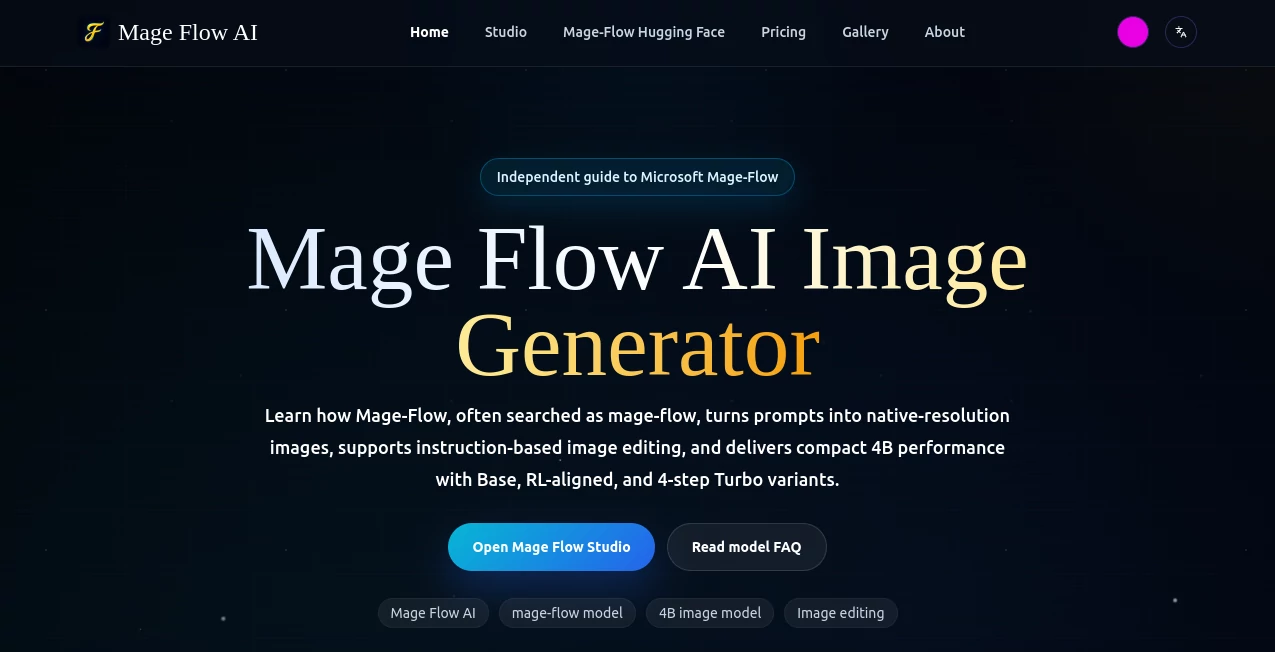
What is Mage Flow AI Image Generator?
Creating AI-powered applications often means connecting multiple models, APIs, and processing steps into a single workflow. That process can quickly become difficult to manage, especially when performance, cost, and scalability all matter. This platform simplifies that challenge by offering a visual environment where complete AI pipelines can be designed, tested, optimized, and deployed without spending hours writing orchestration code.
Instead of focusing only on individual models, it allows developers and technical teams to build intelligent workflows that combine different AI services into one production-ready solution. Whether the goal is text generation, image processing, document analysis, or custom automation, everything can be assembled through an intuitive drag-and-drop interface while maintaining flexibility for advanced users.
One of its strongest advantages is the balance between accessibility and engineering power. Beginners can experiment visually, while experienced developers can rapidly prototype sophisticated AI systems that are easier to maintain and significantly faster to deploy.
Key Features
- Visual drag-and-drop AI workflow builder.
- Connect multiple AI models within a single pipeline.
- Supports integrations with popular AI providers.
- Optimize workflows for speed and operational cost.
- Rapid testing and debugging before deployment.
- Production-ready workflow execution.
- Flexible architecture for complex AI applications.
- No-code environment suitable for technical and non-technical teams.
- Scalable orchestration for growing AI projects.
- Designed to reduce infrastructure complexity.
User Interface
The interface is clean, modern, and designed around visual workflow creation. Components can be connected naturally, making it easy to understand how information flows between different AI services. Even complex pipelines remain organized, allowing teams to identify bottlenecks and improve performance without digging through large amounts of code.
Accuracy & Performance
Performance is enhanced by optimizing the execution order of AI models and reducing unnecessary processing. This approach helps lower response times while improving operational efficiency. Developers can experiment with different pipeline structures to find the best balance between quality, speed, and cost.
Capabilities
The platform supports building AI pipelines for text generation, image processing, conversational assistants, document workflows, automation, and many other intelligent applications. Multiple providers can be combined into a single workflow, giving users the flexibility to choose the most suitable model for each individual task.
Security & Privacy
Projects remain under the control of the development team, allowing organizations to design workflows that match their own security policies and deployment requirements. This flexibility makes the platform suitable for professional environments where data handling and infrastructure control are important considerations.
Use Cases
- Building AI-powered SaaS applications.
- Creating intelligent document processing pipelines.
- Developing customer support assistants.
- Combining language and image models into one workflow.
- Rapid AI prototyping for startups.
- Internal business automation.
- Research and experimentation with multiple AI providers.
- Deploying production-ready AI services.
Pros and Cons
Pros
- Visual workflow creation reduces development time.
- Supports complex AI orchestration.
- Optimizes workflows for efficiency.
- Production-focused architecture.
- Suitable for both developers and technical teams.
- Easy experimentation with multiple AI models.
Cons
- Advanced workflows still require understanding of AI concepts.
- Some integrations may depend on external provider availability.
- Large enterprise deployments may require additional configuration.
Pricing Plans
Pricing may vary depending on usage and available plans. Users should check the official website for the latest information regarding free access, subscription options, and enterprise offerings.
How to Use MageFlow
- Create an account.
- Start a new AI workflow.
- Select the desired AI services or models.
- Connect components using the visual editor.
- Configure each processing step.
- Run tests and validate outputs.
- Optimize workflow performance.
- Deploy the workflow for production use.
Comparison with Similar Tools
Unlike traditional workflow automation platforms that focus mainly on general business processes, this solution is purpose-built for AI orchestration. Its visual builder, optimization capabilities, and production-ready deployment make it especially attractive for teams building modern AI applications. Compared with manual coding approaches, development becomes significantly faster while remaining flexible enough for complex projects.
Conclusion
For teams looking to simplify AI orchestration without sacrificing flexibility, this platform offers an impressive combination of usability and engineering capability. The visual workflow builder removes much of the repetitive infrastructure work while allowing sophisticated AI pipelines to be created efficiently. From rapid experimentation to production deployment, it provides a practical environment that helps developers focus more on innovation and less on integration challenges.
Frequently Asked Questions (FAQ)
Who is this platform designed for?
It is suitable for developers, startups, AI engineers, and technical teams building AI-powered applications.
Does it support multiple AI providers?
Yes. It is designed to orchestrate workflows that combine models and services from different AI providers.
Is coding required?
The visual interface minimizes coding for workflow creation, although technical knowledge is helpful for advanced implementations.
Can workflows be deployed to production?
Yes. The platform is built to support production-ready AI workflows.
What makes it different from standard automation tools?
Its primary focus is AI workflow orchestration, optimization, and deployment rather than general business automation.