Coloring Otter
What is Coloring Otter?
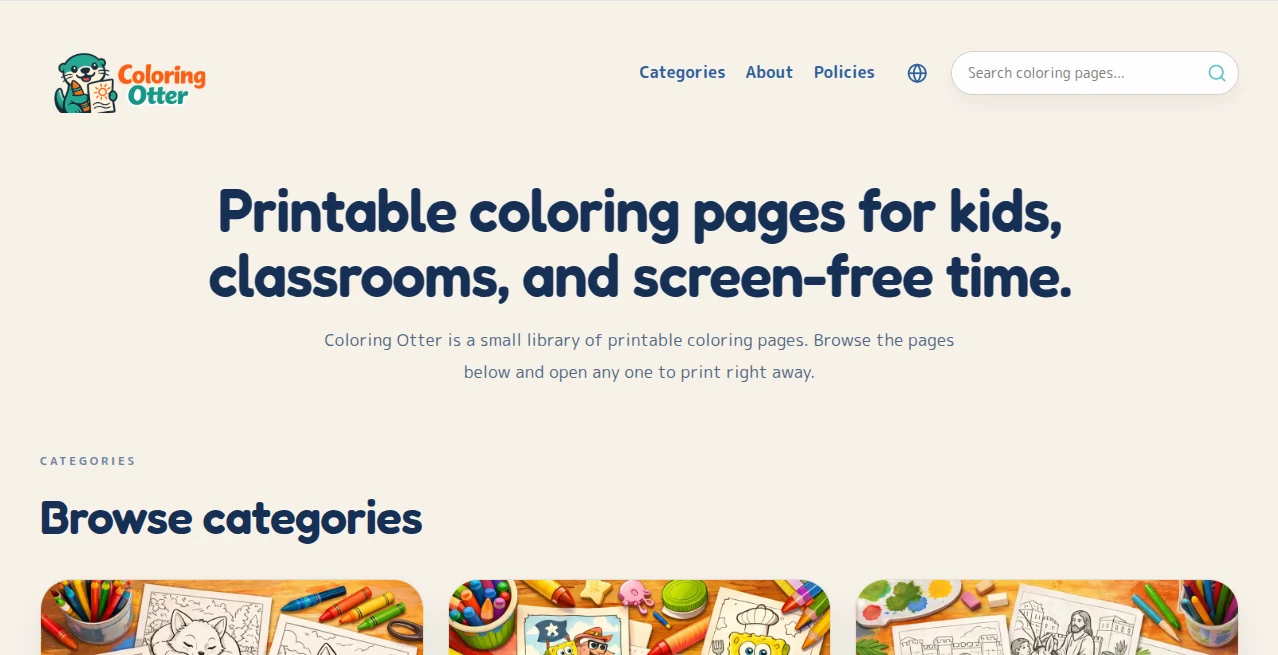
There’s something deeply satisfying about sitting down with a fresh coloring page and watching colors slowly bring it to life. Coloring Otter makes that experience effortless and endlessly fun. Whether you’re a parent looking for screen-free activities, an adult craving a relaxing creative break, or a teacher needing custom pages for class, this tool turns simple ideas into detailed, high-quality coloring sheets in seconds. I’ve watched kids light up when they see their favorite animal turned into a coloring page, and I’ve seen stressed adults spend peaceful evenings filling in intricate designs that the AI created just for them. It feels personal, joyful, and surprisingly addictive.
Introduction
Coloring has always been a wonderful way to relax, learn, and express creativity, but finding the right pages can be a hassle. Coloring Otter solves that by letting you generate exactly what you want—cute animals, magical scenes, mandalas, vehicles, or holiday themes—tailored to any age or interest. The AI understands both simple and complex requests, delivering clean line art with just the right amount of detail. It’s become a favorite for families, educators, and hobbyists because it removes the search-and-settle cycle and replaces it with instant, high-quality creations you can print or color digitally.
Key Features
User Interface
The design is warm and inviting, with a big prompt box at the center and clear style options nearby. You describe what you want (“a happy penguin wearing a scarf building a snowman”) and choose from kid-friendly, detailed adult, or minimalist styles. Generation is fast, and you get multiple variations to pick from. Everything feels intuitive—no complicated menus, just a friendly flow that encourages experimentation.
Accuracy & Performance
The outlines are clean and well-structured, with smart spacing that makes coloring enjoyable rather than frustrating. Details are balanced—enough to be interesting without overwhelming younger users. Generation speed is excellent, and the consistency across prompts is impressive. It rarely produces broken lines or awkward shapes, which means you spend more time coloring and less time fixing.
Capabilities
You can generate unlimited coloring pages from text prompts, choose different difficulty levels (simple for toddlers, intricate for adults), and select themes ranging from animals and nature to fantasy and holidays. It supports both black-and-white line art for traditional coloring and colored versions if you want inspiration. Pages are ready to print or use in digital coloring apps, making it versatile for home, school, or on-the-go creativity.
Security & Privacy
Your prompts and generated pages are handled privately. There’s no forced account for basic use, and the platform respects user data by focusing on delivering the images without unnecessary tracking or storage. Parents and teachers especially appreciate this thoughtful approach when creating content for children.
Use Cases
Parents generate custom coloring books featuring their child’s favorite animals or family members for rainy days. Teachers create themed activity packs for classrooms that perfectly match current lessons. Adults use it for mindful relaxation with beautiful mandalas and nature scenes. Party planners make personalized coloring place mats for kids’ birthdays. The flexibility makes it useful for anyone who wants creative, calming, or educational material on demand.
Pros and Cons
Pros:
- Extremely fast generation of clean, high-quality coloring pages.
- Great variety of styles suitable for different ages and skill levels.
- Simple, friendly interface that everyone from kids to grandparents can use.
- Unlimited creativity—no more hunting for the perfect printable.
- Free tier is generous enough for regular personal use.
Cons:
- Very specific or unusual requests sometimes need prompt tweaking for best results.
- Advanced features and higher resolution downloads are behind paid plans.
- Printing quality depends on your printer and paper choice.
Pricing Plans
The free tier offers plenty of generations per day, making it easy to try and use regularly for personal needs. Paid plans unlock unlimited creations, higher resolution downloads, priority generation, and additional style options. The upgrade feels worthwhile for teachers, content creators, or families who use it often. It’s priced accessibly so the joy of creating stays affordable.
How to Use Coloring Otter
Type a clear description of what you want (“a cheerful fox reading a book under a tree” or “princess riding a unicorn”). Choose a style (cute, detailed, simple, etc.) and hit generate. Browse the variations, pick your favorite, and download the black-and-white line art. Print it out or color digitally. For best results, be descriptive but not overly complicated. You can generate as many pages as you need until you find the perfect one.
Comparison with Similar Tools
Many coloring page generators produce basic or repetitive designs. This one stands out with cleaner lines, better composition, and a wider range of appealing styles. It balances simplicity for kids with enough detail for adults, making it more versatile than most free alternatives. The speed and quality combination makes it feel more like a creative partner than just another generator.
Conclusion
Coloring Otter brings back the simple joy of coloring while adding modern convenience and endless variety. It turns vague ideas into beautiful pages that spark creativity and provide relaxing moments for all ages. Whether you need a quick activity for kids, a mindful break for yourself, or custom materials for teaching, it delivers with charm and reliability. In a busy world, having a tool that makes creativity this easy is something worth celebrating.
Frequently Asked Questions (FAQ)
Is it really free to use?
Yes, there’s a generous free tier. Paid plans are for heavier or professional use.
Can I use it for commercial purposes?
Check the terms for paid plans, but many users create materials for classes, parties, and small businesses.
How detailed are the coloring pages?
You can choose from simple designs for young children to highly detailed ones for adults.
Do I need to create an account?
No account is required to start generating right away.
Can I generate pages in different styles?
Yes—cute, realistic, mandala, fantasy, educational, and more.
AI Fun Tools , Photo & Image Editor , AI Art Generator , AI Design Generator .
These classifications represent its core capabilities and areas of application. For related tools, explore the linked categories above.

Coloring Otter Alternatives Product

Normal Map G…

Use Nano Ban…

String Art

CozAIPhoto

OCMaker AI
Roomagic

Banana Promp…

AI Signature…

Huebert