
Crompt AI
What is Crompt AI?
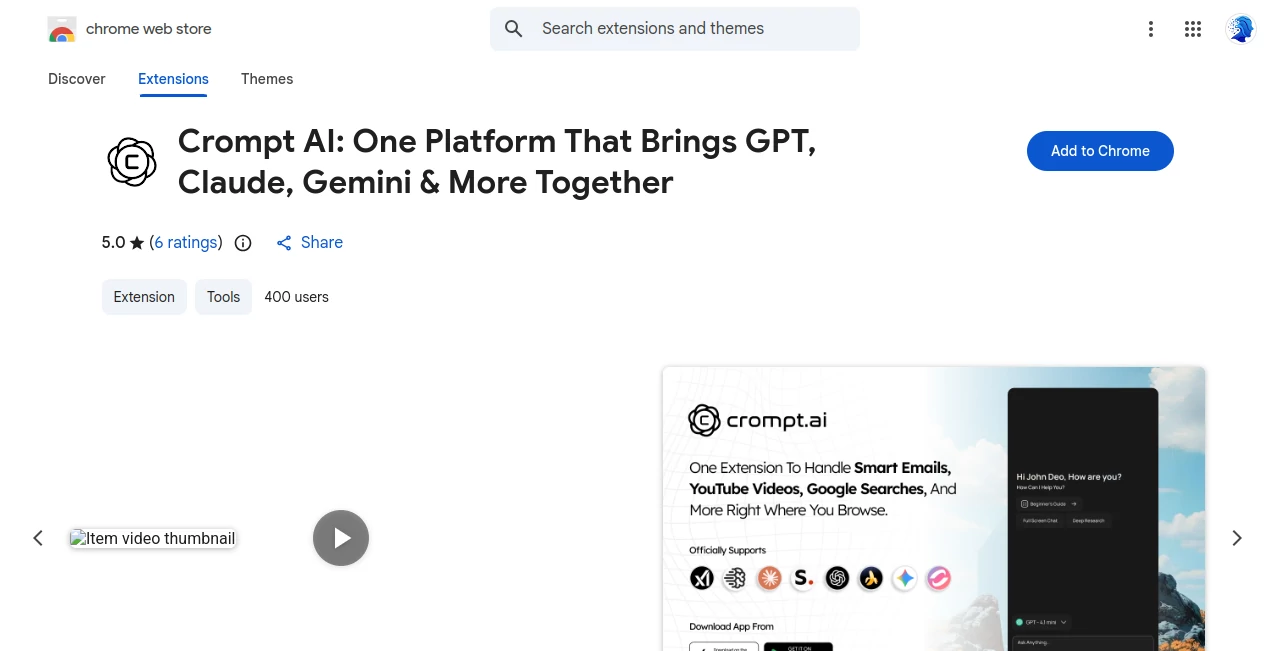
Crompt AI brings a practical approach to working with multiple artificial intelligence models from inside the Chrome browser. Instead of opening separate tabs for different AI services, users can work from a unified sidebar, switch between supported models, compare answers, and keep their browsing workflow intact.
The extension is designed for a wide range of everyday tasks. A student can summarize a long article, a developer can investigate an error, a marketer can draft an email, and a researcher can compare answers from different models without constantly moving information between platforms. It also supports document analysis, image generation, web research, coding assistance, and YouTube summaries.
What makes the experience particularly useful is the browser-first design. The assistant stays alongside the webpage being viewed, so users can ask questions about online content or work on a task without leaving the page.
Key Features
- Access to multiple leading AI models from one workspace.
- Chrome sidebar for working while browsing.
- Webpage and search-result summarization.
- Gmail assistance for drafting, rewriting, translating, and summarizing emails.
- YouTube video summarization with key points and notes.
- Chat with PDFs, Word documents, presentations, spreadsheets, CSV files, images, and other supported files.
- OCR and image text extraction for scanned documents, screenshots, receipts, forms, and photographs.
- AI writing assistance for articles, reports, emails, proposals, documentation, and marketing content.
- Coding assistance for generation, debugging, explanation, review, and optimization.
- AI image generation for creative and professional visual content.
- Prompt enhancement for creating clearer instructions.
- Full-page screenshot capture.
- Side-by-side comparison of responses from different AI models.
- Live AI interaction with voice and screen sharing.
User Interface
The interface is built around a Chrome sidebar, which is one of its strongest practical advantages. Rather than forcing users to leave the page they are reading, the assistant can remain visible beside the current website.
This setup feels especially convenient during research. For example, someone reading technical documentation can ask for an explanation without opening another tab. The same approach works for emails, articles, product pages, tutorials, and other online material.
Accuracy & Performance
Response quality depends largely on the AI model selected and the nature of the task. Having several models available is useful because one model may produce a stronger explanation while another may be better suited to writing, coding, research, or creative work.
The ability to compare responses is particularly valuable when an answer matters. Instead of accepting the first result automatically, users can review different outputs, identify useful differences, and select or refine the response that best matches the task.
For document and web-based workflows, the ability to summarize large amounts of information can also reduce the time spent manually searching through lengthy material.
Capabilities
The feature set goes well beyond basic chatbot conversations. Users can analyze uploaded files, extract text from images, summarize webpages and YouTube videos, generate images, improve prompts, write and rewrite content, work with code, and perform research-oriented tasks.
Developers can use it to explain programming concepts, review code, investigate errors, and work through technical problems. Writers and marketers can use it for drafts, emails, product descriptions, social media content, and reports. Students can use document analysis and summarization to make long study materials easier to understand.
Another useful capability is response comparison. Running the same request through different models can reveal differences in reasoning, structure, tone, and usefulness, which is helpful for users who regularly work with more than one AI system.
Security & Privacy
Privacy is an important consideration for any browser extension that works with webpages, emails, files, and user prompts. The Chrome Web Store listing indicates that the extension may handle personally identifiable information, personal communications, location, user activity, and website content.
Users should therefore review the current privacy policy and Chrome permissions before using the extension with confidential business documents, private correspondence, financial information, or other sensitive material. As with any AI service, it is sensible to understand how uploaded content and conversations are handled before making it part of a professional workflow.
Use Cases
Research: Summarize articles, compare information, extract important points, and ask follow-up questions while browsing.
Students: Work with study documents, summarize lectures and videos, explain difficult subjects, and turn lengthy material into more manageable notes.
Developers: Generate code, explain unfamiliar code, debug errors, review implementations, and explore technical documentation.
Marketing: Draft campaigns, write promotional content, prepare emails, generate creative ideas, and produce visual assets.
Business: Analyze reports and spreadsheets, prepare documents, summarize communications, research markets, and compare possible approaches.
Email: Draft replies, change tone, improve grammar, translate messages, and summarize long conversations without leaving the inbox.
Content Creation: Generate article ideas, rewrite existing material, summarize research, create images, and prepare content for different platforms.
Everyday Browsing: Ask questions about webpages, simplify complicated information, extract useful details, and get assistance without switching browser tabs.
Pros and Cons
Pros
- Brings multiple AI models into one workspace.
- Works directly inside Chrome through a convenient sidebar.
- Useful combination of chat, research, writing, coding, and creative tools.
- Supports documents, images, spreadsheets, and other file types.
- Includes webpage and YouTube summarization.
- Allows users to compare responses from different models.
- Useful for both professional and everyday workflows.
Cons
- The number of available models and features can make the platform feel broad rather than specialized.
- Users who only need one specific AI model may not need such a multi-model workspace.
- Advanced features and usage limits depend on the selected plan.
- Users working with sensitive information should review privacy and data-handling policies carefully.
Pricing Plans
The service offers a free option alongside paid plans and additional usage options. Pricing can vary by platform and subscription type, so users should check the current pricing available for their account before subscribing.
Available App Store purchases have included options such as Basic, Starter, Pro, and Unlimited plans, with monthly and yearly variations. Listed prices have included a Starter monthly option at $4.99, Basic monthly at $9.99, Pro monthly at $19.99, and Unlimited monthly at $29.99, while yearly options are also available. The provider's pricing page also indicates that usage across features is subject to shared fair-use limits.
For someone who frequently uses several AI models, a unified subscription can be more convenient than maintaining multiple separate workflows. However, the best value depends on how heavily the user relies on advanced models, image generation, research, and other included capabilities.
How to Use It
- Install the Chrome extension from the Chrome Web Store.
- Open the extension from Chrome and access the AI sidebar.
- Choose an available AI model based on the task you want to complete.
- Enter a question, instruction, or prompt.
- Use the sidebar while browsing to summarize or analyze the current content.
- Upload a supported document when you need to work with a file.
- Use specialized features such as email assistance, YouTube summarization, OCR, image generation, or coding support when appropriate.
- When an answer is important, compare responses from multiple models and refine the result.
Comparison with Similar Tools
Traditional AI assistants usually focus on one primary model or one dedicated application. A multi-model browser extension takes a different approach by making model selection part of the workflow.
The biggest advantage here is convenience. Instead of copying a question from one AI service to another, users can compare different responses from the same workspace. The browser sidebar also gives it an advantage for people whose work already happens inside Chrome.
Dedicated AI applications may still be preferable for users who want a deeply specialized experience around one model or one particular workflow. On the other hand, users who regularly switch between models can benefit from having chat, research, documents, coding, image generation, and browsing assistance in one place.
Conclusion
For people who use AI throughout the day, switching between multiple platforms can quickly become an unnecessary source of friction. This extension addresses that problem by placing a broad collection of AI capabilities directly inside the browser.
Its combination of multi-model access, document analysis, web and YouTube summaries, writing assistance, coding support, image generation, OCR, and response comparison makes it more than a simple chatbot extension. The strongest use case is for users who want AI assistance to remain close to whatever they are already doing online.
Whether the task is researching a topic, preparing an email, analyzing a report, debugging code, or creating new content, having these capabilities available from one browser workspace can make the overall process considerably smoother.
Frequently Asked Questions (FAQ)
What is this AI extension used for?
It is designed for chatting with multiple AI models, researching information, summarizing webpages and videos, analyzing files, writing content, generating images, assisting with coding, and handling other everyday AI tasks from Chrome.
Can it summarize webpages?
Yes. It can summarize online articles, blogs, documentation, research material, product pages, reports, and other supported web content while you browse.
Can it summarize YouTube videos?
Yes. The YouTube summarizer can extract important ideas, key points, and notes from supported videos and lets users ask questions about the content.
Can I use it with PDF and other documents?
Yes. Supported workflows include PDFs, Word documents, presentations, spreadsheets, CSV files, images, and other supported formats. Users can summarize, analyze, compare, and extract information from uploaded files.
Does it support coding?
Yes. The coding assistant can help generate code, explain programming concepts, debug errors, review existing code, optimize functions, and work through development problems.
Can it help write emails?
Yes. The Gmail-focused tools can draft replies, rewrite messages, improve grammar, adjust tone, translate content, and summarize longer email conversations.
Can different AI models be compared?
Yes. One of the platform's useful features is the ability to compare responses from multiple supported models, making it easier to evaluate different answers and approaches.
Is there a free plan?
Yes. A free option is available, while paid plans provide additional access and capabilities. Exact limits and current pricing should be checked on the provider's latest pricing page.
Does it generate images?
Yes. Image-generation capabilities are included for creating illustrations, marketing assets, thumbnails, banners, presentation visuals, product concepts, and other creative materials.
Is it useful for professional work?
Yes. Its combination of research, writing, document analysis, email assistance, coding, data-related workflows, and browser integration makes it suitable for many professional tasks, although users should review privacy considerations before processing confidential information.
AI Documents Assistant , AI Productivity Tools , AI Research Tool , AI Chatbot .
These classifications represent its core capabilities and areas of application. For related tools, explore the linked categories above.
Crompt AI details
Website unavailable — View Alternatives
Pricing
- Freemium
Apps
- Chrome Extensions
Categories

Crompt AI Alternatives Product

Slackactivity

Ai Angels

GPTLocalhost

obbylist

Sourcetable

ReportRemarks

Kimi K2.5

AfterSession

Surmado