

















AfterSession
Verified Blue CheckMark
Verified Blue CheckMark products are featured above free or unverified listings.
This badge indicates authenticity and builds trust, giving your product higher visibility across the platform.
Upgrade to get verified
Verified Blue CheckMark products are featured above free or unverified listings. This badge indicates authenticity and builds trust, giving your product higher visibility across the platform.
Upgrade to get verified
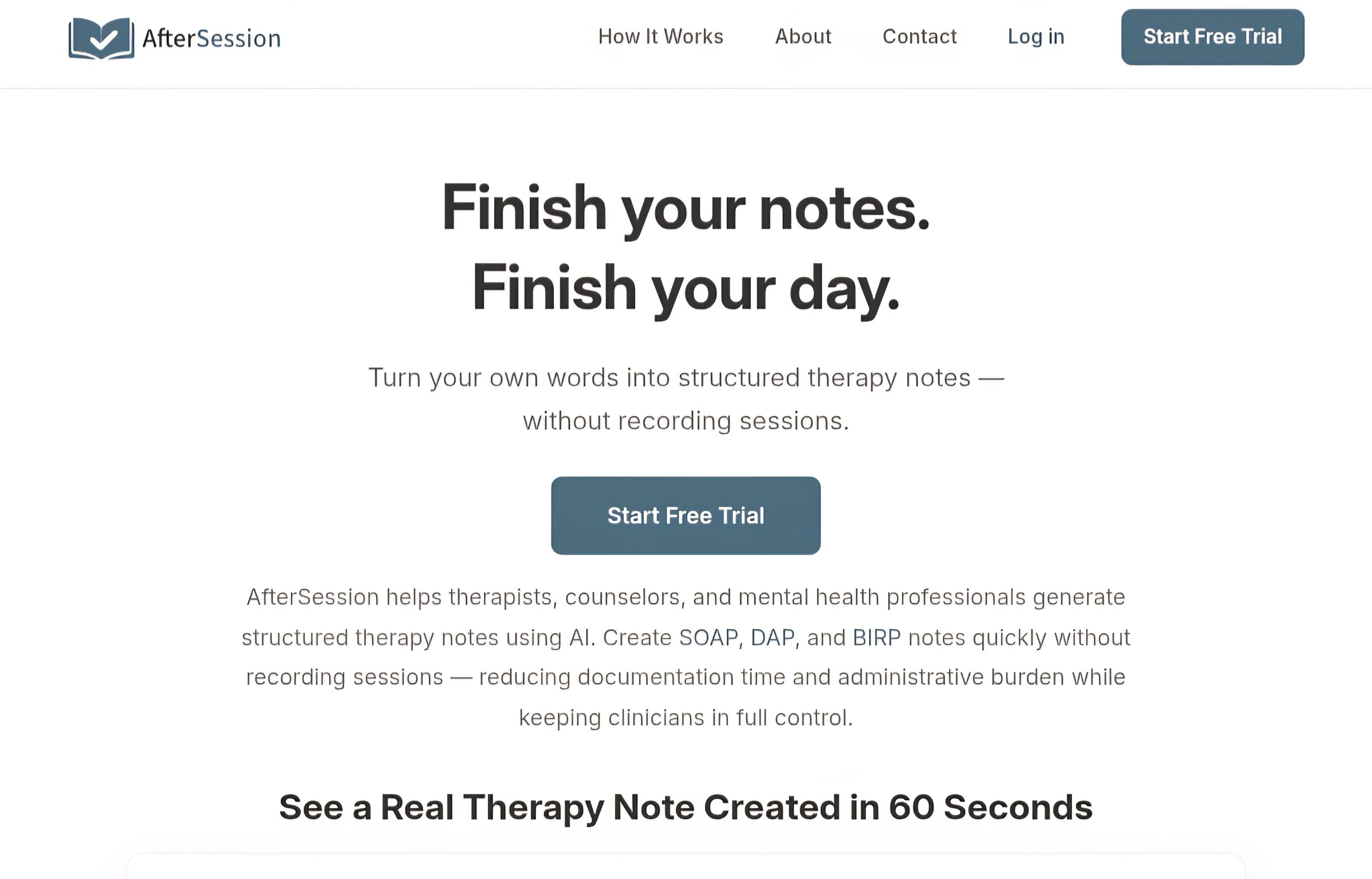
What is AfterSession?
After a long day of back-to-back sessions, the last thing any therapist wants is to spend another hour wrestling with notes. Yet documentation is non-negotiable. This tool quietly solves that daily struggle. You speak or type your observations right after the session—no recording the client, no ambient listening—and it turns those thoughts into a clean, structured clinical note in seconds. I’ve heard from clinicians who used to dread the end of their day and now finish charting while the session is still fresh, often same-day. It feels like having a thoughtful assistant who understands clinical language without ever compromising privacy or the therapeutic relationship.
Introduction
Documentation is one of the biggest burdens in mental health practice. SOAP, DAP, BIRP, GIRP, PIE—whatever format you prefer, writing it all up takes time away from self-care, family, or seeing more clients. AfterSession was built specifically for therapists, counselors, psychologists, and social workers who want to reclaim that time. It doesn’t record sessions or use ambient AI during the hour. Instead, you dictate or type your post-session reflections, and the AI drafts a professional note that matches your preferred structure and tone. The result is faster charting, reduced burnout, and more energy for what actually matters: the work with clients.
Key Features
User Interface
The interface is refreshingly simple and calm. After a session, you open the tool on your phone, tablet, or desktop, speak your observations naturally or type them, choose your note format, and hit generate. The draft appears quickly with clear sections you can review and edit. No complicated menus or overwhelming options—just a focused flow that respects how busy your day already is. Many clinicians say it feels like dictating to a smart, clinically-aware colleague rather than wrestling with software.
Accuracy & Performance
The AI is tuned for clinical language, producing notes that sound professional and clinically sound rather than generic. It handles different note formats reliably and adapts to your personal phrasing style over time. Generation is fast—most notes are ready in under a minute—allowing you to finish documentation while the session details are still fresh. Accuracy improves when you speak clearly, and the tool gives you full control to refine anything before saving.
Capabilities
It supports the major clinical note formats (SOAP, DAP, BIRP, GIRP, PIE) and lets you customize tone and phrasing to match your voice. You can dictate via voice or type observations—no session recording required. Notes can be copied directly into your EHR system. It works across devices and is designed for solo practitioners as well as small group practices. The focus stays strictly on post-session documentation, keeping the process ethical and straightforward.
Security & Privacy
Privacy is clearly a priority here. No session recordings are ever made. Audio notes are deleted after processing, and the tool is HIPAA-aligned with encryption and US-based infrastructure. Business Associate Agreements are available on paid plans. Your client data stays protected, and the AI is not trained on your sessions or notes. For therapists who carry the weight of ethical responsibility, this level of care is genuinely reassuring.
Use Cases
A private practice therapist finishes a full day of sessions and dictates quick observations into the tool while driving home, arriving with most notes already drafted. A small group practice uses it to standardize documentation across clinicians while allowing each to keep their unique voice. A newly licensed counselor reduces after-hours charting time dramatically, helping prevent early burnout. It’s especially valuable for anyone who wants to protect their evenings and weekends without sacrificing note quality or compliance.
Pros and Cons
Pros:
- Eliminates the need to record sessions, respecting client privacy and therapeutic presence.
- Fast, structured notes that match real clinical formats and your personal style.
- Works on any device with simple voice or text input.
- Strong focus on HIPAA-aligned security and ethical design.
- Helps reduce documentation burden and burnout for busy clinicians.
Cons:
- Requires you to provide observations after the session (no ambient listening).
- Best results come when you speak or type clearly and concisely.
- Full EHR integration is not built-in (copy-paste works well for most).
Pricing Plans
It offers a no-credit-card trial so you can test it with your actual workflow. Paid plans are straightforward and designed for solo clinicians and small practices, with options that scale as your needs grow. The Founding Clinician Program provides special rates for early adopters. Many users find the investment pays for itself quickly through reclaimed time and reduced stress.
How to Use AfterSession
After a session ends, open the tool on your preferred device. Speak your clinical observations naturally or type a summary of key points. Select your preferred note format (SOAP, DAP, etc.). The AI generates a draft in seconds. Review and edit as needed to ensure it reflects your clinical judgment, then copy the note into your EHR or save it. Over time, you can refine the tone settings to better match your documentation style. The entire process is designed to fit seamlessly into the natural rhythm of your day.
Comparison with Similar Tools
Many AI note tools rely on ambient listening or full session recordings, which raise privacy and ethical concerns for many therapists. This one takes a different, more respectful path: post-session input only, with strong emphasis on clinician control and HIPAA compliance. It trades real-time transcription for better privacy and ethical alignment, while still delivering fast, high-quality structured notes. For clinicians who prioritize presence during sessions and peace of mind afterward, it often feels like the more thoughtful choice.
Conclusion
Therapy is deeply human work, and documentation shouldn’t drain the energy you need for it. AfterSession offers a balanced, ethical way to handle the administrative side without compromising your values or your clients’ trust. It gives back precious time—time for rest, reflection, or seeing one more person who needs support. For therapists tired of late-night charting, it’s a practical, respectful solution that finally makes documentation feel manageable again.
Frequently Asked Questions (FAQ)
Do I have to record sessions?
No—AfterSession never records sessions. You provide observations afterward via voice or text.
Which note formats does it support?
It supports SOAP, DAP, BIRP, GIRP, PIE, and allows customization to match your style.
Is it HIPAA compliant?
Yes, with encryption, no training on user data, audio deletion after processing, and BAAs available on paid plans.
Can I use it on my phone?
Absolutely—it works smoothly on phones, tablets, and desktops.
How long does it take to generate a note?
Most notes are ready in under a minute after you provide your observations.