


















Data2Slide
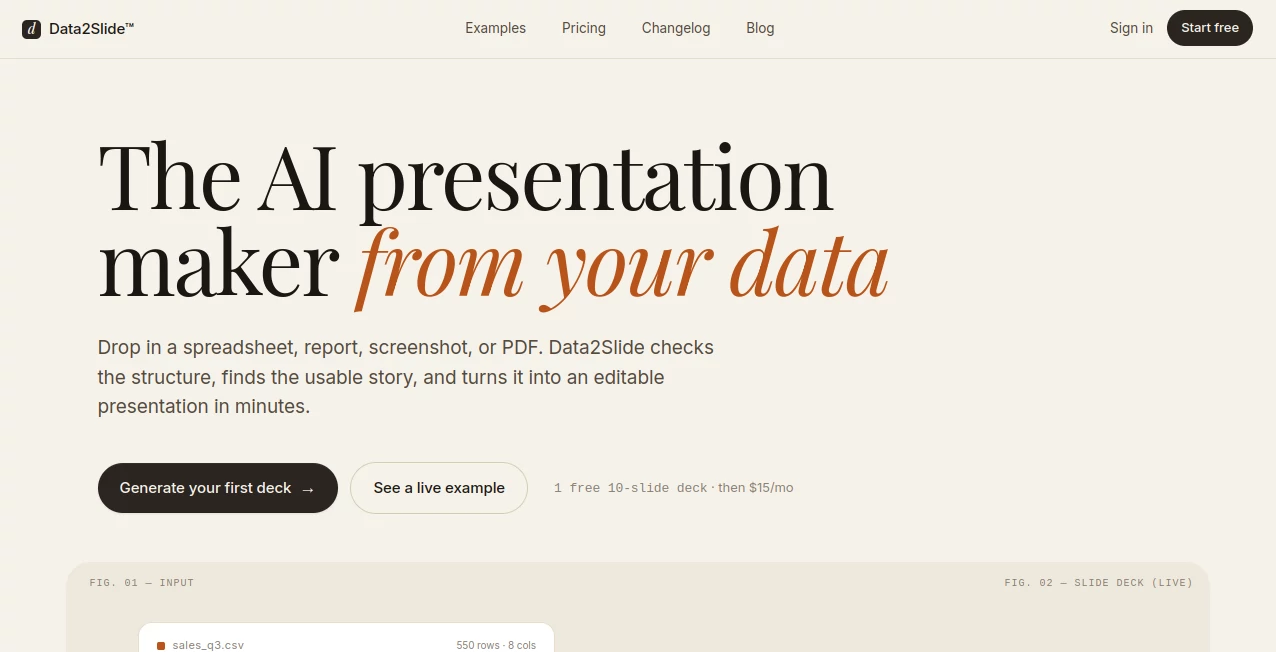
What is Data2Slide?
Creating professional presentations often takes more time than the ideas behind them. Many users struggle with formatting, structuring information, and designing slides that actually look engaging. This is where this platform changes the workflow completely. It transforms raw inputs like text, notes, and structured data into clean, presentation-ready slides in just a few moments.
Instead of spending hours adjusting layouts or choosing fonts, users can focus on what truly matters: their message. Whether you are preparing a business pitch, an academic report, or a marketing presentation, the process becomes significantly faster and smoother.
Key Features
User Interface
The interface is designed to be minimal and distraction-free. Even first-time users can quickly understand how to input data and generate slides without needing tutorials or technical knowledge.
Accuracy & Performance
The system organizes information in a structured way, ensuring that content flows logically across slides. It reduces manual formatting errors and maintains consistency throughout the presentation.
Capabilities
- Converts structured and unstructured data into slide decks
- Automatically generates headings and sections
- Supports business, academic, and marketing formats
- Creates visually balanced slide layouts
- Reduces time spent on presentation design
Security & Privacy
User data is processed securely, ensuring that uploaded content remains protected. The platform is designed with privacy considerations in mind, making it suitable for business and professional use.
Use Cases
- Business presentations and investor pitch decks
- Academic lectures and research summaries
- Marketing reports and campaign analysis
- Internal team updates and project reporting
- Quick conversion of notes into structured slides
Pros and Cons
Pros
- Extremely fast slide generation process
- No design skills required
- Clean and professional output
- Time-saving for frequent presenters
Cons
- Limited advanced manual customization compared to traditional design tools
- Depends on input quality for best results
Pricing Plans
The platform typically follows a flexible pricing model, offering users access through free usage options along with premium plans for advanced features. Paid tiers usually unlock higher customization, more exports, and enhanced performance capabilities.
How to Use data2slide.com
- Enter or paste your data, notes, or content
- Select the type of presentation you want
- Let the system structure your slides automatically
- Review and make small adjustments if needed
- Export or present your final slide deck
Comparison with Similar Tools
Unlike traditional presentation software where users must manually design every slide, this tool focuses on automation and speed. While standard tools offer deep customization, they require more time and design effort. This platform prioritizes efficiency, making it ideal for users who need quick, structured presentations without starting from a blank canvas.
Conclusion
For anyone who regularly works with presentations, this tool offers a refreshing approach. It reduces friction, saves time, and ensures that even complex information can be turned into clear and visually appealing slides. It is especially valuable for professionals who need to produce presentations quickly without compromising structure or clarity.
Frequently Asked Questions (FAQ)
Is this tool suitable for beginners?
Yes, it is designed for users with no design experience. The process is simple and intuitive.
Can I use it for business presentations?
Yes, it is highly effective for business reports, pitch decks, and internal presentations.
Does it support customization?
Basic customization is available, though the main focus is automated generation.
What type of content works best?
Structured notes, outlines, and data-driven content produce the best results.
AI Documents Assistant , AI Productivity Tools , AI Design Generator , AI Presentation Generator .
These classifications represent its core capabilities and areas of application. For related tools, explore the linked categories above.

Data2Slide Alternatives Product

Automaited

square face …

Touchpoint

AlpacaBag

Kynelio

Neurohelper

WhatsMyName …

TO MD

seedream 6
