

















Denoisr
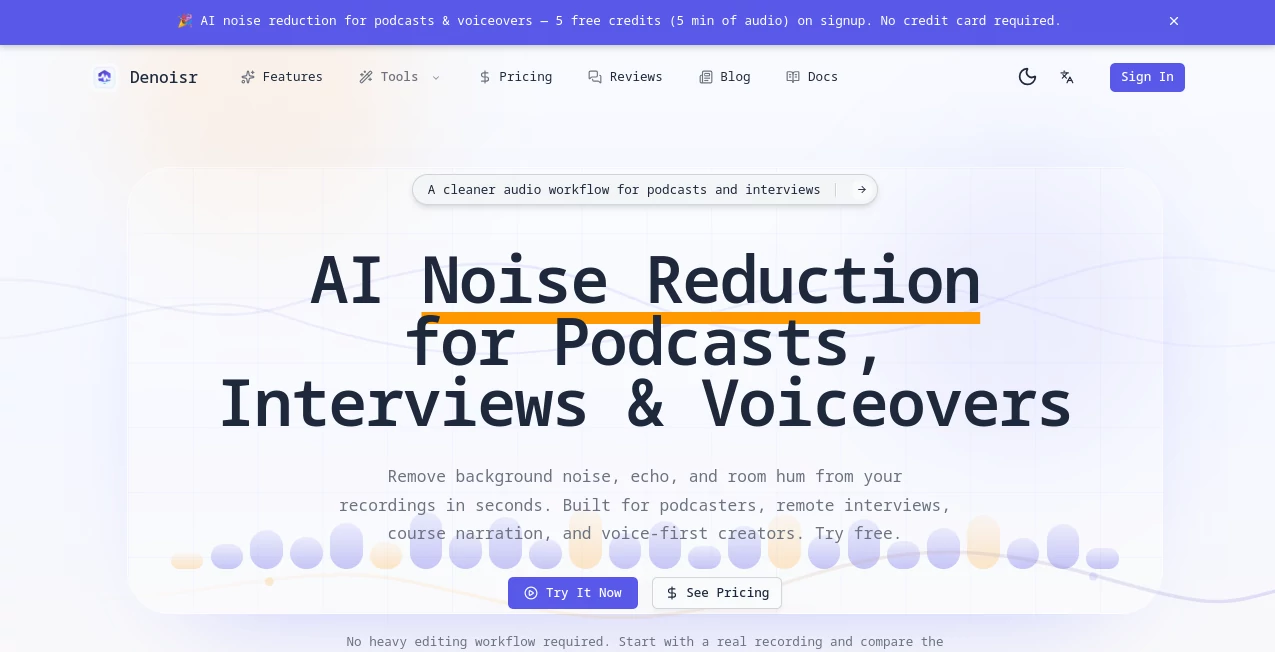
What is Denoisr?
You know that sinking feeling when you capture the perfect moment, but the photo looks grainy and flat? It happens to all of us—especially in low-light settings or when you push the ISO too high on your camera. I once spent an entire evening editing a handful of concert shots, trying to save them from digital noise. The results were… underwhelming. Then I came across this platform, and it completely changed my workflow. It doesn't just blur the grain away; it intelligently rebuilds the image, preserving the sharpness and texture you thought were lost forever. Whether you're a professional photographer or someone who just wants their memories to look great, this tool is a genuine lifesaver.
Key Features
What sets this tool apart is how it handles noise without leaving that waxy, "over-processed" look that other editors create. It feels like having a retouching expert sitting right next to you.
User Interface
Simplicity is the name of the game here. When you open the website, you're greeted with a clean, uncluttered dashboard. There are no confusing menus or intimidating sliders if you don't want them. You just upload your image, and the AI gets to work. For those who want more control, there are a couple of intuitive sliders to tweak the strength of the denoising and detail recovery. The whole process feels fast and responsive, making it perfect for people who aren't tech-savvy but still want professional results.
Accuracy & Performance
This is where the platform truly shines. Instead of applying a generic filter, the AI scans the image to separate actual detail from unwanted digital grain . It's incredibly precise. I tested it on a photo taken in a dimly lit restaurant, and it managed to clean up the background noise while keeping the texture of the tablecloth and the crispness of the subject's eyes intact. The processing is also blazing fast—we're talking seconds, not minutes—which is a massive time-saver when you're dealing with a large batch of images .
Capabilities
Beyond just cleaning up noise, the tool can handle a variety of challenges. It’s amazing for breathing new life into old, scanned family photos that have that typical grainy texture. It also offers a batch processing feature, allowing you to upload multiple images at once and apply the denoising consistently across all of them . If you need to crop or resize your images, that's handled smoothly too, ensuring your final product looks pristine wherever you decide to publish it.
Security & Privacy
We often upload personal or even professional shots to online tools, and it's natural to worry about where those images end up. This service ensures that your privacy is a priority. All image processing is done securely in the cloud, and your photos are automatically deleted from their servers after a short period. This means you can enhance your work without the nagging anxiety of your data being misused or stored indefinitely.
Use Cases
The versatility of this denoiser makes it a staple for all sorts of people. Wedding photographers can rescue beautiful shots taken in dimly lit venues without losing the romantic ambiance. Real estate agents can make property photos look crisp and inviting, even if the lighting was tricky during the shoot. If you're a content creator for social media, this tool ensures your visuals stand out with a clean, polished look that attracts more engagement. I even know a graphic designer who uses it to clean up scanned textures for digital artwork, and it saves him hours of manual work.
Pros and Cons
Pros:
- Incredibly easy to use—no steep learning curve required.
- Preserves fine details like skin texture and hair while removing noise .
- Lightning-fast processing speed, even for high-resolution images.
- Batch processing is a huge time-saver for large projects.
- Works effectively on a wide range of image types, from portraits to landscapes.
Cons:
- The free version has some limitations on the number of exports you can do.
- While the AI is brilliant, it can sometimes struggle with extremely high ISO images where the entire photo is dominated by noise.
- An internet connection is required as all processing is done in the cloud.
Pricing Plans
The platform offers a "Freemium" model, which is great for testing the waters. The free plan lets you process a limited number of images each month, usually with a watermark on the final output to protect the service. For regular users, the Pro plan unlocks unlimited image exports, removes watermarks, and provides priority processing queues. It's reasonably priced and offers excellent value for professionals who can't afford to waste time on manual edits. For studios and teams, there are enterprise options with custom features and enhanced support.
How to Use Denoisr
Getting started is as simple as it gets. First, navigate to the website. You'll be met with a clear "Upload Image" button. Click it and select the photo you want to fix. Once uploaded, the AI will automatically analyze the image. You can adjust the "Denoise Strength" and "Recover Details" sliders if you want to fine-tune the results—but the default settings often work like magic on their own. Hit the "Process" or "Enhance" button, and within a few seconds, you'll see a split-screen comparison showing the before and after. If you're happy, just download the newly cleaned image, ready to be shared, printed, or published.
Comparison with Similar Tools
There are other denoising tools out there, but many are either too basic (just blurring the image) or overly complicated (requiring standalone software and technical know-how). This tool sits perfectly in the middle. Unlike some built-in smartphone editors, this one uses advanced AI trained on millions of images to understand what's noise and what's detail . Compared to desktop software like Topaz Labs, this is a more accessible, web-based option that still delivers professional-grade quality . While some competitors focus heavily on video or specific niche cases, this tool is laser-focused on making your photos look spectacular, quickly and effortlessly.
Conclusion
If you're tired of losing precious moments to grainy, low-quality photos, this tool is the answer you've been looking for. It demystifies the complex process of noise reduction, making it available to everyone with just a few clicks. It transforms your images from disappointing to display-worthy, giving you the confidence to shoot in any lighting condition. Give it a try—you might be surprised at just how much detail was hiding in your "bad" photos all along.
Frequently Asked Questions (FAQ)
Is this tool free to use?
There is a free version available with limited usage per month. For unlimited access, there is a paid Pro plan.
Does it work with any image format?
Yes, it supports popular formats like JPG, PNG, and TIFF.
Can I use it on my phone?
Yes, the web tool is mobile-responsive, and there are also mobile apps available that offer similar denoising features .
Will it make my photos look blurry?
No, that's the beauty of it. The AI is trained to reduce noise while actively working to preserve and recover fine details like edges and textures.
Can I process multiple photos at once?
Absolutely. The batch processing feature allows you to upload and process several images simultaneously, saving you time.