
Entropic
What is Entropic?
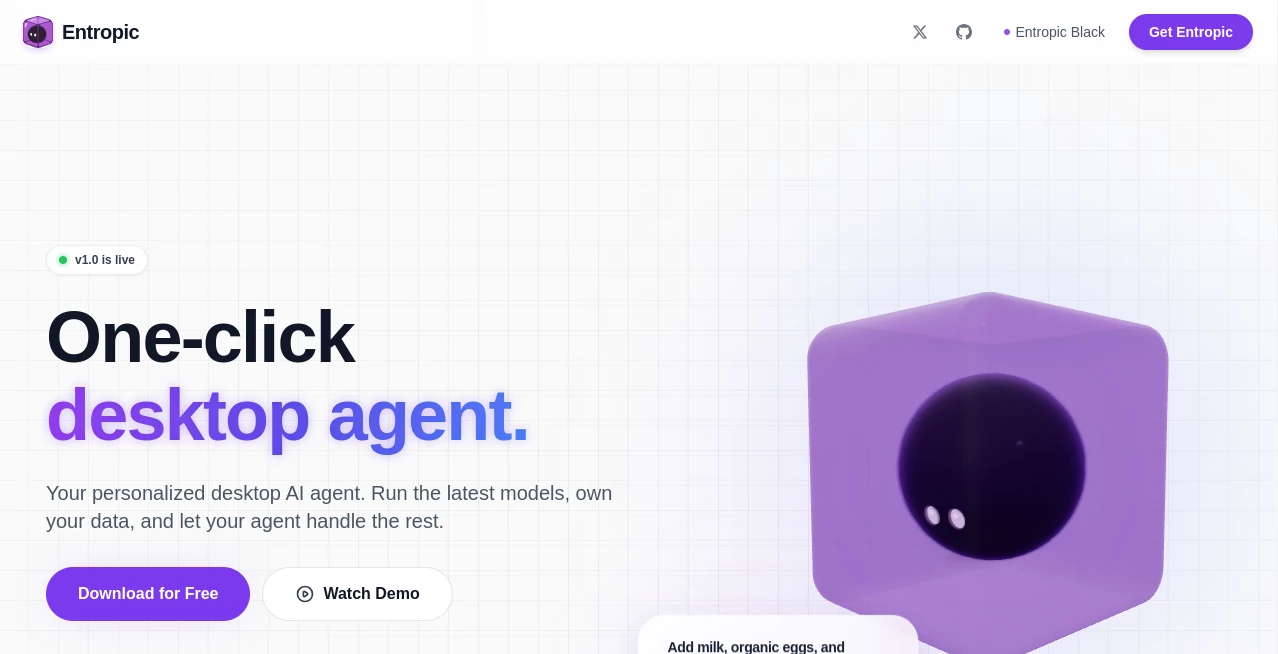
Entropic is a desktop AI agent designed for people who want AI to do more than answer questions in a chat window. It brings web research, coding, file management, messaging, scheduling, and connected services into a workspace that runs on your own computer. The idea is refreshingly practical: install the app, choose an AI model, and let the agent handle tasks without forcing you to build a complicated local setup.
One of its strongest advantages is the balance between automation and local control. Your workspace and files remain on your machine, while requests can be routed through the AI provider you choose. The platform currently works with leading providers including OpenAI, Anthropic, Google, Meta, Mistral, and DeepSeek, giving users considerable flexibility when choosing the model behind their workflows.
For someone who regularly moves between research, documents, development work, email, and repetitive tasks, having these capabilities in one desktop environment can make a noticeable difference. Instead of opening several applications and manually moving information between them, you can ask the agent to work through a task in a connected workspace.
Key Features
- Desktop AI agent: Work with an AI assistant directly from a desktop application rather than relying entirely on a browser-based chat.
- Web capabilities: Browse websites, research information, and summarize results while keeping the work inside the same conversation.
- Secure sandbox: Code and agent actions can run inside an isolated container, separating them from personal files and the wider system.
- Local file management: Read, write, edit, and apply structured changes to files and projects from the workspace.
- Multiple AI providers: Switch between supported models through a unified model selector.
- Google integrations: Connect Gmail and Google Calendar to search messages, prepare replies, and work with calendar events.
- Messaging integrations: Connect services such as WhatsApp, Discord, Telegram, and iMessage for agent-assisted communication.
- Persistent memory: Maintain context across conversations instead of starting every task from scratch.
- Task scheduling: Create recurring jobs using cron or interval-based scheduling without having to write your own automation scripts.
- Open-source foundation: The project has been released as open source, giving technically minded users an opportunity to inspect, extend, and build on the platform.
User Interface
The interface is built around the idea of making an AI agent feel like a normal desktop application. Users do not need to begin by configuring terminals, containers, or complex development environments. The onboarding process is designed around downloading the application, signing in, and completing the initial setup for the operating system.
The chat interface becomes more useful because it is connected to actual tools. A conversation can lead to a web search, a file operation, a code task, an email draft, or a scheduled action. That makes the experience feel closer to working with a digital assistant than simply chatting with a language model.
Accuracy & Performance
Performance depends partly on the AI model selected and the complexity of the task. Since the platform can work with several model providers, users have the freedom to choose between faster, lower-cost models and more capable options for demanding reasoning or coding work.
The practical advantage is less about claiming that every answer will be perfect and more about giving the agent access to the context and tools needed to complete real tasks. For example, an agent that can inspect a project file, browse relevant documentation, and make a structured change has considerably more practical value than one that can only describe what the user should do.
Users should still review generated code, commands, and important information before relying on it. The service itself warns that AI-generated output can be inaccurate and that commands or code may have unintended consequences.
Capabilities
The platform covers a surprisingly broad range of everyday and technical work. It can browse the web, summarize research, work with local files, execute code inside its sandbox, connect external services, maintain conversational memory, and schedule recurring jobs.
Developers can use it as a workspace for coding and project files, while non-technical users can take advantage of email, calendar, research, document, and automation features without needing to build separate integrations themselves.
Another useful detail is model flexibility. Users can select models through the unified interface or configure their own provider API keys. This makes the workspace suitable for both people who want a ready-to-use experience and more advanced users who prefer direct control over model billing.
Security & Privacy
Privacy is one of the product's central selling points. The application and workspace run on the user's computer, while AI requests are sent to the selected provider when a model needs to process them. Personal files are not simply moved into a remote workspace by default.
Agent code execution takes place in an isolated container designed to separate it from personal files and the wider system. The service also states that it does not train models on user data. Connected services such as Gmail and Google Calendar require the relevant permissions and OAuth access needed to perform their functions.
There is also an additional security layer for tools and skills. The website states that tools and skills are scanned using the Cisco Skill Scanner before reaching the user's machine. Even with these protections, users should treat an autonomous agent like any powerful piece of software and only grant permissions that are genuinely necessary.
Use Cases
- Research: Ask the agent to browse multiple sources, summarize findings, and bring useful information back into the same workflow.
- Software development: Work directly with local project files, generate code, inspect existing files, and apply structured changes.
- Email management: Search Gmail conversations, prepare replies, and handle routine email-related tasks from the desktop workspace.
- Calendar management: Work with Google Calendar events without constantly switching between applications.
- Personal automation: Schedule repetitive jobs that need to run at regular intervals.
- File organization: Read, modify, and manage documents or project files from a central AI-assisted environment.
- Team communication: Connect messaging platforms and allow the agent to assist with communication workflows.
- Productivity workflows: Combine research, writing, file operations, and automation into a single task instead of handling every stage manually.
Pros and Cons
Pros
- Runs as a desktop application on the user's own machine.
- Supports macOS, Windows, and Linux.
- Combines AI chat with practical tools and automation.
- Offers access to multiple AI model providers.
- Includes an isolated sandbox for agent actions and code execution.
- Supports local file management and project workflows.
- Includes Gmail, Calendar, and messaging integrations.
- Offers persistent memory and scheduled tasks.
- Uses a pay-as-you-go model instead of requiring a monthly subscription.
- Provides an option to use personal API keys.
Cons
- Advanced agent capabilities can require careful permission management.
- AI-generated code and commands still require human review.
- Some integrations depend on the permissions granted to connected accounts.
- Using premium models can become considerably more expensive than using lightweight models.
- Linux users need Docker installed and running.
Pricing Plans
The pricing model is usage-based rather than subscription-based. New accounts receive $0.50 in free credits, and users can purchase additional credits starting from $5. Credits do not expire, which is useful for people who may only use an AI agent occasionally.
Model costs vary depending on the provider and model selected. Lower-cost options include models priced at well below one dollar per million input tokens, while premium reasoning and flagship models can cost substantially more. This approach allows users to match spending with the complexity of their tasks instead of paying a fixed monthly fee regardless of usage.
Power users can also configure their own API keys and bypass the platform's managed billing system. Payments for credits are handled through Stripe, with major credit and debit cards and Apple Pay supported.
How to Use It
- Download and install the desktop application for macOS, Windows, or Linux.
- Complete the sign-in and onboarding process.
- Choose whether to use managed credits or configure your own AI provider API keys.
- Select an available AI model according to the task and preferred cost level.
- Start a conversation and describe the task you want completed.
- Allow access to local files or connected services when the task requires it.
- Use the available tools for research, coding, file management, communication, or automation.
- For recurring work, create a scheduled task using the available scheduling options.
- Review important outputs, code, and commands before applying them to sensitive projects or accounts.
Comparison with Similar Tools
Traditional AI chat applications are excellent for questions, brainstorming, writing, and general conversation, but they often stop at producing an answer. Desktop AI agents take a different approach by giving the model access to tools that can interact with files, applications, websites, and scheduled workflows.
This platform stands out particularly for users who want that agent experience without assembling the infrastructure themselves. Compared with building a local agent from scratch, the installation and onboarding process are considerably simpler. Compared with a purely cloud-based assistant, the local workspace provides more direct control over files and the environment in which agent actions take place.
The result is a useful middle ground: accessible enough for everyday users, but capable enough to appeal to developers and technically experienced users who want greater control over models, files, integrations, and automation.
Conclusion
Entropic takes the idea of a personal AI assistant beyond the familiar question-and-answer format. Its real strength is the combination of a desktop workspace, multiple AI providers, local files, web access, integrations, sandboxed execution, memory, and automation.
For someone who spends a significant part of the day moving between research, coding, documents, email, and repetitive digital tasks, this approach can remove a surprising amount of friction. The ability to keep the workspace on your own computer while still accessing powerful remote AI models makes the concept especially appealing to privacy-conscious users.
It is not a replacement for human judgment, particularly when an agent is allowed to execute code or interact with connected accounts. But when used thoughtfully, it offers a compelling way to turn AI from a conversational tool into a practical desktop co-worker.
Frequently Asked Questions (FAQ)
Does it run locally?
Yes. The desktop application and workspace run on the user's computer. When an AI request is made, the relevant information is routed to the selected AI provider for processing.
Which operating systems are supported?
It is available for macOS, Windows, and Linux. macOS requires Big Sur or later, while Windows requires Windows 10 or later on 64-bit systems. Linux requires Ubuntu 20.04 or an equivalent distribution, along with Docker.
Can I use my own API keys?
Yes. Users can configure their own provider API keys through the settings, allowing them to use their existing provider accounts and billing.
Does it require a subscription?
No. The managed service uses pay-as-you-go credits rather than a recurring subscription. New accounts receive $0.50 in free credits, and additional credits can be purchased when needed.
Can it work with local files?
Yes. The agent can read, write, and edit files within the workspace and can apply structured changes across projects.
Can it browse the web?
Yes. Its web capabilities allow the agent to browse and summarize online information and bring the results back into the conversation.
Can it automate recurring tasks?
Yes. Users can create scheduled jobs using cron or interval-based scheduling, allowing certain tasks to run automatically in the background.
Is my data used to train AI models?
The service states that it does not train models on user data. When information is sent to an AI provider, that provider processes the request according to the applicable provider and integration terms.
Is the AI completely autonomous?
It can perform actions using connected tools, execute code within its sandbox, manage files, browse the web, and run scheduled tasks. However, users remain responsible for reviewing important actions and outputs before relying on them.
AI Workflow Management , AI Productivity Tools , AI Developer Tools , AI Files Assistant .
These classifications represent its core capabilities and areas of application. For related tools, explore the linked categories above.

Entropic Alternatives Product

Referent

AIDeckly

Graph Maker

AnyToURL

BetterAntisp…

bridger west…

ApplyBtn

Zamicus

Online White…