
VeeVi
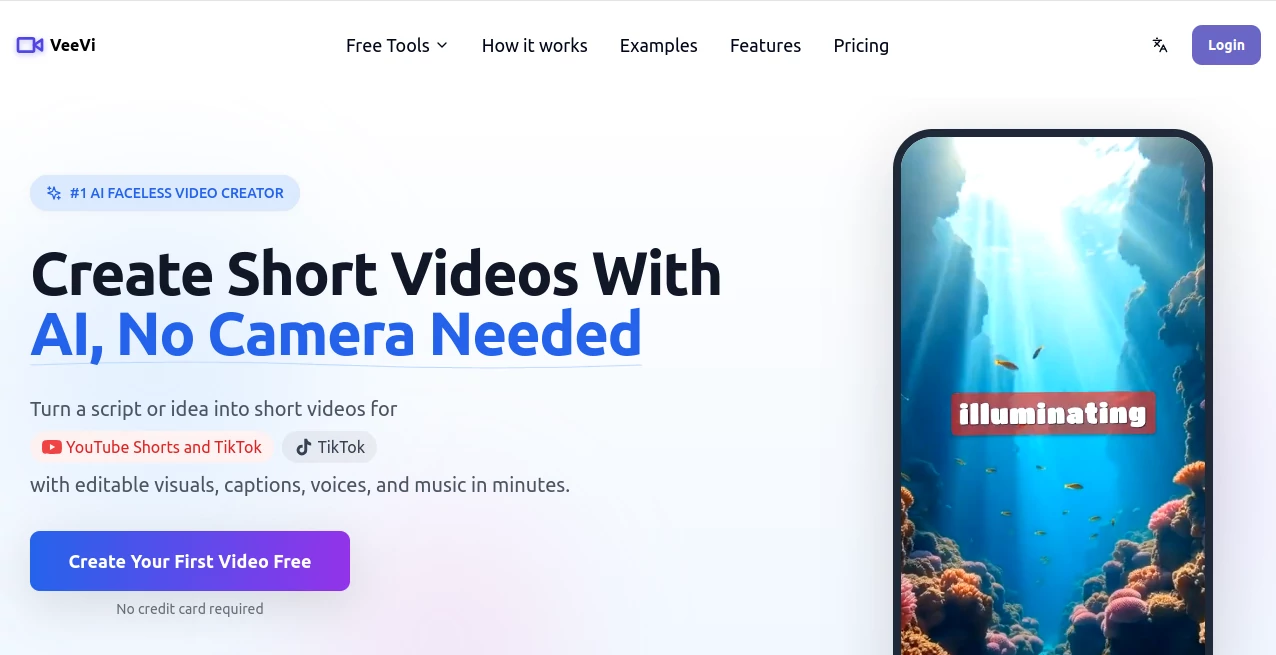
What is VeeVi?
In a world where video content dominates every major platform, not everyone feels comfortable stepping in front of the camera. This platform solves that exact problem by allowing creators, marketers, and businesses to produce high-quality videos without ever showing their face. It focuses on simplicity, speed, and automation, helping users turn ideas into fully produced videos in just a few steps.
Whether you’re building a YouTube channel, promoting a product, or sharing educational content, this tool makes video creation feel effortless—even if you have zero editing experience.
Key Features
User Interface
The interface is clean and beginner-friendly. Everything is designed to minimize friction, so users can go from idea to finished video without getting lost in complex editing timelines or technical settings. The workflow feels guided and intuitive.
Accuracy & Performance
The platform is optimized for fast rendering and consistent output quality. It handles script-to-video conversion smoothly, maintaining visual coherence and matching scenes with narration in a natural way. Even longer videos are processed efficiently.
Capabilities
- Generate videos from simple text inputs
- Create faceless storytelling content automatically
- Add AI-generated voiceovers and captions
- Support multiple video styles for different platforms
- Repurpose content into short-form videos
Security & Privacy
User content is processed securely, and projects remain private within user accounts. The platform is built with standard data protection practices to ensure creators can work safely without worrying about content exposure.
Use Cases
- YouTube automation channels without on-camera presence
- Educational explainer videos and tutorials
- Marketing content for startups and businesses
- Social media short-form content creation
- Affiliate marketing video campaigns
Pros and Cons
Pros
- Easy to use for beginners
- No need for filming or editing skills
- Fast video generation workflow
- Great for faceless content creators
- Works well for multiple content platforms
Cons
- Limited advanced manual editing options
- Output style may feel templated for some users
- Requires internet connection for processing
Pricing Plans
The platform typically offers flexible pricing options designed for different user levels. Most users start with a free or trial version to explore features, while advanced creators and businesses may opt for premium plans to unlock higher rendering limits, additional templates, and faster processing speeds.
How to Use Faceless Videos
Getting started is simple. First, users enter a script or idea into the system. Next, they choose a video style or template that fits their content. After that, the platform automatically generates visuals, voiceover, and timing. Finally, users can preview the video, make minor adjustments if needed, and export it for publishing on platforms like YouTube, TikTok, or Instagram.
Comparison with Similar Tools
Compared to traditional video editors, this platform removes the need for manual editing entirely. Unlike complex editing software that requires technical knowledge, it focuses on automation and speed. While some competitors offer more granular control, this tool stands out for its simplicity and accessibility, especially for creators who want to publish content quickly without production overhead.
Conclusion
This platform is a strong solution for anyone looking to build a content presence without appearing on camera. It combines automation, ease of use, and creative flexibility in a way that lowers the barrier to video production. For faceless content creators, marketers, and educators, it offers a practical shortcut to producing consistent and engaging video content.
Frequently Asked Questions (FAQ)
Is this tool suitable for beginners?
Yes, it is designed specifically with simplicity in mind, making it easy for beginners to create videos without editing experience.
Do I need to appear on camera?
No, the entire concept is built around faceless video creation.
Can I use it for social media content?
Yes, it works well for platforms like YouTube, TikTok, and Instagram.
Does it support voiceovers?
Yes, AI-generated voiceovers can be added automatically to videos.
AI Animated Video , AI Video Generator , AI Short Clips Generator , AI UGC Video Generator .
These classifications represent its core capabilities and areas of application. For related tools, explore the linked categories above.

VeeVi Alternatives Product

Logo Animati…

Seedance 2.0…

AI Happy Hor…

Seedance 2.0…

Mimo AI

Sora AI Vide…

VideoSnap

HappyHorse A…

seedance 2.0