


















Genezio
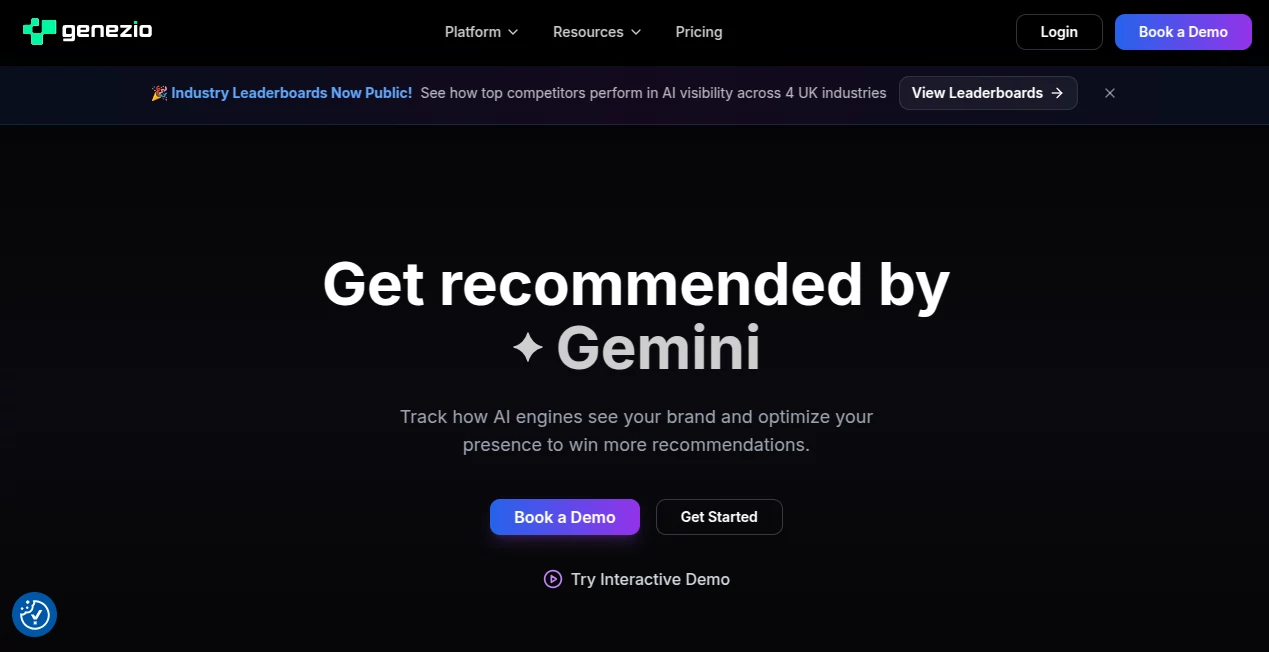
What is Genezio?
I’ve spent way too many weekends wrestling with infrastructure just to get a simple idea live. Setting up servers, configuring databases, handling authentication — it always took longer than actually building the product. Then I started using this platform and everything felt different. You write normal TypeScript functions, add a frontend if you want, and it handles the rest. The first time I deployed a small side project in under an hour, I actually laughed out loud. It felt almost too easy, in the best possible way.
Introduction
Genezio takes the pain out of modern full-stack development. Instead of piecing together a dozen different services, you get a clean, unified platform that lets you focus on writing code that matters. Whether you’re a solo developer shipping side projects or part of a team building production apps, it removes most of the boring infrastructure work while keeping things fast and scalable. The experience feels refreshingly close to “write code, hit deploy, it just works” — something many of us have been chasing for years.
Key Features
User Interface
The dashboard is clean and developer-friendly. You connect your GitHub repository or work locally with their CLI, and everything stays intuitive. The project overview gives you a clear picture of your functions, databases, and frontend hosting in one place. No overwhelming configuration screens or hidden menus — just the tools you need without the noise. I particularly like how quickly you can see logs and performance metrics when something needs attention.
Accuracy & Performance
Deployments are impressively fast and reliable. Changes go live in seconds, and the platform scales automatically without you having to think about it. Functions run with low latency, and the cold starts are minimal compared to many other serverless solutions. In real use, it handles everything from small hobby projects to applications with real user traffic without drama.
Capabilities
You can build complete backends with TypeScript functions, add authentication, connect databases, and host your frontend all in one place. It supports scheduled tasks, file storage, and easy integration with external services. The local development experience mirrors production closely, which means fewer “it works on my machine” moments. For teams, it offers collaboration features and environment management that make handing off work much smoother.
Security & Privacy
Security is taken seriously with built-in authentication, automatic HTTPS, and proper isolation between projects. Your code and data stay protected without requiring complex manual setup. The team clearly thinks about real-world production concerns rather than just developer convenience.
Use Cases
A solo founder builds and launches an MVP in a weekend instead of weeks. A small team replaces their aging backend with cleaner, more maintainable code while keeping the same frontend. An indie hacker creates a SaaS tool with user accounts and payments without touching infrastructure. Companies use it to prototype new features quickly before deciding whether to invest in heavier solutions. It shines anywhere you want speed and simplicity without sacrificing reliability.
Pros and Cons
Pros:
- Truly full-stack — backend, database, frontend, and hosting in one platform.
- Excellent developer experience with fast deployments and great local tooling.
- Scales automatically so you don’t have to worry about infrastructure as you grow.
- Generous free tier that’s actually useful for real projects.
- Strong focus on TypeScript/JavaScript while keeping things flexible.
Cons:
- Still growing, so some very advanced enterprise needs may require custom solutions.
- Best suited for JavaScript/TypeScript projects (though that covers a huge amount of modern development).
Pricing Plans
The free tier is genuinely generous — enough to build and run real applications without hitting limits too quickly. Paid plans add higher usage limits, more resources, team collaboration features, and priority support. Pricing feels fair and transparent, especially when compared to managing multiple cloud services yourself. Many users find they stay on the lower tiers for a long time before needing to scale up.
How to Use Genezio
Install the CLI, run a simple command to create a new project, and start writing your backend functions in TypeScript. Add a frontend folder if you want, then deploy with one command. The platform handles hosting, databases, and scaling automatically. Make changes locally, test with the built-in tools, and push to production whenever you’re ready. It’s straightforward enough for side projects yet powerful enough for serious applications.
Comparison with Similar Tools
While platforms like Vercel excel at frontend, and others focus heavily on backend, this one brings both together with a unified experience that feels more complete. It avoids the complexity of traditional cloud providers while giving you more control than pure no-code solutions. For teams that love TypeScript and want to ship fast without managing infrastructure, it often becomes the preferred choice.
Conclusion
Modern development should be exciting, not exhausting. This platform removes many of the traditional headaches and lets you focus on building things that matter. Whether you’re launching your first product or scaling an existing one, it gives you the speed and reliability developers have always wanted. In a crowded space of dev tools, it stands out by making the whole experience feel simpler and more enjoyable.
Frequently Asked Questions (FAQ)
Do I need to know DevOps to use it?
Not at all. The platform handles most infrastructure concerns for you.
What languages are supported?
Primarily TypeScript and JavaScript, with excellent tooling around them.
Is the free tier actually usable?
Yes — many real projects run comfortably on the free plan.
Can I host my frontend too?
Yes, you can deploy full-stack applications with both backend and frontend.
How does pricing work as I grow?
It scales predictably with usage, and you only pay for what you actually need.
AI Website Builder , AI No-Code & Low-Code , AI Developer Tools , AI App Builder .
These classifications represent its core capabilities and areas of application. For related tools, explore the linked categories above.

Genezio Alternatives Product

JustCopy.ai

LPM 1.0

Restaurant S…

You.bot

Somnio

AgentOne

Duct Tape AI…

DevUtilX

BootstrapKing
