
Holdings invoicing
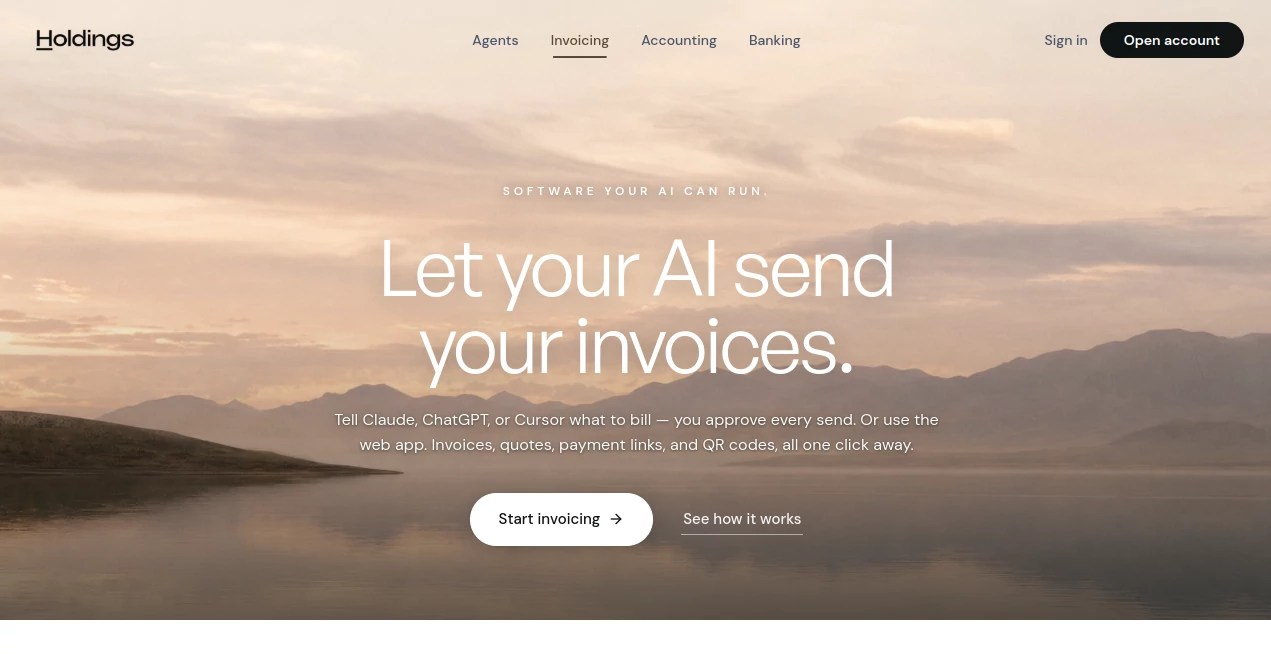
What is Holdings invoicing?
Managing invoices can become surprisingly time-consuming when a business has to create bills, send them to clients, follow up on overdue payments, and keep financial records updated. Holdings takes a different approach by connecting invoicing with AI assistants and business accounting, allowing owners to manage much of the process through simple natural-language instructions.
The platform supports invoices, quotes, payment links, QR codes, recurring invoices, and automatic reminders. Users can work through a web application or connect compatible AI clients such as Claude, ChatGPT, and Cursor through its MCP server. Every action that is sent through the AI requires approval, giving business owners a useful balance between automation and control.
Key Features
- AI-assisted invoice creation and management
- Unlimited invoices without a monthly invoicing fee
- Branded quotes that can be converted into invoices
- Shareable payment links
- QR codes for in-person payments
- Recurring invoices for retainers and subscriptions
- Automatic payment reminders
- Integration with MCP-compatible AI clients
- Accounting synchronization with the optional accounting plan
- Audit trails for actions performed by users and AI agents
User Interface
The web interface is designed around the practical stages of an invoice rather than burying users under complicated financial menus. Invoice lists can show drafts, sent invoices, and paid invoices, making it easy to understand what still needs attention.
The workflow is particularly interesting for people who prefer working conversationally. Instead of navigating through several screens, a user can give an AI assistant an instruction such as asking it to prepare an invoice for a particular client. The resulting action can then be reviewed and approved before anything is sent.
Accuracy & Performance
Accuracy matters more in invoicing than flashy automation. A wrong amount, client, or payment status can create unnecessary problems. The platform addresses this by keeping the user in control of outgoing actions. AI can prepare the work, but the user must approve each send.
The payment workflow is also designed to reduce manual reconciliation. With the accounting add-on enabled, payments can be reflected in the books when they arrive, helping eliminate the repetitive task of matching payments to invoices at the end of the month.
Capabilities
The platform covers more than simply generating a PDF invoice. Businesses can create branded quotes, turn approved quotes into invoices, send payment links, create QR codes, schedule recurring invoices, and follow up on overdue balances.
Its AI integration is one of the more distinctive parts of the service. Through its MCP server, compatible AI clients can interact with the invoicing system using natural language. This makes the product especially interesting for businesses already experimenting with AI agents and automated workflows.
Payment links allow customers to pay without requiring a traditional invoice, while QR codes can be useful for markets, events, service counters, and other situations where customers need to pay in person. The current payment system supports card payments, while ACH and bank-transfer support is listed as being on the roadmap.
Security & Privacy
Financial software needs strong controls around sensitive business information. The platform states that it uses 256-bit encryption and maintains audit trails for actions performed by both humans and agents. When AI is used for invoicing, outgoing actions remain subject to user approval rather than being sent automatically without oversight.
Businesses should still review the platform's current security, privacy, and financial-service disclosures before using it for sensitive financial operations. Holdings also operates as a financial technology company rather than a bank, with banking services provided through its banking partner.
Use Cases
Freelancers: Independent professionals can create invoices, send payment links, and manage recurring client billing without maintaining a collection of separate tools.
Consultants: Consultants working on retainers can use recurring invoices and reminders to keep regular billing organized.
Contractors: Service businesses can create quotes, convert approved work into invoices, and provide customers with convenient payment options.
Small agencies: Agencies handling multiple clients can use invoice tracking and automated follow-ups to reduce administrative work.
AI-focused businesses: Companies already using ChatGPT, Claude, Cursor, or other compatible AI agents can connect invoicing to their existing AI workflow.
In-person businesses: QR codes and payment links can be useful for events, markets, front desks, and other situations where customers need to pay quickly.
Pros and Cons
Pros
- AI can handle much of the repetitive invoicing workflow.
- Users approve AI-generated actions before invoices are sent.
- Unlimited invoicing is available without a monthly invoicing fee.
- Quotes, invoices, payment links, and QR codes are available in one platform.
- Recurring invoices and payment reminders help reduce manual follow-ups.
- Accounting can be connected so payments can flow into the books automatically.
- MCP support makes the service appealing to businesses experimenting with AI agents.
Cons
- The AI functionality may be more valuable to businesses already comfortable with AI assistants.
- Card processing fees apply when customers pay through payment links.
- ACH and bank-transfer payments are not currently available and are listed for a future release.
- Removing the platform branding from invoices requires the paid software plan.
- Businesses requiring advanced accounting may need the additional accounting subscription.
Pricing Plans
The invoicing functionality is available without a monthly invoicing subscription. Users can send invoices and quotes, create payment links, and use QR codes without paying a recurring invoicing fee.
When customers pay through a payment link, standard card processing is listed at 3% plus $0.30 per transaction, with no additional platform markup stated on the product page.
Businesses that want integrated accounting can add the accounting package for $25 per month, which includes a 30-day free trial. This adds features such as double-entry accounting, profit and loss reports, balance sheets, transaction categorization, rules, and bank reconciliation.
How to Use the Invoicing Platform
Getting started is straightforward. First, create an account and open the invoicing area through the web application. Businesses can then configure their company information and begin creating quotes or invoices.
For AI-powered workflows, connect a compatible AI client using the available MCP server. Once connected, users can give instructions in plain English, such as asking the assistant to prepare an invoice for a particular customer or follow up on an outstanding balance.
The AI prepares the requested action for review. Before an invoice is sent, the user can inspect the draft, make changes if necessary, and approve the action. Once a customer pays, the payment status can be updated, and businesses using the accounting add-on can have the transaction reflected in their books.
Comparison with Similar Tools
Traditional invoicing software generally expects users to navigate through forms, menus, and dashboards to complete each step. That approach works well for businesses that prefer conventional accounting workflows, but it can become repetitive when the same actions are performed every week.
This platform stands out by treating AI as another way to operate the invoicing system. Instead of replacing the web interface, the AI layer sits alongside it. Users can continue clicking through the application normally, while those who prefer conversational workflows can use compatible AI clients to prepare and manage invoicing tasks.
The combination with accounting is another important distinction. With the accounting add-on, invoices and payments can become part of the same financial workflow rather than requiring businesses to repeatedly export information or reconcile transactions manually.
Conclusion
For freelancers, consultants, contractors, agencies, and small businesses, invoicing is one of those jobs that rarely feels difficult but consumes plenty of time. The platform makes the process more interesting by bringing AI directly into the workflow while keeping a human approval step before invoices are sent.
The combination of quotes, invoices, payment links, QR codes, recurring billing, reminders, and optional accounting gives businesses a broad set of tools without requiring several separate services. Its MCP integration is particularly compelling for teams that are already building AI-assisted workflows.
Businesses looking for a simpler way to handle recurring billing and everyday invoicing may find the combination of automation and user control especially useful. Rather than asking users to hand everything over to an AI, it gives them the option to let AI do the repetitive work while keeping the final decision in human hands.
Frequently Asked Questions (FAQ)
Is invoicing free?
Yes. Sending invoices and quotes, creating payment links, and using QR codes are available without a monthly invoicing fee. Card processing fees apply when customers pay through payment links.
Can AI send invoices automatically?
AI can draft and prepare invoicing actions through compatible clients, but every send requires user approval. This provides an additional safeguard against an invoice being sent with an incorrect customer, amount, or detail.
Which AI assistants can connect to the invoicing system?
The platform supports MCP-compatible clients, including Claude, ChatGPT, and Cursor. Custom AI agents that support MCP can also be connected.
Can I create recurring invoices?
Yes. Recurring invoices can be scheduled weekly, monthly, or according to a custom schedule. Automatic recurring payment collection is listed as a future feature.
Can customers pay by credit card?
Yes. Customers can pay through payment links using cards. The current product information lists standard card processing at 3% plus $0.30 per transaction.
Does it support ACH payments?
Not currently. ACH and bank-transfer support is listed on the roadmap.
Can quotes be converted into invoices?
Yes. An approved quote can be converted into an invoice with one click, and the AI can also perform the conversion when instructed.
Is accounting included?
Basic invoicing is available without the accounting subscription. Businesses that need full accounting features can add the accounting package for $25 per month, with a 30-day free trial.
Can I remove the platform branding from invoices?
Yes. The paid software plan allows invoices and quotes to display the business logo, name, and brand color without the platform's branding.
How quickly are payments settled?
The product information states that payments typically settle within one to two business days.
AI Workflow Management , AI Accounting Assistant .
These classifications represent its core capabilities and areas of application. For related tools, explore the linked categories above.
Holdings invoicing details
Website unavailable — View Alternatives
Pricing
- Free
Apps
- Web App
Categories

Holdings invoicing Alternatives Product

Jujutsu Zero…

TrySchedule

Lime Social

AI text clea…

Chatzy AI

Sourcetable

BillEasy Inc

ClawBridge

Miro