
Ghostwall
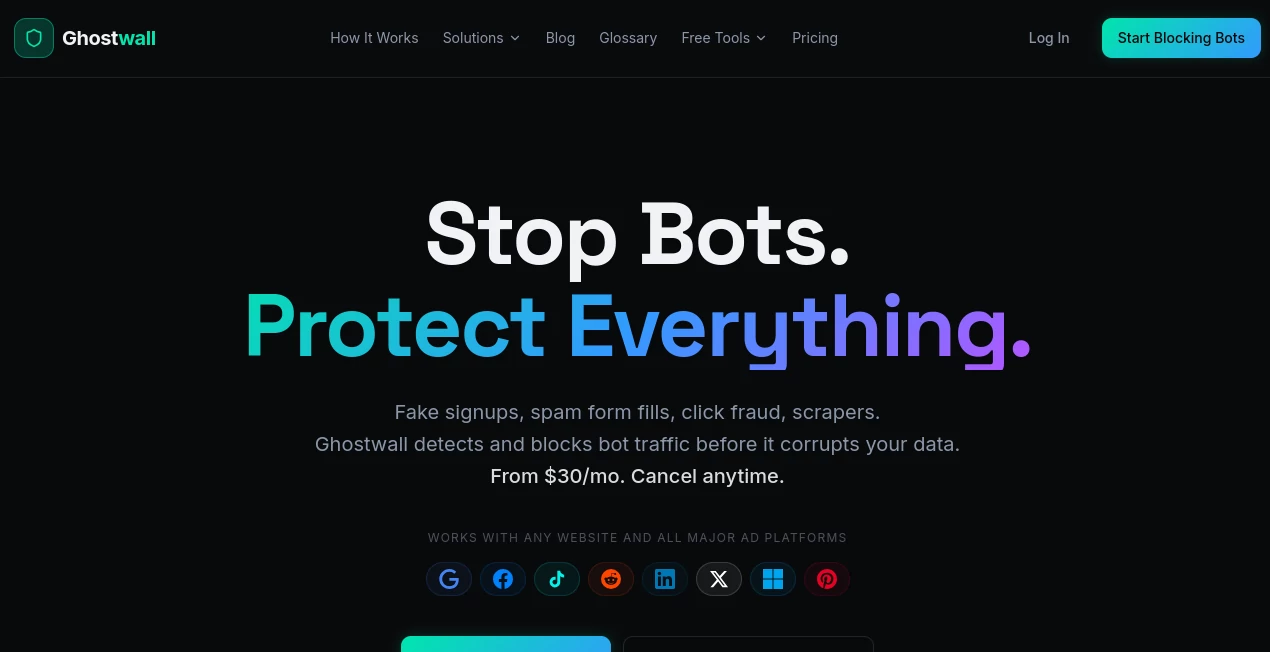
What is Ghostwall?
In today’s digital environment, online threats, unwanted tracking, and performance-heavy scripts have become part of everyday browsing. This platform positions itself as a modern solution designed to give users more control over what happens behind the scenes while they interact with the web. Instead of relying on complex manual configurations, it simplifies protection and monitoring into a clean and accessible experience.
What makes it stand out is its focus on blending usability with strong backend intelligence. It does not overwhelm users with technical jargon, yet it still provides the kind of control that developers, teams, and privacy-conscious users typically look for in advanced tools.
Key Features
User Interface
The interface is minimal, structured, and intentionally distraction-free. Users can navigate through dashboards and settings without feeling lost in unnecessary complexity. Everything is designed to reduce friction, making it suitable for both technical and non-technical users.
Accuracy & Performance
Performance is a core focus. The system is optimized to detect unwanted requests and suspicious patterns in real time while maintaining low latency. It works quietly in the background, ensuring that browsing or application performance is not negatively affected.
Capabilities
The platform provides layered control over web activity, allowing users to filter, monitor, and manage traffic behavior. It is particularly useful for environments where data integrity, controlled access, and system transparency are important. Developers can integrate it into workflows, while businesses can use it to strengthen operational security.
Security & Privacy
Security is treated as a priority rather than an add-on feature. The system is built to reduce exposure to trackers, malicious scripts, and unwanted third-party interactions. It emphasizes user privacy by limiting unnecessary data leakage and giving clearer visibility into network behavior.
Use Cases
- Protecting browsing activity in personal and professional environments
- Enhancing security layers for web-based applications
- Monitoring and controlling network requests in development workflows
- Reducing unwanted tracking and improving privacy compliance
- Supporting teams that require controlled and secure browsing environments
Pros and Cons
Pros
- Simple and intuitive interface
- Strong focus on privacy and security
- Lightweight performance with minimal system impact
- Useful for both individuals and teams
Cons
- Advanced configurations may require technical familiarity
- Some enterprise-level features may feel limited for large infrastructures
Pricing Plans
The pricing structure is designed to accommodate a wide range of users, from individuals who need basic protection to teams requiring more advanced control and monitoring features. Typically, such platforms offer tiered plans that scale based on usage, integrations, and enterprise requirements.
How to Use GhostWall
Getting started is straightforward. After setting up the environment, users can enable protection layers and define rules for traffic control. The dashboard allows easy adjustments, so users can fine-tune what should be blocked, monitored, or allowed.
For developers, integration usually involves connecting the system to existing workflows or applications. Once active, it begins analyzing and filtering traffic in real time without requiring constant supervision.
Comparison with Similar Tools
Compared to traditional security or filtering solutions, this platform focuses more on usability and real-time intelligence rather than complex configuration layers. While some tools prioritize enterprise-heavy setups, this one leans toward flexibility and ease of adoption.
It sits in a balanced position between lightweight privacy extensions and full-scale enterprise security systems, making it a practical choice for users who want control without overhead.
Conclusion
Overall, this tool delivers a thoughtful balance between simplicity and advanced control. It is not trying to overwhelm users with endless features but instead focuses on what matters most: security, privacy, and performance. For individuals, developers, and teams looking to gain more visibility and control over their digital environment, it offers a practical and modern solution that fits naturally into everyday workflows.
Frequently Asked Questions (FAQ)
Is it suitable for beginners?
Yes, the interface is designed to be accessible even for users without technical experience.
Does it slow down browsing?
No, it is optimized to run efficiently in the background without noticeable performance impact.
Can developers integrate it into their systems?
Yes, it supports integration into development workflows and web-based applications.
Is it focused more on privacy or security?
It combines both, offering protection against tracking while enhancing overall system security.
Other , AI Productivity Tools , AI Developer Tools , AI Monitor & Report Builder .
These classifications represent its core capabilities and areas of application. For related tools, explore the linked categories above.

Ghostwall Alternatives Product

UPDF AI

Verne

GenPPT AI

AIQualityHQ

AI Entity

Ultimate Too…

Lynote

Prelight

mainaro