


















GMPlus
What is GMPlus?
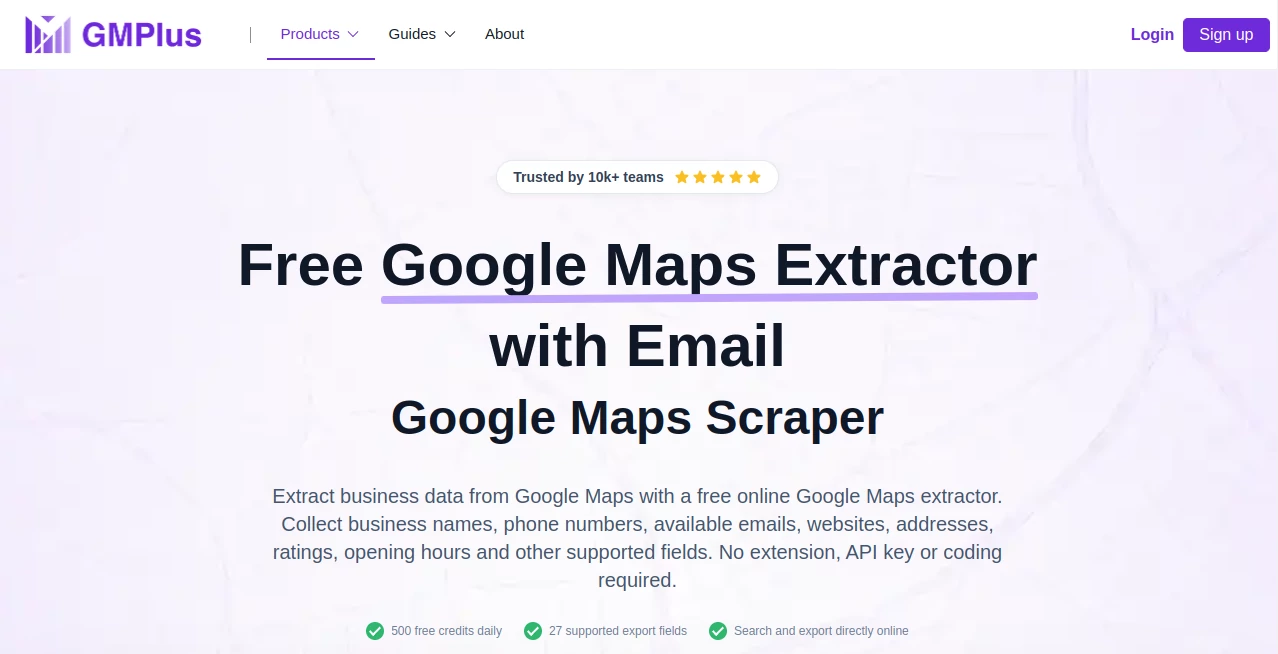
GMPlus is an online business data extraction platform designed to turn Google Maps searches into structured, usable datasets. Instead of opening listings one by one and copying names, phone numbers, websites, addresses, ratings, and other details into a spreadsheet, users can search by business type and location, select the information they need, and export the results.
The platform is particularly useful for sales teams, marketers, researchers, agencies, and anyone building location-based business lists. It works directly in the browser, without requiring an extension, Google Maps API key, or coding knowledge. Users receive 500 free credits each day, making it easy to test the workflow before committing to larger-scale research.
Key Features
- Online Google Maps business data extraction
- Manual search and AI Prompt modes
- Up to 27 supported business data fields
- Business names, categories, phone numbers, websites, and available emails
- Addresses, municipalities, coordinates, ratings, and review counts
- Opening hours and Google Maps URLs
- Google Place IDs and Maps CIDs
- Public social links and featured image information
- CSV, XLSX, and JSON export
- 500 free credits per day
User Interface
The interface is built around a straightforward extraction workflow. Users can enter a business keyword and country or area, select the fields they want, and start the extraction without dealing with complicated technical configuration.
The newer AI Prompt mode is a nice touch for users who prefer describing what they need in ordinary language. For example, a marketer could specify a type of business, a location, a preferred rating range, and requirements such as available email addresses instead of manually configuring every search condition.
Accuracy & Performance
Performance is strongest when the task is clearly defined. The system can organize a substantial amount of public business information into consistent records, making the results much easier to review than manually copied listings.
It is worth remembering that the underlying information depends on what is publicly available for each business. One listing may contain a phone number, website, opening hours, and rating, while another may have fewer details. Email availability is also not guaranteed for every business.
Capabilities
The platform supports a broad selection of business and location data. Depending on the listing, users can collect business names, categories, phone numbers, websites, available emails, social links, addresses, ratings, review counts, opening hours, coordinates, Plus Codes, Google Place IDs, Maps CIDs, booking URLs, photos, and other supported fields.
The structured export is especially useful because the collected information can move directly into spreadsheets, databases, reporting workflows, or other business processes. Standard records use one credit, while extraction with email collection uses five credits.
Security & Privacy
The service is designed around publicly available business information rather than private customer data. Users should still review the applicable laws, platform terms, privacy requirements, and rules surrounding data collection and outreach in their particular market.
Another practical advantage is that the main extraction workflow does not require users to provide a Google Maps API key or install software locally. This keeps the setup relatively lightweight for teams that simply need structured business research.
Use Cases
One of the strongest applications is lead generation. A sales team can search for dentists in a particular city, marketing agencies in a target region, hotels in a new market, or other specific business categories and turn those results into a prospecting list.
It can also help agencies identify local businesses that do not appear to have active websites. Combining website availability with phone numbers, addresses, ratings, and review counts can provide useful information for web design, SEO, and digital marketing prospecting.
Market research is another practical use. Businesses can compare competitors in the same area based on ratings, review volume, opening hours, websites, pricing information, and other available listing details. Researchers can also compare multiple cities or territories when evaluating potential service areas.
For supplier research, the same workflow can be used to discover manufacturers, distributors, wholesalers, agencies, venues, and other potential business partners. Exporting the results makes it easier to shortlist and compare candidates later.
Pros and Cons
- Pros: Browser-based workflow with no coding required
- Pros: 500 free credits available every day
- Pros: Supports up to 27 business data fields
- Pros: AI Prompt makes targeted searches easier to define
- Pros: Exports results to CSV, XLSX, and JSON
- Pros: Useful for lead generation, market research, and competitor analysis
- Cons: Not every business listing contains every data field
- Cons: Available email addresses are not guaranteed for every business
- Cons: Extracted business information can change and may need verification before important outreach
Pricing Plans
The service currently offers a free daily allowance of 500 credits for each account. A standard business record costs one credit, while selecting email extraction increases the cost to five credits per record. Credits refresh daily, and completed results can be exported without an additional export charge.
This credit-based approach is convenient for occasional research because users can start collecting data without immediately purchasing a subscription. Teams with larger requirements can explore the available paid options or contact the provider for additional API-related access.
How to Use GMPlus
Start by opening the online extractor and defining the businesses you want to find. Enter a relevant keyword or business category and choose the target country or location.
Next, either use the standard manual search or describe the requirements through AI Prompt. You can specify details such as business type, location, rating preferences, website availability, or whether available emails are important.
Select the business fields you want to collect and start the extraction. Once the records are ready, review the results and remove businesses that are not relevant to your project.
Finally, export the dataset as CSV, XLSX, or JSON. From there, you can continue with spreadsheet analysis, lead qualification, market research, or another workflow.
Comparison with Similar Tools
Traditional Google Maps research usually involves opening individual listings and manually transferring information into a spreadsheet. That approach can work for a handful of businesses, but it becomes repetitive when the research involves hundreds or thousands of records.
Dedicated data extraction platforms generally provide a more structured workflow. Here, the main advantage is the combination of search, field selection, extraction, and export in one browser-based process. The AI Prompt option also gives less technical users a simpler way to describe the businesses they want to discover.
Compared with building a custom data collection system, the ready-made workflow removes the need for programming and API configuration. The trade-off is that users remain dependent on the fields and data availability supported by the platform and underlying business listings.
Conclusion
For anyone who regularly researches local businesses, builds prospect lists, compares competitors, or explores new markets, this platform offers a practical way to replace repetitive copy-and-paste work with a structured extraction workflow.
The combination of 500 daily free credits, AI-assisted searching, multiple export formats, and a broad selection of business fields makes it particularly appealing for freelancers, agencies, sales professionals, and researchers. It is not a substitute for verifying important business information, but as a first step for organizing publicly available business data, it can save a considerable amount of time.
Frequently Asked Questions (FAQ)
What does this tool do?
It extracts supported public business information from Google Maps and organizes the results into structured records that can be reviewed and exported.
Is it free to use?
Yes. Each account receives 500 free credits per day. A standard business record uses one credit, while a record with email extraction selected uses five credits.
What information can I extract?
Depending on availability, users can collect business names, categories, phone numbers, websites, available emails, addresses, ratings, review counts, opening hours, coordinates, Google Maps URLs, Place IDs, CIDs, social links, photos, and other supported fields.
Can it find business email addresses?
Yes, when available. Email extraction can look for publicly available business email information associated with supported listings, but an email address is not guaranteed for every business.
Do I need a Google Maps API key?
No. The online extraction workflow does not require users to configure a Google Maps API key.
Do I need to install a Chrome extension?
No. The main Google Maps extraction workflow operates directly online through the browser.
Can I export the collected data?
Yes. Completed results can be exported in CSV, XLSX, or JSON formats, making them suitable for spreadsheets, databases, analysis, and other workflows.
Can it help with lead generation?
Yes. Businesses can be searched by category and location, then organized with useful contact and listing information to create more focused prospecting lists.
Is every field available for every business?
No. Business listings vary considerably. Some businesses may have detailed contact and listing information, while others may provide only a smaller set of publicly available fields.
Is the extracted information always accurate?
The information reflects available business listing data and can change over time. Important phone numbers, websites, addresses, opening hours, and other details should be verified before being used for critical decisions or outreach.
AI Data Mining , AI Web Scraping , AI Lead Generation , AI CRM Assistant .
These classifications represent its core capabilities and areas of application. For related tools, explore the linked categories above.

GMPlus Alternatives Product

AyeWatch AI

Distro

axiom.ai

Reloq

FiveMinChat

Website Clon…

Jasper

GTM API

Needle
