

















Image 2 AI
What is Image 2 AI?
Let me paint you a picture. You have this brilliant idea in your head—maybe a product shot that tells a story, a social media post that stops the scroll, or a video clip that brings a still image to life. But every time you sit down to actually create it, you hit a wall. The tools are either too complicated, too slow, or they spit out something that looks nothing like what you imagined.
I've been there more times than I can count. That frustration of wrestling with software instead of actually creating something. That's why finding a platform that just works feels like such a relief. This isn't another bloated editor with a hundred buttons you'll never touch. It's something simpler: upload a photo, pick what you want to do with it, and walk away with something polished. Whether you need a reimagined version of an existing image, a completely fresh visual from scratch, or a short animated clip, everything happens in one clean workspace.
The first time I tested it, I uploaded a boring flat-lay photo of a coffee mug just to see what would happen. Thirty seconds later, I had three different variations—one with steam rising in a cozy café setting, another with the mug sitting on a snowy windowsill, and a third that turned the whole thing into an animated loop. No editing skills required. No manual masking or layer adjustments. Just my image, a few words, and the engine doing the heavy lifting. That's the kind of experience that makes you want to keep experimenting.
Key Features
What makes this platform genuinely useful isn't a single gimmick. It's how everything fits together into a workflow that actually makes sense for real people with real deadlines.
User Interface
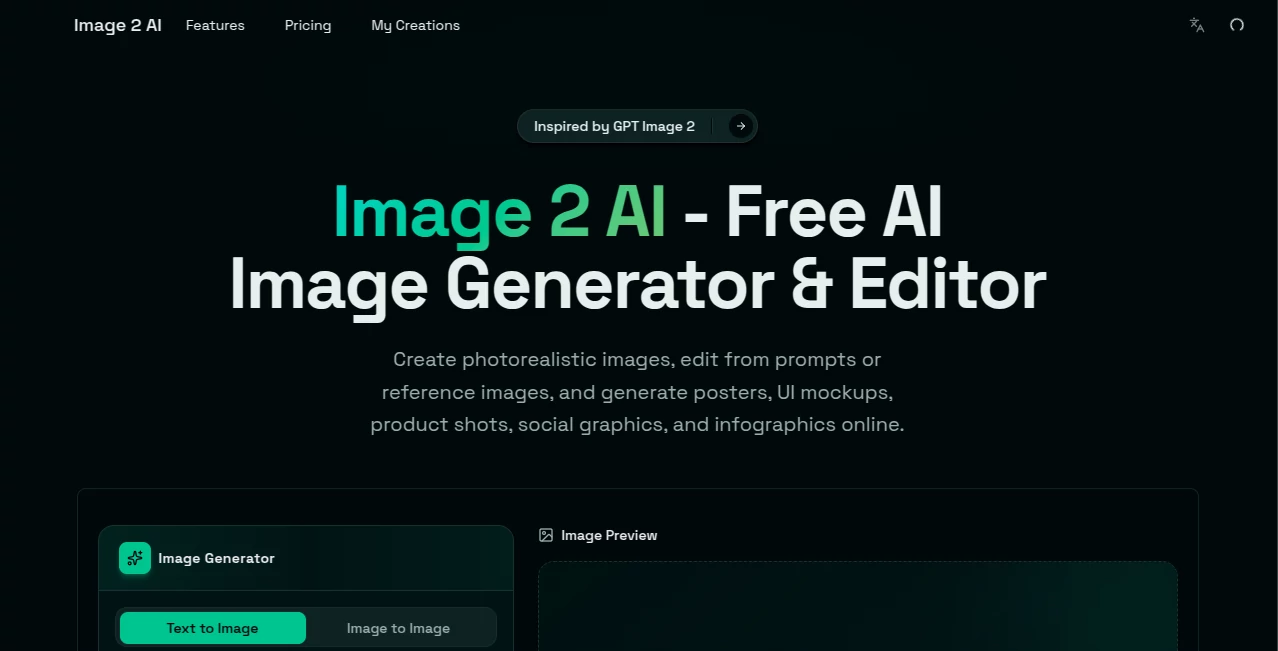
The dashboard immediately feels different. There's no noise, no pop-ups begging for your email, no walls of technical jargon. You land on the page and the generator is right there waiting. A clean box for uploading images, a text field for describing what you want, and a few simple controls for things like resolution and model selection. Everything is labeled in plain English. You don't hunt for settings. You don't dig through dropdown menus. You just start creating.
I especially appreciate how they separate the different modes. Text to Image lives right next to Image to Image and Image to Video, but the switch between them is clear and intuitive. You're never wondering which button does what. The guest credit counter sits visibly at the top, so you always know exactly how many free tries you have left. Small thing? Maybe. But it shows someone actually thought about how real people use these tools—impatient, curious, and not interested in hidden costs.
Accuracy & Performance
Here's where things get interesting. Most AI generators are great at dreamy landscapes and abstract art but fall apart the moment you need something practical like a product image with readable text or a character that looks consistent across multiple generations. This platform tackles those problems head-on. The text rendering accuracy is genuinely impressive. I tested it with a prompt that included a café sign reading "Le Petit Déjeuner" in cursive, expecting the usual garbled mess. The result came back clean, with every letter properly formed and positioned.
Generations typically complete in 10 to 15 seconds, which feels reasonable for the quality you get. The multi-model approach helps too. Depending on what you're creating, the system can pull from different engines behind the scenes. You're not locked into one rigid style or capability set. If something doesn't look right the first time, you tweak the description and hit generate again. The iteration loop is fast enough that you can experiment without losing momentum.
Capabilities
The platform packs several creative modes into one hub, so you're not juggling different websites to finish a single project. Image-to-Image lets you upload an existing photo and generate new styled versions while keeping the main subject and composition intact. Want to see your product photo in a completely different setting? Done. Image-to-Video takes a static picture and turns it into a short animated clip with smooth motion—no timeline editing or keyframes required. Text-to-Image handles fresh creations from scratch for scenes, concepts, or backgrounds. Text-to-Video generates short clips directly from prompts without complex tools. And the one-click upscaler enhances sharpness and detail for low-resolution images, which is a lifesaver when you're working with older or compressed photos.
What I love most is how these modes work together. You could start with a text prompt, generate a base image, tweak it with Image-to-Image, then animate the result into a short video—all within the same interface without leaving the page. That kind of seamless workflow is rare in this space.
Security & Privacy
Nobody wants their work or personal photos floating around in some training database without permission. The platform makes clear that uploaded images are processed for generation and not retained longer than necessary. For business users working with sensitive product shots or client assets, that matters. You should always review the specific terms, but the approach here feels more respectful of user privacy than many competitors that happily gobble up everything you upload for model training.
Use Cases
I've tested a lot of creative tools, and this one fits into real workflows like a missing puzzle piece. Here's where it genuinely shines.
- E-commerce & Product Photography: Stop relying on expensive studio shoots or boring white backgrounds. Generate lifestyle images that show your products in context. A camping lantern on a foggy forest floor. A leather bag sitting in a sun-drenched Italian piazza. A skincare bottle next to morning coffee. The platform keeps the product consistent while changing everything around it. Some sellers on Shopify and Amazon are already using similar workflows to refresh their entire catalog without reshoots.
- Social Media Content: Let's be honest—static posts don't perform like they used to. Short video clips consistently outpace still images across Instagram, TikTok, and X. Take a product shot, a behind-the-scenes photo, or even a simple quote graphic, add smooth motion, and suddenly your content feels alive in people's feeds. No need to become a full-time video editor. Upload, describe the movement you want, and done.
- Marketing Campaigns: Create on-brand visuals at scale without hiring a design agency. The multi-language support means you can run the same campaign in English, Japanese, Spanish, or Arabic without starting from scratch every time. One creative director told me they cut their asset production time from two weeks to three days after adopting a similar workflow.
- UI/UX Design: Designers can mock up app interfaces, dashboards, and websites without dragging assets or writing code. Need a "fitness app dashboard with a workout summary and achievement badges"? Type it, generate it, drop it into your presentation. The speed changes how you iterate on ideas.
- Portrait & Avatar Creation: Take a standard headshot and transform it into different artistic styles. Generate animated profile clips for LinkedIn, video greetings, or consistent character assets across multiple platforms. Great for creators who want recognizable visuals without redrawing everything from scratch.
Pros and Cons
No tool is perfect, but the strengths here far outweigh the limitations for most users.
What Works Well: The all-in-one approach saves serious time. Having image generation, image editing, video creation, and upscaling under one roof means fewer subscriptions and less context switching. The simplicity is a genuine feature—you don't need a tutorial to get started. Output quality is consistently high, especially for product shots and marketing materials where practical usability matters more than pure artistic expression. The free tier with no watermark on exports is almost unheard of and makes experimentation genuinely useful rather than just a demo.
Where It Could Improve: Advanced controls are somewhat limited. Power users who want granular adjustments to things like denoising strength, CFG scale, or exact seed values might feel constrained. The platform prioritizes simplicity over fine-tuning, which works great for most people but less so for hardcore prompt engineers. Output quality also varies depending on the source image clarity and the specific model being used. A blurry, poorly lit upload won't magically turn into a masterpiece. You still need decent starting material for the best results.
Pricing Plans
Accessible pricing makes quality AI tools available to everyone, not just enterprise teams with big budgets. The platform offers a free tier that includes a set number of credits for generating images and videos. Guest users can test the core features without immediately reaching for a wallet, and the free outputs come without watermarks stamped across the frame—a rarity that shows real confidence in the product. For heavy usage, credit packages are available that lower the per-generation cost significantly. The model works well for both casual creators testing ideas and businesses running regular production volumes. Specific pricing details are best checked directly on the site, as promotions and updates happen frequently, but the entry point is genuinely low enough that anyone can afford to try it out.
How to Use This Platform
The learning curve is almost flat, which is exactly how creative tools should work. Here's what your first session will look like. Start by landing on the homepage and looking for the main generator area. No sign-up is required to test the basics. Choose your mode from the clear options—Image to Image, Text to Image, Image to Video, or Text to Video. For Image to Image, upload the photo you want to transform. For everything else, simply type a description of what you want to see. Add details about style, mood, setting, or motion. "A professional headshot in a modern office with warm lighting" works better than just "office photo." Hit the generate button and wait roughly ten to fifteen seconds. Review the results. If something feels off, tweak your description and try again. The iterative process is fast, so don't expect perfection on the first attempt. Once you're happy with an output, download it directly to your device. Most exports come in standard formats ready for social media, websites, or presentations. For upscaling, take any image that feels soft or pixelated and hit the enhance button. That's it. If you plan to generate regularly, consider grabbing an account to track your history and manage credits, but the core experience works perfectly fine without one.
Comparison with Similar Tools
So how does this stack up against the competition? Let's be direct. Compared to Midjourney, this platform is far more accessible and practical. Midjourney lives inside Discord, requires specific command syntax, and excels at artistic exploration but struggles with things like readable text and consistent branding. This tool feels built for work, not just play. Against DALL-E and Adobe Firefly, the multi-model approach is a genuine differentiator. Instead of being locked into one engine's strengths and weaknesses, you get access to different underlying models depending on what you're creating. The image-to-video capability also separates it from pure image generators. Stable Diffusion users have more control but also more complexity—setting up local instances, managing models, troubleshooting errors. This platform sacrifices some granular control for a friction-free experience that just works. For video specifically, compared to Runway or Pika Labs, the interface is simpler and the learning curve is gentler, though those tools offer more advanced motion controls for users who need them. Ultimately, this tool occupies a sweet spot: approachable enough for beginners, capable enough for professionals who value speed over tweaking every single parameter.
Conclusion
After spending real time with this platform, I keep coming back to one thought: this is what AI tools should feel like. Not overwhelming. Not intimidating. Just genuinely helpful. It removes the friction between having an idea and bringing it to life. You don't need to watch hours of tutorials or master complicated software. You just need an image, a few words, and the willingness to experiment. For small business owners tired of expensive photoshoots, marketers racing to feed the content machine, and creators who want their visuals to actually stand out, this tool delivers real value without the usual headaches. Try it once. Upload a photo you've had sitting on your phone for months. See what happens. You might be surprised how fast a boring image turns into something you're excited to share.
Frequently Asked Questions (FAQ)
Do I need to sign up to test the platform? Not at all. Guest access is available with a set number of free credits. You can generate images and videos without creating an account, and the free outputs don't include watermarks. That's rare and worth appreciating.
What formats can I upload? Standard image formats like JPG and PNG work best. For video generation, the platform accepts static images across common formats. Keeping uploads clear and well-lit improves results significantly.
How long does generation take? Most outputs arrive within 10 to 15 seconds. More complex requests or higher resolutions might take a few seconds longer, but the experience feels snappy overall.
Can I use generated images commercially? Users should ensure they have rights to any source assets, trademarks, and likenesses before commercial use. For outputs created entirely from text prompts, typical terms allow commercial usage, but reviewing the specific license agreement on the site is always smart before launching a campaign.
What languages does the platform support? Text rendering works accurately across multiple languages including English, Chinese, Japanese, Korean, Spanish, and Arabic. That matters for international marketing materials or localized content.
Why do my results sometimes look different than expected? AI generation has inherent variability. The same prompt can produce different outputs each time. If something doesn't match your vision, try rephrasing your description with more specific details about lighting, composition, style, or mood. Small tweaks often make a big difference.