
IMGtoVideo.ai
What is IMGtoVideo.ai?
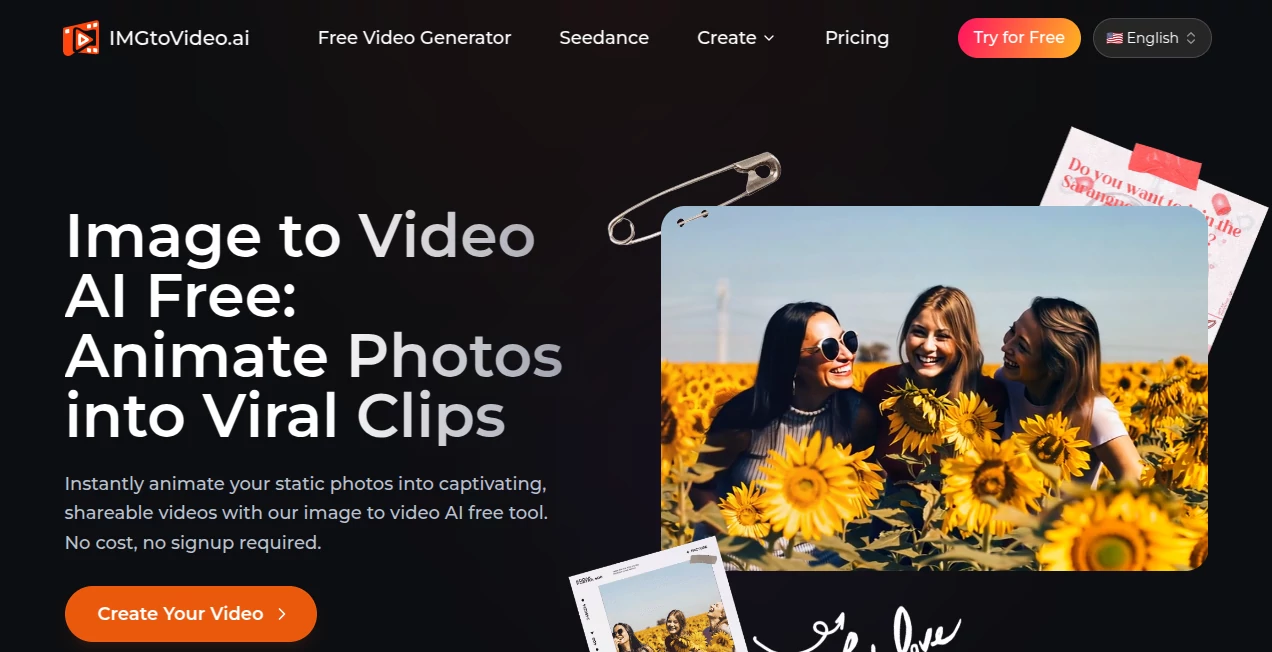
Creating engaging videos no longer requires advanced editing skills or expensive animation software. This platform makes it possible to transform a single photo into a dynamic short video using AI-powered motion generation. Whether you want to animate portraits, product photos, landscapes, or creative artwork, the entire process takes only a few simple steps and produces results that feel smooth and cinematic.
Designed for creators, marketers, educators, and businesses, the platform combines intelligent motion prediction with customizable text prompts, allowing users to describe exactly how an image should move. From subtle camera zooms to natural environmental effects, every animation is generated in the cloud without requiring complex software installation. The result is an intuitive experience that helps anyone create attention-grabbing visual content for social media, advertising, education, or storytelling. :contentReference[oaicite:0]{index=0}
Key Features
User Interface
The interface is refreshingly simple. Users upload a JPG or PNG image, choose a preset animation or enter a custom prompt, then generate a video with just a few clicks. Even someone using AI video tools for the first time can quickly understand the workflow without reading lengthy documentation.
Accuracy & Performance
Advanced diffusion-based AI models generate realistic camera movement, facial expressions, environmental motion, and seamless looping effects. Processing is cloud-based, allowing videos to be generated within seconds while maintaining consistent visual quality for professional-looking results. :contentReference[oaicite:1]{index=1}
Capabilities
- Convert still images into animated videos.
- Create cinematic camera movements from a single photo.
- Control motion using natural language prompts.
- Apply one-click AI animation filters.
- Generate content suitable for social media platforms.
- Create promotional videos from product photography.
- Animate portraits, pets, artwork, and landscapes.
- Produce commercial-ready videos with paid plans.
- Support higher-resolution exports for professional projects.
- Offer motion transfer and character animation for advanced creative workflows.
Security & Privacy
User privacy is treated as an important priority. Uploaded files are processed inside encrypted environments and automatically removed after a limited retention period. The company also states that user content is not used to train its AI models, giving creators greater confidence when working with personal or commercial media. :contentReference[oaicite:2]{index=2}
Use Cases
- Create engaging TikTok, Instagram Reels, and YouTube Shorts.
- Transform product photos into promotional advertisements.
- Animate travel photography for storytelling.
- Bring historical or educational images to life.
- Create memorable animated portraits and family photos.
- Enhance marketing campaigns with motion graphics.
- Produce creative content for digital artists and designers.
- Generate attention-grabbing visuals for online stores.
Pros and Cons
Pros
- Very beginner-friendly workflow.
- Fast AI-powered rendering.
- Supports custom prompt-based animations.
- Commercial usage available on paid plans.
- No professional editing experience required.
- Strong privacy practices for uploaded files.
Cons
- Free plan includes limited daily generations.
- Higher resolutions require a paid subscription.
- Longer videos are available only in premium plans.
- Some advanced animation features are reserved for paid users.
Pricing Plans
A free plan allows users to experiment with AI-generated videos using limited daily generations, standard resolution, and shorter video duration. Paid subscriptions unlock higher resolutions, longer clips, faster processing, commercial licensing, watermark-free exports, access to premium AI models, and priority support, making them suitable for professional creators and businesses. :contentReference[oaicite:3]{index=3}
How to Use ImgtoVideo.ai
Start by uploading a clear image in JPG or PNG format. Select either a preset animation effect or describe your desired movement using a natural language prompt. Generate the animation, preview the result, and download the finished video once processing is complete. The workflow is straightforward enough for beginners while still offering enough flexibility for experienced content creators. :contentReference[oaicite:4]{index=4}
Comparison with Similar Tools
Unlike many AI animation platforms that require complicated timelines or manual editing, this solution focuses on simplicity and speed. The combination of text-controlled animation, one-click motion filters, commercial licensing, cloud rendering, and privacy-focused processing makes it particularly attractive for creators who need professional results without investing hours in video editing software. Its additional motion transfer capabilities also provide creative opportunities beyond basic image animation. :contentReference[oaicite:5]{index=5}
Conclusion
For anyone looking to transform static visuals into engaging animated content, this platform offers an impressive balance of simplicity, quality, and creative flexibility. It enables marketers to create more compelling campaigns, designers to showcase artwork with movement, educators to build engaging visual lessons, and social media creators to produce eye-catching videos in minutes. With its intuitive workflow, reliable performance, and thoughtful privacy practices, it stands out as an excellent solution for modern AI-powered video creation.
Frequently Asked Questions (FAQ)
Can beginners use this platform?
Yes. The interface is designed for users with no video editing experience.
Can I animate any type of image?
Portraits, products, artwork, landscapes, and many other image types can be transformed into short animated videos.
Is there a free version available?
Yes. A free plan is available with limited daily generations and standard output quality.
Can I use the generated videos commercially?
Commercial rights are included with paid subscription plans.
Are uploaded images kept private?
Yes. Uploaded files are encrypted during processing and automatically removed after processing according to the platform's privacy policy. :contentReference[oaicite:6]{index=6}
AI Image to Video , AI Video Editor , AI Text to Video , AI Video Generator .
These classifications represent its core capabilities and areas of application. For related tools, explore the linked categories above.

IMGtoVideo.ai Alternatives Product
Seedance 2.0

LTX 2.3 AI V…

Seedance 2.0

ImagineToVid…

ai seedance …

Image 2 AI
v04 ai

Sora 2 AI

brainrotkit