


















Invoicer.AI
What is Invoicer.AI?
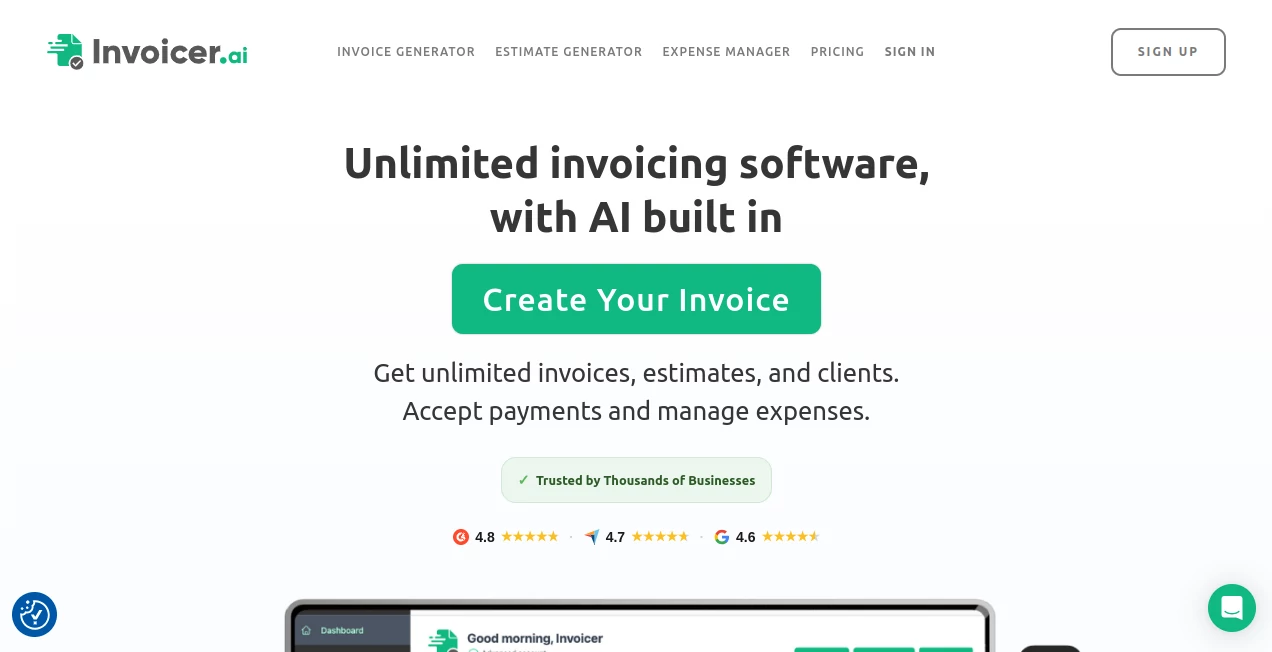
Running a small business often means spending more time than expected on invoices, estimates, receipts, expenses, and payment follow-ups. Invoicer.ai brings these everyday financial tasks together in one straightforward workspace, with AI built into the experience rather than added as a separate feature.
The platform allows businesses to create unlimited invoices, estimates, and clients, accept online payments, track document activity, and manage expenses. Its AI features go a step further by letting users create invoices and estimates through natural-language instructions. Instead of filling out every field manually, you can describe the job and let the assistant organize the details for you.
This approach is particularly useful for service businesses and independent professionals who need professional-looking financial documents without wanting to spend their day inside accounting software.
Key Features
- AI-powered invoice and estimate generation
- Unlimited invoices, estimates, and clients
- Online payment collection
- Multiple currency support
- Real-time invoice and estimate tracking
- Automatic late payment reminders
- Scheduled and recurring invoices
- AI-powered expense management
- Receipt and document data extraction
- Branded invoices with logos, colors, and templates
- Attachments and receipts
- Automation for converting estimates into invoices
- AI assistant for financial questions and account actions
User Interface
The interface is designed around the practical workflow of creating, sending, and managing business documents. Users can access clients, invoices, estimates, expenses, and items from one place, while search and filtering tools make it easier to find previous records.
The invoice editor also gives users control over the final document. You can work manually when you want to review every line item, or use the AI features when speed matters more. This balance is a nice touch for business owners who do not want automation to take away control.
The experience also works well for people working away from a traditional office. A contractor finishing a job on-site, for example, can create an estimate or invoice without having to return to a desktop accounting workflow.
Accuracy & Performance
Financial documents leave little room for careless arithmetic, so automatic calculations are an important part of the platform. Totals, taxes, discounts, deposits, and other invoice details can be handled within the editor rather than calculated separately.
The AI assistant can also work with existing account information. Users can ask about clients, invoices, estimates, expenses, payment status, or revenue summaries, and can use natural language to perform supported actions. For larger batches, the assistant can create multiple records from a single request, which can be particularly useful when preparing several invoices at once.
AI-generated pricing and estimates can also provide a starting point for a job. For professional work, the final figures should still be reviewed against actual labor, materials, taxes, and business rates before sending anything to a customer.
Capabilities
The strongest part of the platform is the combination of invoicing and AI assistance. A user can describe a job in everyday language and have the system turn that description into invoice or estimate line items. The assistant can also help answer questions about outstanding payments and financial activity.
Expense management is another useful component. Receipts or documents can be uploaded or photographed, with the system extracting relevant information and organizing expenses into a searchable record. This can save considerable time for businesses that regularly collect paper or digital receipts.
Payment functionality is built into the workflow as well. Customers can pay invoices online through supported payment methods, while businesses can receive notifications when documents are delivered, viewed, or paid. The platform supports payments in more than 135 currencies through its Stripe integration.
Security & Privacy
Because invoices and expense records can contain sensitive business information, financial data should always be handled carefully. The platform is designed as a cloud-based financial management service, allowing users to access their records from different locations rather than keeping everything on a single local computer.
For payment processing, the service integrates with Stripe, allowing businesses to accept cards, mobile wallets, bank transfers, and other supported payment methods through the payment infrastructure provided by Stripe. Businesses should review the current privacy and security documentation before using the service for sensitive financial records.
Use Cases
This platform is especially well suited to small businesses and independent professionals who need a simple way to manage billing without adopting a complicated accounting workflow.
- Freelancers: Create estimates, invoices, and payment requests without maintaining complicated spreadsheets.
- Contractors: Build estimates and invoices while working on-site and collect deposits for projects.
- Consultants: Send professional branded invoices and monitor whether clients have viewed or paid them.
- Photographers and creative professionals: Manage project estimates, deposits, invoices, and receipts from one workspace.
- Service businesses: Use AI to turn a description of a completed job into structured invoice line items.
- Small teams: Share access to invoicing workflows and keep client and payment information organized.
Pros and Cons
Pros
- AI can create invoices and estimates from natural-language instructions.
- Unlimited clients, invoices, and estimates are available on paid plans.
- Online payments are built into the invoicing workflow.
- Real-time tracking helps businesses see when documents are delivered, viewed, and paid.
- Expense management can extract information from receipts and uploaded documents.
- Invoices can be customized with business branding.
- Automation reduces repetitive administrative work.
Cons
- The free access period is limited to 14 days.
- Advanced AI and automation capabilities depend on the selected subscription.
- Businesses with highly specialized accounting requirements may still need dedicated accounting software.
- AI-generated pricing and estimates should be reviewed before being presented to customers.
Pricing Plans
The service currently offers a 14-day free trial without requiring a credit card. Paid plans are available on monthly and annual billing, with annual subscriptions offering a lower effective monthly price.
- Basic: $12 per month, or $8 per month when billed annually. Includes unlimited clients, invoices, and estimates, online payments, multiple currencies, AI invoice generation, and AI assistant access.
- Pro: $25 per month, or $20 per month when billed annually. Adds features such as invoice tracking, real-time updates, late payment reminders, scheduled invoices, attachments, receipts, and broader AI assistant access.
- Advanced: $49 per month, or $33 per month when billed annually. Adds automation, recurring invoices, full AI expense management, and heavier AI assistant usage.
Pricing and included features can change, so businesses should check the current plan details before subscribing.
How to Use It
- Create an account and start the free trial.
- Add your business information, clients, and frequently used items or services.
- Open the AI assistant or invoice generator.
- Describe the work you need to bill for using normal language, or create the document manually.
- Review the generated line items, quantities, prices, taxes, discounts, and totals.
- Customize the invoice with your branding where needed.
- Send the invoice directly to the customer or download it as a PDF.
- Enable online payments if you want customers to pay directly from the invoice.
- Use tracking and notifications to monitor delivery, views, and payments.
- Use reminders and automation to reduce the amount of manual follow-up required.
Comparison with Similar Tools
Compared with traditional invoicing applications, the biggest distinction here is the amount of work that can be handled through natural-language instructions. Instead of treating AI as a separate chatbot, the assistant is connected to core invoicing and financial workflows.
It also sits between a basic invoice generator and a more comprehensive accounting platform. Someone who simply needs to produce a professional invoice can use the manual editor, while a growing service business can take advantage of estimates, payment tracking, reminders, expenses, automation, and AI assistance.
For businesses that need full bookkeeping, payroll, tax preparation, or advanced accounting controls, a dedicated accounting platform may still be necessary. For businesses primarily looking to simplify invoicing and related financial administration, the more focused workflow can be an advantage.
Conclusion
For small businesses, freelancers, contractors, and service professionals, invoicing is rarely the part of the job anyone looks forward to. The strength of this platform is that it treats invoicing as a workflow that can be simplified rather than just a document that needs to be produced.
The combination of AI invoice generation, estimates, online payments, expense management, tracking, reminders, and automation makes it a practical option for businesses that want to spend less time on administrative work. The ability to switch between AI-assisted creation and traditional manual editing is particularly useful because it keeps the user in control.
If your current billing process involves repeatedly copying client information, calculating totals, chasing late payments, and sorting through receipts, this approach can make those tasks considerably easier to manage.
Frequently Asked Questions (FAQ)
Can I create invoices with AI?
Yes. The AI assistant can create invoices and estimates from natural-language instructions. You can describe the work, client, or items and then review the generated document before sending it.
Can I create invoices manually?
Yes. AI is optional. You can use the manual editor to create invoices and estimates, add line items, set prices, and customize the document yourself.
Can customers pay invoices online?
Yes. Online payments are supported through Stripe, including payment methods such as cards, mobile wallets, and bank transfers where available.
Can I track whether an invoice was viewed?
Yes. The platform provides notifications and real-time tracking for invoice and estimate activity, including delivery, viewing, and payment status.
Does it support estimates?
Yes. You can create estimates and quotes, send them to customers for approval, and convert an approved estimate into an invoice.
Does it have expense management?
Yes. The AI-powered expense manager can extract information from uploaded documents or photos of receipts and organize the resulting expense records.
Is there a free trial?
Yes. New users can try the service free for 14 days without providing a credit card.
Is it suitable for freelancers and small businesses?
Yes. Its combination of invoicing, estimates, online payments, client management, reminders, and AI assistance makes it particularly relevant to freelancers, contractors, consultants, and other small service businesses.
AI Tax Assistant , AI Accounting Assistant , Business .
These classifications represent its core capabilities and areas of application. For related tools, explore the linked categories above.

Invoicer.AI Alternatives Product

Receipt AI

LazyLister

Creget

Alloy

AlphaTax

FiveMinChat

Harvey

TaxTim SA

PineBill
