


















Junie by JetBrains
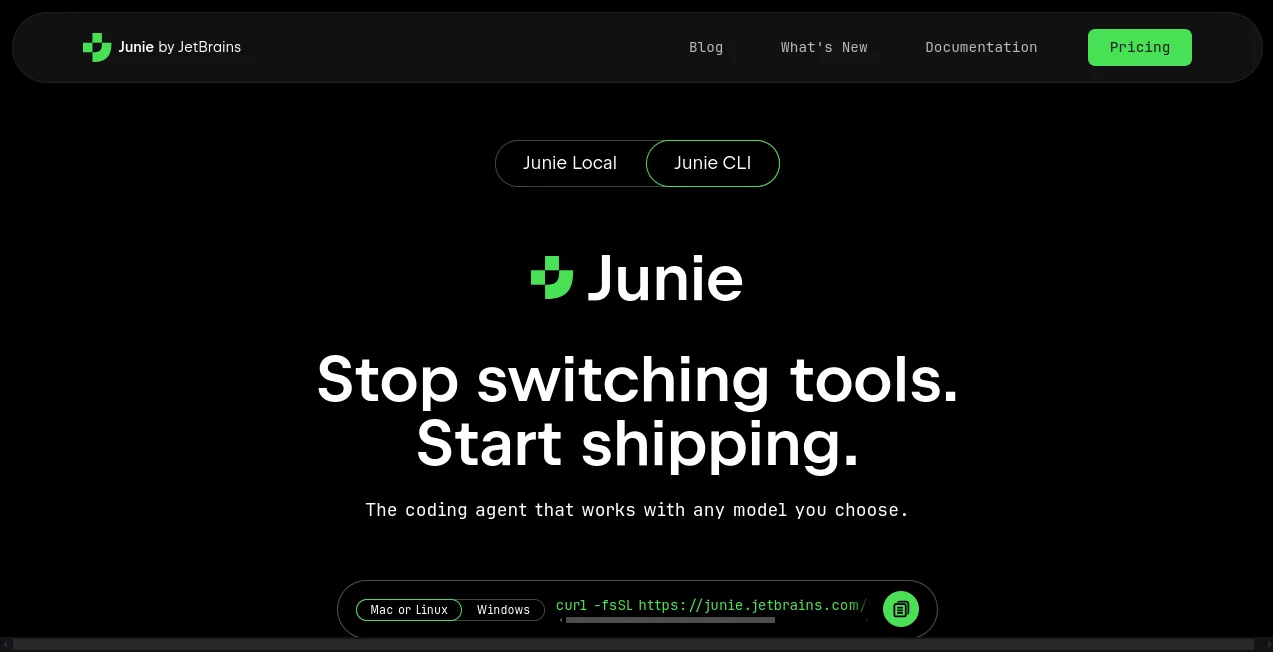
What is Junie by JetBrains?
Modern software development is rarely about writing one function at a time. Developers often need to understand an unfamiliar codebase, plan a change, edit several files, run tests, investigate errors, and repeat the process until everything works. An AI coding agent can take over much of that routine work while keeping the developer involved in the important decisions.
Junie is built around this agent-based approach. Instead of simply suggesting a few lines of code, it can work through multi-step development tasks, inspect project context, modify files, execute commands, run tests, and report what it has done. This makes it particularly useful for developers who want to delegate repetitive implementation work without giving up the ability to review and control the result.
The experience is especially natural for developers already working inside JetBrains environments. The agent can understand the surrounding project and work directly with the tools developers already use, turning a plain-language request into a practical development workflow.
Key Features
- Autonomous planning and execution for multi-step coding tasks.
- Ability to inspect project files and make changes across multiple files.
- Support for running terminal commands and tests as part of a task.
- Model selection with support for multiple AI models and bring-your-own-key workflows.
- Integration with Model Context Protocol tools for extending the agent with external services and data.
- Persistent project instructions through AGENTS.md.
- Support for .aiignore to prevent selected files or directories from being processed.
- Rollback capabilities that allow developers to undo changes introduced during a session.
- Interactive terminal access through the CLI on Linux, macOS, and Windows.
- Support for GitHub Actions and GitLab CI/CD workflows through the CLI ecosystem.
User Interface
The interface is designed around conversation rather than a complicated collection of configuration screens. A developer can describe a task in natural language, review the proposed approach, and allow the agent to work through the implementation.
Inside a supported JetBrains IDE, the agent can also use the context of the active editor. The currently open file and selected code can be included automatically, while additional files can be attached when broader project context is required. This makes requests such as fixing a function, updating related tests, or investigating an error feel much closer to working with another developer than using a traditional autocomplete feature.
One particularly useful detail is the review workflow. Changes and commands can be inspected before approval, and unwanted modifications can be rolled back. That extra layer of control is valuable when working on production repositories or large codebases.
Accuracy & Performance
Performance in an agentic coding workflow is not only about how quickly an answer appears. The quality of the final result depends on how well the system understands the project, plans the work, chooses appropriate actions, and verifies those actions.
This approach is useful for tasks where several steps depend on one another. For example, a developer might ask for a new API endpoint, related database changes, tests, and documentation. Instead of producing disconnected snippets, the agent can work through the repository, make coordinated edits, execute tests, and report the outcome.
Model choice also gives developers flexibility. The current platform supports a range of models, while its CLI offering also supports bring-your-own-key configurations. This can be helpful for teams that want to balance quality, speed, provider preferences, and usage costs.
Capabilities
The strongest feature is its ability to handle work that goes beyond code generation. It can explore a project, create a plan, modify files, execute commands, run tests, and use external tools when those tools are available through MCP.
Developers can also provide persistent instructions through an AGENTS.md file. This is useful for documenting project-specific conventions, naming rules, architecture decisions, testing practices, or other instructions that should remain available across tasks.
For more complex projects, custom subagents can divide larger jobs into smaller pieces and work on multiple subtasks in parallel. MCP integration provides another layer of flexibility by allowing external databases, APIs, and developer tools to become part of the workflow.
There is also a dedicated debug mode in supported JetBrains environments. Instead of immediately changing source code, the agent can work with a live debugging session to inspect variables, call stacks, breakpoints, and runtime expressions. This makes it useful for problems that are difficult to understand from source code alone.
Security & Privacy
Control is an important part of the workflow. By default, potentially sensitive operations such as certain terminal commands, file operations, or external tool calls can require developer approval. This gives users an opportunity to inspect an action before it affects the project.
Developers can also use .aiignore to restrict access to selected files and directories. This is useful for keeping sensitive project material outside the agent's normal processing scope.
For teams with stricter requirements, JetBrains provides enterprise AI options and emphasizes security and compliance for organizational use. A local option is also available for developers who want the agent and model inference to operate entirely on their own hardware, with source code, prompts, and diffs remaining on the machine.
As with any coding agent that can execute commands or modify files, users should review permissions carefully. Features that allow autonomous execution can save substantial time, but they should be enabled with an appropriate level of trust for the project.
Use Cases
- Feature development: Describe a feature in plain language and let the agent inspect the project, implement the required changes, and run relevant tests.
- Bug fixing: Provide an error or unexpected behavior and ask the agent to investigate the relevant code and propose a fix.
- Refactoring: Large refactoring tasks involving multiple files can be delegated instead of handled manually one file at a time.
- Testing: Developers can ask for new tests, execute existing test suites, and investigate failures.
- Codebase exploration: It can help developers understand unfamiliar projects before making changes.
- Documentation: Existing code can be analyzed to create or update technical documentation.
- Debugging: Runtime inspection can help investigate problems involving unexpected values, call stacks, or execution flow.
- CI/CD automation: The CLI can be incorporated into GitHub and GitLab workflows for AI-assisted development tasks.
- Migration work: Repetitive changes across many files can be planned and executed as a larger development task.
Pros and Cons
Pros
- Handles multi-step development tasks instead of only generating snippets.
- Works with real project context and multiple files.
- Can run commands and tests as part of a workflow.
- Provides review and rollback options for generated changes.
- Supports multiple AI models and flexible authentication options.
- Can be extended with MCP tools and persistent project instructions.
- Offers both IDE-based and command-line workflows.
- Includes options suitable for individual developers as well as organizations.
Cons
- Autonomous coding requires careful review, especially for sensitive or production projects.
- More complex tasks can consume AI credits faster than simple coding assistance.
- The quality of results can vary depending on the selected model and the clarity of the task description.
- Some advanced capabilities depend on compatible JetBrains products, configurations, or subscriptions.
- Developers who prefer complete manual control may find agent-based workflows more involved than traditional autocomplete.
Pricing Plans
The service currently offers several ways to get started. The free option provides five AI credits and does not require a card or subscription. Users can also bring their own model key, with provider-rate pricing and no additional markup stated for that option.
The AI Pro plan is positioned for general AI-assisted development and occasional use of the coding agent. The annual price currently shown is $100 per user, equivalent to about $8.33 per month, with 10 AI credits every 30 days and the ability to purchase additional credits.
The AI Ultimate plan is recommended for developers who expect to use coding agents more frequently. It currently provides 35 AI credits every 30 days and is listed at $300 per user per year, equivalent to $25 per month.
Organizations with larger requirements can also use AI Enterprise, which is designed around higher credit availability, enterprise security, and custom AI integrations. Pricing for enterprise deployments depends on the organization's requirements.
Pricing and included credits can change, so developers should check the current subscription options before purchasing.
How to Use the Agent
- Install the required JetBrains IDE or the CLI version on your supported operating system.
- Activate the appropriate JetBrains AI access or configure a supported authentication method.
- Open the project you want to work on.
- Describe the development task in clear, natural language.
- Review the plan and proposed operations before allowing sensitive changes or commands.
- Let the agent inspect files, modify code, and run appropriate commands or tests.
- Review the resulting changes and test results.
- Keep the changes, request another iteration, or roll back modifications that are not suitable.
For example, instead of asking for a single function, a developer could write: "Add password reset support to this Django application, update the required views and URLs, create tests for the new flow, and run the relevant test suite." A request like this gives the agent a complete objective and allows it to reason about the individual steps required to reach the result.
Comparison with Similar Tools
AI coding tools are increasingly divided into two groups: assistants that primarily suggest code and agentic systems that can take action across a repository. The latter category is particularly useful when the task involves multiple files, commands, tests, and iterations.
GitHub Copilot is a strong choice for developers who want AI assistance deeply connected to GitHub workflows and conventional code completion. Claude Code is attractive for developers who prefer a terminal-oriented agent experience, while OpenAI Codex can be useful for users already working with OpenAI's coding ecosystem.
The main distinction here is the close relationship with JetBrains IDEs. Developers who already rely on IntelliJ IDEA, PyCharm, WebStorm, GoLand, or other supported JetBrains environments can work with an agent that understands the IDE and its project context rather than constantly moving between unrelated applications.
There is no single best option for every developer. A lightweight autocomplete tool may be enough for small coding tasks, while an autonomous agent becomes more valuable when a job requires investigation, planning, implementation, testing, and iteration.
Conclusion
For developers who regularly deal with repetitive implementation work, multi-file changes, debugging, testing, and unfamiliar codebases, an agentic approach can make a noticeable difference. The biggest advantage is not simply generating code faster; it is being able to delegate a complete development objective and then review the work as it progresses.
The combination of project-aware development, command execution, testing, model flexibility, MCP integrations, persistent instructions, and rollback controls makes this a compelling option for developers who want more than traditional AI autocomplete.
It is particularly appealing for people already invested in the JetBrains ecosystem. Instead of treating AI as another website or disconnected coding window, the workflow puts an intelligent development partner much closer to where the actual work happens.
Frequently Asked Questions (FAQ)
What is this AI coding agent?
It is an AI-powered coding agent designed to plan and execute multi-step software development tasks. It can inspect a project, modify files, run commands and tests, and report the work it completes.
Can it write code automatically?
Yes. It can generate and modify code across a project based on a natural-language development request. Developers can review the proposed changes before accepting them.
Can it run tests?
Yes. Running tests and other project commands can be part of the development workflow, allowing the agent to verify changes and investigate failures.
Does it work from the terminal?
Yes. The CLI version provides an interactive terminal experience and is available for Linux, macOS, and Windows.
Can I use my own AI model?
Yes. The current platform supports multiple models and provides bring-your-own-key options, giving developers more flexibility over the models used for their coding tasks.
Can it work with external tools?
Yes. MCP integration allows compatible external tools, services, databases, and APIs to be connected to the development workflow.
Can I prevent it from accessing certain files?
Yes. A .aiignore file can be used to restrict processing of specified files or directories unless access is explicitly permitted.
Is there a free option?
Yes. A free starting option currently includes five AI credits and does not require a card or subscription. There is also a local option designed to run on the user's own hardware without cloud usage credits.
Is it suitable for professional software development?
Yes. It is designed for real development workflows and can assist with implementation, testing, debugging, refactoring, and larger multi-step tasks. As with any autonomous coding system, developers should review important changes before deploying them.
AI Testing & QA , AI Code Assistant , AI Code Generator , AI Developer Tools .
These classifications represent its core capabilities and areas of application. For related tools, explore the linked categories above.
Junie by JetBrains details
Website unavailable — View Alternatives
Pricing
- Freemium
Apps
- Web App
Categories

Junie by JetBrains Alternatives Product

JSON to TOON…

Emergent

PromptCoder

freellm.net

Vibe Code Pi…

You.bot

ClawBridge

Kimi K2.5

Scillus
