


















Kepo
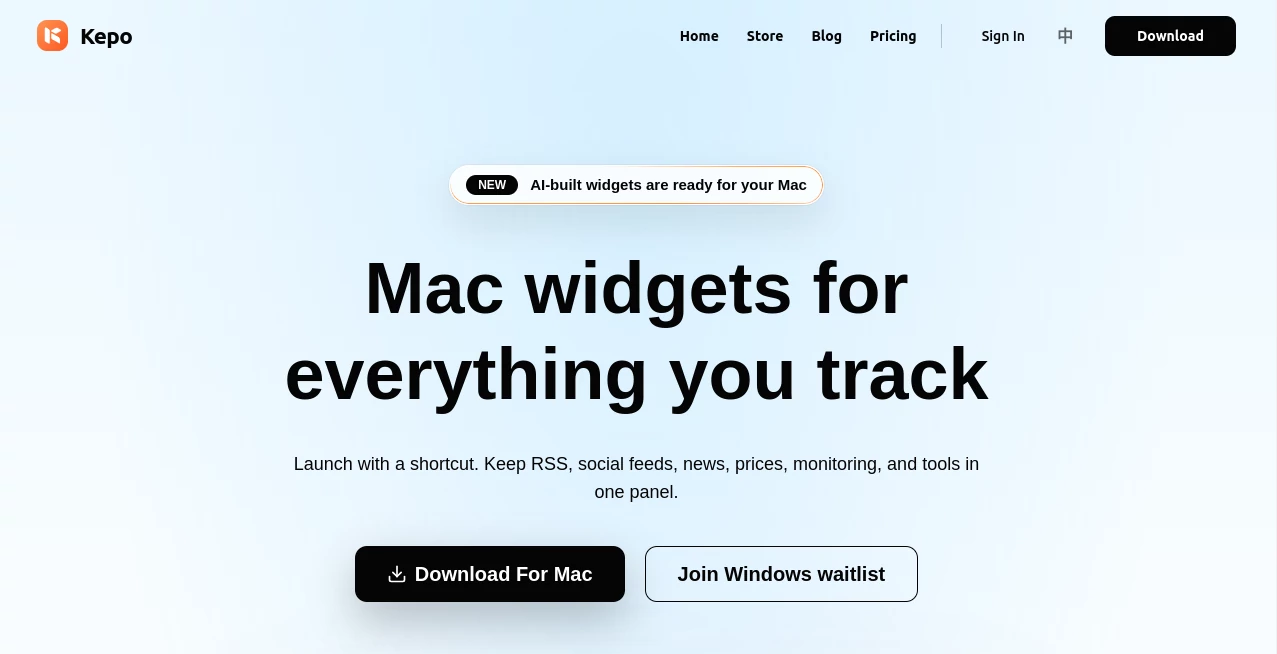
What is Kepo?
There's something deeply satisfying about glancing at your desktop and instantly seeing the exact information you care about—stock prices ticking, a key RSS feed updating, or a quick status check—without switching tabs or opening apps. This Mac app delivers that feeling beautifully. It lets you turn almost any website, feed, or idea into a clean, focused widget that pops up with one shortcut. I’ve found myself using it daily for things I used to check obsessively in browsers. The best part? The AI can build custom widgets from plain English descriptions, turning vague wishes into useful little tools on your screen.
Introduction
Mac users have always wanted better ways to stay informed without constant context switching. Native widgets are limited, and most third-party solutions feel clunky. Kepo changes the game by making it effortless to create personalized desktop panels for the data and tools you actually check repeatedly. Whether it's market data, news, social mentions, internal dashboards, or custom monitoring, it brings everything into one clean, shortcut-activated space. What started as a productivity booster has become a daily companion for many—quietly reducing friction and helping people stay focused on what matters. The AI assistance makes it feel like having a helpful developer sitting next to you, ready to turn ideas into widgets in minutes.
Key Features
User Interface
The app stays elegantly out of the way until you need it. A simple global shortcut brings up your widget panel, clean and minimal. Creating new widgets is straightforward—browse the store for ready-made ones or describe what you want and let the AI generate it. Everything feels native to macOS: smooth animations, proper sizing, and thoughtful details like auto-refreshing content. It never overwhelms the screen; it complements your workflow instead of fighting it.
Accuracy & Performance
Widgets load quickly and update reliably in the background. The AI does an impressive job turning natural language descriptions into functional components—parsing websites, handling RSS, or pulling from APIs without constant manual tweaks. In real use, widgets stay accurate and responsive, even with dynamic content. The local processing for many tasks keeps things snappy and private, while cloud options add extra power when needed.
Capabilities
You can transform almost any webpage, RSS feed, social profile, market tracker, or small tool into a focused widget. AI generation lets you describe something like “show me today’s top tech news headlines with source links” and get a usable result. It supports custom themes, different sizes, and even interactive elements. Widgets can be organized in one panel and summoned instantly. It’s particularly strong for repeated checks—saving countless tab switches and mental load throughout the day.
Security & Privacy
Many operations run locally on your Mac, keeping sensitive data (like internal dashboards or logged-in pages) secure. You control what gets processed where, and there’s no unnecessary data collection. For professionals monitoring private tools or personal feeds, this thoughtful approach builds real confidence.
Use Cases
A developer keeps GitHub notifications, build status, and documentation links in one panel for quick daily reviews. A trader monitors multiple tickers and news sources without tab overload. A content creator tracks social mentions and trending topics across platforms. Even casual users build a morning dashboard with weather, headlines, and calendar snippets. The flexibility means almost anyone with repeated information checks can benefit.
Pros and Cons
Pros:
- Turns vague ideas into working widgets with surprisingly good AI assistance.
- Shortcut access makes checking things feel effortless and fast.
- Strong privacy focus with local processing options.
- Clean, native Mac experience that doesn’t feel like bloatware.
- Regularly refreshed content keeps widgets truly useful.
Cons:
- Some complex websites need minor tweaking for perfect widget behavior.
- Free tier has reasonable limits; heavy users benefit from Pro.
- Still expanding the widget store and advanced features.
Pricing Plans
It offers a solid free tier for light use and experimentation. The Pro plan unlocks higher AI usage, cloud sync, advanced models, priority support, and unlimited custom widgets—priced accessibly for daily users. There’s even an Angel Investor lifetime option for early supporters. The pricing feels fair for the time and focus it returns to your workday.
How to Use Kepo
Download the Mac app and launch it. Use the global shortcut to open your widget panel. Browse the store for ready widgets or click “Build with AI” and describe what you need. Once created, position widgets in your panel and summon them anytime with the shortcut. Refresh happens automatically or on demand. For websites you visit often, turn them into widgets once and enjoy instant access forever. It quickly becomes part of your muscle memory.
Comparison with Similar Tools
Native macOS widgets are limited to what Apple and apps provide. Other desktop tools often feel heavy or require constant configuration. Kepo stands out with its AI widget generation and focused, shortcut-first design. It’s lighter than full workspace apps yet more powerful than basic widget collections—striking a sweet spot for power users who value speed and simplicity.
Conclusion
In our information-overloaded lives, the ability to see exactly what matters—instantly and cleanly—feels like a small luxury that adds up to real productivity and calm. Kepo delivers that experience with intelligence, elegance, and respect for your attention. For Mac users tired of tab chaos and constant switching, it’s one of those rare tools that quietly makes every day feel a bit smoother and more in control.
Frequently Asked Questions (FAQ)
Do I need to code to create widgets?
Not at all. The AI can generate most widgets from a simple description. Advanced users can customize further if they want.
Can widgets access logged-in websites?
Yes, many can—with your permission and local handling for security.
Is it only for Mac?
Currently yes, with a Windows waitlist active.
How private is my data?
Very—many operations run locally, and you control what’s shared.
Can I use it for work dashboards?
Absolutely—many professionals use it for internal tools and monitoring.
AI Productivity Tools , AI Developer Tools , Other .
These classifications represent its core capabilities and areas of application. For related tools, explore the linked categories above.

Kepo Alternatives Product

GOLANG COLLE…

Flitz AI

AutoChangelog

OhNoCode

Teahose

Lynote

Discord Time…

bridger west…

Workik
