
















Launchit
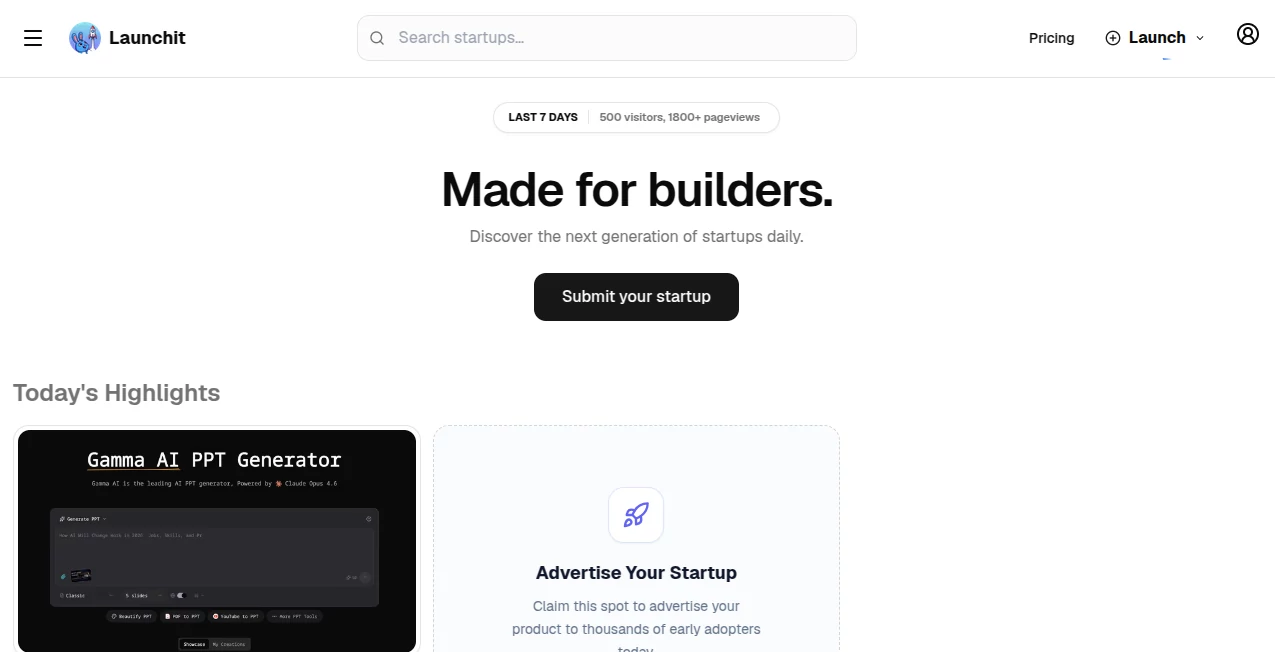
What is Launchit?
Let’s be real for a second—turning a startup idea into an actual, functioning business is a nightmare of endless to-do lists. You have to build the product, write the documentation, craft marketing emails, post on social media, and somehow still find time to actually think about your vision. Most people give up before they even start because the sheer volume of work is crushing.
That’s exactly why this tool exists. It steps in like a silent co-founder who handles all the heavy lifting. You bring the idea, and it delivers a functional website, polished product docs, email campaigns, and social media content that doesn’t sound like generic garbage. No more juggling twenty different tools or hiring an expensive team just to get off the ground.
What makes this different from every other AI assistant out there? It doesn’t just spit out text. It runs an entire virtual team of AI agents—each playing a specific startup role—who talk to each other, debate strategy, and produce real deliverables. You act as the CEO, guiding the direction while your AI team executes. Sound too good to be true? Keep reading, because the details matter.
Key Features
The magic here isn’t one single feature. It’s how everything works together like a well-oiled machine. Let me break down what actually happens when you use this platform.
User Interface
The interface is painfully simple. You type in your startup idea—just a few sentences is enough—and hit go. That’s it. No complicated dashboards, no endless settings to tweak. Behind that clean front-end, built with Next.js and Tailwind, something pretty wild happens. A whole conversation starts between different AI agents, each with a distinct personality and job title. There’s an engineer agent, a product manager, a marketing lead. They argue, collaborate, and figure out the best way to bring your idea to life. You don’t see the chaos. You just see the finished work appear on your screen.
Accuracy & Performance
Here’s where most AI tools fall apart. They generate stuff that looks good on the surface but falls apart when you actually try to use it. This platform runs on Cohere’s command-r model with a multi-agent orchestration framework. That’s a fancy way of saying the agents don’t just guess—they check each other’s work. The software engineer agent won’t generate code that the product manager agent thinks is unusable. The marketing lead won’t approve copy that doesn’t match the product docs. This back-and-forth creates outputs that actually feel coherent and usable, not like random AI spam.
Capabilities
So what can it actually make? A fully functional website, for starters. Not a mockup or a wireframe—actual working code. Then there’s detailed product documentation that doesn’t read like a robot wrote it. That alone saves weeks of work. On top of that, you get persuasive marketing emails designed to convert real humans. And social media campaigns that sound authentic instead of cringey. Each piece connects to the others, so your brand voice stays consistent across everything. No more copying and pasting between different tools or rewriting the same message five different ways.
Security & Privacy
If you’re building something serious, you can’t ignore security. This platform has an AI/ML-native Security Operations engine that runs constantly in the background. It handles identity management, vulnerability scanning, secrets protection, and threat detection without you ever having to configure a single setting. Behavioral analytics spot unusual activity. Automated triage routes alerts based on real business impact. Continuous scanning checks your infrastructure and code before anything goes live. For founders who don’t have a dedicated security team (which is almost all of you), this is a massive weight off your shoulders.
Use Cases
Different people will use this tool in completely different ways, depending on where they’re starting from. Here’s who gets the most value.
- Solo founders with a big idea but no technical co-founder – You can finally build something real without learning to code or begging friends to help. The AI engineer agent generates working code while the product manager keeps everything organized.
- Bootstrapped startups with zero marketing budget – Instead of spending months learning SEO and social media, you get launch-ready campaigns instantly. The marketing lead agent understands positioning and writes copy that actually connects with people.
- Agency owners building MVPs for clients – Speed matters when you’re billing by the project. This tool cuts development and documentation time dramatically, letting you take on more clients without burning out your team.
- Corporate innovators testing internal ideas – Large companies move slowly. This gives you a way to validate concepts without waiting for six approvals and a budget meeting. Generate the site, the docs, and the pitch in one afternoon.
Pros and Cons
No tool is perfect for everyone. Here’s a straight-up look at what works really well and where you might hit some limits.
Pros:
- Eliminates the need to hire multiple people just to launch an MVP
- Produces actual working code, not just mockups or promises
- Built-in security that would cost thousands to assemble separately
- The multi-agent approach catches inconsistencies that single AI models miss
- Saves founders from burnout by automating the boring, repetitive work
Cons:
- Best for early-stage validation and MVPs, not massive enterprise systems
- Requires you to be comfortable as the “CEO” guiding direction
- Some founders may prefer more manual control over every piece
- The AI agents make decisions you might not always agree with
Pricing Plans
The exact pricing structure depends on your usage level and whether you need custom enterprise features. But here’s how it generally breaks down for most founders. A free tier or trial period lets you test the core idea-to-launch flow before committing money. Paid plans scale with how many projects you generate and how many AI agent conversations you need running at once. For bootstrapped startups, the entry-level paid plan covers everything needed to launch a single product. For agencies and serious founders building multiple projects, higher tiers include more concurrent agent runs and priority processing. Enterprise customers get custom deployments, dedicated security compliance, and multi-region infrastructure support.
The real value isn’t the monthly price—it’s what you’re not spending. No developer salaries. No marketing agency retainers. No paying for five different SaaS tools that don’t talk to each other. Most users report the platform pays for itself within the first project.
How to Use Launchit
Getting started takes exactly five minutes. First, create your account without any payment info if you’re starting with the trial. Second, type your startup idea into the main input box. Be as specific or as vague as you want—the agents will ask clarifying questions if needed. Third, hit the generate button and grab some coffee. The AI team needs a few minutes to run their internal conversation, debate approaches, and produce your deliverables. Fourth, review what comes back. The website code, the product documentation, the marketing emails, and the social campaigns all appear in separate sections. Fifth, tweak anything that doesn’t feel right. You can give the agents feedback and ask them to revise specific pieces. Sixth, take your assets and go launch. Deploy the website, send those emails, post those campaigns. You’re a founder now.
Comparison with Similar Tools
Most AI startup tools fall into three categories, and this one beats each of them in different ways. First, there are website builders with AI copywriting. Those generate decent landing pages but nothing else—no documentation, no marketing strategy, no security. Second, there are standalone AI code generators. They write functions but don’t understand product requirements or business context. Third, there are marketing AI tools that write emails and social posts but can’t build anything technical.
This platform does all three simultaneously. And the multi-agent approach is the real differentiator. Normal AI tools generate one thing at a time, in isolation. The website won’t match the docs. The emails won’t match the website voice. Here, the agents collaborate. The software engineer knows what the product manager decided. The marketing lead reads the product docs before writing campaigns. Everything fits together because the team talks to itself before showing you anything.
The only real competitor would be hiring a full-time founding team. But that costs hundreds of thousands of dollars and takes months to hire. This tool costs a subscription and works in hours.
Conclusion
Look, starting a company is hard. Really hard. Most people never make it past the idea stage because the gap between “I have a concept” and “I have a business” is wider than most realize. This tool bridges that gap. It doesn’t just generate random text or basic code. It runs an actual virtual team that builds your website, writes your documentation, crafts your marketing, and secures your infrastructure—all while you stay in the CEO seat making the big decisions.
Is it magic? No. But it’s the closest thing most founders will ever get to having a co-founder who works for equity instead of salary. Try it with one idea. See what comes out. You might be surprised how close it gets to something you’d pay a real team to build.
Frequently Asked Questions (FAQ)
Do I need to know how to code to use this?
Absolutely not. You just type your idea in plain English. The AI engineer agent handles all the technical work. If you want to dig into the generated code, you can. But you don’t have to.
Can I sell the websites and products I build with this?
Yes. Everything generated is yours to use commercially. The platform is a tool, not a licensing middleman. Build whatever you want and sell it freely.
How long does it take to generate a full project?
Most projects complete within 10 to 20 minutes depending on complexity. The AI agents need time to run their internal conversations and cross-check each other’s work. Faster than a human team by about six months.
What if I don’t like what it generates?
You can give feedback and ask for revisions. Each agent responds to your input. Tell the marketing lead the tone is wrong. Ask the software engineer to change a feature. They adjust accordingly.
Is my data safe?
Yes. The platform includes enterprise-grade security by default. End-to-end encryption, secrets management, continuous vulnerability scanning, and SOC-level monitoring. No need to configure any of it yourself.
What kind of ideas work best?
Software products, SaaS platforms, mobile app concepts, and digital services generate the strongest results. Physical products or hardware ideas are not the primary focus, though the marketing and documentation pieces still help tremendously.