
LetterBucket
What is LetterBucket?
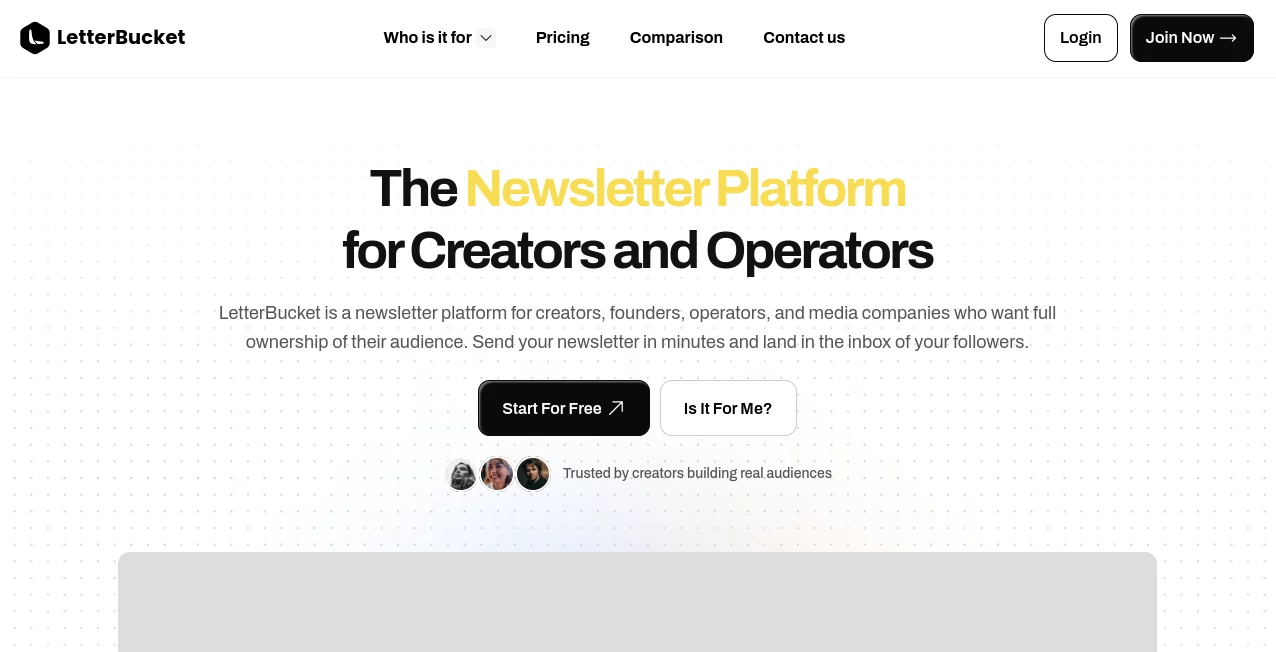
Building a newsletter is about much more than sending emails. It is about creating a direct connection with readers, strengthening a personal or business brand, and owning an audience without depending on social media algorithms. This platform is designed with that philosophy at its core, giving creators, founders, operators, and media teams a complete publishing ecosystem instead of just another email marketing solution.
Rather than separating newsletters, websites, analytics, and subscriber management into multiple services, everything works together in one place. Every published email can automatically become a searchable web article, helping creators reach readers through both inboxes and search engines. The result is a publishing workflow that feels simple while still providing the professional infrastructure needed to grow a long-term audience.
Whether someone is launching their very first newsletter or migrating an established publication, the experience focuses on ownership, branding, and sustainable growth. Subscriber lists remain portable, custom domains strengthen brand identity, and built-in analytics help writers understand what truly resonates with their audience. These features make the platform attractive for professionals who want complete control over their content and community.
Key Features
User Interface
The writing environment is intentionally clean and distraction-free. Users can create newsletters using an intuitive editor, customize branding, select templates, and publish content without navigating complicated menus. Even beginners can launch a professional publication within minutes.
Accuracy & Performance
Fast publishing, reliable email delivery, and real-time performance tracking help creators monitor open rates, subscriber growth, and engagement. The integrated website automatically publishes every newsletter, allowing content to continue attracting visitors long after the email has been sent.
Capabilities
- Create and publish newsletters from a modern editor.
- Automatically generate a public website and blog.
- Connect a custom domain for professional branding.
- Manage subscribers with segmentation tools.
- Import subscribers and content using one-click migration.
- Track newsletter performance through built-in analytics.
- Create automated welcome email sequences.
- Collect feedback using polls.
- Use an integrated AI writing assistant to speed up content creation.
- Export subscriber lists whenever needed.
Security & Privacy
One of the strongest advantages is audience ownership. Subscriber data remains fully under the publisher's control and can be exported at any time. This approach reduces platform lock-in and gives creators confidence that their audience remains their own asset as their publication grows.
Use Cases
- Independent writers publishing premium newsletters.
- Founders building brand awareness through consistent content.
- Marketing teams creating educational email campaigns.
- Consultants sharing industry expertise with subscribers.
- Media companies managing multiple newsletter publications.
- Businesses combining blog content with email marketing.
- Agencies nurturing leads through valuable newsletters.
Pros and Cons
Pros
- Clean and beginner-friendly publishing experience.
- Website and newsletter work together automatically.
- Supports custom domains for stronger branding.
- One-click migration from popular newsletter platforms.
- Built-in analytics and audience segmentation.
- AI writing assistant included.
- Subscriber ownership with easy export options.
- Free plan available for new creators.
Cons
- Designed primarily for newsletter publishing rather than full marketing automation.
- Advanced enterprise workflows may require higher-tier plans.
- Best suited for content-driven businesses rather than traditional email campaigns.
Pricing Plans
A free plan is available for users who want to start publishing without upfront costs. Paid plans unlock additional infrastructure, advanced growth features, and expanded capabilities as publications scale. Enterprise options are also available for organizations managing multiple newsletters or larger audiences.
How to Use LetterBucket
Start by creating an account and setting up your publication name, branding, and public profile. Customize your newsletter appearance, connect a custom domain if desired, and import an existing audience using the migration tool or CSV upload.
Write your first newsletter in the built-in editor, preview the content, and send it to subscribers. Every publication is automatically archived on your website, allowing visitors to discover previous posts. Use analytics to monitor engagement, create audience segments, and continue improving future newsletters based on real performance data.
Comparison with Similar Tools
Unlike many traditional email marketing services that focus mainly on campaigns and automation, this solution combines newsletter publishing, website creation, subscriber management, branding, and audience ownership into a single workflow. Compared with creator-focused publishing platforms, it emphasizes keeping complete control over subscriber data while avoiding dependence on a closed discovery network. For creators who value long-term ownership, this approach offers a compelling balance between simplicity and professional publishing infrastructure.
Conclusion
Growing a successful newsletter requires more than attractive emails. It demands a reliable publishing platform that supports branding, discoverability, subscriber ownership, and long-term audience growth. By combining newsletters, websites, analytics, migration tools, AI-assisted writing, and subscriber management in one ecosystem, this platform delivers a practical solution for creators and businesses that want to build an audience they truly own. Its thoughtful design, professional capabilities, and focus on creator independence make it an excellent choice for modern newsletter publishing.
Frequently Asked Questions (FAQ)
Can beginners use this platform?
Yes. The interface is designed to help new creators publish professional newsletters without technical knowledge.
Can I migrate from another newsletter platform?
Yes. One-click migration allows users to import subscribers, content, and templates from supported platforms.
Does it provide a website?
Yes. Every newsletter can automatically be published on a dedicated website, making content searchable and easier to discover.
Can I use my own domain?
Yes. Custom domain support helps create a fully branded publishing experience.
Is subscriber data portable?
Yes. Subscriber lists remain under the publisher's ownership and can be exported whenever needed.
AI Newsletter , AI Email Marketing .
These classifications represent its core capabilities and areas of application. For related tools, explore the linked categories above.

LetterBucket Alternatives Product

TrackRev

Plainpaper

ModelsLab

Beacons

Newsletter S…

HealCycle

AIOutreach

Weekly Brief

IntoTheBlock