


















Linkedin Speak Translator
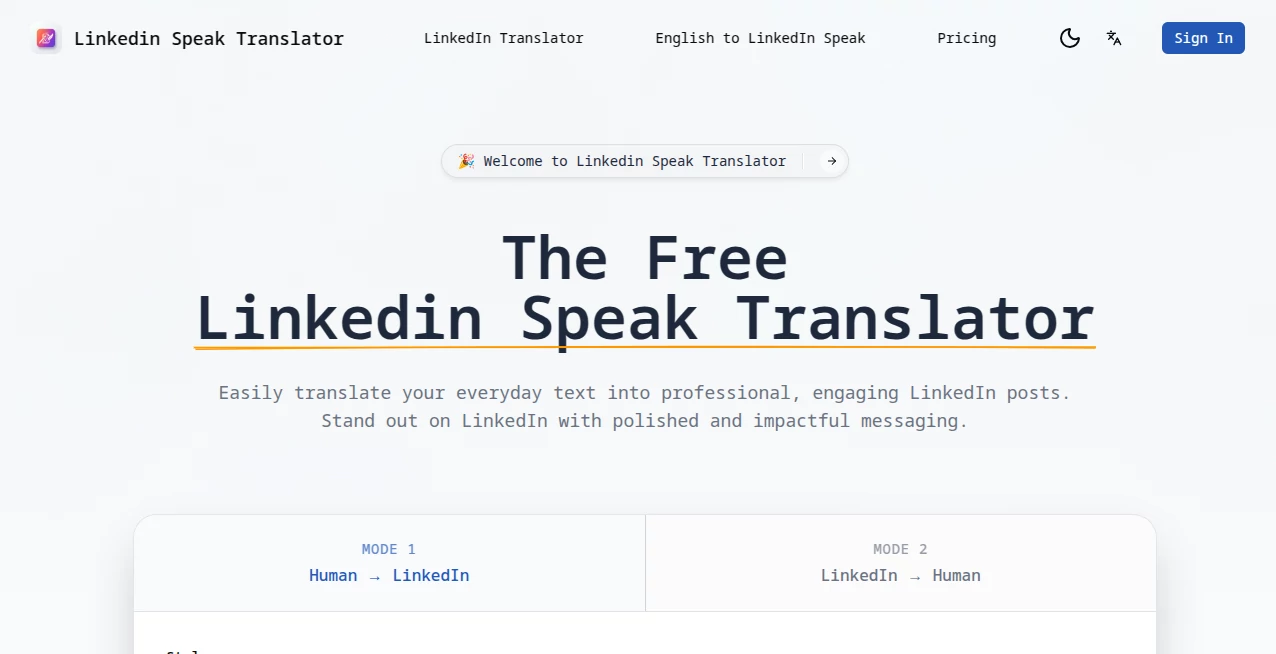
What is Linkedin Speak Translator?
Networking on LinkedIn feels completely different when language is no longer a barrier. You record a voice message or speak during a call, and the other person hears it naturally in their own language—tone, enthusiasm, and personality all preserved. This tool makes that possible in a way that feels smooth and professional. I’ve seen people land international clients and build meaningful cross-border relationships simply because they could communicate naturally without awkward written translations or relying on a third party. It turns LinkedIn from a text-heavy platform into a truly global conversation space.
Introduction
LinkedIn is full of talented professionals from every corner of the world, but language differences still create invisible walls. Most people stick to English or avoid voice messages altogether. This platform removes that friction by offering real-time, high-quality speech translation tailored specifically for professional networking. Whether you’re sending a voice note, recording a video update, or having a live conversation, your words come across clearly and naturally in the listener’s preferred language. It’s not robotic or stiff—it keeps your natural rhythm and warmth, which makes all the difference in building genuine connections.
Key Features
User Interface
The experience is refreshingly simple. You record your voice message or speak live, choose the target language (or let it auto-detect), and the translation happens seamlessly. The interface stays out of the way with clean controls for language selection, playback, and editing. You can review the translated version before sending, and everything feels integrated—like an upgraded version of LinkedIn’s own voice features rather than a clunky add-on.
Accuracy & Performance
The translation quality stands out because it understands professional context—business terms, industry jargon, and polite nuances are handled intelligently. It preserves tone and intent instead of delivering flat, literal translations. Speed is excellent for real-time use, with minimal delay even during live conversations. Many users report that recipients often don’t even realize they’re hearing a translation because it sounds so natural.
Capabilities
It supports voice message translation, live call interpretation, video content dubbing, and written post translation with natural-sounding speech output. You can translate between dozens of languages, adjust formality level for different cultures, and even generate short professional voice notes from text. The tool works both ways, so international contacts can reply in their language and you hear it in yours. It’s built specifically for career and business communication, not general chatting.
Security & Privacy
Your conversations and recordings stay private. The platform uses strong encryption and doesn’t store sensitive voice data longer than necessary for processing. For professionals discussing business opportunities or client matters, this attention to privacy builds real confidence to communicate openly across borders.
Use Cases
A founder in Spain records a voice message to a potential investor in Japan and builds rapport instantly. A recruiter in Germany holds smooth interviews with candidates from Brazil. A consultant based in Dubai shares insights with clients in France without losing any nuance. Sales professionals expand into new markets by sending personalized voice notes in the prospect’s native language. It’s especially powerful for anyone building an international personal brand or managing remote global teams.
Pros and Cons
Pros:
- Natural-sounding translations that preserve tone and personality.
- Specifically optimized for professional and business conversations.
- Fast enough for real-time calls and quick voice messages.
- Makes international networking feel effortless and human.
- Simple workflow that fits naturally into daily LinkedIn use.
Cons:
- Very niche or highly technical jargon may occasionally need minor editing.
- Free tier has daily limits; heavy users benefit from paid plans.
- Works best with clear audio—background noise can reduce accuracy.
Pricing Plans
The free plan gives you a generous number of translations per day, perfect for testing and occasional use. Paid plans unlock unlimited translations, higher quality voices, priority processing, and advanced features like custom voice training. Pricing is reasonable for the doors it opens—many professionals say it pays for itself after landing just one good international opportunity.
How to Use LinkedIn Speak Translator
Install the extension or open the web tool, record your voice message or start a live conversation, select the target language, and let it translate. Review the output if needed, then send directly through LinkedIn or download the audio. For written posts, paste the text and generate a natural-sounding voice version. The whole process feels intuitive—most people get comfortable with it after their first couple of tries.
Comparison with Similar Tools
General translation apps often sound robotic or miss professional nuance. This one is purpose-built for LinkedIn and career communication, delivering more natural results in business contexts. While some tools focus only on text, the combination of voice input, real-time capability, and professional tone makes it stand out for anyone serious about global networking.
Conclusion
LinkedIn’s true power lies in the connections you build, not just the profiles you view. This tool removes one of the biggest remaining barriers—language—and lets professionals communicate with authenticity and confidence across borders. It turns “I wish I could connect with them” into “I just had a great conversation.” In today’s global economy, that ability isn’t just convenient; it’s a genuine competitive advantage. If you’re looking to grow your network internationally, this is one of the smartest tools you can add to your workflow.
Frequently Asked Questions (FAQ)
Does it work during live LinkedIn calls?
Yes, it supports real-time interpretation for voice and video calls.
How many languages are supported?
A wide range covering major business languages worldwide, with more being added regularly.
Can I use it for written posts as well?
Absolutely—you can translate text posts and even generate natural voice versions.
Is my data kept private?
Yes—recordings and translations are handled securely and not stored long-term.
Is there a free version?
Yes, with generous daily limits. Paid plans are for heavier professional use.
AI Translate , AI Speech Recognition , AI Speech Synthesis , AI Voice Assistants .
These classifications represent its core capabilities and areas of application. For related tools, explore the linked categories above.
Linkedin Speak Translator details
Website unavailable — View Alternatives
Pricing
- Free
Apps
- Web App
Categories

Linkedin Speak Translator Alternatives Product

Weblo AI

Gpt Realtime…

Models by Ha…

AI Subtitle …

ModelsLab
SpeechGen AI

Klyra AI

livetalktran…

Chatzy AI
