
















Lyria 3
What is Lyria 3?
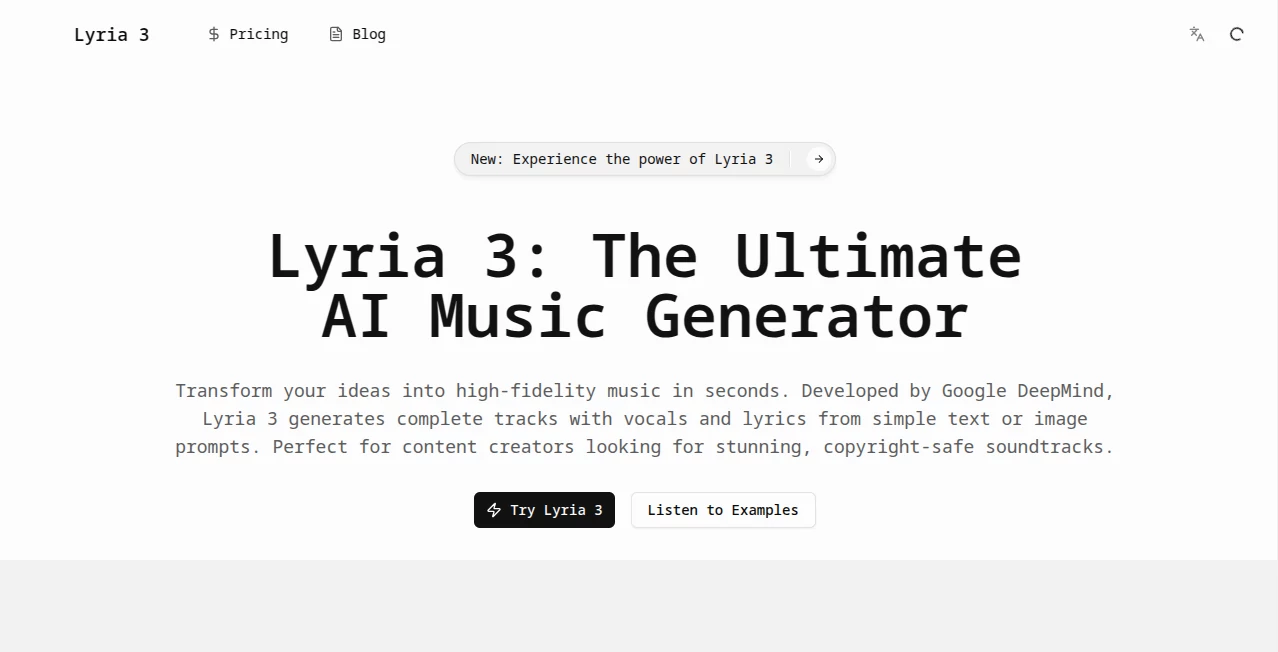
You have probably typed a thousand prompts into AI chatbots to get text or images. But what if you could do the same for music? Think about this. You are editing a short video for social media, or maybe you just want a backing track for a podcast episode. Relying on royalty-free libraries often feels like a dead end. You end up hearing the same generic beats that everyone else uses. It is frustrating and it kills the vibe of your unique content.
This platform completely changes that game. It isn’t just another music generator that spits out random noise. It acts more like a session musician who understands exactly what you need. Whether you have a specific genre in mind or just a feeling you want to capture, this tool handles the heavy lifting. It allows creators to focus on storytelling instead of scrambling to find audio that fits. Honestly, after testing it for a few days, I was shocked at how it understood the mood of a random photo I uploaded. It turned a simple sunset picture into a lo-fi track that sounded like it belonged in a professional film scene.
Key Features
User Interface
You don’t need to be a sound engineer to navigate this space. The dashboard is clean and intuitive. There are no confusing knobs or sliders that require a music degree to understand. You are greeted with a simple text box, an option to upload media, and a generate button. It feels just like using a standard chat application. For busy content creators, this simplicity is a lifesaver. You won't waste time reading manuals. You just jump right in and start creating. The whole process takes about thirty seconds from start to finish, which fits perfectly into a fast-paced workflow.
Accuracy & Performance
Speed matters when you are on a deadline. The engine is extremely fast. Usually, within thirty seconds, your track is ready to play. But speed doesn't come at the cost of quality. The audio outputs at 48kHz stereo. That is studio-level quality. Many other tools generate music that sounds hollow or feels like it is playing through a tin can. That is not the case here. The bass feels warm, the highs are crisp, and the stereo separation makes the track feel alive. It handles performance well even for complex prompts involving multiple instruments.
Capabilities
This is where the magic really happens. First, you can generate music from text alone. Just describe the vibe. "A happy reggae track for a beach party" works perfectly. But the standout capability is multimodal input. You can upload a picture or a short video clip. The AI analyzes the visual data. It looks at the colors, the movement, and the general atmosphere. Then it composes a soundtrack that matches what you see. For example, if you upload a bustling city street video, it will generate rhythmic and urban beats. If you upload a calm forest photo, you get ambient soundscapes. It also handles lyrics well. You can write your own words, or you can tell it a theme, and the AI writes the lyrics for you in a natural, rhyming flow.
Security & Privacy
Nobody wants to get a copyright strike on their YouTube channel. That is a huge worry for modern creators. This platform addresses that fear directly. Every single piece of audio generated comes embedded with SynthID. That is an invisible watermarking technology. It proves the audio was made by AI, which helps with copyright tracing. More importantly, for non-commercial use (and specific paid tiers), the music is cleared for use. You don't have to worry about lawsuits from big record labels because the AI was trained within specific legal boundaries. It respects intellectual property, so you can focus on growing your audience without legal headaches.
Use Cases
This tool is built for the modern creator economy. YouTubers and TikTokers will find it invaluable. Instead of hunting for thirty-second clips on素材 libraries, you generate unique background music that matches your video frame by frame. Podcasters can create unique intro and outro music that sets the tone for their show. No more sharing the same intro music as five other podcasts.
Marketers can generate custom jingles for ad campaigns without hiring a composer. Game developers, especially those working on indie projects or game jams, can generate sound effects or loopable background tracks instantly. Even educators are using it. Imagine a history teacher generating a dramatic orchestral piece to play while showing slides about ancient Rome. It makes lessons more engaging. If you are brainstorming for a film project, you can generate "temp tracks" to lay under your rough cuts to test the emotional flow before hiring a real composer.
Pros and Cons
Pros:
The audio quality is top-tier. It feels professional, not like a cheap synth. The multimodal input (uploading photos/videos) is a unique feature that you won't find in many competitors like Suno or Udio. It is extremely fast, generating high-quality stereo audio in under thirty seconds. The interface is incredibly easy to use, removing the technical barrier for beginners. There is a generous free tier that allows you to test the waters before committing financially.
Cons:
The current track length is capped at thirty seconds. If you are trying to make a full four-minute pop song with verses and a bridge, this tool isn't quite there yet. It is designed for short-form content. Another minor gripe is the lack of granular editing. Once the song is generated, you cannot easily go back and change just the drum beat or the bass line without regenerating the whole track. You get what you get.
Pricing Plans
There are options for everyone, from the casual experimenter to the hardcore power user. The Free Plan gives you access to all the core features, including text and image generation, but with limited daily generations. It is perfect for testing the platform's capabilities. The Google AI Plus tier (around $10-15 equivalent) offers significantly more generations per month, suitable for regular content creators. For professionals and agencies, the Pro and Ultra plans offer the highest usage limits and priority access during peak times. The pricing is competitive, especially considering the seamless integration and the fact that you aren't locked into a separate music subscription service.
How to Use This Platform
Getting started is straightforward. First, navigate to the main interface. You have three main choices. You can type a description like "aggressive trap beat with 808s." You can click the upload button to drop a photo of your artwork or location. Or you can upload a short video clip. Second, review your prompt. If you are generating lyrics, you can toggle between AI-generated lyrics or input your own. Third, hit the "Generate" button. Wait roughly thirty seconds. Fourth, listen to the preview. If you like it, download the MP3 or MP4 (with cover art). If not, tweak the prompt description—maybe add "faster tempo" or "sadder mood"—and hit generate again. It is a rapid iteration loop that lets you land on the perfect sound in minutes.
Comparison with Similar Tools
When you look at the market, Suno and Udio are the big names. They are great for generating longer songs, sometimes up to two or four minutes. However, they rely solely on text prompts. This platform beats them hands down in audio quality and control. The 48kHz stereo output is noticeably cleaner. While Suno's tracks can sometimes sound muddy, the output here is crisp and wide.
Another major difference is the use case. Suno is trying to make "hit songs." This tool is trying to make perfect "content tools." The thirty-second limitation isn't a bug; it is a feature for Shorts and Reels. Furthermore, the visual input feature gives it a massive edge for video editors. If you have a clip, you need music that matches the action. Describing the action with words is hard. Showing the action to the AI is easy. That is the key distinction here.
Conclusion
AI music generation is getting crowded, but this platform carves out a very specific and valuable niche. It isn't trying to replace the artistry of human composers. Instead, it is giving a powerful tool to the average video editor, marketer, or hobbyist. It removes the friction of music licensing and the frustration of searching through endless tracks that almost fit but don't quite work. The thirty-second length perfectly targets the explosive short-form video market. For anyone tired of generic stock music and seeking authentic, custom soundscapes in seconds, this is a no-brainer. It feels like the future of content creation has finally arrived for the audio side of the house.
Frequently Asked Questions (FAQ)
Q: Can I use the music for my YouTube videos?
A: Yes, but check the license. The free tier is generally for non-commercial use (personal projects). If you plan to monetize your videos, you usually need an active paid subscription to cover the commercial rights.
Q: Does it support languages other than English?
A: Absolutely. It supports vocal and lyric generation in eight languages including Spanish, Japanese, French, German, and Korean. You can prompt in English and ask for a song in Korean, and it will translate and sing it accordingly.
Q: Why are my songs only 30 seconds long?
A: The platform is optimized for short-form content like TikTok, Instagram Reels, and YouTube Shorts. The developers focused on density and quality over length. For longer tracks, you might need to use a different tool or piece multiple clips together.
Q: Does it copy famous artists?
A: The AI is designed to avoid mimicking specific existing artists. It generates original compositions. You can request a "soulful female vocal in the style of the 90s," but you cannot say "sing like Adele." This protects the platform and you from copyright issues.
Q: The music sounds a bit generic sometimes. How do I fix that?
A: Be very specific in your prompts. Instead of "pop music," try "upbeat K-pop with synth stabs and a driving bass line." Include specific BPM (beats per minute) or mention specific instruments. The more details you feed it, the less generic the output becomes.