


















lyruno
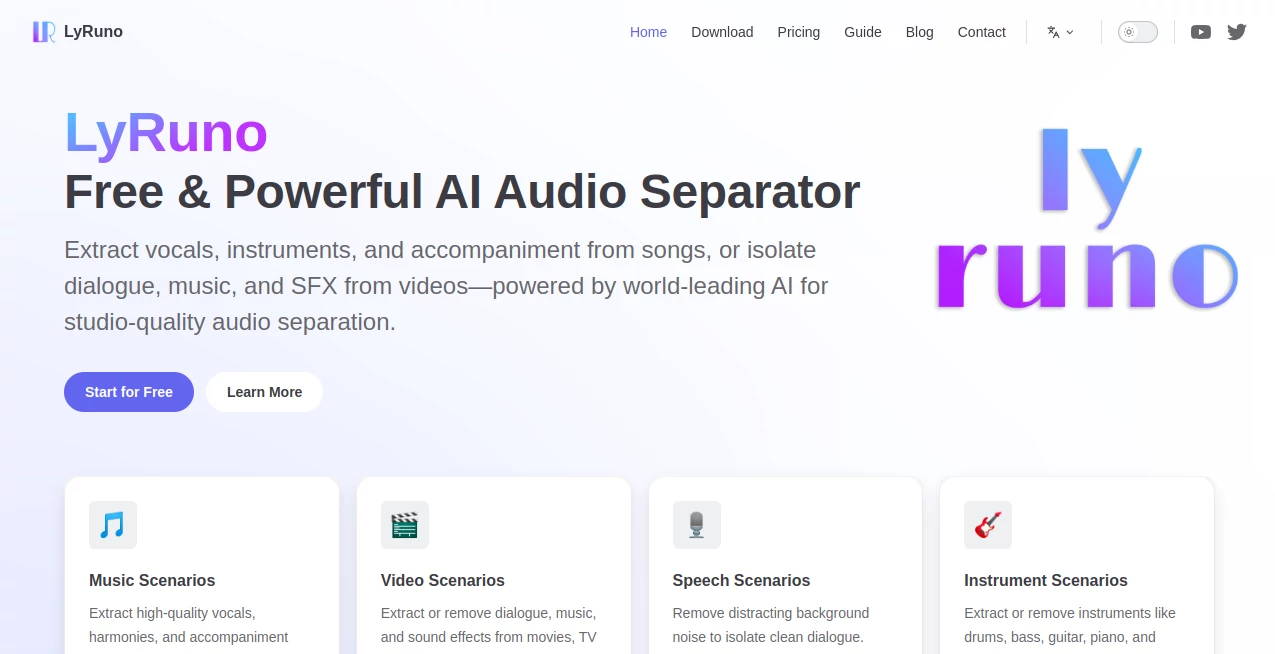
What is lyruno?
Let's be honest: pulling apart a finished song or movie clip to get to the raw pieces usually feels like magic, or a massive headache. Most online tools make you wait forever, upload your files to some unknown server, and then hand you back a muddy mess. It's frustrating, especially when you're on a deadline.
There's a better way to work. Imagine having a professional audio engineer living inside your computer, ready to isolate that crisp dialogue, rip that perfect guitar riff, or create a karaoke track in minutes. That's the kind of straightforward power this desktop application puts right at your fingertips. It handles the heavy lifting locally, so your private content stays on your machine where it belongs.
Key Features
User Interface
Nobody wants to read a manual just to split a track. The beauty here is in the simplicity. You get a clean, three-step workflow: load your file, pick what you want to extract, and let it run. There are no confusing audio engineering terms or cluttered menus. If you can drag and drop a video or song, you're already qualified to use this. The interface gets out of your way and just lets you work.
Accuracy & Performance
This is where this tool really leaves the competition in the dust. Standard vocal removers often leave behind a weird, tinny echo or chop up the background instruments. This one uses industry-leading AI algorithms specifically trained on complex audio. We are talking about extracting a single voice from a crowded café scene in a movie or isolating the bass line in a dense rock song. The results are studio-quality stems that sound clean and natural. Just ask the users on forums who were "amazed" at how it handled separating guitar and drum tracks from a single file .
Capabilities
Versatility is the name of the game. It isn't just for music lovers. Video editors will find the "Dialogue, Music, Effects" (DME) separation a lifesaver. Need to remove the background score from an interview clip? Done. Want to keep just the sound effects from a movie trailer for a project? Easy. Musicians can isolate specific instruments like piano or drums to learn difficult passages. Podcasters can scrub away that annoying hum from a remote guest's track. It handles batch processing too, so you can set it to work on an entire album or a week's worth of raw footage and walk away .
Security & Privacy
In a world where every app wants your data in the cloud, this one does the opposite. Everything runs locally on your own computer. You never have to upload a sensitive business meeting recording, an unreleased song, or private video footage to a third-party server. Once the software is installed, it doesn't even need an internet connection to run its magic . You keep full control of your intellectual property, which is a massive relief for professionals.
Use Cases
Let's look at how different people are actually using this in their daily workflow:
- Video Creators & YouTubers: You shot a great vlog, but the wind noise is terrible, or the music is too loud over your voice. You can strip out the dialogue for cleaning or remove the background music entirely to replace it with a royalty-free track.
- Musicians & Remix Artists: You heard a song with a killer vocal hook but terrible beat. You isolate just the voice and build your own remix around it. Want to practice guitar over your favorite solo? Remove the original guitar track and jam along .
- Post-Production Teams: Working on dubbing a foreign film? You need clean dialogue without the underlying music or explosions. The professional movie separation models pull those audio elements apart perfectly so you can replace the language track seamlessly .
- Podcasters: Your co-host had a sneezing fit right in the middle of a great story. You can isolate the specific vocal track to cut out the noise without messing up the natural flow of the conversation.
Pros and Cons
Strengths:
The biggest win here is the privacy. Local processing is a game-changer. The quality is professional-grade; this isn't a toy. You also get speed if you have the right hardware, thanks to GPU acceleration. It supports virtually every file type you throw at it, from MP4s to FLACs.
Limitations:
There is a bit of a hardware hurdle. To get those blazing fast speeds (like processing a 5-minute track in 2 minutes), you really need a compatible NVIDIA graphics card . If you rely on just a standard CPU, be prepared to wait a bit longer. Also, it is currently built specifically for Windows, which leaves Mac users looking for alternatives.
Pricing Plans
You have two clear paths here, and neither feels like a rip-off.
Community Version (Free):
This isn't a crippled trial. It is genuinely usable forever. You get high-quality separation for basic vocals, instruments, and standard DME tasks. You also get batch processing and GPU acceleration. It’s perfect for hobbyists and casual creators who need reliable results without spending a dime .
Professional Plan ($19/month):
This is for the pros who need the absolute best. You unlock the "secret sauce" models: premium harmony processing, advanced vocal extraction that keeps every breath and nuance, and top-tier movie soundtrack separation. You also get priority technical support. If you are delivering client work or working on high-value projects, the subscription pays for itself in saved time and quality .
How to Use It
Getting started takes about ten seconds. First, you open the application. You click the big area in the center to browse for your file, or you just drag your video or audio file directly into the window. It supports MP4, MKV, MP3, WAV, and more.
Next, you choose the "model." This is where you tell the AI what you want. Do you want to remove the vocals? Isolate the drums? Separate the dialogue from the sound effects? Just click the scenario that matches your goal.
Finally, you hit process. You will see a progress bar, and depending on your computer's power, it could take 30 seconds or 15 minutes. Once it's done, the new audio stems pop up right next to the original file. You can play them instantly using the built-in player to make sure you got exactly what you needed .
Comparison with Similar Tools
You might have heard of Ultimate Vocal Remover (UVR). It is a powerful open-source tool, and it is free. However, UVR is mostly focused on music. If you try to separate a movie clip into dialogue and sound effects, it gets confused. This tool has specific DME models trained on cinema, which UVR lacks .
Then there is Moises. It is great for musicians, but it is primarily a cloud-based app. You have to upload your songs to their servers, which raises privacy flags for many professionals. You also hit paywalls on track length and features. With this desktop tool, you pay once for the subscription (or use the free version) and process unlimited files locally without ever worrying about a monthly upload limit.
Finally, consider iZotope RX. It is the Hollywood standard, but it costs hundreds of dollars and is incredibly complex. If you are a professional sound engineer restoring audio for a blockbuster, you need RX. But if you are a YouTuber, musician, or small studio needing clean stems without a steep learning curve or massive price tag, this is the smarter choice.
Conclusion
Sometimes, the best tool is the one that simply works and gets out of your way. You don't need to be a sound engineer to extract a perfect vocal track or isolate a specific line of dialogue from a noisy video. This application puts professional-grade AI power directly on your desktop, respecting your privacy and your time. Go ahead and download the free version. Separate a file you have struggled with using other tools. You will likely be surprised, just like the rest of us, by how clean the results actually are.
Frequently Asked Questions (FAQ)
Is this really free to use?
Yes. The Community Version is free forever and covers all the basic and essential separation models for music and video. The Professional plan is just for users who need the absolute top-tier quality for commercial work.
Does it require an internet connection?
No. Once installed, everything runs locally on your machine. Your files never leave your computer. It will check for a license when you start it, but you can disconnect the internet right after and it will still work perfectly .
Why is it processing so slowly on my computer?
The speed depends entirely on your graphics card. If you have an NVIDIA GPU (4GB or higher), the software uses intelligent acceleration to finish tracks in minutes. If you are using a standard laptop without a dedicated GPU, the processing will rely on your CPU, which is much slower. You can tweak the quality settings in the menu to speed it up if needed .
Can I use this for commercial projects?
Absolutely. You own the output. Whether you use the free version or the Pro plan, the stems you create are yours to use in YouTube videos, albums, films, or podcasts without any royalties going back to the software maker.
AI Audio Enhancer , AI Video Editor , AI Speech Recognition , AI Voice & Audio Editing .
These classifications represent its core capabilities and areas of application. For related tools, explore the linked categories above.

lyruno Alternatives Product

Mp3ToMidi

CapCut

Soniq Chat

SAM Audio

Inpodcast AI

AI Motion Co…

SuperAI

Leonardo.ai
remove bg vi…
