


















Maskr.io
What is Maskr.io?
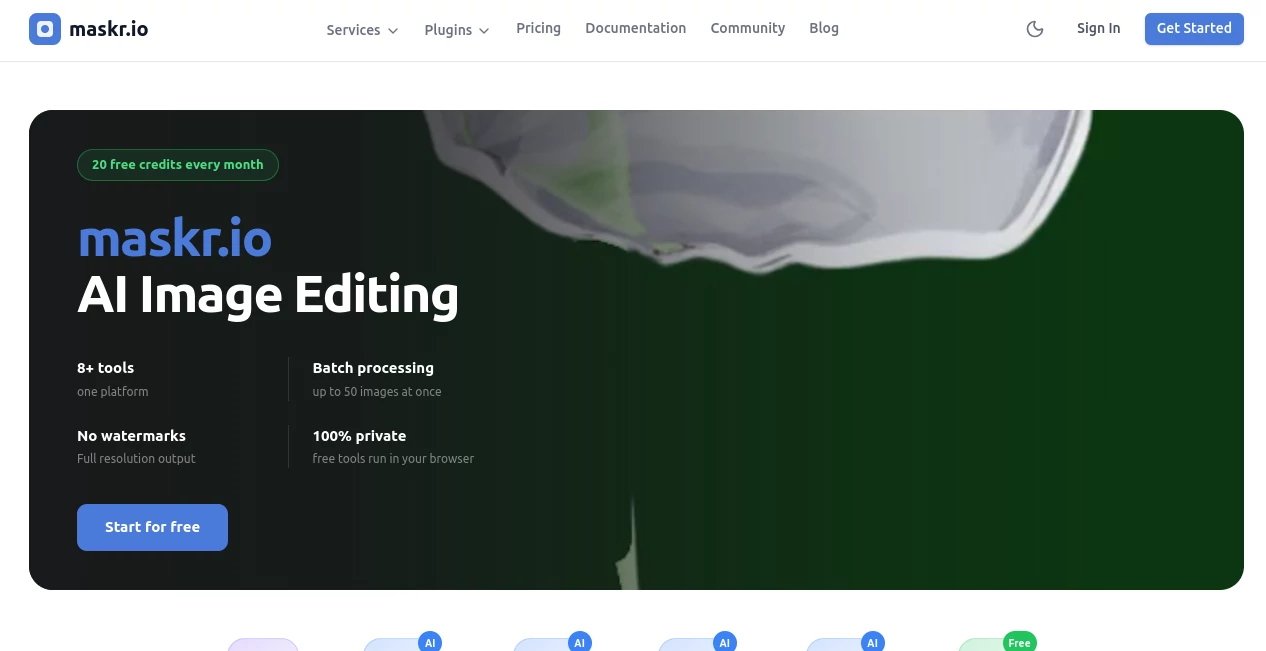
In a world where visual content defines digital presence, having precise control over image editing is no longer optional. This platform is designed to simplify advanced image masking and background manipulation so creators, marketers, and designers can achieve professional-quality results without needing complex software or technical skills.
It brings together automation and creative flexibility, allowing users to isolate subjects, remove backgrounds, and refine visual elements in seconds. Whether you are preparing product images for an online store or building creative assets for social media campaigns, it offers a smooth and efficient workflow that feels surprisingly effortless.
Key Features
User Interface
The interface is designed with simplicity in mind. Users can upload images, apply masking tools, and adjust results with minimal effort. The workflow is intuitive, reducing the learning curve even for beginners while still offering enough depth for professionals.
Accuracy & Performance
The platform focuses heavily on precision. Edges are detected cleanly, even in complex subjects like hair, transparent objects, or intricate product shapes. Processing is fast, allowing users to handle multiple images without delays or interruptions.
Capabilities
Beyond basic background removal, it supports advanced masking controls, fine-tuning options, and export flexibility. Users can prepare assets for e-commerce, marketing visuals, presentations, and more without switching between multiple tools.
Security & Privacy
Uploaded content is handled securely, ensuring that user data and images remain protected throughout the processing workflow. This makes it suitable for both personal and professional use cases where confidentiality matters.
Use Cases
- E-commerce product photography enhancement
- Social media content creation and branding
- Marketing campaign visuals and ads
- Graphic design and digital art preparation
- Presentation and portfolio improvement
Pros and Cons
Pros
- Fast and automated image masking
- High-quality edge detection
- User-friendly interface for all skill levels
- Useful for both personal and business workflows
- No heavy software installation required
Cons
- Advanced editing options may still require manual refinement
- Best results depend on image quality
- Internet connection required for processing
Pricing Plans
The platform typically follows a flexible pricing structure, often including a free tier for basic usage and paid plans for higher resolution exports, batch processing, and advanced features. This makes it accessible for individuals while still scalable for professional teams and businesses.
How to Use This Tool
- Upload an image to the workspace
- Select the area or subject to be masked
- Let the system automatically process the image
- Refine edges or adjust details if needed
- Export the final image in your preferred format
Comparison with Similar Tools
Compared to traditional manual editing software, this solution significantly reduces the time required for background removal and masking tasks. While some alternatives offer broader editing suites, this platform focuses on speed, precision, and simplicity, making it ideal for users who prioritize efficiency and clean results over complex editing environments.
Conclusion
For anyone working with visual content, having a reliable and fast masking solution can make a noticeable difference in productivity. This platform delivers a balanced combination of automation and control, making it a practical choice for designers, marketers, and business owners who need high-quality image results without unnecessary complexity.
Frequently Asked Questions (FAQ)
Is it suitable for beginners?
Yes, the interface is designed to be intuitive and requires no prior editing experience.
Can it handle complex images?
Yes, it performs well even with detailed subjects like hair, objects with soft edges, or layered backgrounds.
Do I need to install software?
No, it works directly in the browser without installation.
Is it useful for business use?
Yes, it is widely applicable for e-commerce, marketing, and professional design workflows.
Can I export high-quality images?
Yes, export options typically support high-resolution outputs suitable for professional use.
Photo & Image Editor , AI Background Remover , AI Image Segmentation , AI Image Recognition .
These classifications represent its core capabilities and areas of application. For related tools, explore the linked categories above.

Maskr.io Alternatives Product

Reverse Imag…

Brave Pink H…

SurgePix
Kirkified AI
picremake

AI Ease AI P…
Image Text E…

Square Image

Klyra AI
