
Memmy
What is Memmy?
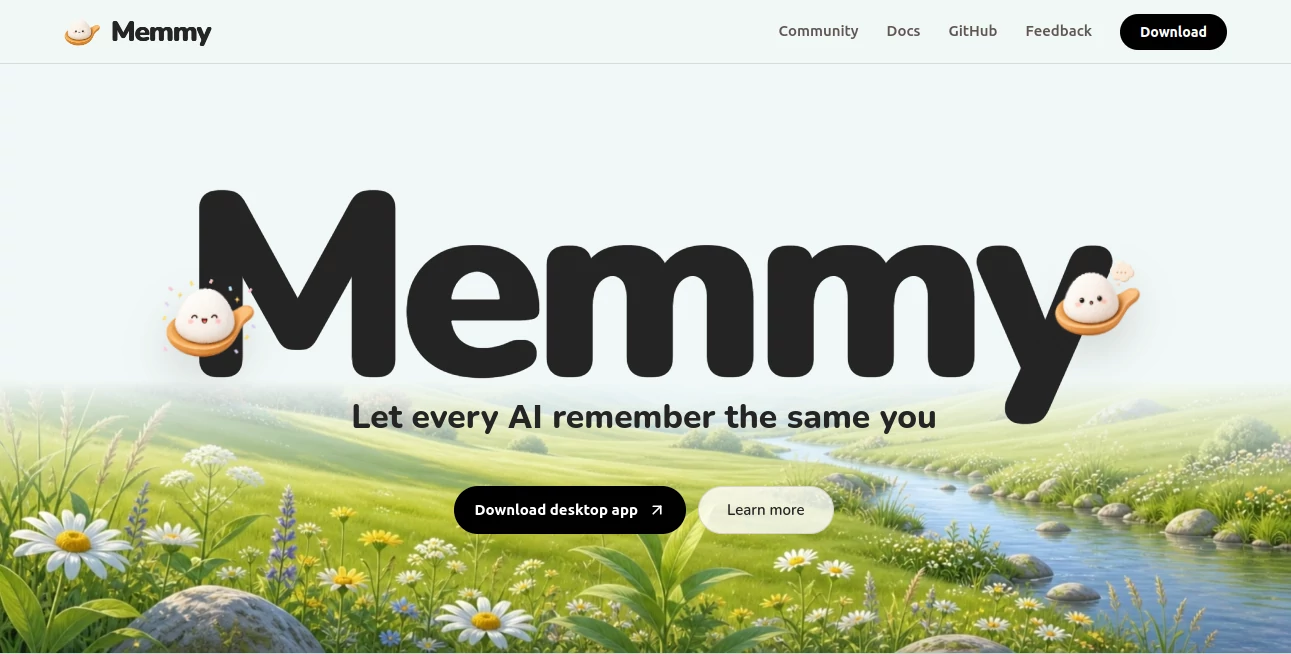
Memmy is a local-first AI memory hub and agent runtime built for people who work with several AI assistants and coding tools. Instead of keeping project decisions, preferences, conversations, and useful context scattered across different applications, it brings that information into one shared memory layer.
The idea is refreshingly practical: you build context once and make it available wherever you work. A developer can move from Cursor to Claude Code or Codex without starting from zero, while everyday users can keep their preferences and ongoing work available to an AI agent over time.
The platform can scan authorized conversation history, organize useful information into structured memory, and retrieve relevant pieces when another AI tool needs them. It also works as an agent on its own, allowing users to hand it tasks such as organizing material, combining plans, or continuing unfinished work.
For people who regularly switch between AI assistants, this approach can remove one of the most annoying parts of modern AI workflows: repeatedly explaining the same project, preferences, and decisions.
Key Features
- Shared long-term memory across multiple AI agents
- Local-first storage using SQLite by default
- Conversation history scanning from supported AI coding tools
- Memory deduplication, organization, indexing, and search
- Relevant context injection instead of sending an entire history
- Desktop application for Windows and macOS
- Command-line interface for developer workflows
- HTTP API for connecting external tools and applications
- Support for multiple model providers and BYOK workflows
- Agent capabilities for handling tasks directly
- Tool and messaging integrations
- Voice input, attachments, sessions, and slash commands
User Interface
The desktop experience is designed around a central workbench rather than a simple chat box. Users can access conversations, memory, tools, settings, and agent functionality from the same environment. There is also an always-on-top mini window that can be used to send quick text or voice requests without constantly returning to the main workspace.
The memory panel is particularly useful for users who want visibility into what has been retained. Instead of treating memory as something hidden in the background, the system gives users control over the information being stored and how it is used.
For developers who prefer working from a terminal, the CLI provides another route into the same environment. This makes the product feel less like another standalone chatbot and more like infrastructure that can fit around an existing workflow.
Accuracy & Performance
Its approach to memory retrieval is more selective than simply attaching an entire conversation history to every request. The system prepares queries using semantic information, keywords, and structural details before retrieving candidate memories. Retrieved items are then filtered, deduplicated, and ranked before being passed to the active agent.
This matters in practical situations. Imagine spending several hours deciding how a software project should be structured, then opening a different coding assistant the following day. Rather than manually reconstructing every decision, the relevant project context can be retrieved when it is needed.
Performance also benefits from local processing and asynchronous memory operations. Embedding and memory-evolution tasks can run in the background, reducing the need to make every memory operation part of the active conversation.
Capabilities
The platform goes beyond simple note-taking. It can scan histories from tools such as Cursor, Claude Code, Codex, OpenCode, OpenClaw, and other supported agents, turning previous interactions into reusable memory.
Its memory architecture can retain several levels of information, including conversation traces, policies, project knowledge, and reusable skills. This gives long-running projects a way to accumulate experience instead of treating every AI session as an isolated event.
It can also connect with services and communication channels such as GitHub, Gmail, Notion, Slack, Linear, Jira, Telegram, Discord, WeChat, Feishu, and DingTalk through supported integrations. Developers can additionally expose it through a local API that follows the OpenAI Chat Completions protocol.
Model flexibility is another strong point. Users can work with supported providers such as OpenAI-compatible services, Anthropic, Gemini, DeepSeek, and Ollama, making the setup suitable for people who do not want their workflow tied to one model provider.
Security & Privacy
Privacy is one of the product's strongest selling points. Memory is stored locally on the user's device by default, with the local SQLite database serving as the primary memory store. The website states that memory data is not uploaded to a remote server as part of the normal local-first workflow.
Conversation scanning also requires explicit authorization. Users can control which sources are enabled, decide which agents can access memory, and view or delete stored memories. This is an important distinction for developers working with private code, internal project discussions, or sensitive working preferences.
API access is protected with tokens, while configuration can reference environment variables so API keys do not need to be hard-coded into configuration files.
Use Cases
Multi-agent development: Developers who alternate between several coding assistants can maintain a shared layer of project knowledge instead of rebuilding context each time.
Long-running software projects: Technical decisions, recurring problems, project constraints, and successful approaches can accumulate into a useful body of working memory.
Personal AI assistant: Users can maintain preferences and ongoing context across conversations, making an AI assistant more useful over longer periods.
Switching AI providers: If one model or coding assistant is temporarily unavailable, users can move to another supported agent while keeping important context available.
Research and planning: Previous discussions can be organized and combined when preparing plans, documentation, or summaries.
Developer automation: The CLI, API, integrations, and agent runtime make it possible to incorporate persistent AI context into more technical workflows.
Pros and Cons
Pros:
- Local-first approach to personal AI memory
- Useful for people who use several AI tools
- Open-source and free
- Supports both desktop and command-line workflows
- Can reuse existing AI conversation history
- Provides granular memory and source controls
- Supports multiple model providers
- Offers an API for custom integrations
Cons:
- The initial setup can feel more technical than a conventional chatbot
- Some advanced functionality requires configuring model providers or API keys
- The biggest benefits appear when using multiple AI agents regularly
- Support and integrations may evolve as the open-source project develops
Pricing Plans
The platform is currently presented as free and open source, with desktop support for macOS 12+ and Windows 10+. Users can choose between an account-based setup with platform trial tokens or a BYOK approach using their own model-provider API keys.
The BYOK option is particularly appealing to developers who already maintain accounts with AI model providers and want to control their own model usage and quota. Optional capabilities such as speech recognition and image generation can be configured separately rather than being required for normal chat and memory functionality.
How to Use Memmy
Start by installing the desktop application on a supported Windows or macOS computer. During the first setup, choose either the account mode or the API Key mode and configure the primary model connection.
Once the initial connection is working, send a simple task from the main workbench. This provides a straightforward way to verify that the agent is operating correctly before moving on to more advanced features.
Next, open the memory settings and authorize the AI sources you want to use. Conversation histories from supported coding agents can then be scanned and converted into structured memory.
After that, the relevant integrations, tools, channels, and agent skills can be configured according to your workflow. Developers who prefer terminal-based operation can also use the CLI, while more advanced users can run the local API and connect compatible applications to the same environment.
Comparison with Similar Tools
Traditional AI chat applications generally keep context inside individual conversations or within a single product ecosystem. That works well for short interactions, but it becomes less convenient when a user regularly moves between different assistants.
This platform takes a different route by placing memory between the user and multiple AI agents. The goal is not to replace every assistant but to give them access to a common layer of relevant context.
Dedicated note-taking applications are also useful for storing information, but they typically require users to manually organize and retrieve their notes. Here, memory can be captured from authorized AI interactions and automatically prepared for future retrieval.
For developers in particular, the combination of persistent memory, agent tooling, CLI access, local storage, and an API makes this a more infrastructure-oriented option than a conventional AI productivity application.
Conclusion
For anyone tired of explaining the same project, preferences, and decisions to different AI assistants, Memmy offers a compelling solution. Its strongest idea is simple: your AI tools should share your context instead of forcing you to start over every time you switch applications.
The local-first architecture, open-source model, multi-agent support, and developer-friendly interfaces make it especially interesting for technical users. It is also flexible enough to serve as a personal desktop agent rather than functioning solely as a background memory service.
The result is an AI workflow that feels more continuous. Instead of treating every conversation as a fresh beginning, users can build a growing layer of knowledge and experience that follows their work across supported agents.
Frequently Asked Questions (FAQ)
What is Memmy used for?
It provides shared long-term memory for AI agents and can also act as a standalone desktop agent. It is particularly useful for people who regularly work with multiple AI coding or productivity tools.
Does it store memory locally?
Yes. The default setup stores memory locally on the user's device using SQLite. The local-first design is intended to keep personal memory under the user's control.
Which AI tools can share memory?
Supported sources include tools such as Cursor, Claude Code, Codex, OpenCode, OpenClaw, and other supported agents. The available integrations can change as the project develops.
Can developers use their own API keys?
Yes. The BYOK setup allows users to connect supported model providers using their own API keys and manage their own model quota.
Is it free?
Yes. The project is currently offered as free and open source, with desktop support for macOS 12+ and Windows 10+.
Does it work without voice or image models?
Yes. Voice input and image generation are optional capabilities and are not required for standard conversations or memory functionality.
AI Knowledge Management , AI Productivity Tools , AI Knowledge Base , AI Developer Tools .
These classifications represent its core capabilities and areas of application. For related tools, explore the linked categories above.

Memmy Alternatives Product

Astic AI

Weekly Brief

Debate Tello…

ace.me

Khuram Youraj

Magpie

Nifty

LPM 1.0
Kimi K2.5