

















MemoryLake
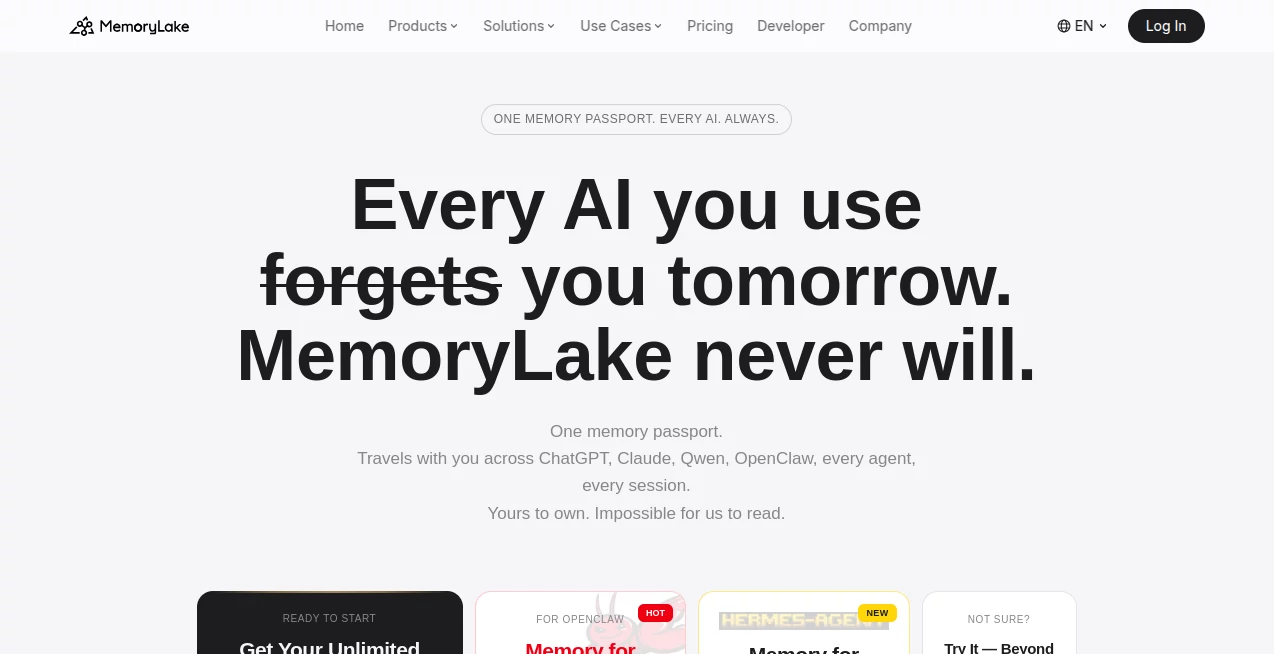
What is MemoryLake?
Most AIs forget you the moment the chat ends. You explain your preferences, your work style, your life context—and the next day it’s like you never met. This platform changes that completely. It gives you one portable, private memory that follows you from ChatGPT to Claude to any other model or agent you use. I’ve watched people build incredibly rich, long-term relationships with AI because their context never gets lost. It feels less like talking to a tool and more like working with a colleague who actually remembers everything important. That single shift makes AI dramatically more useful over time.
Introduction
We’ve all experienced the frustration: you spend twenty minutes explaining your project, your constraints, and your goals, only for the AI to forget it all in the next conversation. MemoryLake solves this by creating a secure, personal memory layer that lives outside any single model. It stores facts, preferences, documents, conversations, and even learned skills in a structured, searchable way. The best part? It works across every major AI you already use. No more repeating yourself. No more starting from zero. Your memory becomes something you own, control, and carry with you—turning temporary chats into a genuine long-term partnership with AI.
Key Features
User Interface
The experience is refreshingly straightforward. You connect your favorite AIs once, then everything just works in the background. When you want to add something important, you can drop in documents, speak naturally, or simply continue your normal conversations. The memory builds itself intelligently while giving you full visibility and control through a clean dashboard. It never feels technical or overwhelming—more like having a very organized assistant who quietly keeps track of everything that matters to you.
Accuracy & Performance
What stands out is how intelligently it handles real-world messiness. It detects conflicts between old and new information, keeps version history, and maintains full traceability so you always know where each memory came from. Retrieval is fast and context-aware, meaning the right details surface exactly when needed. Users regularly mention how much more useful their AIs become once they stop forgetting key details—projects move faster, fewer mistakes happen, and the AI starts to feel like it truly knows them.
Capabilities
It supports multimodal memory—text, PDFs, Excel files, images, audio, and video all get properly understood and stored. You get background facts that never change, event timelines, conversation history, learned skills, and deep reflections on how you think and decide. The memory travels with you across tools and can even be shared selectively with agents when you want. It’s built for both personal use and serious professional or team workflows, with strong conflict resolution and audit trails that give confidence even in high-stakes environments.
Security & Privacy
Your memory is encrypted end-to-end and architecturally private—the team behind it literally cannot read your data. You own it completely: export everything anytime, delete it permanently, or control exactly what each AI can see. With certifications like SOC 2, ISO 27001, and GDPR compliance, it’s designed for people who care deeply about keeping their information safe while still making it useful across tools.
Use Cases
A researcher keeps years of paper readings, experiment notes, and evolving hypotheses in one place that every AI can reference accurately. A founder maintains company context, client preferences, and strategic decisions that all team agents can access consistently. A power user builds a rich personal knowledge base that makes every new AI conversation feel deeply personalized from the first message. Creative professionals store style preferences, project history, and inspiration sources so their AI collaborators stay on-brand across long projects. Wherever continuity and accuracy matter, this becomes an invisible but essential foundation.
Pros and Cons
Pros:
- Finally gives AI true long-term memory that travels across all your tools.
- Multimodal support handles documents, images, and conversations intelligently.
- Strong privacy architecture—you own and control your data completely.
- Conflict detection and versioning prevent the usual drift and hallucinations.
- Works with the AIs you already use—no need to switch platforms.
Cons:
- Best results come after you’ve built up a meaningful amount of memory.
- Advanced team and enterprise features require paid plans.
- Like any memory system, the quality depends on what you feed it.
Pricing Plans
It starts completely free so you can experience the difference a real memory layer makes. Paid plans unlock higher usage limits, advanced features, team sharing, and priority support. The pricing feels reasonable for how much time and frustration it saves once your memory grows. Many users say they couldn’t imagine going back to forgetful AIs after trying it.
How to Use MemoryLake
Sign up and connect the AIs you already use. Start feeding it important information—past conversations, key documents, personal preferences, or project details. Use it naturally in your daily work and watch the memory build over time. When chatting with any connected AI, it automatically pulls relevant context so responses stay consistent and informed. Need to add something specific? Just tell it directly or upload a file. Review, search, or export your memory anytime. The more you use it, the more valuable it becomes.
Comparison with Similar Tools
Most AI memory solutions are either tied to one specific app or feel like simple vector stores that lose context quickly. This one stands apart with its cross-platform portability, strong conflict resolution, multimodal capabilities, and genuine user ownership. It’s less about temporary chat history and more about building a real, lasting cognitive layer that grows with you across every AI you touch.
Conclusion
AI becomes dramatically more powerful when it stops forgetting. This platform makes that possible in a way that feels secure, private, and genuinely useful. It turns scattered conversations into a coherent, evolving understanding that follows you everywhere. For anyone serious about getting the most out of AI—whether for work, creativity, research, or personal growth—it’s one of the most meaningful upgrades you can make. Once your memory starts traveling with you, it’s hard to imagine working any other way.
Frequently Asked Questions (FAQ)
How private is my memory really?
Extremely. End-to-end encryption and architecture mean even the team cannot access your content.
Does it work with every AI?
It works with all major models and agents through simple integration—ChatGPT, Claude, and many others.
Can I share memory with my team?
Yes—paid plans support secure team memory sharing with granular controls.
What kinds of data can I store?
Almost anything—documents, conversations, images, audio, skills, preferences, and more.
Is there a free way to try it?
Yes, the free tier is generous and lets you experience the core memory features immediately.
AI Knowledge Management , AI Productivity Tools , AI Knowledge Base , AI Notes Assistant .
These classifications represent its core capabilities and areas of application. For related tools, explore the linked categories above.

MemoryLake Alternatives Product

photo to URL

David One

Kaamfu

MyMap.AI

UPDF AI

HTMLSlides

Meet-Ting

Discord Time…

Sourcetable
