
Menlo Security
What is Menlo Security?
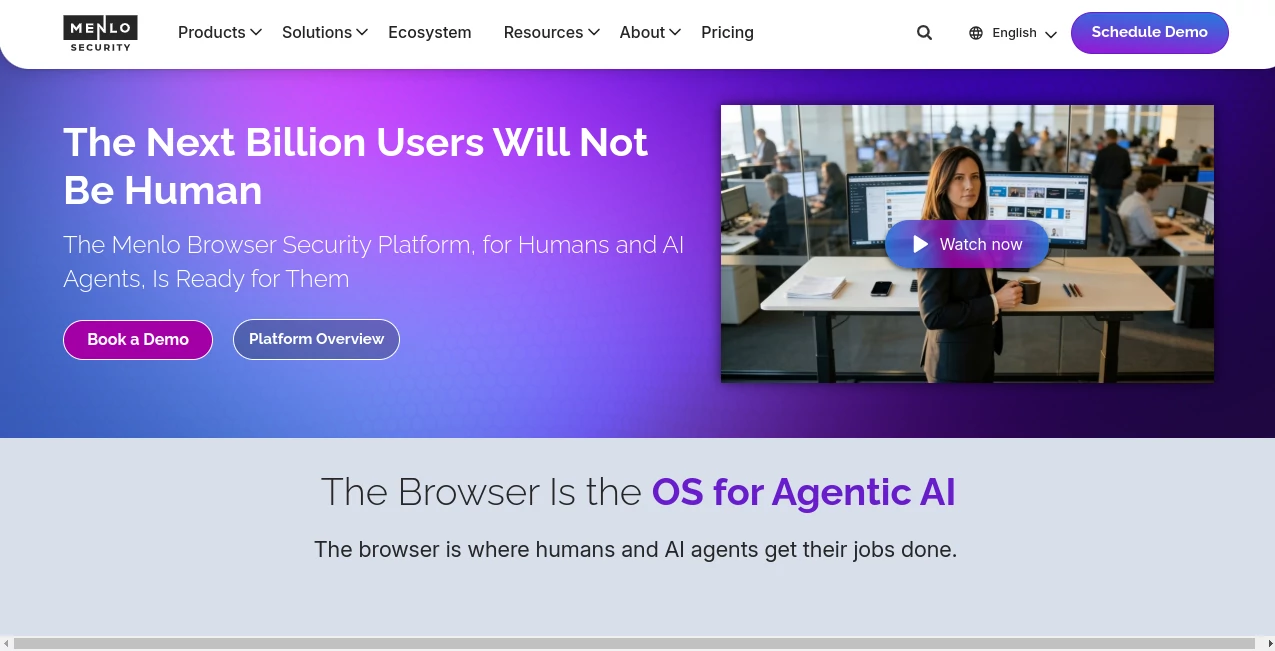
Modern organizations rely on browsers for almost every task, making them a primary target for cyber threats. This platform delivers browser-based protection that helps businesses secure employees, AI agents, and sensitive information without interrupting daily work. Its cloud-native approach blocks threats before they reach devices while keeping browsing fast and familiar.
Key Features
User Interface
The management console is clean and organized, allowing security teams to monitor browser activity, apply policies, and review incidents from a single dashboard.
Accuracy & Performance
Threats are isolated before reaching endpoints, reducing exposure to phishing, malware, and zero-day attacks while maintaining a smooth browsing experience.
Capabilities
- Secure enterprise browsing
- Protection for AI agents and human users
- Zero Trust browser access
- File and data protection
- Real-time browser visibility
- Cloud-based threat isolation
Security & Privacy
Security is built around browser isolation, data protection, and centralized policy management. Organizations can reduce data leakage risks while giving employees secure access to web applications and online services.
Use Cases
- Protect enterprise users from browser-based attacks.
- Enable secure remote work without sacrificing productivity.
- Secure AI-assisted workflows inside the browser.
- Strengthen Zero Trust security strategies.
Pros and Cons
Pros
- Strong browser-focused protection.
- Cloud-native deployment.
- Excellent visibility into browsing sessions.
- Supports both users and AI agents.
Cons
- Designed mainly for enterprise environments.
- Custom pricing requires contacting the sales team.
Pricing Plans
Pricing is available through custom enterprise quotes based on deployment size and business requirements.
How to Use Menlo Security
Request a demo, deploy the browser security platform, configure security policies, connect your existing environment, and begin monitoring browser activity from the centralized dashboard.
Comparison with Similar Tools
Unlike traditional web filtering or endpoint security solutions, this platform focuses directly on the browser, where most modern work happens. Its browser isolation technology and support for AI-driven workflows provide an extra layer of protection that many conventional security products do not offer.
Conclusion
For organizations looking to strengthen browser security without disrupting employee productivity, this solution offers a practical and forward-looking approach. Its combination of cloud protection, Zero Trust principles, and AI-ready capabilities makes it a valuable choice for modern enterprises.
Frequently Asked Questions (FAQ)
What does this platform protect?
It secures web browsing sessions, applications, files, and enterprise data against browser-based threats.
Is it suitable for remote teams?
Yes. It is designed to provide secure browser access for distributed workforces.
Does it support AI-powered workflows?
Yes. It includes security controls for AI agents and browser-based AI activities.
Is there a free plan?
No public free plan is listed. Businesses can request a demo and receive custom pricing.
AI Productivity Tools , AI Team Collaboration , AI Developer Tools , Other .
These classifications represent its core capabilities and areas of application. For related tools, explore the linked categories above.

Menlo Security Alternatives Product

MeetAssist

globalize.now

URL to Any

Latency Atlas

Lexikon AI

photo to URL

bridger west…

PDFgear

Prava Ai