

















Mila

What is Mila?
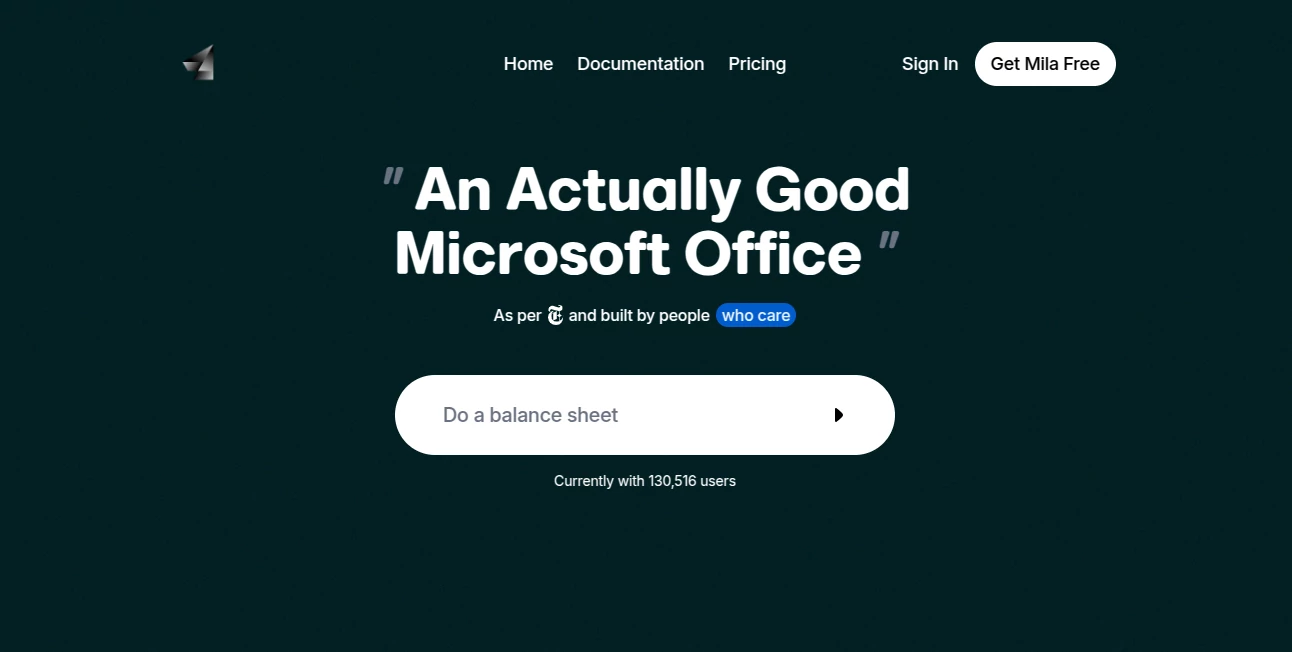
There’s something refreshing about opening a document editor and not feeling immediately overwhelmed by toolbars and complexity. Mila delivers exactly that feeling—a clean, modern workspace where AI helps you get things done instead of getting in the way. Whether you’re writing a report, building a spreadsheet, or putting together slides, it combines real-time collaboration with smart assistance in a way that feels natural. I’ve watched teammates go from dreading presentation prep to finishing polished decks in under an hour. It’s one of those rare tools that makes you wonder why office software hasn’t always been this pleasant.
Introduction
Most of us have a love-hate relationship with traditional office suites—they get the job done, but they’re clunky, slow to start, and often get in the way of actual thinking. Mila changes the script. It’s built from the ground up as an AI-native collaborative workspace for documents, spreadsheets, and presentations. The result is an experience that feels lighter and more intuitive than Google Workspace or Microsoft 365, while still offering the power users need for real work. What started as a better way to create has become a favorite for students, freelancers, small teams, and even larger organizations looking for something fresher. The best part? It respects your time and your focus.
Key Features
User Interface
The design is calm and purposeful—no ribbon explosions or hidden menus. Everything important sits where your eyes naturally go, and AI features appear exactly when you need them. Real-time collaboration works smoothly, with clear cursors and comments that don’t interrupt flow. Switching between docs, sheets, and slides feels seamless. It’s the kind of interface that disappears so you can focus on your content instead of fighting the software.
Accuracy & Performance
The AI understands context remarkably well—whether you’re asking it to summarize long sections, generate tables from rough notes, or suggest slide layouts that actually make sense. Responses are fast, edits are precise, and the system rarely hallucinates or goes off-track. Performance stays snappy even with large documents or multiple collaborators. It’s reliable enough that you start trusting it with important work instead of just playing around.
Capabilities
You can generate full documents from a simple prompt, turn bullet points into professional slides, create formulas and charts from plain English descriptions, and collaborate with your team in real time. AI can rewrite sections, translate content, extract insights from data, and even help design clean, modern layouts. It supports importing from Word/Excel/PowerPoint and exporting back out cleanly. The blend of traditional office features with thoughtful AI makes it feel like a genuine next-generation suite rather than just another clone.
Security & Privacy
Your documents stay private by default. Collaboration is secure and controlled, with proper permission levels and encryption. The team clearly thought about enterprise needs without making the product feel corporate and heavy. For freelancers and small teams who value both simplicity and peace of mind, this balance is hard to beat.
Use Cases
A student pastes rough lecture notes and gets a well-structured study guide with summaries and key points in minutes. A startup founder drafts a pitch deck from bullet points and has something investor-ready by the end of the afternoon. A marketing team collaborates on campaign reports in real time, with AI helping clean up language and suggest better visuals. Small business owners create professional invoices, proposals, and reports without needing a designer or accountant on speed dial. It shines wherever people need to turn ideas into polished output quickly.
Pros and Cons
Pros:
- Beautiful, distraction-free interface that actually feels enjoyable to use.
- AI assistance that helps rather than overwhelms.
- Strong real-time collaboration with smooth performance.
- Free tier is genuinely useful for individuals and small teams.
- Modern design that makes your work look better without extra effort.
Cons:
- Still growing—some advanced Excel-style functions may not match decades-old desktop tools yet.
- Heavy enterprise features (like advanced admin controls) are still maturing.
Pricing Plans
Mila offers a solid free plan that covers most individual and small-team needs. Paid plans unlock higher usage limits, priority AI performance, more storage, and advanced collaboration features. Pricing stays reasonable—focused on giving real value rather than nickel-and-diming users. Many people find the free tier sufficient for daily work, with upgrades making sense only when they scale up significantly.
How to Use Mila
Sign up (it takes seconds), create a new document, sheet, or presentation, and start typing. Use the AI command bar whenever you need help—ask it to summarize, expand, rewrite, generate tables, or design slides. Invite teammates with a link and watch changes appear in real time. When you’re done, export to standard formats or share a clean link. The workflow is intuitive enough that most people get productive within their first session.
Comparison with Similar Tools
Google Workspace is powerful but can feel cluttered and ad-heavy in the free version. Microsoft 365 is feature-rich but often overwhelming. Mila stands out by being intentionally simpler and more pleasant while still packing serious AI assistance. It’s not trying to be everything to everyone—it focuses on making everyday document work faster and nicer, and it succeeds at that goal remarkably well.
Conclusion
In a sea of office tools that all do roughly the same thing, Mila feels different because someone clearly cared about the experience. It respects your time, understands what you’re trying to achieve, and helps you get there without unnecessary friction. For students, freelancers, startups, and teams who just want to focus on their actual work instead of wrestling software, it’s a breath of fresh air. Sometimes the best tools are the ones that simply get out of your way and let you do your best thinking.
Frequently Asked Questions (FAQ)
Is Mila really free?
Yes—there’s a generous free plan that covers most personal and small-team needs.
Can I collaborate with my team?
Absolutely—real-time collaboration is smooth and works like you’d expect from modern tools.
Does it support importing from Word/Excel?
Yes, you can bring in existing files and continue working on them.
How good is the AI assistance?
It’s one of the stronger implementations—helpful for drafting, summarizing, and designing without taking over.
Is my data secure?
Yes—privacy and security were clearly priorities in the design.