
MindMeister
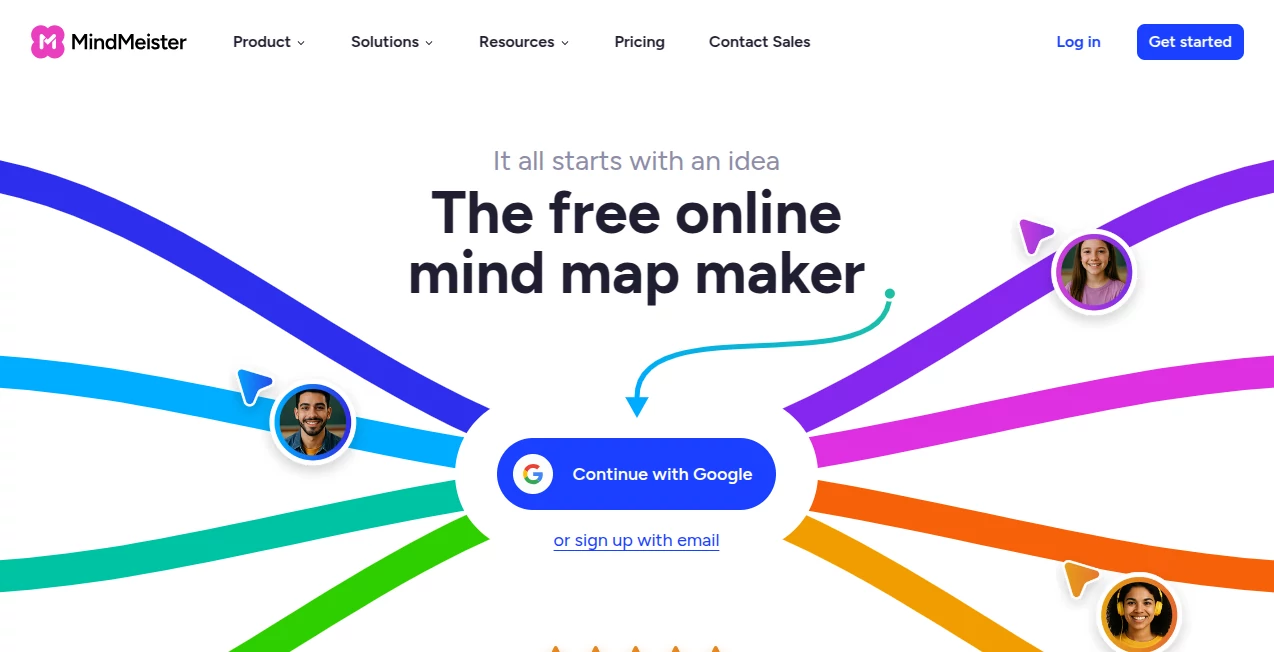
What is MindMeister?
Turning scattered ideas into a clear visual structure can completely change the way people think, learn, and collaborate. This platform was created for exactly that purpose, combining traditional mind mapping with modern AI-powered assistance to help individuals and teams organize information faster and more effectively.
Whether you're planning a business strategy, preparing for an important exam, brainstorming creative concepts, or running a collaborative workshop, the experience feels intuitive from the very first click. Instead of getting lost in endless documents or complicated diagrams, users can transform ideas into organized branches that are easy to understand, edit, and share.
Another standout advantage is its seamless collaboration. Team members can contribute simultaneously, leave comments, present ideas directly from a map, and export their work into multiple formats. Combined with AI-generated mind maps, customizable layouts, and enterprise-grade security, it has become a reliable choice for students, educators, freelancers, and organizations alike.
Key Features
User Interface
The interface is remarkably clean and beginner-friendly. Creating a new map takes only a few seconds, while drag-and-drop editing makes reorganizing ideas effortless. Users can personalize every project with themes, colors, icons, emojis, images, and multiple layout styles including mind maps, outlines, and organizational charts.
Accuracy & Performance
The built-in AI can generate structured mind maps from text prompts or uploaded documents, significantly reducing manual work. Maps are synchronized automatically across devices, allowing users to continue working without worrying about losing progress. Real-time collaboration remains smooth even when multiple contributors edit the same project.
Capabilities
- Generate AI-powered mind maps from prompts or files.
- Create visual brainstorming sessions.
- Organize research and study materials.
- Plan projects with structured visual workflows.
- Collaborate with teams in real time.
- Present directly from a mind map.
- Add notes, attachments, images, emojis, and links.
- Export projects to PDF, Word, and PowerPoint.
- Use templates for faster project creation.
- Access maps from desktop, tablet, or mobile devices.
Security & Privacy
Security is a major strength. The platform follows enterprise-grade security practices, supports administrative controls for organizations, complies with GDPR requirements, and is ISO 27001 certified. These measures make it suitable for professional environments where protecting information is essential.
Use Cases
- Brainstorming new business ideas.
- Planning marketing campaigns.
- Creating visual lesson plans.
- Preparing for exams with structured notes.
- Managing collaborative workshops.
- Documenting meeting agendas and decisions.
- Mapping customer journeys.
- Building project roadmaps.
- Visual knowledge management.
- Organizing complex research topics.
Pros and Cons
Pros
- Extremely intuitive interface.
- AI-assisted mind map generation.
- Excellent collaboration features.
- Professional presentation mode.
- Rich customization options.
- Automatic cloud synchronization.
- Strong enterprise security standards.
- Works across multiple devices.
Cons
- Some advanced capabilities require a paid subscription.
- AI generation is currently focused on the web version.
- Very large maps may require additional organization for maximum clarity.
Pricing Plans
A free Basic plan is available for individuals who want to explore mind mapping. Paid subscriptions include Personal, Pro, and Business plans that unlock additional collaboration tools, unlimited maps, advanced sharing options, and business-oriented features. Educational and nonprofit discounts are also available.
How to Use MindMeister
Start by creating a new workspace and selecting either a blank canvas, a template, or AI generation. Enter a topic or upload a document to automatically build a structured mind map. Expand each branch with ideas, notes, images, or links, then customize the appearance using themes and layouts. Invite teammates to collaborate, collect feedback through comments, and present or export the completed map whenever needed.
Comparison with Similar Tools
Compared with many traditional diagramming applications, this solution emphasizes simplicity without sacrificing professional functionality. Its AI-assisted map creation, collaborative editing, presentation mode, and cloud synchronization create a balanced workflow suitable for both individual productivity and team collaboration. While some competitors focus primarily on static diagrams, this platform provides a more dynamic environment for brainstorming, planning, learning, and knowledge organization.
Conclusion
For anyone looking to transform ideas into structured visual knowledge, this platform offers an impressive combination of simplicity, intelligence, and collaboration. AI-generated mind maps reduce the time needed to organize information, while flexible editing tools allow every project to evolve naturally. Whether used for education, business strategy, project planning, or creative thinking, it delivers an efficient experience that helps users move from inspiration to action with confidence.
Frequently Asked Questions (FAQ)
Is there a free version available?
Yes. A free Basic plan allows users to begin creating and exploring mind maps before upgrading.
Can AI generate complete mind maps?
Yes. AI can create structured mind maps from text prompts, uploaded files, or a combination of both.
Can multiple people edit the same project?
Yes. Teams can collaborate in real time, leave comments, and make simultaneous edits.
Can projects be exported?
Yes. Mind maps can be exported to formats including PDF, Word, and PowerPoint.
Is it suitable for businesses?
Yes. Enterprise-grade security, administrative controls, and collaborative features make it suitable for organizations of all sizes.
AI Knowledge Management , AI Productivity Tools , AI Mind Mapping , AI Team Collaboration .
These classifications represent its core capabilities and areas of application. For related tools, explore the linked categories above.

MindMeister Alternatives Product

Skygen AI

GenPPT AI
Zamicus

RepoClip

EntreDash

Oasis
Patches Answ…

WhispriNote

Nimbalyst