

















Mp3toMp4
What is Mp3toMp4?
Creating a video from an audio file no longer requires editing software or technical experience. This browser-based tool transforms music, podcasts, audiobooks, and voice recordings into polished MP4 videos with impressive speed. Everything runs locally on your device, making the process both convenient and private. Whether you're publishing on YouTube, Instagram, TikTok, or Facebook, it delivers ready-to-share videos without unnecessary steps or watermarks.
Key Features
User Interface
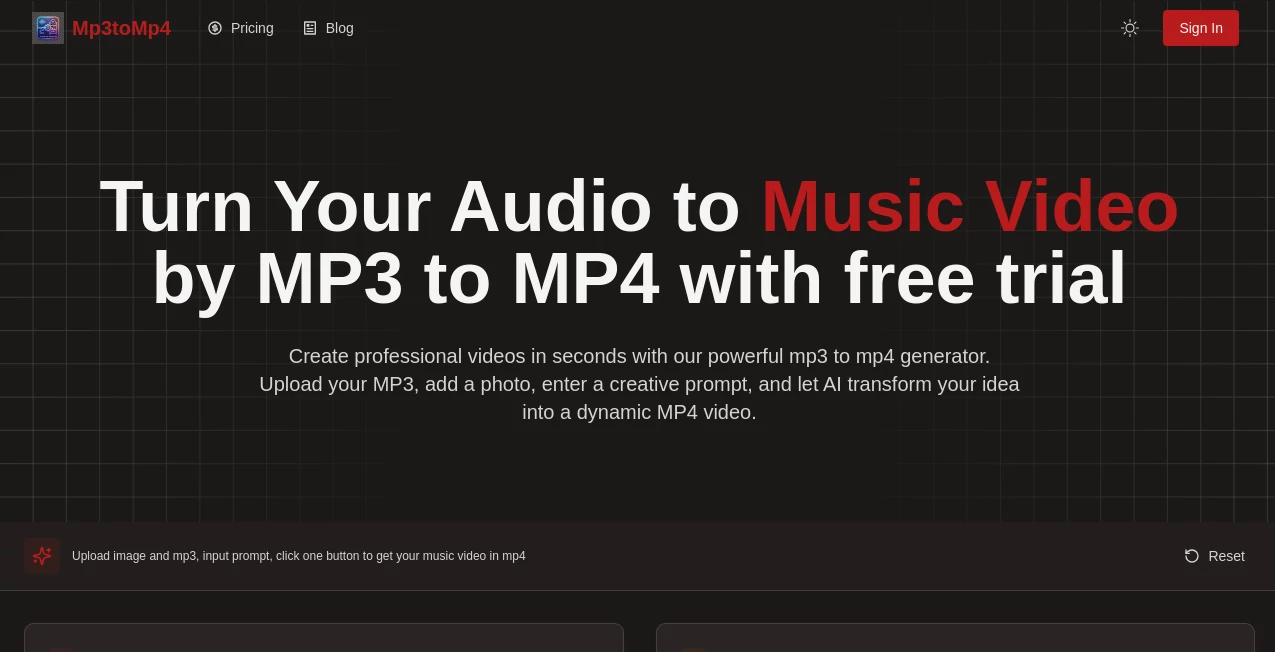
The interface is refreshingly simple. Upload an audio file, choose or automatically detect cover artwork, select an aspect ratio, preview the result, and export. The clean workflow feels natural even for first-time users.
Accuracy & Performance
Conversion is handled directly inside the browser using modern processing technology, allowing fast exports while preserving the original audio quality whenever possible. Videos are generated in HD and optimized for today's major social platforms.
Capabilities
- Convert MP3, WAV, M4A, AAC, FLAC, OGG, and more into MP4.
- Create professional videos with album artwork or custom images.
- Generate YouTube, vertical Shorts, Reels, TikTok, and square video formats.
- Produce clean videos without watermarks.
- Export HD MP4 files ready for publishing.
Security & Privacy
One of the strongest advantages is privacy. Files remain on your device during processing instead of being uploaded to remote servers, making it a reassuring option for creators working with personal or unreleased content.
Use Cases
- Publish songs on YouTube.
- Create podcast videos for social media.
- Turn audiobooks into video format.
- Share DJ mixes with attractive cover artwork.
- Repurpose audio content for multiple platforms.
Pros and Cons
- Pros
- Free to use.
- No registration required.
- No watermark on exported videos.
- Fast browser-based processing.
- Works on desktop and mobile devices.
- Cons
- Designed for simple audio-to-video creation rather than advanced video editing.
- Requires a modern browser for the best performance.
Pricing Plans
The service is completely free with unlimited conversions. There are no subscriptions, hidden fees, or premium restrictions.
How to Use MP3 to MP4 AI
Upload your audio file, add a cover image if desired, choose the appropriate video format, preview the result, and download the finished MP4 file. The entire process usually takes only a few moments and requires no software installation.
Comparison with Similar Tools
Unlike many online converters that rely on cloud uploads, this solution performs processing locally in the browser, offering better privacy and faster workflows. It also stands out by providing high-quality exports, multiple social media aspect ratios, and watermark-free videos at no cost.
Conclusion
For creators who want a quick and reliable way to transform audio into professional-looking videos, this tool offers an excellent balance of simplicity, speed, and privacy. The straightforward workflow, HD output, and completely free access make it a practical choice for musicians, podcasters, educators, and content creators looking to expand their reach across video platforms.
Frequently Asked Questions (FAQ)
Is it free to use?
Yes. Every feature is available without payment or account creation.
Does it add a watermark?
No. Exported videos are clean and watermark-free.
Can I use my own cover image?
Yes. You can upload a custom image, and embedded album artwork can also be detected automatically.
Will my files be uploaded to a server?
No. Processing takes place directly in your browser, helping protect your privacy.
Which platforms are supported?
You can create videos optimized for YouTube, Instagram, TikTok, Facebook, and other platforms that accept MP4 videos.
AI Video Generator , AI Content Generator , AI Video Editor , AI Music Generator .
These classifications represent its core capabilities and areas of application. For related tools, explore the linked categories above.

Mp3toMp4 Alternatives Product

AI Song Maker

Lyria.run

Overlap

Pinci.ai

Lime Social

Voor AI

BlogBuster

Gemini Omni

Voice To Ins…
