
MyGPTSpace
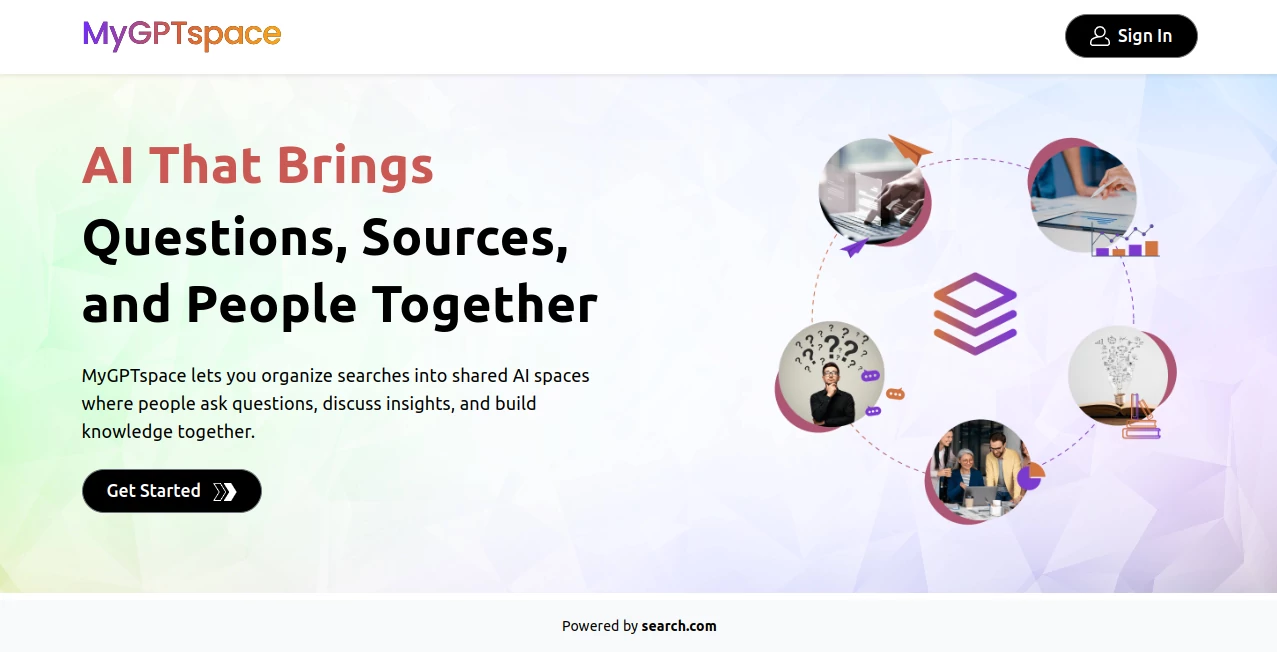
What is MyGPTSpace?
Some of the best ideas get lost because they’re scattered across notes, bookmarks, and chat threads. This platform brings everything together in one smart space where your documents, links, questions, and conversations live alongside a helpful AI that actually understands the context. It feels like having a personal assistant who remembers everything you’ve ever shared on a topic and can pull insights together when you need them. I’ve watched friends organize chaotic research projects here and suddenly find connections they missed before. It turns scattered thoughts into something structured and useful without forcing you into rigid templates.
Introduction
In a world full of tabs and forgotten notes, keeping knowledge organized is harder than ever. MyGPTspace solves this by creating dedicated spaces for topics where you can drop files, links, notes, and questions, then chat with an AI that knows the full context. It’s not just another chat tool or note app—it’s a living workspace that grows with you. Whether you’re researching a project, preparing for a client meeting, learning a new skill, or building something from scratch, having all your materials and an intelligent assistant in one place makes the process feel smoother and more productive. Many users say it finally replaced the messy combination of Notion, ChatGPT, and random Google Docs they used before.
Key Features
User Interface
The design is clean and focused. You create a new space for any topic, then start adding content—upload documents, paste links, write notes, or ask questions. Everything stays neatly organized within that space. The chat interface sits right beside your materials so you can reference them naturally while talking to the AI. It never feels cluttered, and navigation is intuitive enough that you can jump between spaces quickly. It’s one of those tools that disappears into the background so you can focus on your actual work.
Accuracy & Performance
The AI understands the specific context of each space remarkably well. Ask a question about a document you uploaded last week and it pulls relevant details without you having to remind it. Responses stay grounded in what you’ve added rather than hallucinating generic information. Performance is snappy even as spaces grow larger, and the ability to reference multiple files in one conversation saves a lot of back-and-forth copying.
Capabilities
You can add almost any type of content—PDFs, text files, links, images, notes, and discussions. The AI can summarize documents, answer questions across all your materials, generate ideas based on what you’ve collected, and even help connect concepts you might have missed. Spaces can be kept private or shared with collaborators. It works beautifully for both solo deep work and team knowledge sharing without forcing everyone into the same rigid structure.
Security & Privacy
Your spaces and uploaded content stay private by default. You control exactly who gets access when sharing, and the platform takes data protection seriously. For personal projects, client work, or sensitive research, that sense of control and security makes it a comfortable place to build and think.
Use Cases
A researcher creates a space for their thesis topic, uploads papers and notes, and uses the AI to find connections and summarize key arguments. A freelancer builds client spaces with project briefs, past deliverables, and research, making onboarding new work much faster. A student organizes course materials and uses the AI as a study companion that actually knows their specific readings. A small team keeps product ideas, competitor analysis, and meeting notes in one shared space. It adapts to whatever knowledge work you do.
Pros and Cons
Pros:
- Brings scattered materials and AI together in one contextual space.
- Feels personal and organized rather than another generic chat tool.
- Strong at understanding and referencing your own uploaded content.
- Simple enough for individuals yet useful for small teams.
Cons:
- Best results come when you actively build and maintain your spaces.
- Larger document libraries may need thoughtful organization for optimal AI performance.
Pricing Plans
It offers a generous free tier that lets you create multiple spaces and get real value right away. Paid plans unlock higher limits, advanced features, larger file uploads, and priority support. The pricing feels fair for the organization and productivity gains—many users find the upgrade worthwhile once their workflow depends on it daily.
How to Use MyGPTspace
Start by creating a new space and giving it a clear name. Upload relevant documents, paste important links, and add initial notes. Ask the AI questions about the materials you’ve added and watch it pull insights together. Keep adding content as you go—the AI gets smarter about your topic over time. For team projects, invite collaborators and assign roles. Return to the space whenever you need to think, research, or create within that context. The more you use it, the more valuable it becomes.
Comparison with Similar Tools
While ChatGPT is great for general questions, it forgets context between sessions. Notion is excellent for organization but lacks deep AI understanding of your content. This platform combines the best of both worlds—structured knowledge management with an AI that truly knows what you’ve stored. It’s less overwhelming than full workspace tools and more contextual than plain chat interfaces, making it a sweet spot for focused work.
Conclusion
In our fragmented digital lives, having one reliable place where your knowledge and AI assistance live together feels like a breath of fresh air. This tool doesn’t try to be everything—it focuses on doing one thing well: helping you think and create with your own materials. For students, professionals, researchers, or anyone with ideas worth organizing, it quietly becomes an indispensable part of the workflow. The real value shows up weeks later when you return to a space and the AI still remembers exactly what matters to you.
Frequently Asked Questions (FAQ)
Can I use it for team projects?
Yes—spaces can be shared with collaborators while keeping full control over permissions.
How much storage do I get?
The free tier includes generous storage; paid plans expand limits significantly for heavier users.
Is my data private?
Yes—your content stays private by default and is only accessible to people you invite.
Can the AI read PDFs and documents?
Absolutely—it understands text from uploaded files and can answer questions based on them.
Do I need technical skills to use it?
No—the interface is simple enough that most people are comfortable within minutes.
AI Knowledge Management , AI Documents Assistant , AI Research Tool , AI Notes Assistant .
These classifications represent its core capabilities and areas of application. For related tools, explore the linked categories above.

MyGPTSpace Alternatives Product

RankPeak

NotebookVault

Serplux

David One

Empiriolabs …

Diploria AI

AIDeckly

TuCanChat

Treeova