
Nuclino Sidekick
What is Nuclino Sidekick?
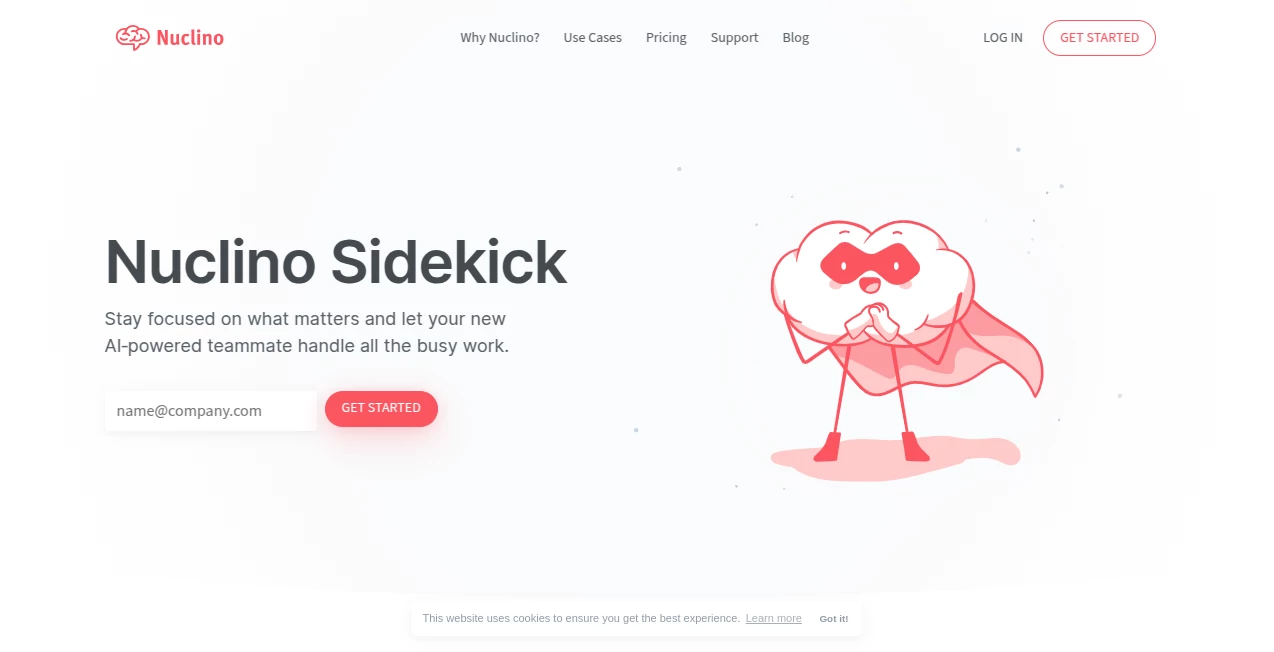
Nuclino Sidekick is an AI-powered teammate designed to take care of the small but time-consuming tasks that can slow down a team. Instead of jumping between separate writing, search, summarization, and image-generation tools, users can handle many of these jobs directly inside their workspace.
What makes the experience particularly useful is its connection to the team's existing content. Users can ask questions in natural language and receive answers based on information they already have access to, making it a practical alternative to digging through documents and folders manually.
It is also more than an internal search assistant. It can help turn rough notes into summaries, draft emails and other content, improve existing writing, translate text, generate ideas, and even create images. For teams that already keep their knowledge and documents in one place, this makes the AI feel like part of the everyday workflow rather than another application to manage.
Key Features
- Answers questions using content available in the team's workspace.
- Creates drafts, ideas, emails, blog posts, agendas, and other types of content.
- Summarizes long or messy notes and extracts useful action items.
- Edits existing text by shortening, expanding, translating, or changing its tone.
- Fixes spelling, grammar, and readability issues.
- Generates 2D and 3D images in styles ranging from abstract to photorealistic.
- Helps with brainstorming and early-stage idea development.
- Can assist with marketing copy, concept art, and other creative tasks.
User Interface
The interface is designed around the workspace rather than a separate AI dashboard. Users can access AI assistance through the search experience or directly while working on content. For writing tasks, a slash command can bring up the available options, while existing text can be selected when it needs editing or refinement.
This approach keeps the interaction pleasantly simple. You do not need to copy a paragraph into another website, generate a response, and then paste it back into your document. The generated result can be inserted directly into the workspace, which is a small detail that makes a noticeable difference during busy workdays.
Accuracy & Performance
The strongest part of the experience is its ability to work with the team's own content. When answering questions, it searches the information available to the user and provides sources used to form the response. This makes it easier to trace an answer back to the original context instead of relying on a completely generic response.
That said, AI-generated answers should still be reviewed before being used for important decisions. The provider itself notes that responses can sometimes be inaccurate or inappropriate. The system has also received improvements aimed at making responses more helpful and better at understanding context.
Capabilities
The range of tasks covered is broad enough to make it useful throughout a normal workday. Someone preparing a meeting can turn rough notes into a concise summary and identify action items. A marketer can brainstorm campaign ideas or create taglines. A manager can ask questions about internal documentation instead of searching through multiple pages.
Writers can start with a few keywords and develop a first draft, while existing text can be translated, simplified, shortened, expanded, or adjusted to a different tone. Image generation adds another useful layer, particularly when a document needs a visual concept without requiring a separate creative tool.
Security & Privacy
Privacy is an important consideration for a workplace AI assistant because its usefulness depends on access to internal information. The service states that content stored in the workspace is not used to train machine learning models and is not transferred to third-party model providers.
Existing permissions are also respected. When generating an answer, the AI can only use content that the current user already has permission to access. This makes the knowledge-search functionality more suitable for teams where different members have access to different information.
Use Cases
For project teams, the assistant can turn scattered meeting notes into a short summary and identify the next actions. This can save the familiar few minutes spent rereading a document after every meeting.
For content teams, it can help move an idea from a blank page to a usable first draft. Marketing teams can use it for taglines, campaign concepts, and other copywriting tasks, while editors can quickly improve clarity, grammar, structure, or tone.
It can also serve as an internal knowledge assistant. Instead of remembering the exact title of a document or guessing which keyword was used, a team member can ask a question in ordinary language and receive an answer based on accessible workspace content.
For creative work, image generation provides a convenient way to create concept visuals alongside the documents and ideas they belong to. This is especially handy during brainstorming sessions where an image can communicate an idea faster than several paragraphs of explanation.
Pros and Cons
- Pros: Works directly with existing team knowledge and documents.
- Pros: Combines search, writing, editing, summarization, brainstorming, and image generation.
- Pros: Provides sources when answering questions based on workspace content.
- Pros: Respects existing content permissions.
- Pros: Keeps many AI tasks inside the same collaborative workspace.
- Cons: AI responses can occasionally be inaccurate and should be checked.
- Cons: The most complete AI functionality is reserved for the Business plan.
- Cons: The experience is primarily optimized for English, although other languages are supported.
Pricing Plans
A limited version of the AI functionality is available across the plans, allowing users to try the experience without immediately committing to the highest tier. The full version is included with the Business plan, where it sits alongside advanced workspace and security features.
The Business plan is therefore the more suitable choice for teams that expect to use AI regularly for writing, knowledge discovery, editing, and image creation. Users with lighter requirements can start with the limited access and determine whether the additional capabilities justify upgrading.
How to Use the Tool
Start by opening a workspace item or collection where you want to work. For new content, type a slash command and select the AI option that matches the task, such as writing something new, continuing a draft, or brainstorming ideas.
For existing content, select the text you want to change and choose the AI editing option. You can ask for a summary, translation, shorter version, expanded version, different tone, or spelling and grammar corrections.
If you need information from the workspace, use the AI-powered search experience and ask your question in natural language. The response can include the sources used to produce the answer, making it easier to verify the information.
For visual work, open the relevant item, choose the image-generation option, describe the desired image, and insert the result into the document when you are satisfied with it.
Comparison with Similar Tools
Many AI assistants are designed primarily as standalone chat interfaces. That approach works well for general questions, but it can create extra work when the information you need is already sitting inside a team's documents.
The main advantage here is the combination of AI assistance and collaborative knowledge management. Instead of treating writing, internal search, editing, summaries, and visual creation as disconnected tasks, they can happen within the same working environment.
For an individual looking only for a general-purpose chatbot, a dedicated AI assistant may offer a broader conversational experience. For a team that already relies on a shared knowledge workspace, however, having AI understand and work with that existing context can be considerably more practical.
Conclusion
The real appeal of this AI assistant is not any single feature. It is the way several useful capabilities come together around the team's existing knowledge. Searching for information, drafting content, cleaning up notes, improving writing, generating ideas, and creating visuals can all become part of the same workflow.
It is particularly well suited to teams that spend a significant amount of time documenting processes, collaborating on projects, preparing meetings, or producing written material. The ability to ask questions using natural language and receive answers grounded in accessible workspace content is arguably its most practical feature.
There is still a good reason to review generated content, especially when accuracy matters. But when used as a productivity layer rather than an unquestioned source of truth, it can remove a surprising amount of repetitive work and leave people with more time for the tasks that actually require human judgment.
Frequently Asked Questions (FAQ)
What can the AI assistant do?
It can answer questions about accessible workspace content, write and edit text, summarize notes, extract action items, translate content, fix grammar and spelling, brainstorm ideas, and generate images.
Can it answer questions about team documents?
Yes. The AI can search through content that the user has access to and provide a personalized answer. Responses can also include the sources used to provide the answer.
Can it generate images?
Yes. It can create different types of images, including 2D and 3D visuals, abstract concepts, and photorealistic-style images.
Is the AI available for free?
A limited version is available across the plans, while the full version is included with the Business plan.
Is workspace content used to train AI models?
The provider states that content stored in the workspace is not used to train machine learning models and is not transferred to third-party model providers.
Does it support languages other than English?
It is optimized for English but can also work in many other languages.
Can AI-generated answers be trusted completely?
No. Like other AI systems, it can occasionally produce inaccurate or unsuitable information. Important answers should be reviewed against the original sources before being used for consequential decisions.
Who can use the full AI features?
The limited version is available to all users, while full access to writing, editing, and image-generation capabilities is available to workspace members with the appropriate access on the Business plan.
AI Notes Assistant , AI Knowledge Management , AI Productivity Tools , AI Writing Assistants .
These classifications represent its core capabilities and areas of application. For related tools, explore the linked categories above.
Nuclino Sidekick details
Website unavailable — View Alternatives
Pricing
- Freemium
Apps
- Web App
Categories

Nuclino Sidekick Alternatives Product

GenPPT AI
Zamicus

hd image con…

Debate Tello…

VercelAPP
MeetAssist
Patches Answ…

AHelp

Free AI Gene…