
OpenWork
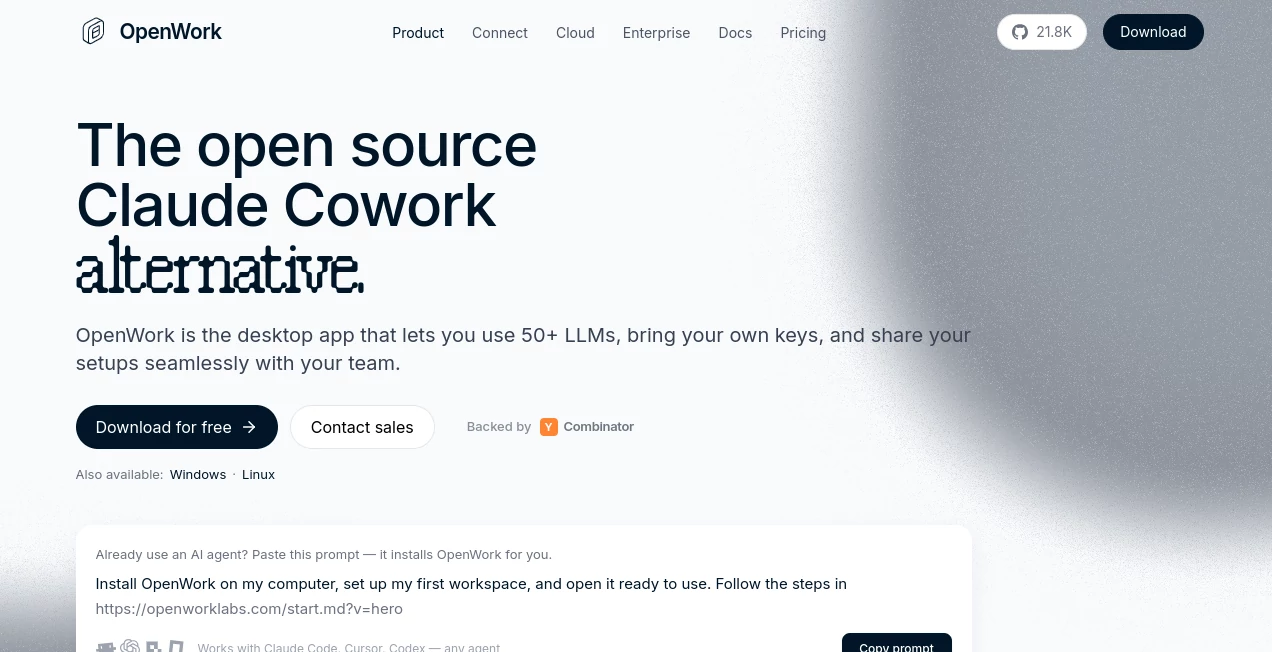
What is OpenWork?
OpenWork is an open-source desktop workspace built for people who want to get practical work done with AI agents without being locked into a single model provider. Instead of limiting users to one AI ecosystem, it lets them connect more than 50 LLM providers, use their own API keys, work with local files, and bring AI-powered workflows into the tools they already use.
The approach is particularly appealing for developers, professionals, and teams that want more control over their AI setup. You can work with files and repositories on your own computer, connect external services through MCP servers, automate browser tasks, and create reusable skills that can be shared with colleagues.
For example, a sales team could create a workflow that gathers information from a CRM and meeting notes, prepares a briefing, and saves the result locally. A developer could point the workspace at a repository and use an AI agent to inspect files, explain code, or carry out multi-step tasks. The focus is less on chatting with an AI and more on giving an agent useful work to perform.
Key Features
- Open-source desktop application for AI-powered agentic workflows
- Support for more than 50 LLM providers
- Bring-your-own-key support for connected AI providers
- Local-first work with files and repositories
- Browser automation for multi-step web tasks
- MCP server integration
- Reusable skills, plugins, and workspace configurations
- Team sharing for skills, MCPs, plugins, and configurations
- Compatibility with Anthropic-style plugins and skills
- Support for OpenAI, Anthropic, Google, Mistral, OpenRouter, Bedrock, Azure AI Foundry, and local models
- Cloud workspaces and hosted workers for teams
- Self-hosting and private deployment options for organizations
User Interface
The interface is designed around tasks rather than complicated AI configuration. Users can describe what they want an agent to accomplish in natural language and then follow the execution process as the work is carried out.
This makes the experience feel closer to working with a digital assistant than operating a collection of separate developer tools. The desktop application provides a central place for files, workspaces, connected services, sessions, skills, and model settings.
Another useful touch is the ability to share a complete setup with teammates. A workspace can package skills, MCP servers, plugins, and configurations into a shareable setup, allowing another person to import it without manually repeating the entire configuration process.
Accuracy & Performance
Performance depends heavily on the language model and provider connected to the workspace, since users can choose from a broad range of third-party and local models. This flexibility is useful because teams can select a model based on the task instead of being forced to use one provider for everything.
The execution timeline also gives users a clearer view of what an agent is doing. For browser-based tasks, for instance, the system can navigate to a page, interact with content, extract information, and save the resulting data to a file. Seeing those individual actions makes multi-step automation easier to understand and review.
Capabilities
The platform goes beyond basic text generation. It can work with local files and repositories, interact with connected services through MCP, automate browser activities, and execute structured workflows.
Its provider flexibility is one of its strongest capabilities. Users can connect commercial models from major providers as well as local models. This makes the same workspace useful for everything from everyday productivity tasks to software development and internal business workflows.
Teams can also build reusable skills around recurring processes. Once a useful workflow has been configured, it can be shared instead of recreated by every employee. That can be especially valuable for sales operations, research, customer support, engineering, and other departments where the same type of work happens repeatedly.
Security & Privacy
Privacy is a central part of the local-first approach. In desktop mode, files remain on the user's machine, while prompts are sent directly to the selected AI provider. The service does not require users to move their local files into a central cloud environment simply to use an AI agent.
Organizations have additional deployment options, including self-hosted environments and private infrastructure. Enterprise deployments can use their own models or inference infrastructure, while security controls such as SSO, SAML, SCIM provisioning, desktop policies, and version controls are available on enterprise plans.
As with any AI application that connects to external model providers, users should still review the privacy and data-handling policies of the specific provider they choose. The flexibility to select different providers is powerful, but it also means data practices can vary depending on the selected setup.
Use Cases
- Software Development: Work directly with repositories, inspect project files, explain code, and use AI agents during development.
- Sales Operations: Combine CRM information, notes, and reusable skills to prepare meeting briefs and support outreach workflows.
- Research: Collect information from websites, organize findings, and save structured results to local files.
- Browser Automation: Turn plain-language instructions into browser actions such as navigating pages, interacting with content, and extracting information.
- Marketing: Build repeatable workflows for research, content preparation, data collection, and campaign-related tasks.
- Team Productivity: Share common AI skills, MCP connections, plugins, and configurations so employees can work from the same setup.
- Internal AI Infrastructure: Organizations can connect their preferred models and deploy private environments when greater control is required.
Pros and Cons
- Pros: Open-source foundation, local-first workflow, broad model compatibility, support for multiple providers, browser automation, MCP integration, reusable skills, and strong team-sharing capabilities.
- Pros: The free desktop version makes it possible to experiment without committing to a paid team platform.
- Pros: Teams can choose their own models and infrastructure rather than depending on one AI vendor.
- Cons: Users who want the simplest possible AI experience may find the provider, model, MCP, and workflow options more involved than a conventional chatbot.
- Cons: AI performance varies according to the connected model and provider.
- Cons: Some advanced organizational features require paid plans or enterprise deployment.
Pricing Plans
The desktop application is free and open source, with users bringing their own LLM provider keys. The free option is available for individual use and is a practical way to explore the platform without a subscription.
The Team Starter plan is priced at $10 per seat per month, with the first five seats free. It adds features such as API access and an Extension Marketplace while allowing teams to distribute their own LLM connections.
Enterprise pricing is customized for organizations that need features such as SSO and SAML, SCIM provisioning, private or self-hosted inference, deployment controls, version management, custom skill development, MCP consulting, and enterprise rollout support.
How to Use It
- Download and install the desktop application for your operating system.
- Create or open a workspace where you want to perform your work.
- Connect an AI provider using your own credentials or an available sign-in option.
- Choose the model you want to use for the task.
- Connect MCP servers when your workflow needs access to external services or tools.
- Describe the task in natural language and provide any useful context.
- Review the execution process and the resulting files or outputs.
- Create reusable skills for workflows that you expect to perform regularly.
- Share useful skills and configurations with teammates when working as a group.
Comparison with Similar Tools
The biggest difference between this approach and a traditional AI assistant is the emphasis on flexibility and ownership. Rather than building the experience around one model provider, the platform lets users bring different models into the same workspace.
It also takes a different approach to deployment. Local-first desktop usage keeps files on the user's computer, while cloud and enterprise options are available when teams need centralized management. This gives users a path from individual experimentation to broader organizational adoption.
For teams already using agent-based development tools, compatibility with MCP and reusable skills can make it easier to connect existing workflows instead of rebuilding them from scratch. The result is a more open environment where the AI model, tools, data location, and deployment strategy can be selected according to the job.
Conclusion
For users who want AI agents to do more than answer questions, this platform offers an interesting combination of local control, model flexibility, automation, and team collaboration. The ability to work with more than 50 providers is particularly useful for people who regularly switch between models or want to use local AI alongside commercial services.
The open-source foundation is another major advantage. Individuals can start with the free desktop application, while teams can gradually introduce shared skills, MCP connections, cloud workspaces, and centralized management as their needs grow.
It is a strong option for developers, technical teams, and organizations that want to build practical AI workflows without handing their entire AI stack over to a single vendor.
Frequently Asked Questions (FAQ)
Is the desktop application free?
Yes. The desktop application is free and open source, and users can bring their own keys from supported LLM providers.
Which AI models can be used?
The platform supports models from more than 50 providers, including OpenAI, Anthropic, Google, Mistral, OpenRouter, Bedrock, Azure AI Foundry, and local model setups.
Does it work with local files?
Yes. The desktop experience is designed to work directly with files and repositories on the user's computer, making local-first AI workflows possible.
Can teams share AI workflows?
Yes. Teams can package skills, MCP servers, plugins, and configurations into shareable setups so colleagues can import and use the same workflow without repeating the configuration manually.
Is browser automation supported?
Yes. Browser automation allows agents to navigate websites, interact with pages, collect information, and perform multi-step browser tasks based on natural-language instructions.
Is there an enterprise version?
Yes. Enterprise deployments provide advanced organizational features such as SSO, SAML, SCIM provisioning, private or self-hosted inference, deployment controls, and enterprise support.
AI Workflow Management , AI Productivity Tools , AI Developer Tools .
These classifications represent its core capabilities and areas of application. For related tools, explore the linked categories above.

OpenWork Alternatives Product

Trimless for…

Futurwise

JSON to TOON…

Lovable APP

AIQualityHQ

GPTLocalhost

Blackbox AI

Claude and C…

Latency Atlas