
Paperite
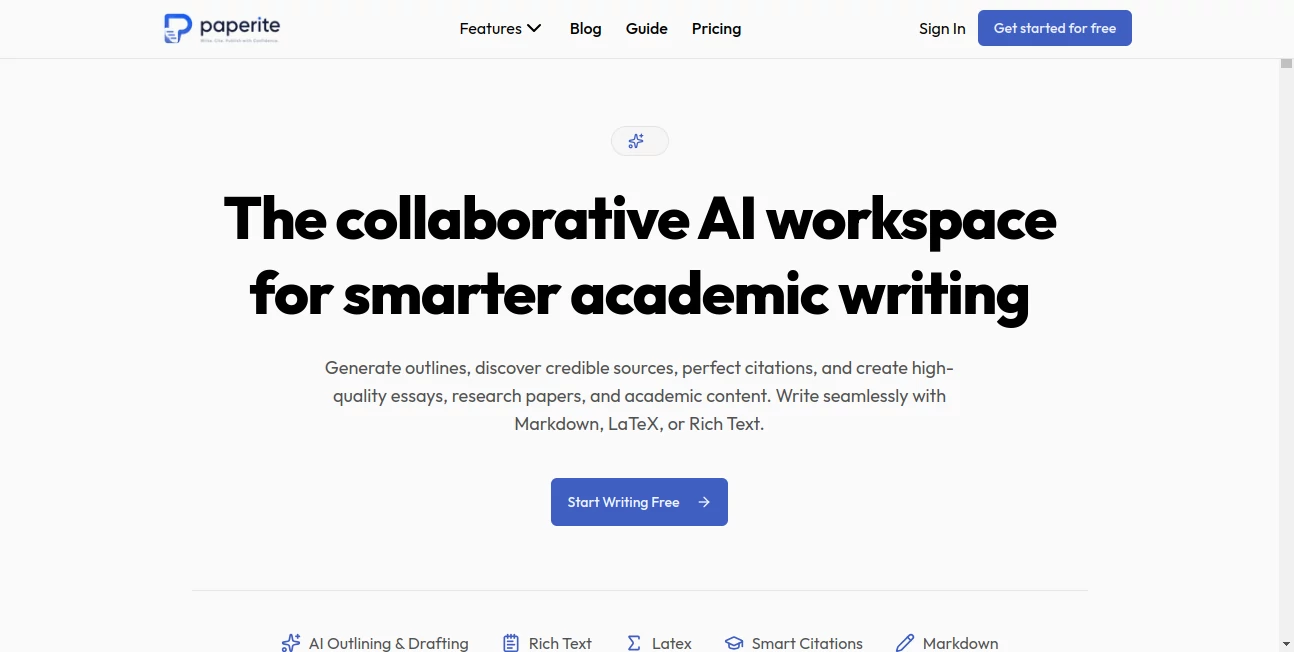
What is Paperite?
Paperite is an academic writing workspace built for students, researchers, and professionals who need more than a basic AI text generator. It brings research, drafting, citations, reference management, literature review, and document formatting into one environment, making the journey from scattered research material to a polished academic manuscript considerably easier.
What makes the platform particularly appealing is its source-focused approach. Instead of simply asking an AI to write about a subject from scratch, users can upload journal articles, conference papers, books, and PDFs and use those materials as the foundation for their work. This is especially useful when accuracy, traceable sources, and academic structure matter.
The workspace supports Rich Text, Markdown, LaTeX, and Typst, so users can choose a writing environment that fits the type of project they are working on. Whether the goal is a university essay, literature review, technical report, dissertation, or research article, the platform is designed to keep the research and writing process connected.
Key Features
- AI Research Writer: Generate research articles, essays, literature reviews, survey papers, case studies, and technical reports from instructions and academic sources.
- Source-Based Generation: Upload research papers and PDFs so generated content can be grounded in the user's own academic material.
- Advanced Citation Engine: Add in-text citations and bibliographies using more than 2,000 citation styles, including APA, MLA, Chicago, Harvard, IEEE, and Vancouver.
- Research Library: Organize academic references, build a personal research collection, and import BibTeX files.
- Multi-Format Editor: Work with Rich Text, Markdown, LaTeX, or Typst while preserving document structure, references, tables, and figures.
- Literature Review Tools: Analyze uploaded literature to identify themes, influential papers, emerging trends, and potential research gaps.
- Scientific Writing: Create equations, mathematical notation, tables, and other technical material with AI assistance.
- Publication-Ready Export: Export work to Word, PDF, LaTeX, Typst, Markdown, and BibTeX, with journal and conference templates available on supported plans.
User Interface
The workspace is designed around the needs of academic writers rather than general-purpose chat users. Research material, document editing, citations, and AI assistance are brought into the same workflow, reducing the need to constantly move between a writing application, reference manager, PDF reader, and separate AI chatbot.
The multi-format editor is one of the more practical aspects of the experience. A student who prefers a familiar rich-text environment can use it, while a researcher working heavily with mathematical notation can switch to LaTeX. Markdown and Typst support add further flexibility for users with technical or publishing-oriented workflows.
Accuracy & Performance
Academic writing requires a different standard from ordinary content creation. A fluent paragraph is not particularly useful if its supporting evidence is weak or its references are difficult to verify. The source-based workflow is therefore an important part of the platform's design.
Users can provide their own papers and PDFs, allowing the system to work from relevant academic material rather than relying only on a broad instruction. The platform also provides verified citations and a citation engine covering more than 2,000 styles. As with any AI-assisted research workflow, generated claims should still be checked against the original sources before publication or submission.
Capabilities
The platform covers a surprisingly broad section of the academic writing process. It can help create outlines, generate individual sections, draft complete academic documents, analyze literature, identify research gaps, produce citations, and prepare manuscripts for export.
Its support for equations, tables, scientific content, and LaTeX makes it particularly relevant to technical and research-heavy projects. For example, a researcher preparing a literature review can collect relevant PDFs, analyze recurring themes, build an outline, generate sections based on the available literature, and then organize citations without maintaining several disconnected tools.
Security & Privacy
Academic documents can contain unpublished research, sensitive findings, personal information, or proprietary material, so privacy deserves attention when choosing an AI writing workspace. The service provides dedicated Privacy Policy, Terms of Service, and Cookie Policy pages, giving users documentation to review before uploading research material.
Users working with unpublished or sensitive research should always review the current privacy terms and understand how uploaded material and generated content are handled before using the service for confidential projects.
Use Cases
- Research Papers: Build structured papers from academic sources, generate sections, and manage citations throughout the document.
- Literature Reviews: Upload relevant papers, identify themes and trends, and use research-gap analysis to organize the review.
- University Essays: Create outlines, develop academic sections, work with references, and export the finished document.
- Dissertations: Maintain a larger research library and keep references connected to the writing process.
- Technical Reports: Combine structured writing with equations, tables, Markdown, or LaTeX when the project requires a technical format.
- Publication Preparation: Apply journal or conference templates and export manuscripts in formats suitable for further editing or submission.
Pros and Cons
Pros
- Designed specifically around academic and research writing.
- Source-based generation can make research workflows more grounded than generic AI writing.
- Supports more than 2,000 citation styles.
- Includes a research library and reference management features.
- Supports Rich Text, Markdown, LaTeX, and Typst.
- Includes literature review and research-gap analysis capabilities.
- Offers Word, PDF, LaTeX, Typst, Markdown, and BibTeX export options.
- A free plan is available without requiring a credit card to get started.
Cons
- The strongest usage limits and collaboration features are reserved for paid plans.
- Users still need to verify AI-generated claims and citations against original academic sources.
- The platform is primarily focused on academic and research workflows, so it may be unnecessary for casual everyday writing.
Pricing Plans
The service offers a Free plan for users who want to test the academic writing workflow before paying. It includes 10 PDF uploads, three AI document generations, 30 AI edits, 50 AI chat messages, DOCX and PDF export, Markdown and LaTeX editing, and access to more than 2,000 citation styles.
The Plus plan is listed at $15 per month when billed annually. It increases the available research and AI limits substantially, adds journal templates, and supports up to three collaborators.
The Pro plan is listed at $29 per month when billed annually. It is aimed at heavier academic users and provides unlimited PDF uploads, document generation, AI edits, chat, collaborators, version history, and team workspace functionality.
How to Use Paperite
- Start by collecting the academic sources relevant to your project. You can search for research material or upload your own journal articles, books, conference papers, and PDFs.
- Choose the type of academic document you want to create, such as a research article, literature review, essay, case study, report, or dissertation.
- Create an outline or generate sections with AI assistance, using your research material as the foundation.
- Review the generated material carefully and compare important claims with the original sources.
- Insert citations using the built-in citation system and select the citation style required by your university, journal, or conference.
- Refine the document using Rich Text, Markdown, LaTeX, or Typst depending on your preferred workflow.
- When the manuscript is ready, export it in the format you need, such as Word, PDF, LaTeX, Typst, Markdown, or BibTeX.
Comparison with Similar Tools
Many AI writing tools are built for general-purpose content, but academic writing introduces requirements that ordinary writing assistants do not always address well. Researchers often need source management, structured citations, literature analysis, technical notation, and publication-oriented formatting in addition to text generation.
This platform takes a more specialized route. Its combination of source-based generation, reference management, citation styles, literature review analysis, and LaTeX support makes it better suited to academic projects than a general AI writer. Users who mainly need blog posts, marketing copy, or everyday correspondence may find a general writing assistant simpler, while students and researchers can benefit from having research-specific features in the same workspace.
Conclusion
Academic writing can become unnecessarily complicated when research, PDFs, references, drafting, formatting, and citations are scattered across different applications. This platform brings many of those tasks together and gives researchers a workspace built around the realities of scholarly writing.
Its strongest advantage is the combination of AI writing with source-based research, citation management, literature analysis, and technical editing. Support for LaTeX, Markdown, Typst, and publication-oriented exports also makes it useful beyond the typical essay-writing scenario.
For students preparing papers and researchers working on literature reviews, technical reports, dissertations, or publication-ready manuscripts, it offers a practical way to reduce repetitive work while keeping the research process at the center of the writing workflow.
Frequently Asked Questions (FAQ)
What types of academic documents can I create?
You can create research articles, literature reviews, survey papers, essays, case studies, technical reports, dissertations, and other academic documents.
Can I use my own research papers?
Yes. You can upload journal articles, conference papers, books, and PDFs and use them as source material for AI-assisted academic writing.
How many citation styles are supported?
The platform supports more than 2,000 citation styles, including widely used formats such as APA, MLA, Chicago, Harvard, IEEE, and Vancouver.
Does it support LaTeX?
Yes. LaTeX is supported alongside Rich Text, Markdown, and Typst. The platform can also assist with equations, mathematical notation, tables, and scientific content.
Can I export my academic document?
Yes. Available export formats include DOCX, PDF, LaTeX, Typst, Markdown, and BibTeX, depending on the document and plan.
Can it help with literature reviews?
Yes. Its literature review features can help identify themes, emerging trends, influential papers, and potential research gaps across uploaded literature.
Is there a free plan?
Yes. A Free plan is available with limited AI generations, edits, chats, PDF uploads, and other features, allowing users to try the workflow before upgrading.
AI Knowledge Management , AI Papers , AI Research Tool , AI Writing Assistants .
These classifications represent its core capabilities and areas of application. For related tools, explore the linked categories above.

Paperite Alternatives Product

RankPeak

Pinpoint Ans…

Sourcetable

justmarkdown

MiniValuator

PromptZerk

PaperBanana

StyleBias

Toonifyit