


















PDF Summarizer
What is PDF Summarizer?
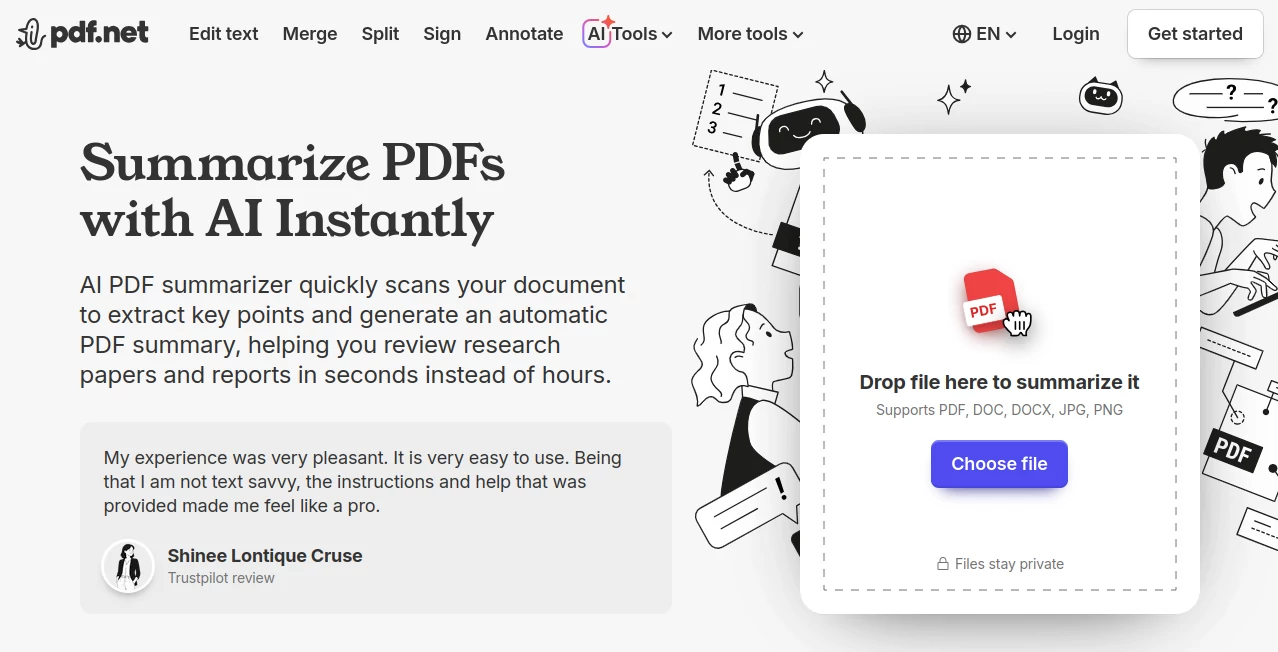
Working with long PDF files can be overwhelming, especially when you only need the key points. This platform is designed to simplify that process by transforming dense documents into easy-to-understand summaries in a matter of seconds. Whether you are a student, researcher, or business professional, it helps you save time and focus on what truly matters instead of scrolling through pages of unnecessary details.
It brings a clean and efficient approach to document reading, allowing users to extract meaningful information without losing context or accuracy. The experience feels natural, fast, and surprisingly intuitive even for first-time users.
Key Features
User Interface
The interface is minimal and distraction-free. Users can upload or process documents without dealing with complicated settings. Everything is structured in a way that feels familiar, even for non-technical users.
Accuracy & Performance
The system focuses on delivering summaries that preserve the core meaning of the original text. Instead of random shortening, it identifies key ideas, arguments, and supporting points to produce a meaningful overview.
Capabilities
- Summarizes long PDF documents into short readable insights
- Extracts key points and important sections automatically
- Supports academic, business, and general documents
- Helps users quickly understand complex material
Security & Privacy
User files are handled with a strong focus on privacy. Documents are processed securely, ensuring that sensitive information remains protected throughout the workflow.
Use Cases
This tool is especially useful for students reviewing research papers, professionals analyzing reports, and teams who need quick insights from documentation. It is also helpful for legal, educational, and business environments where time efficiency is critical.
Pros and Cons
Pros
- Saves significant reading time
- Easy to use for all skill levels
- Produces structured and meaningful summaries
- Works well with different types of documents
Cons
- May not capture highly nuanced arguments in very technical texts
- Requires internet access for processing
Pricing Plans
The platform typically offers flexible access options depending on usage needs. Users can start with basic features and upgrade for higher limits or advanced processing capabilities. This makes it suitable for both casual and heavy users.
How to Use PDF Summarizer
Getting started is simple. Upload your document, wait a few seconds for processing, and receive a clean summary of the content. The output is designed to be readable and structured so you can quickly scan through important ideas without confusion.
Comparison with Similar Tools
Compared to traditional reading methods or manual note-taking, this solution dramatically reduces time spent on document analysis. While some alternatives focus only on keyword extraction, this platform aims to understand context and meaning, resulting in more useful summaries.
Conclusion
For anyone dealing with heavy reading workloads, this tool offers a practical and efficient way to stay productive. It removes the friction of long-form reading and replaces it with quick, meaningful insights that are easy to act on. It is a smart companion for modern digital workflows where time and clarity matter.
Frequently Asked Questions (FAQ)
Is this tool suitable for academic research?
Yes, it works well with academic papers and helps researchers quickly understand key findings and arguments.
Does it change the meaning of the original document?
No, it focuses on preserving the core ideas while shortening the content for easier reading.
Can it handle large PDF files?
Yes, it is designed to process both small and large documents efficiently.
Is it beginner-friendly?
Absolutely. The interface is simple enough for anyone to use without prior experience.
AI Documents Assistant , AI PDF , AI Summarizer , AI Research Tool .
These classifications represent its core capabilities and areas of application. For related tools, explore the linked categories above.

PDF Summarizer Alternatives Product

TutuoAI

Humanize AI …

Elicit

AI text clea…

Ryne AI

IntoTheBlock

SnapVee Stud…

ModelsLab

Kimi K2.5
