
















What is SnapVee Studio?
I used to jump between five or six different tools just to download a video, summarize it, clean up some AI copy, and generate a thumbnail. It was messy and time-consuming. Then I started using this platform and everything changed. It brings downloading, understanding content, polishing text, and creating new visuals into one smooth workspace. Suddenly, the process feels connected instead of scattered. Creators I know who work with YouTube, TikTok, and Instagram say it’s become their daily starting point because it removes so much friction.
Introduction
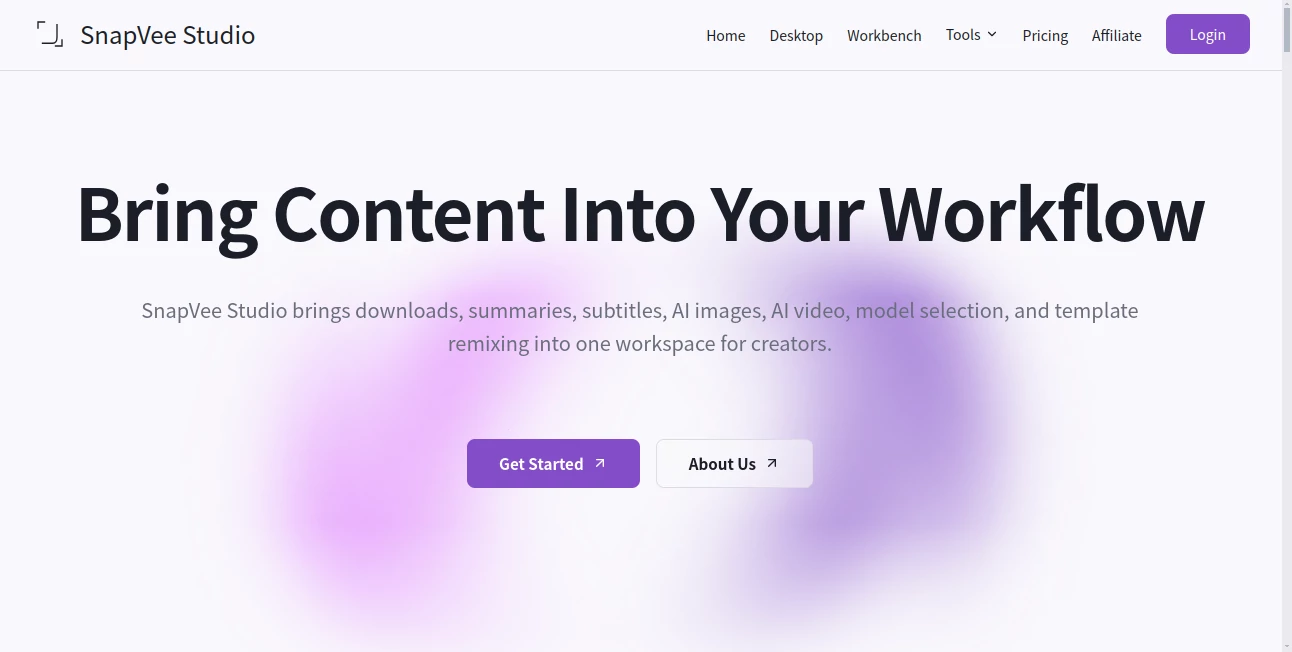
SnapVee Studio is built for people who actually create content every day. It lets you grab public videos and audio from major platforms, turn long content into useful summaries and subtitles, polish AI-generated text to sound more human, and generate images or videos to expand your ideas. Everything lives in one place with a shared credit system. No more copying links between tabs or learning new interfaces. It’s the kind of practical tool that quietly saves hours every week and helps your output feel more consistent and professional.
Key Features
User Interface
The dashboard is clean and focused. You see your recent tasks, available credits, and quick access to the main tools. Uploading or pasting a public link is straightforward, and the progress for downloads, summaries, or generations is easy to follow. It never feels overwhelming — just calm and purposeful, whether you’re on desktop or working quickly on mobile.
Accuracy & Performance
The summaries and transcripts are surprisingly coherent, even on longer videos. AI copy polishing turns stiff text into natural-sounding writing that still keeps your voice. Image and video generation deliver solid results with good prompt understanding. Processing speed is respectable, and the platform handles batch submissions well when you have multiple links to work through.
Capabilities
You can download from YouTube, TikTok, Instagram, and more in various qualities, including audio-only. Turn videos into structured summaries, chapters, key takeaways, and editable subtitles. Polish AI copy to sound more human. Generate images for covers, social visuals, or e-commerce. There’s also watermark removal for desktop use. The whole flow supports going from raw source material to finished creative assets without leaving the workspace.
Security & Privacy
It only works with public links, and your processed content is handled responsibly. No unnecessary data retention beyond what’s needed for your tasks. For creators working with client material or personal projects, the straightforward approach feels safe and respectful.
Use Cases
A YouTube creator downloads reference clips, generates summaries for research, and creates custom thumbnails all in one session. A social media manager repurposes trending videos into new shorts with polished captions and fresh visuals. An educator saves lecture recordings, extracts transcripts, and turns key points into shareable graphics. Freelance editors use it to quickly understand long client videos before diving into detailed cuts. It fits naturally into almost any content-heavy workflow.
Pros and Cons
Pros:
- Combines downloading, understanding, polishing, and creating in one place.
- Useful for both quick tasks and more involved creative projects.
- Shared credit system across tools keeps things simple.
- Regularly updated with new capabilities for creators.
Cons:
- Still growing — some advanced video generation features are maturing.
- Credit costs add up on heavy usage, though top-ups are straightforward.
Pricing Plans
It offers a Pro subscription with monthly refreshing credits plus the option to buy extra credit packs when needed. The pricing is transparent and usage-based, so you only pay for what you actually use. Free or trial access lets you test the main features before committing. Many creators find the value clear after their first bigger project.
How to Use SnapVee
Start by pasting a public video or audio link. Choose what you want to do — download, summarize, transcribe, or go straight to generation. For summaries and transcripts, review the structured output and use the AI chat for follow-up questions. Polish any text in the humanizer tool. Generate images or new video clips when you’re ready to create. Everything stays in one workspace, so moving from one step to the next feels natural. Download your final files when you’re happy.
Comparison with Similar Tools
Many tools do one thing well — downloading, summarizing, or generating. This one connects the steps so you don’t lose momentum switching between platforms. The combination of practical downloading with strong AI understanding and creation tools gives it an edge for everyday creators who need a complete workflow rather than isolated utilities.
Conclusion
For anyone creating content regularly, having a reliable workspace that handles the full cycle from raw material to finished output is a real advantage. SnapVee delivers that without unnecessary complexity. It respects your time, supports real creative needs, and continues to evolve based on what creators actually use. If you’re tired of juggling tools, this one is worth exploring — it just makes the whole process feel smoother and more enjoyable.
Frequently Asked Questions (FAQ)
What platforms does it support for downloading?
Mainly YouTube, TikTok, Instagram, and other popular public platforms.
Do I need to install anything?
No — everything works directly in your browser.
Are credits shared across tools?
Yes, one balance covers downloads, summaries, transcription, and generation.
Is there a free way to try it?
Yes, you can start with limited credits and upgrade when you need more capacity.
Can I use it for commercial projects?
Yes, as long as you respect the original content rights and platform terms.