


















Pencild
What is Pencild?
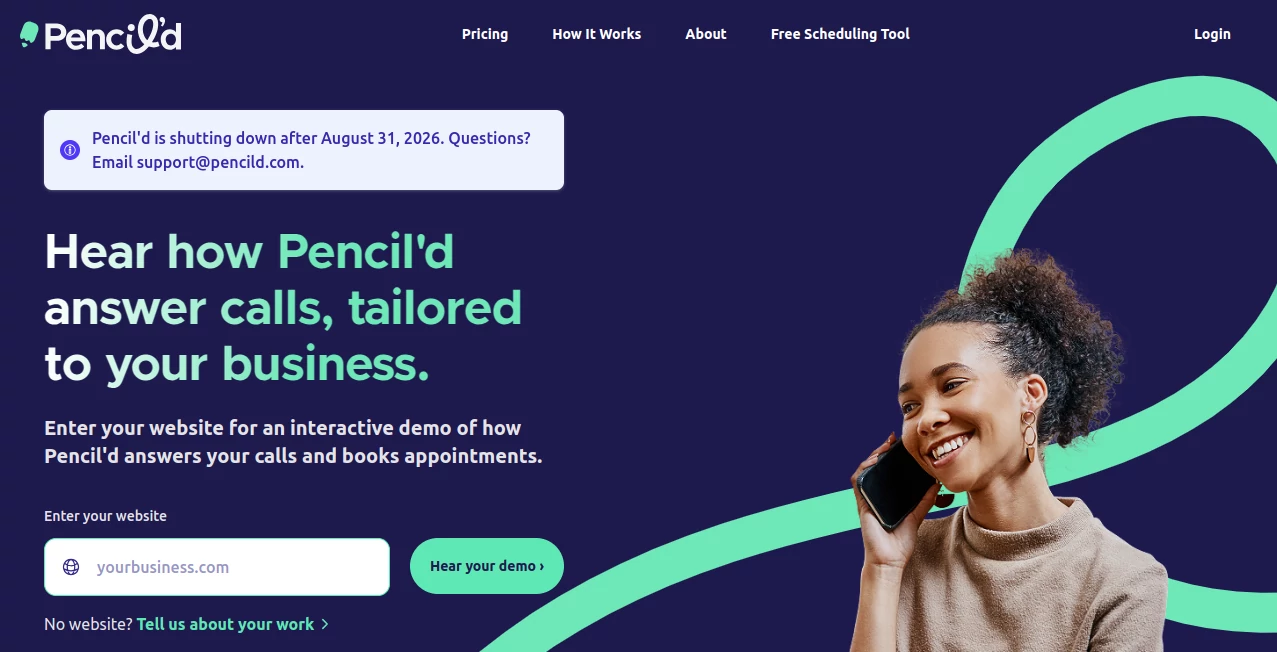
Running a tattoo business involves much more than creating amazing artwork. Artists often have to manage Instagram messages, client details, appointments, deposits, consent forms, and project notes across multiple platforms. Pencild is designed to bring these scattered tasks together into one professional workspace built specifically for tattoo artists.
The platform helps artists and studios organize their daily operations while keeping the creative process at the center. Instead of switching between spreadsheets, messaging apps, calendars, and paper forms, tattoo professionals can manage their client journey from the first inquiry to the finished tattoo in one connected system.
With tools for communication, scheduling, payments, client management, and project tracking, this solution gives artists more time to focus on their craft while maintaining a more professional experience for every client.
Key Features
User Interface
The platform provides a clean and organized dashboard where tattoo artists can quickly access important information. Conversations, appointments, client profiles, and projects are connected together, making it easier to understand each client's history without searching through different applications.
The unified workspace is especially useful for busy artists who receive large numbers of inquiries through social media and email. Having client communication and business information available in one place reduces confusion and helps maintain faster responses.
Accuracy & Performance
The system is built around practical workflows used in professional tattoo businesses. Client records, appointment details, project information, and payment status remain connected, helping reduce mistakes caused by manual tracking.
Features such as automated reminders, organized client histories, and structured booking processes allow artists to handle their schedules more efficiently and deliver a smoother customer experience.
Capabilities
- Unified Inbox: Manage email and Instagram messages together while keeping conversations linked to client profiles.
- Client Profiles: Store important information including conversations, appointments, notes, and previous projects.
- Booking Management: Create a smoother booking process with inquiry forms and appointment organization.
- Calendar Management: Track availability and appointments with a dedicated scheduling system.
- Project Tracking: Follow tattoo projects from initial idea through completion with notes and reference materials.
- Deposit Collection: Manage payments before appointments using integrated deposit features.
- Digital Consent Forms: Collect signatures and health questionnaires digitally.
- Task Management: Organize studio tasks connected to clients and projects.
- Automations: Send appointment confirmations, reminders, and follow-up messages automatically.
- Studio Support: Help tattoo studios manage multiple artists while maintaining flexible permissions.
Security & Privacy
Managing client information requires careful organization and privacy awareness. The platform keeps important business records connected to individual client profiles, helping artists avoid storing sensitive information across unrelated tools.
By replacing scattered documents and separate applications with a centralized workspace, tattoo professionals can maintain better control over their operational data and client interactions.
Use Cases
This solution is suitable for independent tattoo artists, private studios, and growing tattoo businesses that want a more professional way to manage their workflow.
- Independent Artists: Keep track of inquiries, appointments, deposits, and creative projects without relying on multiple apps.
- Tattoo Studios: Provide artists with organized tools for schedules, client communication, and collaboration.
- Guest Artists: Manage clients and appointments while working across different locations.
- Growing Businesses: Build a more structured customer experience as the number of clients increases.
For example, an artist who receives dozens of social media messages every week can quickly find previous conversations, check availability, collect a deposit, and prepare client information before the appointment begins.
Pros and Cons
Pros
- Designed specifically for tattoo professionals.
- Combines communication, scheduling, payments, and client records.
- Reduces the need for multiple disconnected business tools.
- Helps create a more professional client experience.
- Supports both individual artists and studios.
- Includes automation features that save administrative time.
Cons
- Focused mainly on tattoo businesses rather than general creative industries.
- Artists who prefer traditional manual workflows may need time to adapt.
- Advanced enterprise requirements may require additional customization.
Pricing Plans
The platform offers a free trial period, allowing tattoo professionals to explore the workflow before committing. Pricing is structured around the needs of individual artists and professional studio operations.
The available plans are designed to provide access to business management features including client organization, booking tools, communication management, and workflow automation. Users can start with the trial experience and choose a suitable plan based on their business requirements.
How to Use Pencild
Getting started is simple and focuses on organizing the core parts of a tattoo business.
- Create an account and set up your professional profile.
- Add client information and connect your communication channels.
- Create booking workflows for new inquiries.
- Manage appointments, deposits, and consent forms digitally.
- Track tattoo projects with notes, images, and related tasks.
- Use automation features to keep clients updated.
Once everything is connected, daily business management becomes more organized, allowing artists to spend less time handling administration and more time creating artwork.
Comparison with Similar Tools
Many general business management platforms provide calendars, customer records, or messaging features, but they are rarely built around the specific workflow of tattoo professionals. Traditional solutions often require artists to combine several different applications to handle their daily needs.
This platform stands out by combining tattoo-focused features such as project tracking, consent management, client history, and booking workflows in one environment. It is designed around the real challenges artists face rather than adapting a generic business tool.
Conclusion
Managing a tattoo business requires creativity, organization, and a reliable system behind the scenes. This platform helps artists create a smoother professional workflow by bringing important business tasks into one connected space.
From handling the first client message to completing the final artwork, it provides tools that reduce administrative stress and improve the overall client experience. For tattoo professionals looking for a dedicated business management solution, it offers a practical approach to running a modern studio.
Frequently Asked Questions (FAQ)
Who is this tool designed for?
It is designed mainly for tattoo artists, tattoo studios, and creative professionals who need better organization for client management and appointments.
Can it manage tattoo bookings?
Yes. The platform includes booking tools that help artists organize appointments, collect deposits, and prepare client information before sessions.
Does it support client communication?
Yes. It combines important communication channels and connects conversations with client profiles for easier management.
Can studios use it with multiple artists?
Yes. Studio-focused features help businesses organize schedules and provide artists with professional workflow tools.
Is there a free trial available?
Yes. New users can try the platform through a free trial before selecting a suitable subscription plan.
AI Workflow Management , AI CRM Assistant , AI Customer Service Assistant , AI Scheduling .
These classifications represent its core capabilities and areas of application. For related tools, explore the linked categories above.

Pencild Alternatives Product

Sparqo AI
Jotform AI A…
Somnio
KronoPrompt
Oasis

Medialyst
Chatbots AI
Zamicus

Reloq
