
PhotoMentor
What is PhotoMentor?
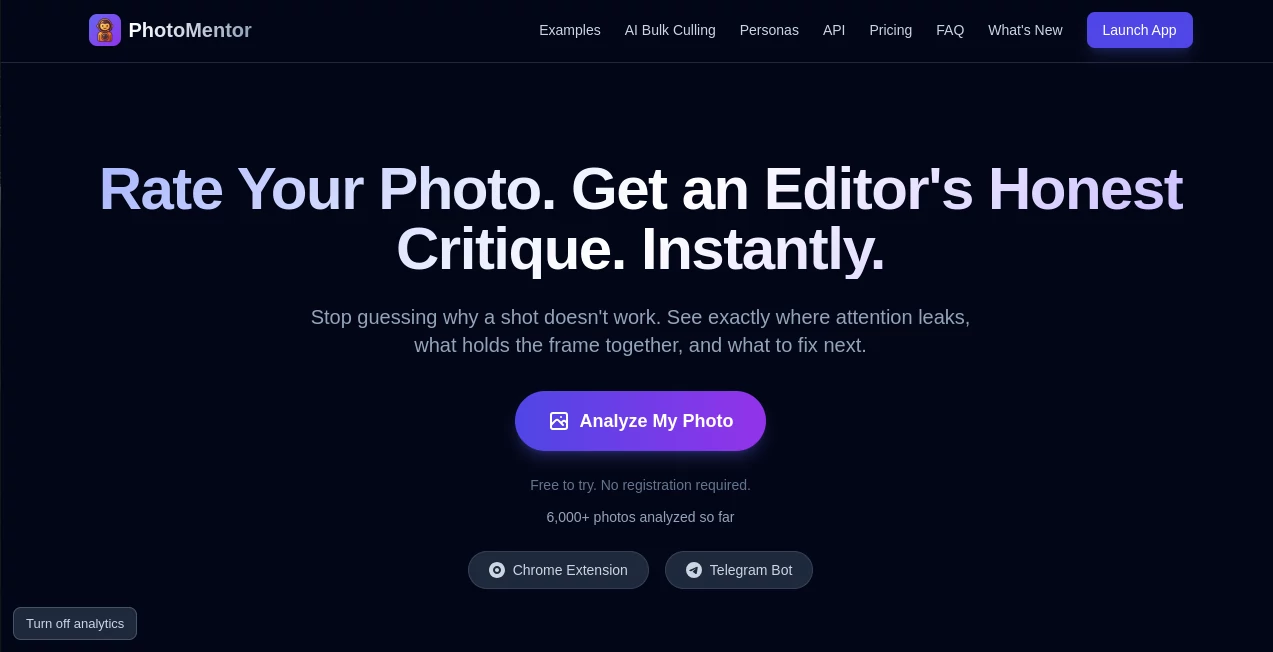
PhotoMentor is an AI-powered photography critic designed for photographers who want more useful feedback than a simple like or dislike. Instead of offering vague comments, it examines a photo and explains what is working, where the viewer's attention is being lost, and what could be improved.
The experience is particularly useful when you are reviewing a large collection of images or trying to understand why one frame feels stronger than another. A photo receives a score out of 10 along with feedback covering areas such as composition, lighting, color, timing, framing, technique, and genre-specific decisions.
One of the more interesting parts of the experience is the visual critique. Specific areas of an image can be highlighted with bounding boxes, making the feedback easier to understand. Instead of simply being told that a photograph has a distracting element, you can see where that distraction occurs.
Key Features
- AI-powered photo critique with a score out of 10.
- Genre-aware feedback covering more than 30 photography genres.
- Visual region highlights that identify distractions and important areas of the frame.
- Composition analysis based on principles such as the Rule of Thirds, Leading Lines, and visual balance.
- Detailed feedback on lighting, color, framing, timing, and technical execution.
- Bulk Culling for reviewing complete photography sessions.
- Progress history and statistics for tracking improvement over time.
- Google Photos integration through a Chrome extension.
User Interface
The interface keeps the process straightforward. You start with a photograph rather than a complicated collection of settings, and the analysis is presented in a way that connects the written feedback with the actual image.
For example, a critique can identify a visual distraction and show its location directly on the photograph. This makes the experience feel closer to sitting beside an editor and discussing a frame than reading a generic AI-generated paragraph.
The Google Photos extension adds another practical option. Photographers can browse their images in Google Photos and access existing scores or send a new image for analysis without constantly switching between different browser tabs.
Accuracy & Performance
The analysis focuses on recognizable photography principles rather than treating every photograph as if it followed the same formula. Composition, lighting, sharpness, color, visual balance, emotional impact, and genre conventions can all influence the result.
A useful detail is that the system is designed to distinguish intentional creative choices from obvious technical problems. Grain, motion blur, or an unconventional composition are not automatically treated as mistakes. For photographers who deliberately break traditional rules, that distinction makes the feedback considerably more useful.
The platform also reports that more than 6,000 photos have already been analyzed. Pro subscribers receive access to the latest AI model with faster analysis, while the workflow-focused plan adds priority processing for users handling larger sessions.
Capabilities
The single-photo analysis is only part of the platform. Its Bulk Culling workflow is designed for photographers who need to make decisions across an entire shoot. You can provide the intended theme, audience, or goal of a session and use that context when ranking potential keepers.
Rather than simply eliminating technically poor photographs, the system attempts to identify the images that best fit the photographer's creative intent. Finalists can then receive deeper critiques explaining why they were selected and what could still be improved.
The system also automatically detects photography genres and adapts its critique accordingly. Portraits, landscapes, street photography, architecture, wildlife, macro, sports, food, abstract work, and other genres can receive different evaluation criteria.
Security & Privacy
Privacy is an important consideration whenever photographs are uploaded for analysis. According to the service's privacy information, uploaded photos are processed securely and are kept for the user's personal history. The company states that images are not shared with third parties or used for training.
Users can also delete their analysis history from their account settings. This gives photographers more control over previously analyzed work, which is particularly useful when working with personal, client, or unpublished photographs.
Use Cases
For beginners, the platform can act as an always-available photography coach. Instead of wondering why a photograph feels slightly off, a new photographer can receive an explanation of composition, lighting, framing, and other fundamentals and then try another shot.
Experienced photographers can use it as a second opinion. Imagine selecting ten images from a street photography walk and being unsure which three deserve further editing. The critique can reveal distractions, weak visual anchors, compositional problems, and strengths that may not be immediately obvious.
It can also be useful for portrait, landscape, architecture, wildlife, food, and documentary photographers who regularly produce large numbers of frames. The Bulk Culling workflow is especially relevant after a long shoot where manually comparing hundreds of photographs can become tedious.
For someone learning photography, another interesting use is revision. Take a photograph, review the critique, make a change, and analyze the revised version again. Over time, this creates a more practical learning loop than simply reading photography theory.
Pros and Cons
Pros:
- Provides specific and actionable photography feedback.
- Highlights relevant regions directly on images.
- Supports more than 30 photography genres.
- Useful for both beginners and experienced photographers.
- Offers a free starting option without requiring registration.
- Bulk Culling can help reduce the time spent reviewing large shoots.
- Google Photos integration makes reviewing existing images more convenient.
Cons:
- AI feedback should not completely replace human artistic judgment.
- The free plan has limited monthly analyses.
- Advanced Bulk Culling features require a paid plan.
- Photographers with highly experimental styles may still prefer feedback from a human editor who understands their personal artistic direction.
Pricing Plans
The service uses a straightforward free-and-paid pricing structure. The Free plan costs $0 and includes two welcome analyses, one analysis per month, full critiques with visual region highlights, a personal progress dashboard, and one Bulk Culling demonstration.
The Pro plan costs $5 per month or $40 per year. It adds unlimited analyses, access to the latest AI model with faster processing, unlimited visual region highlights, detailed light and color critique, history and progress statistics, and five Bulk Culling jobs per month.
For photographers who regularly process complete sessions, the Pro Workflow plan costs $15 per month or $120 per year. It includes everything in Pro, plus unlimited Bulk Culling, priority processing, and deeper critiques for selected finalists.
How to Use PhotoMentor
- Upload a photograph for analysis.
- Let the AI evaluate the image according to its visual and genre-specific criteria.
- Review the score and detailed critique.
- Inspect the highlighted regions to understand distractions and important visual areas.
- Apply the recommendations while editing or planning your next shot.
- Analyze another version of the image to compare your improvements.
For larger shoots, use the Bulk Culling workflow. Provide the context or creative brief for the session, allow the system to rank the strongest frames, and then review the reasoning behind the selected finalists.
Comparison with Similar Tools
PhotoMentor occupies a slightly different position from traditional photo culling software. Many professional culling applications concentrate heavily on technical rejection, such as detecting blur, poor exposure, or closed eyes. This platform puts more emphasis on the creative question: which images actually communicate the photographer's intended idea?
That difference matters after a large shoot. A technically acceptable image is not necessarily the strongest photograph in a collection. A frame can be sharp and correctly exposed while still having weak visual hierarchy or a distracting subject. The platform attempts to address that second layer of decision-making.
It also differs from asking a general-purpose chatbot to critique a photograph. A chatbot can provide useful observations, but the photographer typically has to construct the request and explain what kind of evaluation is wanted. Here, photography critique is the central workflow, with scores, visual annotations, genre-aware analysis, history, and dedicated culling features built around it.
Conclusion
Good photography feedback is not simply about hearing that an image looks nice. The valuable part is understanding why a photograph works, where it loses the viewer, and what can be changed without losing the photographer's original idea.
This platform makes that process considerably more accessible. Its combination of structured critique, visual highlights, genre-aware analysis, progress tracking, and Bulk Culling makes it useful for photographers at different stages of their development.
For a beginner, it can provide a practical way to learn from individual photographs. For an experienced photographer, it can serve as a fast second opinion when choosing between competing frames. And for anyone dealing with hundreds of images after a shoot, the session-based workflow can make the selection process much less painful.
Frequently Asked Questions (FAQ)
Do I need photography experience to use it?
No. The platform is designed for photographers at different skill levels. Beginners can receive explanations of photography concepts, while more experienced users can use the deeper technical feedback to refine their work.
Can it analyze different types of photography?
Yes. The system supports more than 30 genres, including portrait, landscape, street, architecture, wildlife, macro, sports, food, and abstract photography. The analysis adapts its criteria according to the detected genre.
Does it only judge technical quality?
No. Technical execution is one part of the analysis. Composition, lighting, color, framing, timing, emotional impact, genre decisions, distractions, and visual balance can also influence the critique.
Can it understand intentional blur or grain?
The system is designed to distinguish creative decisions from accidental technical problems. Intentional motion blur or stylistic grain should not automatically be interpreted in the same way as camera shake or unwanted image noise.
Is there a free plan?
Yes. The Free plan costs $0 and includes two welcome analyses, one analysis per month, visual critique features, a progress dashboard, and one Bulk Culling demonstration.
What is Bulk Culling?
Bulk Culling is designed for photographers who need to select the strongest images from an entire shoot. The system ranks photographs according to technical quality and the stated theme or purpose of the session, then provides explanations for the selected finalists.
Can I use it with Google Photos?
Yes. A Chrome extension allows photographers to access photo scores while browsing Google Photos. Previously analyzed images can be recognized, while new photographs can be sent for critique without leaving the Google Photos workflow.
Can AI replace a professional photography editor?
It is better viewed as a fast second opinion rather than a complete replacement for human artistic feedback. AI can provide consistent technical and compositional analysis, while a human editor can bring personal taste, cultural context, creative direction, and deeper knowledge of a photographer's long-term vision.
Can I track my photography improvement?
Yes. The paid plans include history and progress statistics, allowing photographers to review previous analyses and follow their development over time.
Photo & Image Editor , AI Photography .
These classifications represent its core capabilities and areas of application. For related tools, explore the linked categories above.
PhotoMentor details
Website unavailable — View Alternatives
Pricing
- Freemium
Apps
- Web App
Categories

PhotoMentor Alternatives Product

Nano banana …

Brave Pink H…

VIGGLE

WatermarkZero

Image to STL

AI Thumbnail…

Medical Illu…

Better Datin…

ToolIMG