

















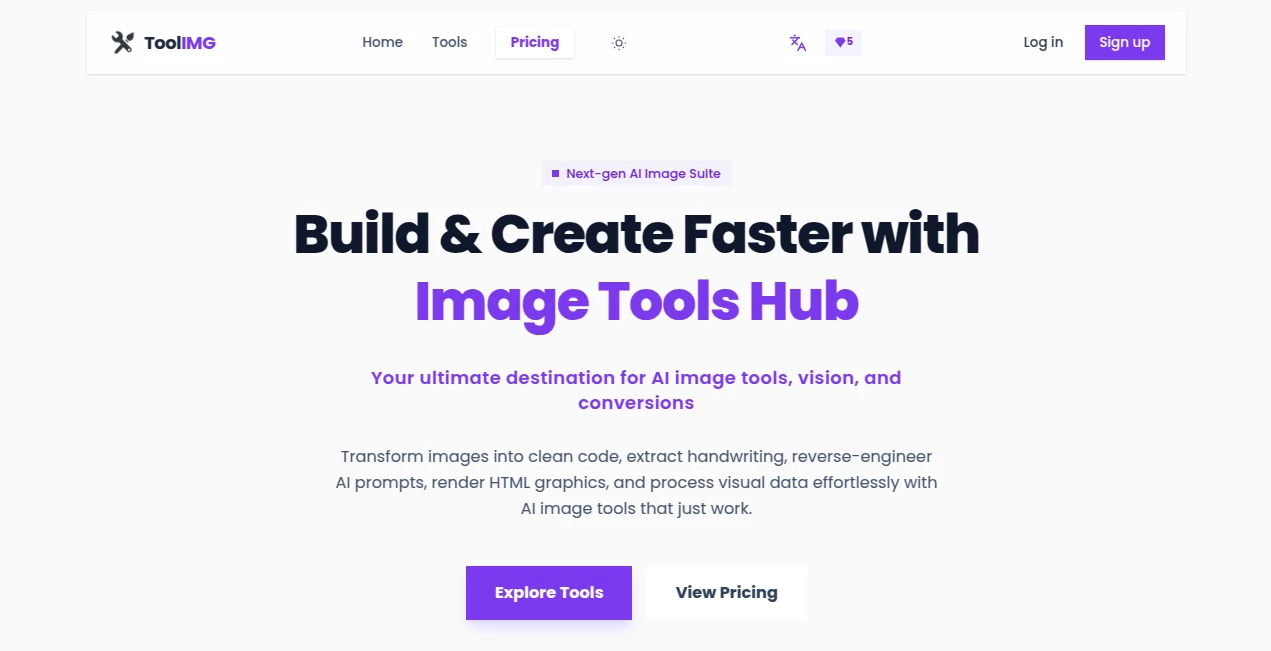
What is ToolIMG?
Managing images, documents, and everyday digital tasks often means switching between multiple websites and applications. This platform brings everything together in one convenient place, making routine editing, conversion, and optimization much easier. Whether someone needs to resize an image for social media, prepare a passport photo, compress files for faster sharing, or convert between popular formats, the entire process happens directly in the browser.
One of the biggest strengths is its commitment to simplicity. There is no complicated setup, and many common tasks can be completed within seconds. Because files are processed locally on the user's device, privacy remains a priority while maintaining impressive performance. The combination of speed, convenience, and a broad collection of free utilities makes it a practical solution for students, professionals, designers, marketers, and everyday users alike.
Key Features
User Interface
The interface is clean, modern, and organized around clearly labeled tools. Navigation is straightforward, allowing users to quickly find image editing, document utilities, resizing options, conversion tools, and official photo creators without unnecessary distractions. Search functionality further reduces the time needed to locate the desired service.
Accuracy & Performance
Image processing is fast and reliable, producing consistent results for resizing, compression, cropping, watermarking, and format conversion. Passport and visa photo creation follows commonly required dimensions, while compression tools reduce file size without noticeably sacrificing visual quality in most everyday situations.
Capabilities
- Resize images using pixels, inches, centimeters, or millimeters.
- Compress images to target file sizes for web or email.
- Create passport and visa photos with print-ready layouts.
- Convert between JPG, PNG, and WebP formats.
- Crop images using predefined aspect ratios or custom sizes.
- Apply text or logo watermarks in bulk.
- Rotate and flip multiple images simultaneously.
- Support common social media image dimensions.
- Offer numerous document and digital utility tools from one platform.
Security & Privacy
Privacy is one of the strongest advantages. File processing is performed locally within the browser instead of uploading personal files to external servers whenever supported. This approach reduces privacy concerns while also improving processing speed and giving users greater confidence when working with personal photos or sensitive documents.
Use Cases
- Preparing optimized images for websites and blogs.
- Creating passport and visa photographs.
- Reducing image sizes before uploading to online forms.
- Generating social media images with correct dimensions.
- Converting images into different file formats.
- Protecting creative work with watermarking.
- Processing multiple photos at once for business workflows.
- Handling everyday document preparation tasks.
Pros and Cons
- Pros
- Completely free to use.
- Large collection of digital utilities in one location.
- Fast browser-based processing.
- Local processing improves privacy.
- No complicated installation required.
- Simple interface suitable for beginners.
- Supports batch operations for several image tasks.
- Cons
- Focused primarily on practical editing rather than advanced creative design.
- Some specialized professional workflows may still require dedicated desktop software.
Pricing Plans
The platform is available completely free of charge. Users can access the available tools without premium subscriptions, hidden costs, or usage limitations, making it an attractive option for individuals and businesses looking for reliable everyday utilities.
How to Use ToolGi
Open the website and choose the tool that matches your task. Upload or drag your file into the workspace, configure the available options such as dimensions, quality, or output format, then let the browser process the request. Once complete, simply download the finished file and continue with your next task using another utility if needed.
Comparison with Similar Tools
Unlike many online utilities that specialize in only one feature, this platform combines numerous image, document, and digital productivity services into a single destination. The browser-based local processing approach also provides an advantage for users who value privacy and prefer avoiding unnecessary file uploads. Its broad selection of free utilities makes it particularly appealing for users who frequently perform different digital tasks throughout the day.
Conclusion
For anyone looking for an efficient collection of everyday digital utilities, this platform offers an impressive balance of convenience, speed, and privacy. The combination of image editing, compression, resizing, conversion, document preparation, and official photo generation creates a practical workspace that eliminates the need for multiple separate websites. Its straightforward design and completely free access make it suitable for both occasional users and professionals who regularly handle digital content.
Frequently Asked Questions (FAQ)
Is the platform free?
Yes. The available tools can be used without subscription fees or hidden charges.
Are uploaded files stored online?
Many supported tools process files locally within the browser, helping keep user data private.
Can multiple images be edited together?
Yes. Several utilities support bulk operations such as rotating, flipping, and watermarking multiple images.
Is it suitable for passport and visa photos?
Yes. Dedicated tools help create print-ready passport and visa photographs using common size requirements.
Who can benefit from these tools?
Students, designers, marketers, photographers, office workers, developers, and anyone who frequently works with digital files can benefit from the available utilities.