PopcornAI
What is PopcornAI?
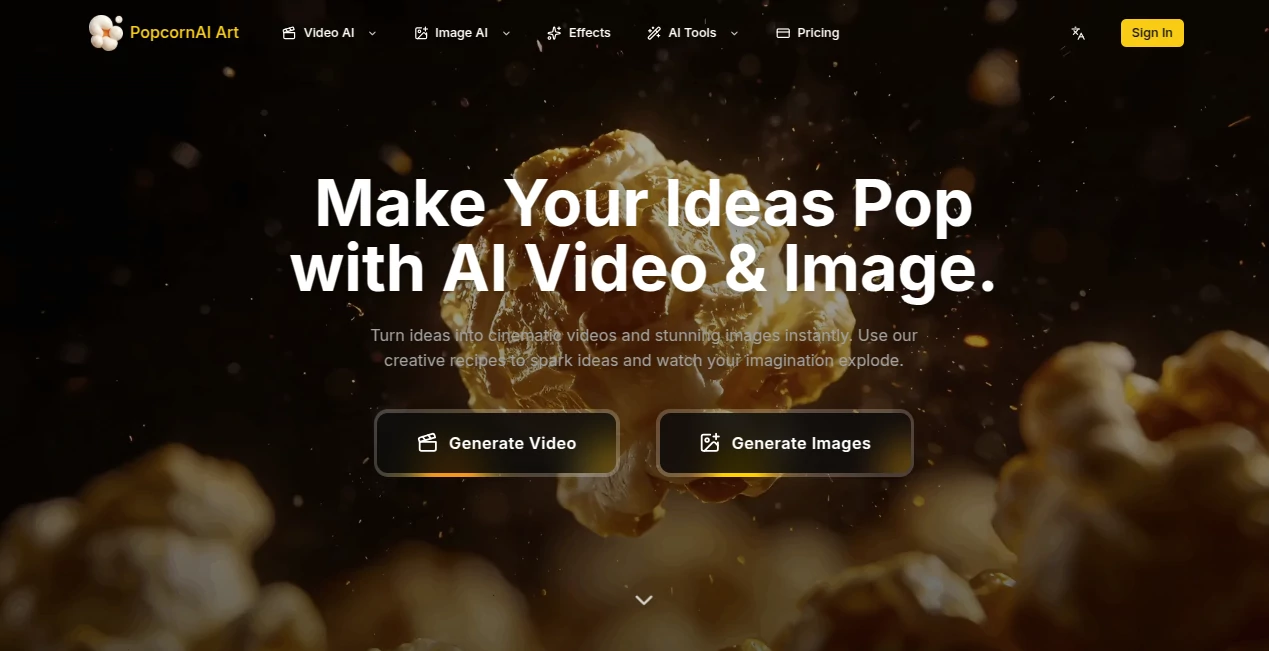
There’s something addictive about typing a wild idea and watching it explode into a polished video or eye-catching image within seconds. PopcornAI captures that spark perfectly. Whether you’re making a quick social media clip, a product showcase, or just experimenting for fun, it delivers results that feel fresh, vibrant, and ready to share. I’ve seen creators go from “let me try something silly” to posting content that actually gets traction—all in the time it takes to make a coffee. It’s the kind of tool that makes creativity feel playful again instead of like another chore on the list.
Introduction
Most AI generators still feel experimental—either too slow, too generic, or full of weird artifacts. PopcornAI stands out by focusing on speed, quality, and real creative control. You can start with text, upload photos, or combine both, and the results consistently look like they belong on trending feeds or professional product pages. It’s especially loved by marketers, social creators, and small brands who need eye-catching visuals without hiring photographers or editors. The platform strikes a nice balance: powerful enough for serious work, simple enough that you can jump in and have fun immediately.
Key Features
User Interface
The workspace is clean and inviting. A big prompt box sits front and center, with easy options to upload reference images or videos. Style presets and quick toggles are right there when you need them, but never in the way. Generation previews load fast, so you can tweak and try again without losing momentum. It feels more like a creative playground than a complicated dashboard—exactly what you want when inspiration strikes.
Accuracy & Performance
It handles motion and style with impressive consistency. Characters keep their look across frames, lighting feels natural, and the output matches your prompt without strange distortions. Videos generate quickly, and image results are sharp and detailed. Even complex requests—like turning a product photo into a lifestyle scene—come back looking thoughtful rather than random. That reliability means you can actually use the output instead of spending time fixing it.
Capabilities
Text-to-video, image-to-video, multi-frame control for coherent storytelling, style transfer, product photography enhancements, and creative effects for viral content. You can guide generations with multiple reference images, adjust motion intensity, and choose different artistic directions. It excels at both short attention-grabbing clips and polished static visuals, making it versatile for social media, e-commerce, and personal projects alike.
Security & Privacy
Your uploads and generations are handled responsibly with no unnecessary data retention. Free users get solid privacy, while paid plans offer even more control. For creators working with brand assets or personal ideas, it’s reassuring to know your content isn’t being stored or used beyond what you intend.
Use Cases
A small fashion brand turns static product shots into elegant lifestyle videos that boost engagement on Instagram. A content creator makes trending “AI hug” style clips or fun transformations that perform well on TikTok. An e-commerce seller quickly generates professional-looking images with better lighting and backgrounds without a photoshoot. Hobbyists experiment with wild concepts just for the joy of seeing them come to life. Wherever you need visuals fast and with personality, it delivers.
Pros and Cons
Pros:
- Fast generation that keeps your creative flow going.
- Strong consistency in characters and style across frames.
- Great results for both video and static image needs.
- Easy enough for beginners, powerful enough for regular creators.
- Free tier is generous for testing ideas.
Cons:
- Longer or very complex scenes may need multiple generations.
- Some advanced features and higher quality are behind paid plans.
- Watermark appears on free outputs (removable with upgrade).
Pricing Plans
The free plan gives you a solid taste with daily generations—perfect for trying ideas and making quick content. Paid subscriptions unlock watermark-free downloads, faster processing, higher quality, and more generous limits. Pricing is reasonable and scales with how seriously you use it. Many creators find the upgrade pays for itself after one good campaign or viral post.
How to Use PopcornAI
Head to the generator, type your idea or upload a starting image, choose any style guidance you want, and hit create. Watch the preview, then adjust the prompt or references if you want a different take. Download the result when it clicks. For video, you can add multiple frames for better storytelling. The process is quick and forgiving, so you can experiment freely until you land on something you love.
Comparison with Similar Tools
Many AI video tools feel either too basic or overly complicated. PopcornAI stands out with its balance of speed, quality, and creative control. It handles both images and video well, with better consistency than many competitors, especially when using reference images. It’s less about raw technical power and more about making good-looking content fast—exactly what most creators actually need day-to-day.
Conclusion
PopcornAI brings back the fun of creation by removing the usual friction. It turns casual ideas into shareable moments and professional needs into polished assets without the usual headaches. Whether you’re building a brand, entertaining an audience, or just playing with visuals, it gives you results you’re proud to post. In a crowded creative space, tools that make good work feel easy are rare—and this one is worth trying.
Frequently Asked Questions (FAQ)
How fast can I generate content?
Most generations finish in seconds to under a minute, keeping your ideas flowing.
Can I use it for commercial projects?
Yes—paid plans include full commercial rights for your generated content.
Do free generations have watermarks?
Yes, a small watermark appears on free outputs. Paid plans remove it completely.
Is it good for product photography?
Very—many users rely on it for clean, professional-looking product visuals and videos.
What kind of styles can I create?
From realistic to artistic, viral social trends to polished e-commerce looks—lots of flexibility.
AI Animated Video , AI Image to Video , AI Video Generator , AI Text to Video .
These classifications represent its core capabilities and areas of application. For related tools, explore the linked categories above.

PopcornAI Alternatives Product

ImageVids AI

FluxMov

Kling-4 Vide…

Ltx 2.3
Wurt.app
Seedance 2.0…

Free Sora Ge…

Kling 3.0 Vi…
Seedance 2.0