


















Quash
What is Quash?
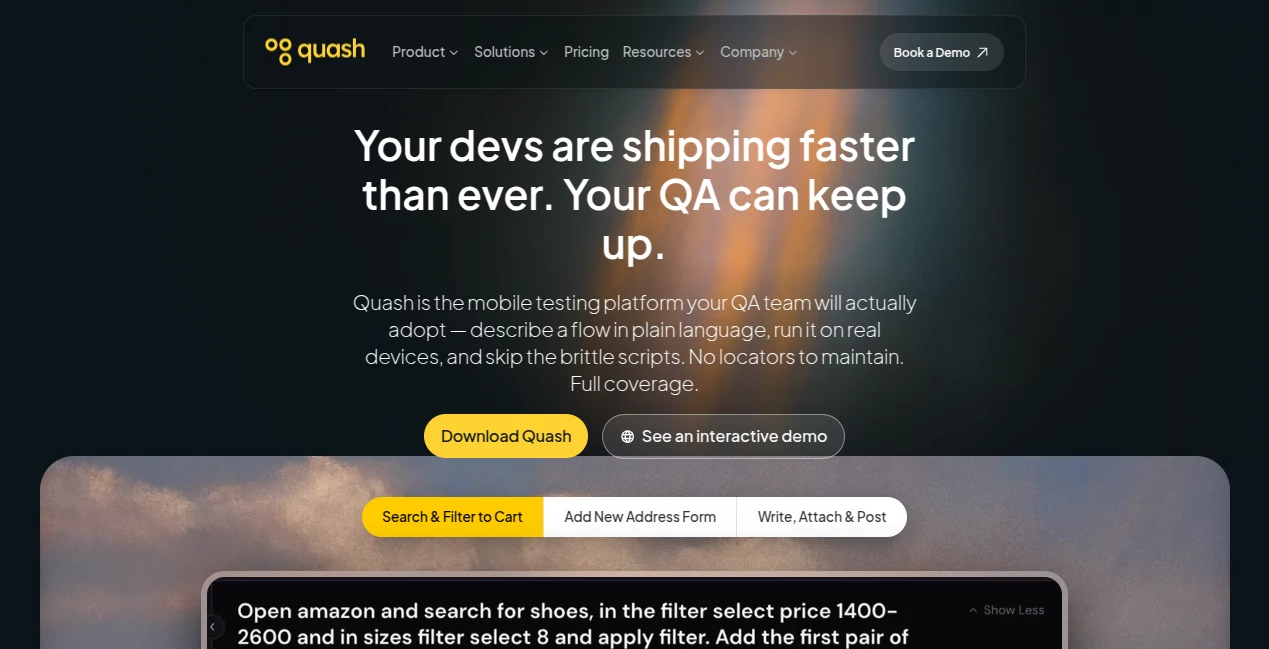
Modern mobile development moves quickly, but testing often slows every release. This platform changes that by allowing QA teams to describe test flows in plain language instead of writing and maintaining complex scripts. It executes tests on real devices, adapts to interface changes, and generates detailed reports that help developers resolve issues faster. For teams looking to improve release quality while reducing manual effort, it offers a refreshing approach to mobile QA.
Key Features
User Interface
The dashboard is clean, intuitive, and designed for both experienced QA engineers and newcomers. Creating test scenarios feels conversational, making it easy to get started without a long learning curve.
Accuracy & Performance
The platform performs tests on real devices and intelligently adapts to changing screens, loading states, and user flows. This reduces maintenance while increasing test coverage across multiple releases.
Capabilities
- Create mobile test cases using natural language.
- Execute automated tests on real devices and emulators.
- Generate detailed reports with screenshots and execution steps.
- Validate backend APIs and database responses during testing.
- Support parallel execution for faster release cycles.
Security & Privacy
Security is built into the workflow. Communications are encrypted, automation runs locally whenever possible, and sensitive information is protected throughout the testing process. Organizations with strict compliance requirements can confidently integrate it into existing QA pipelines.
Use Cases
- Automating regression testing for mobile applications.
- Improving QA workflows for agile development teams.
- Testing e-commerce, fintech, healthcare, and travel apps.
- Reducing manual testing before production releases.
- Helping developers identify bugs earlier in the release cycle.
Pros and Cons
- Pros
- Scriptless testing with natural language.
- Works with real devices and cloud environments.
- Excellent reporting and debugging insights.
- Reduces maintenance caused by UI changes.
- Cons
- Focused mainly on mobile application testing.
- Advanced enterprise features may require a paid plan.
Pricing Plans
A free starting option is available for new users, while paid usage is based on testing needs. Businesses can choose scalable plans depending on project size and automation requirements.
How to Use Quash
Sign up, connect your mobile project, and describe the desired user flow in plain English. Launch the automated test, review the generated execution report, and use the captured insights to fix issues before deployment.
Comparison with Similar Tools
Unlike traditional automation frameworks that require scripting and frequent maintenance, this solution focuses on intent-driven testing. It minimizes brittle test scripts, adapts to interface updates automatically, and provides a more accessible experience for both developers and QA professionals.
Conclusion
For teams building mobile applications at a rapid pace, this platform offers a practical balance between automation, accuracy, and ease of use. Its natural-language testing, intelligent execution engine, and comprehensive reporting make it a valuable addition to modern software development workflows.
Frequently Asked Questions (FAQ)
Who is this platform designed for?
It is ideal for QA engineers, developers, product teams, and organizations building mobile applications.
Does it require coding skills?
No. Tests can be created using plain language, making automation accessible to non-programmers.
Can it run tests on real devices?
Yes. Tests can be executed on real devices, cloud devices, and supported emulators.
Is it suitable for enterprise teams?
Yes. It includes collaboration, reporting, and scalable automation features for growing development teams.
Does it support secure testing?
Yes. The platform emphasizes encrypted communication and privacy-focused automation for sensitive development environments.
AI Testing & QA , AI Code Assistant , AI Developer Tools , AI DevOps Assistant .
These classifications represent its core capabilities and areas of application. For related tools, explore the linked categories above.

Quash Alternatives Product

GOLANG COLLE…

Project Mela

UpMocker

ModelsLab

freellm

Luma AI

JSON to TOON…

Latency Atlas

Ito AI
