


















Recoverit
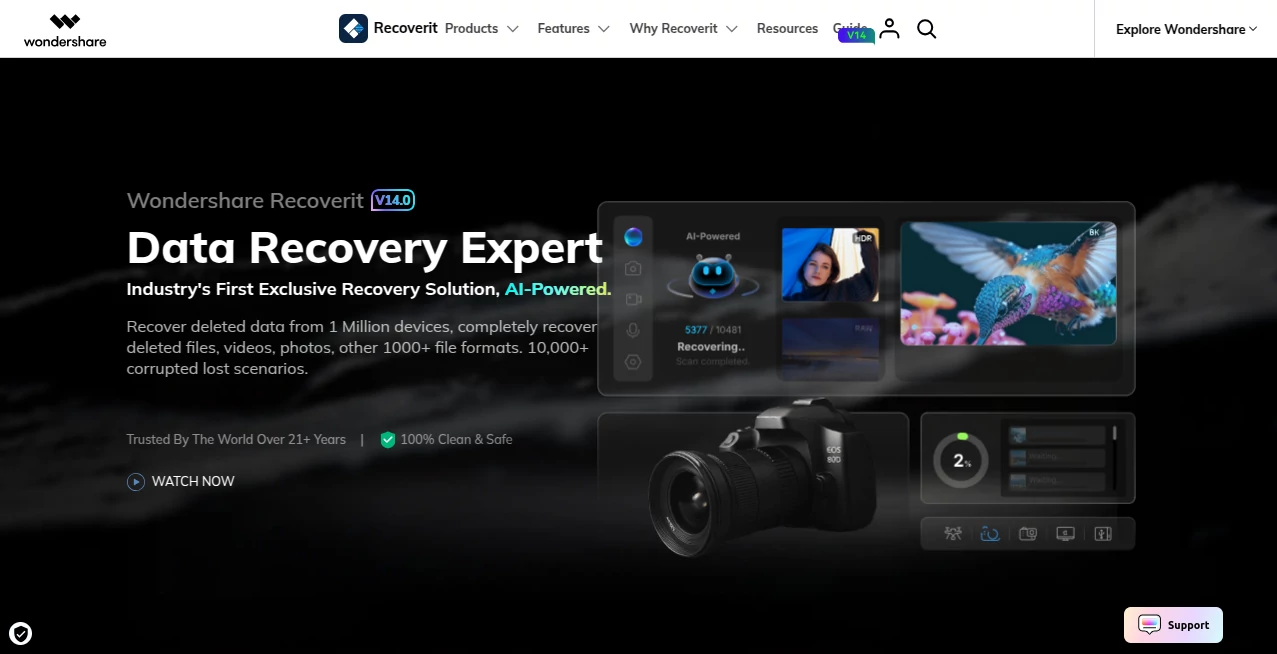
What is Recoverit?
I still remember the sinking feeling when my external hard drive died with years of family photos and unfinished work projects on it. That moment of panic is something no one wants to experience. This tool has saved me and countless others from that nightmare. It quietly goes to work, scanning drives, recovering deleted files, and pulling back data from crashed computers, formatted partitions, and even virus attacks with impressive success rates. It’s not magic, but it feels pretty close when you see your important files return safely.
Introduction
Data loss happens to everyone eventually — accidental deletion, a crashed laptop, a corrupted drive, or a sudden virus. Most people assume it’s gone forever. Recoverit proves that’s often not the case. Built by Wondershare, it has become one of the most trusted solutions for recovering photos, videos, documents, emails, and more from virtually any storage device. What makes it stand out is how it balances powerful recovery technology with an interface that doesn’t intimidate non-technical users. Whether you’re a photographer who lost a wedding shoot, a student who deleted their thesis, or a business owner facing a crashed server, it gives you a real fighting chance to get everything back.
Key Features
User Interface
The design is refreshingly straightforward. You’re greeted with clear options for different recovery scenarios, big buttons, and a step-by-step wizard that guides you without overwhelming you. Preview functionality lets you see recoverable files before you commit to the full recovery, so you don’t waste time on junk. It feels modern and calm — exactly what you need when you’re already stressed about lost data.
Accuracy & Performance
It consistently delivers high recovery rates, even from heavily damaged or formatted drives. The deep scan mode works thoroughly but doesn’t take forever, and it handles large storage devices without slowing your computer to a crawl. In real-world use, it has successfully recovered files that other tools gave up on, including old photos from memory cards and important documents from crashed SSDs.
Capabilities
It supports recovery from hard drives, SSDs, external drives, USB flash drives, memory cards, and even crashed computers (with bootable media). You can recover photos, videos, audio, documents, emails, archives, and more. It handles common disasters like accidental deletion, formatting, virus attacks, system crashes, and partition loss. The ability to preview files before recovery and the wide format support make it incredibly versatile for both personal and professional use.
Security & Privacy
Your recovered data stays on your own device — nothing is uploaded to the cloud unless you choose to. The software is well-established with a strong reputation for safe, non-destructive scanning. It reads data without altering the original drive structure until you’re ready to recover, giving you peace of mind during the process.
Use Cases
A wedding photographer recovers an entire shoot after accidentally formatting the memory card. A university student gets back their lost dissertation the night before submission. A small business restores critical financial records from a virus-infected computer. A family rescues decades of photos from an old external drive that suddenly stopped working. These aren’t rare success stories — they’re everyday situations where this tool makes a genuine difference.
Pros and Cons
Pros:
- High success rate even on challenging data loss scenarios.
- Works on almost any device and file type.
- Preview before recovery helps you save time and storage space.
- Clear, easy-to-use interface for both beginners and advanced users.
- Regular updates keep it effective against new storage technologies.
Cons:
- Deep scans on very large drives can take time (though this is normal for thorough recovery).
- Advanced features and unlimited recovery are part of the paid version.
Pricing Plans
It offers a free version that lets you scan and preview recoverable files so you can see exactly what can be saved before committing. The paid plans unlock full recovery, advanced features, and higher limits. Pricing is reasonable considering what you’re protecting — years of memories, important work, or critical business data. Many users say it’s worth every penny the first time it successfully brings back something they thought was gone forever.
How to Use Recoverit
Download and install the software, select the location where you lost your files (internal drive, external drive, memory card, etc.), choose between quick scan or deep scan, and let it analyze. Once the scan finishes, preview the files you want to recover, select them, and choose a safe destination to save them to. It’s designed so you can go from panic to relief in a short time, even if you’re not technically inclined.
Comparison with Similar Tools
While there are other recovery programs out there, many feel either too basic or overly complicated with confusing interfaces. This one stands out with its balance of power and simplicity, strong recovery rates, and regular updates that keep pace with new storage technology. It’s less intimidating than some enterprise tools while being more capable than most free alternatives.
Conclusion
Data loss is stressful, but it doesn’t have to be permanent. This tool gives you a practical, reliable way to fight back and recover what matters most. Whether you’re dealing with a sudden accident or trying to rescue old memories, it delivers results with minimal hassle. In a digital world where our most important moments live on drives and cards, having a tool like this ready is simply smart. It’s peace of mind you’ll be grateful to have when you need it.
Frequently Asked Questions (FAQ)
Can it recover files from a formatted drive?
Yes — it has strong formatted recovery capabilities.
Is the free version actually useful?
Yes — you can scan and preview files for free to see what’s recoverable.
Does it work on both Windows and Mac?
Yes, it supports both platforms well.
Can it recover data from a crashed computer?
Yes — using the bootable media creation feature.
Is it safe to use?
Absolutely — it uses read-only scanning that doesn’t modify your original data.
Other .
These classifications represent its core capabilities and areas of application. For related tools, explore the linked categories above.

Recoverit Alternatives Product

pixel flow g…

Hall Of Tarot

Devil Hunter…

Black Screen

MBTI Compati…

GoDices

Remove My Me…

ChatView-AI …

iyadel
