


















RoomSketcher
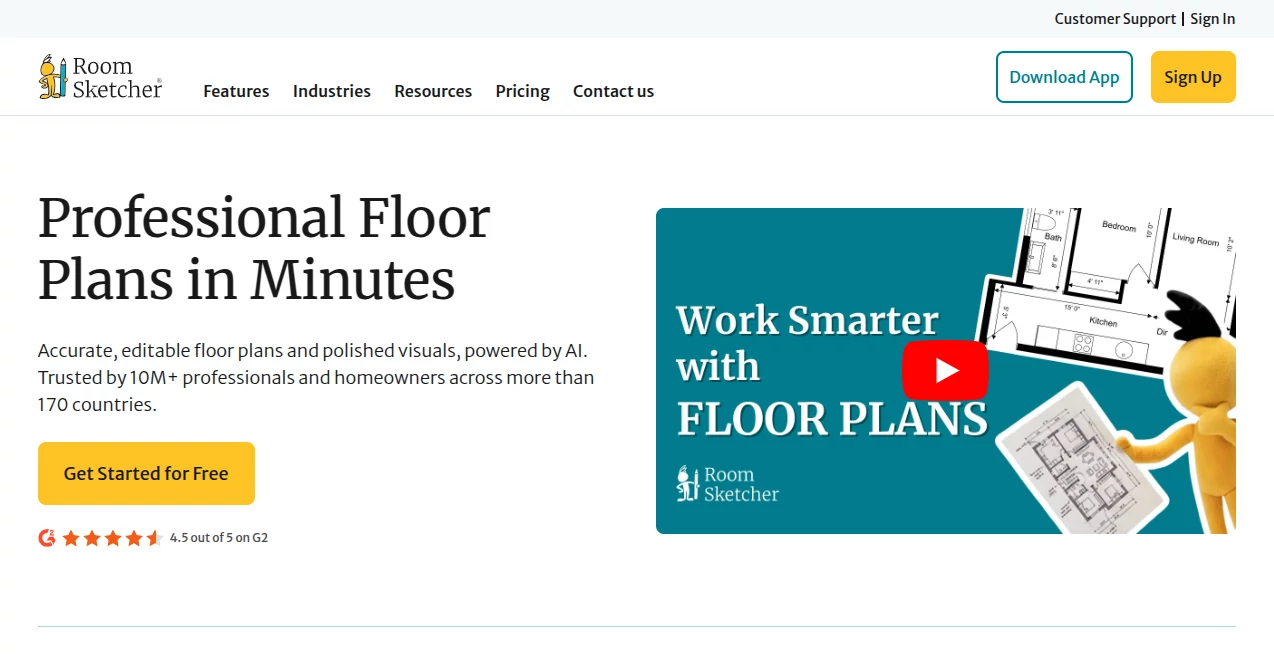
What is RoomSketcher?
Designing a home or office layout used to require complex software or expensive professional services. Today, digital tools have made it possible for anyone to visualize and plan spaces in a much more intuitive way. This platform brings that experience into a simple, browser-friendly environment where users can create detailed floor plans and interior designs without a steep learning curve.
Whether you are renovating a home, planning a new office layout, or simply experimenting with interior ideas, this solution provides a smooth and enjoyable design journey. It is built to help both beginners and professionals turn ideas into visual reality.
Key Features
User Interface
The interface is clean and structured, making it easy to start a project without confusion. Users can drag and drop walls, furniture, and design elements with minimal effort. The layout is designed to keep everything accessible without overwhelming the workspace.
Accuracy & Performance
Precision is one of the strongest aspects of this tool. Measurements, scaling, and spatial planning are handled with attention to detail, ensuring that designs reflect real-world dimensions. Performance remains stable even when working on complex layouts.
Capabilities
Users can create both 2D floor plans and 3D visualizations. This dual perspective helps in understanding space better and making informed design decisions. Furniture placement, room customization, and structural adjustments are all supported seamlessly.
Security & Privacy
Projects are stored securely, allowing users to return and edit their designs anytime. The platform ensures that user data remains protected while maintaining reliable access across devices.
Use Cases
- Home renovation planning and visualization
- Interior design for residential spaces
- Office layout planning for businesses
- Real estate presentations and property showcasing
- Educational projects in architecture and design
Pros and Cons
Pros
- Easy-to-use drag and drop interface
- Supports both 2D and 3D visualization
- Accurate measurements and scaling
- Useful for both beginners and professionals
- Helps visualize real-world interior ideas effectively
Cons
- Advanced features may require a learning curve
- Some premium features are locked behind paid plans
- Large projects may require higher system performance
Pricing Plans
The platform typically offers multiple pricing tiers to suit different user needs. A free version is available for basic design work and experimentation. Paid plans unlock more advanced features such as high-quality rendering, additional export options, and professional tools for business use. Subscription options are designed for individuals as well as teams.
How to Use This Platform
Getting started is straightforward. Users begin by creating a new project and defining the basic layout of their space. Walls can be drawn manually or adjusted using preset templates. Once the structure is ready, furniture and interior elements can be added from the built-in library.
After completing the 2D layout, users can switch to a 3D view to explore the design from different angles. Adjustments can be made at any stage, allowing full creative control over the final result. Finished projects can then be saved or exported for presentation purposes.
Comparison with Similar Tools
Compared to other interior design platforms, this solution stands out for its balance between simplicity and functionality. While some competitors focus heavily on professional-grade complexity, this tool offers a more accessible approach without sacrificing essential features.
It is particularly well-suited for users who want fast results without needing advanced architectural knowledge, making it a strong alternative to more technical design software.
Conclusion
This platform successfully bridges the gap between professional interior design tools and user-friendly creativity apps. It empowers users to visualize spaces with accuracy while keeping the experience enjoyable and intuitive. Whether for personal projects or professional planning, it offers a reliable and visually engaging design environment.
Frequently Asked Questions (FAQ)
- Can beginners use this platform easily? Yes, it is designed with simplicity in mind, making it accessible for beginners.
- Does it support 3D visualization? Yes, users can switch between 2D and 3D views for better understanding of their designs.
- Is it suitable for professional use? Yes, many professionals use it for planning and presenting interior layouts.
- Can projects be saved and edited later? Yes, users can store and modify their designs anytime.
AI Design Assistant , AI Design Generator , AI Graphic Design , AI Interior & Room Design .
These classifications represent its core capabilities and areas of application. For related tools, explore the linked categories above.

RoomSketcher Alternatives Product

Z-Image

Flux 2 Cloud

image2ai.art

nano banana

Lexica AI

lovimg

Curved Text …

Uni-1

PatchDesign.…
