
















image2ai.art
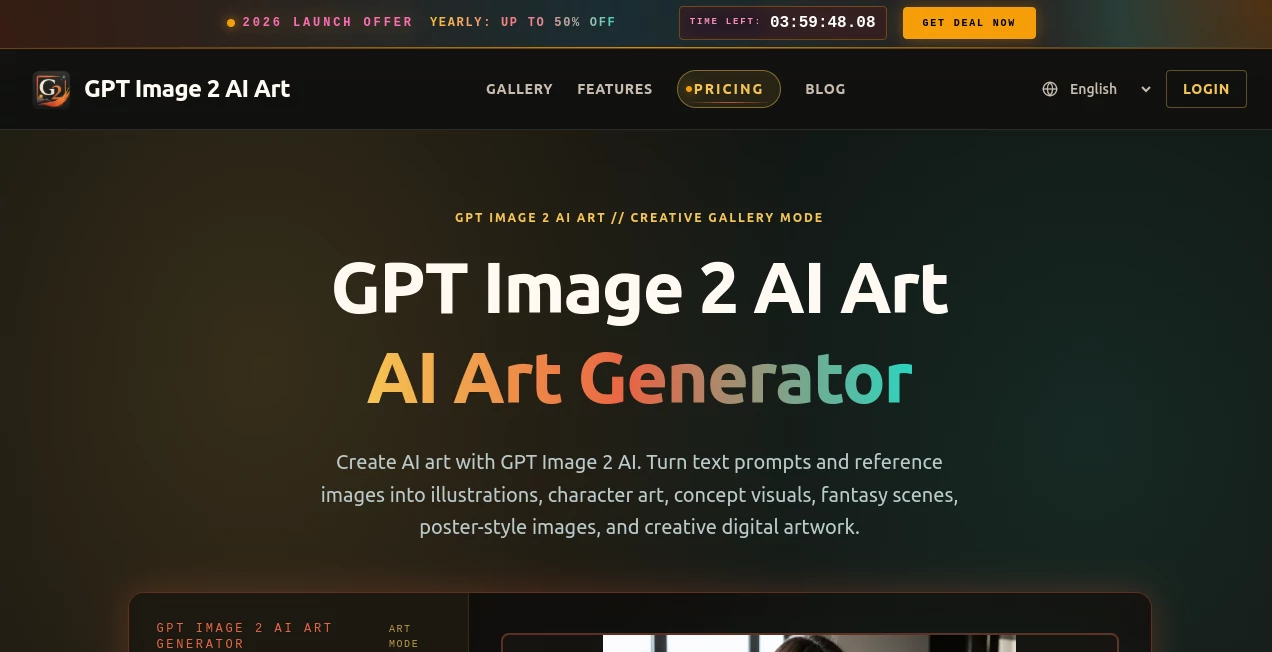
What is image2ai.art?
Let’s be honest for a second. Most AI image tools out there still feel like they’re guessing. You type in a prompt, cross your fingers, and hope the result doesn’t look like a weird dream. Then you notice the text looks like scrambled eggs, and you just give up. Frustrating, right?
Well, that whole era just ended. The moment I started playing around with this new platform, something felt different. It wasn’t just another "text-to-image" gimmick. It felt like I was actually talking to a designer who gets it. No more fighting with the software to write a simple sentence on a poster. No more distorted fingers or gibberish labels. This tool just works. It understands the real world, and honestly, it kind of surprised me with how smart it actually is.
Whether you are a freelancer rushing to meet a deadline, a marketer trying to launch a campaign, or just someone who wants to look like a pro on social media, this tool is about to become your new best friend. It handles the heavy lifting, so you can focus on the big picture.
Key Features
What makes this tool stand out from the crowded market? It’s not just one thing—it’s the whole package. While other tools might get one thing right (like speed) but fail at accuracy, this one balances all the scales perfectly. Let me walk you through the details that actually matter.
User Interface
You know that feeling when you open a professional software and you’re immediately lost? That doesn’t happen here. The interface is clean, almost too simple. You have a chat box. That’s it. You type what you want, and it appears. No confusing sliders, no layer panels, no brushes to manage. It feels like you’re texting a very talented graphic designer who answers immediately. For someone who isn't a "tech person," this is a lifesaver. You don't need a manual. If you can write a sentence, you can use this platform.
I tested it with a messy prompt like “make a cat driving a car in a rainy city,” and it didn’t ask for clarification. It just delivered. The platform respects your time. It loads fast, and the navigation is so intuitive that you won’t need to dig through menus to find your history or saved images. It’s built for humans, not for engineers.
Accuracy & Performance
This is where the magic happens. Historically, AI was terrible at one thing: text rendering. You’d ask for a "Sale" sign, and it would give you random squiggles. Those days are gone. When this tool puts a word on a T-shirt or a headline on a newspaper, it actually spells it correctly. I tested it with a complex prompt asking for a "Math exam paper" and a "Chinese poem poster," and the text was crystal clear . It’s not just accurate; it’s fast. We are talking about generation speeds that are roughly twice as fast as previous models . You aren't waiting around for a progress bar to crawl to 100%. You blink, and it’s done.
Performance isn't just about speed, though. It's about keeping things consistent. I tried generating a series of images for a story, and the main character looked the same in every shot. That is a nightmare for most tools, but this one handles it like a pro. It leverages a "thinking mode" that actually double-checks its work before showing it to you, which explains why the failure rate is so low .
Capabilities
We usually think of AI art as just "pretty pictures." But this tool is a full-on production studio. Need a realistic screenshot of a YouTube page? It knows where the buttons go. Need a mockup for a product box? It knows the dimensions. It can even generate those long, scrolling infographics that usually take a designer three days to layout in Illustrator . I threw a random photo of my dusty keyboard at it and asked it to “make a professional ad.” It cleaned up the dust, added dramatic lighting, and wrote catchy taglines that actually made sense for the brand. That’s not just generation; that’s creative direction. It understands world concepts like "Apple style" or "Bilibili UI" without you having to explain them .
Security & Privacy
Now, let's talk about the elephant in the room. With great power comes great responsibility. The team behind this tool is aware that making images this realistic can be dangerous. They have built safety rails into the system. There are strict content policies against creating misleading identities or deepfakes of public figures without consent . While some users have pushed the boundaries, the platform actively works to block harmful content like non-consensual intimate images or defamatory material. For business users, this is crucial. You need to know that your assets are safe and that the tool isn't going to generate a copyright nightmare. They prioritize data protection so that your uploaded reference images don't end up training public models.
Use Cases
Who is actually using this thing? Pretty much everyone. I saw a friend who runs a small bakery use it to generate a "Fall Specials" menu complete with realistic photos of pastries she hasn't even baked yet. It saved her a $500 photoshoot fee. E-commerce sellers are using it to generate slick product detail pages in seconds. Just upload a raw photo, and the tool turns it into a white-background, studio-lit masterpiece .
Teachers are using it to create visual aids for students. Marketers are generating 20 different ad variations for Instagram, TikTok, and LinkedIn simultaneously because the tool can output different aspect ratios in one go . I even saw someone use it to create a whole comic book based on their D&D campaign. It’s not just for work; it's for fun. If you have an idea stuck in your head, this is the quickest way to get it out into the world.
Pros and Cons
Pros:
- *Text Accuracy*: It finally fixed the "gibberish text" problem. Posters are actually readable.
- *Speed*: It is incredibly fast. Saves you from the spinning wheel of death.
- *Logic*: It understands spatial relationships. If you say "put the cup on the left," it does it.
- *Versatility*: It can do photos, paintings, 3D renders, and diagrams all in one chat.
Cons:
- *The "Too Real" Factor*: Sometimes the results are so good you have to double-check if it's a real photo, which can cause confusion.
- *Learning Curve for Complex Edits*: While simple edits are easy, really intricate multi-step commands can sometimes confuse the AI, requiring you to rephrase.
- *Server Load*: During peak hours, even though it's fast, you might experience slight queues because everyone is trying to use it at once.
Pricing Plans
You don't need to sell a kidney to use this. The accessibility is great. There is a free tier for casual users, allowing you to test the waters with a few generations per day to see if you like the vibe. For the heavy users, the professionals who need to generate hundreds of assets, the subscription models are very reasonable. Compared to hiring a freelance designer for every tiny task, the return on investment here is almost instant. The platform also offers API access for developers who want to integrate this power directly into their own software or workflows, priced per token or per image, making it scalable for startups .
How to Use GPT Image 2
Getting started is as easy as ordering a pizza online. First, head to the website. You don't need to download any heavy software. Second, sign up. You can usually use a Google login to skip the forms. Third, start a new chat. In the prompt box, just describe what you want. Don't overthink the prompt like you used to. Just say "A 3D render of a cute blue monster eating pizza." Hit send. Wait about five seconds. Boom. You have an image. If you don't like it, just type "make it darker" or "move the logo to the right." It remembers what you did last time, so you can build on your previous results. It feels like having a conversation, not coding a program.
Comparison with Similar Tools
We have all seen the big names like Midjourney or DALL-E. Let me be clear: those tools are great for abstract art or chaotic creativity. But for practical, everyday design work? This one blows them out of the water. The main difference is the "World Knowledge" and text handling. Midjourney still struggles to spell "Welcome" correctly on a sign. This tool can write a whole paragraph on a billboard if you ask it to. On the Image Arena leaderboards, this model is currently sitting at the top with a score so high it’s almost embarrassing for the competition. It’s like comparing a flip phone to the latest smartphone. Sure, both make calls, but one does a whole lot more, a whole lot better.
Conclusion
We are at a turning point. The days of "guess and check" AI generation are over. This tool feels like a true co-pilot for creativity. It respects your language, understands your references, and delivers quality that looks like it took hours (even though it took seconds). Don't be afraid of the technology replacing you—embrace it as the tool that makes you faster. Whether you are a business owner trying to save money or a designer trying to skip the boring stuff, give this a shot. It’s fun, it’s powerful, and it might just change the way you think about creating visuals forever.
Frequently Asked Questions (FAQ)
Q: Do I need to speak English perfectly to use this?
A: Not at all. One of the best features is its support for multiple languages, including Chinese, Japanese, Korean, and Arabic. You can write your prompts in your native language, and it will understand perfectly and even generate text in those languages within your images .
Q: Can I edit a picture I already have, or does it only make new ones?
A: You can definitely edit existing photos. Just upload your image to the chat and tell it what to change. "Change the background to a beach" or "Make this person smile" works like a charm.
Q: Is it safe for commercial use? Can I sell the images I make?
A: Yes. Generally, the images you create are yours to use. However, you should always check the specific terms of service for the platform to be safe, but for most standard commercial uses like ads, packaging, or web design, you are in the clear.
Q: Does it work on my phone?
A: Absolutely. The interface is web-based and works smoothly on mobile browsers. You can be on the subway and suddenly decide to design a logo for your new project, and it will work just fine. It’s designed to be fully responsive.