


















Sacha
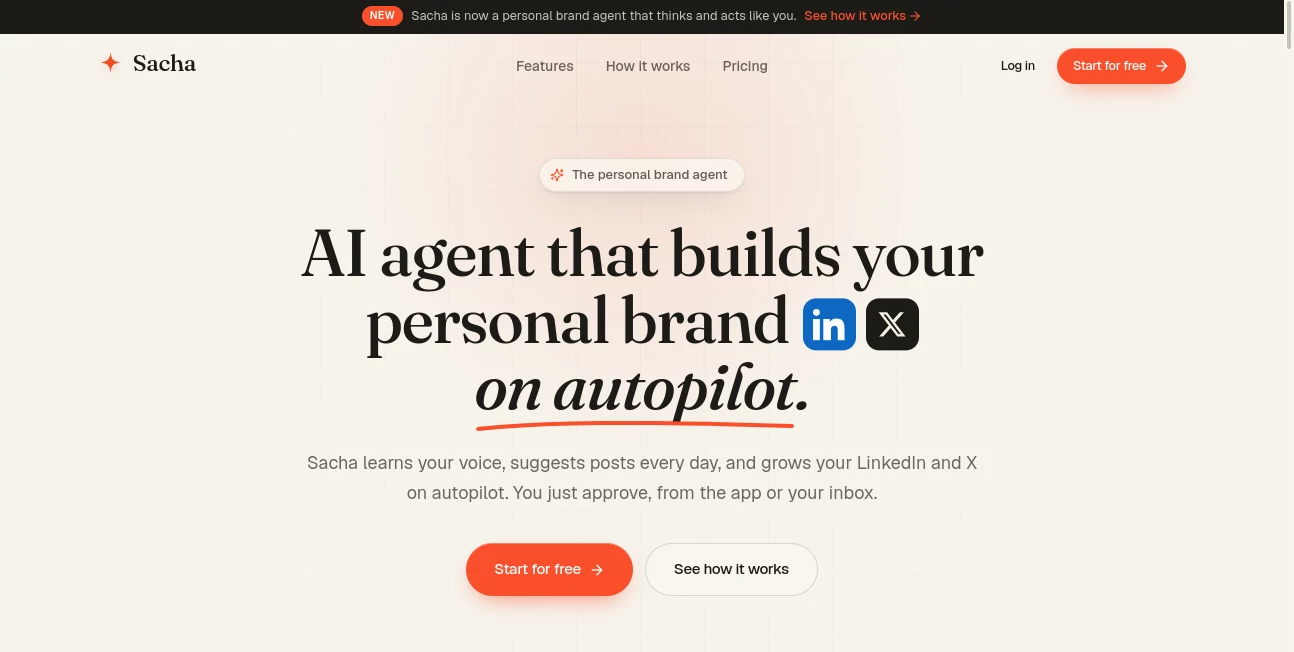
What is Sacha?
Modern teams need more than a note-taking app. They need a workspace where documents, ideas, tasks, and collaboration come together without unnecessary complexity. This platform delivers exactly that by combining intelligent writing assistance, real-time collaboration, and knowledge management into a single environment.
Instead of switching between multiple productivity apps, users can write documents, organize projects, manage tasks, brainstorm ideas, and search their entire knowledge base from one place. The built-in AI assistant helps with writing, summarizing, translating, brainstorming, and editing, making everyday work faster and more enjoyable.
Whether you're managing a startup, coordinating remote employees, documenting internal processes, or simply organizing personal notes, this workspace creates a smooth experience that keeps information connected. Its lightweight design makes it easy to learn, while powerful collaboration tools make it suitable for growing teams that value speed and simplicity.
Key Features
User Interface
The interface is clean, responsive, and intentionally minimal. Navigation feels effortless, allowing users to focus on their work rather than learning a complicated system. Pages load quickly, documents remain organized through automatic linking, and keyboard shortcuts help experienced users work even faster.
Accuracy & Performance
The integrated AI assistant supports multiple writing tasks including drafting content, improving grammar, rewriting paragraphs, translating text, generating outlines, and summarizing long documents. Fast search capabilities allow users to locate notes, documents, and tasks almost instantly, even across large workspaces.
Capabilities
- AI-powered writing assistance
- Real-time document collaboration
- Connected knowledge management
- Task management inside documents
- Automatic page linking
- Powerful workspace search
- Kanban task organization
- Shared team workspaces
- Document version collaboration
- Integration with popular productivity tools
- Meeting notes and documentation
- Workspace organization for personal and business projects
Security & Privacy
Security is an important part of the platform's design. Workspaces remain accessible only to authorized members, while collaboration permissions help organizations control who can view or edit content. Team-based access management makes it suitable for both small businesses and larger organizations handling internal documentation.
Use Cases
- Managing company knowledge bases
- Creating project documentation
- Writing blog posts and marketing content
- Organizing meeting notes
- Planning product roadmaps
- Collaborating with remote teams
- Managing daily tasks and to-do lists
- Building internal documentation
- Brainstorming business ideas
- Research and information management
Pros and Cons
Pros
- Fast and intuitive interface
- Integrated AI writing assistant
- Excellent collaboration features
- Connected documents through automatic linking
- Built-in task management
- Real-time editing for teams
- Powerful workspace search
- Suitable for individuals and businesses alike
Cons
- Advanced AI usage may require a paid subscription
- Some integrations are available only on higher-tier plans
- Large organizations may require time to structure their workspace efficiently
Pricing Plans
The platform offers a free plan suitable for individuals and small teams with core collaboration features and limited AI usage. Paid subscriptions unlock unlimited AI capabilities, additional workspace members, and enhanced collaboration features for professional teams and organizations.
How to Use Saga
Create a workspace and organize it into pages for projects, notes, or documentation. Invite team members to collaborate in real time, create tasks directly inside documents, and connect related pages automatically. Use the AI assistant whenever you need help generating content, improving writing, summarizing information, translating text, or brainstorming new ideas. As your workspace grows, the intelligent search system makes retrieving information quick and effortless.
Comparison with Similar Tools
Unlike traditional note-taking applications that primarily focus on documentation, this platform combines AI writing assistance, collaborative editing, knowledge management, task organization, and connected documentation into one unified workspace. Compared with many productivity suites, it emphasizes speed, simplicity, and seamless collaboration without overwhelming users with unnecessary complexity. The automatic linking of information and integrated AI experience create a more connected workflow than relying on several separate applications.
Conclusion
For professionals looking to simplify their daily workflow, this AI-powered workspace offers an impressive balance between ease of use and powerful functionality. It successfully combines intelligent writing, knowledge management, task organization, and collaboration into a single environment where teams can work more efficiently.
Its modern design, responsive performance, and practical AI capabilities make it an excellent choice for startups, remote teams, content creators, consultants, students, and growing businesses that want a centralized place for ideas, documents, and teamwork.
Frequently Asked Questions (FAQ)
Can multiple people edit documents simultaneously?
Yes. The platform supports real-time collaboration, allowing team members to edit documents together while staying synchronized.
Does it include an AI writing assistant?
Yes. The built-in assistant can generate content, rewrite text, summarize documents, translate languages, improve grammar, and help brainstorm ideas directly inside the workspace.
Is there a free version available?
Yes. A free plan is available for personal users and small teams, while premium plans provide expanded AI usage and advanced collaboration features.
Who is this platform best suited for?
It is ideal for startups, remote teams, content creators, project managers, consultants, students, and businesses looking for a unified AI-powered productivity workspace.
AI Notes Assistant , AI Productivity Tools , AI Team Collaboration , AI Writing Assistants .
These classifications represent its core capabilities and areas of application. For related tools, explore the linked categories above.

Sacha Alternatives Product

Humanio AI

Eleven AI
Anti Noise F…

GPTZero

Vibebot.gg

MaxAEO

Resyfy AI

CursiveKit

HTMLSlides
