

















sam tts
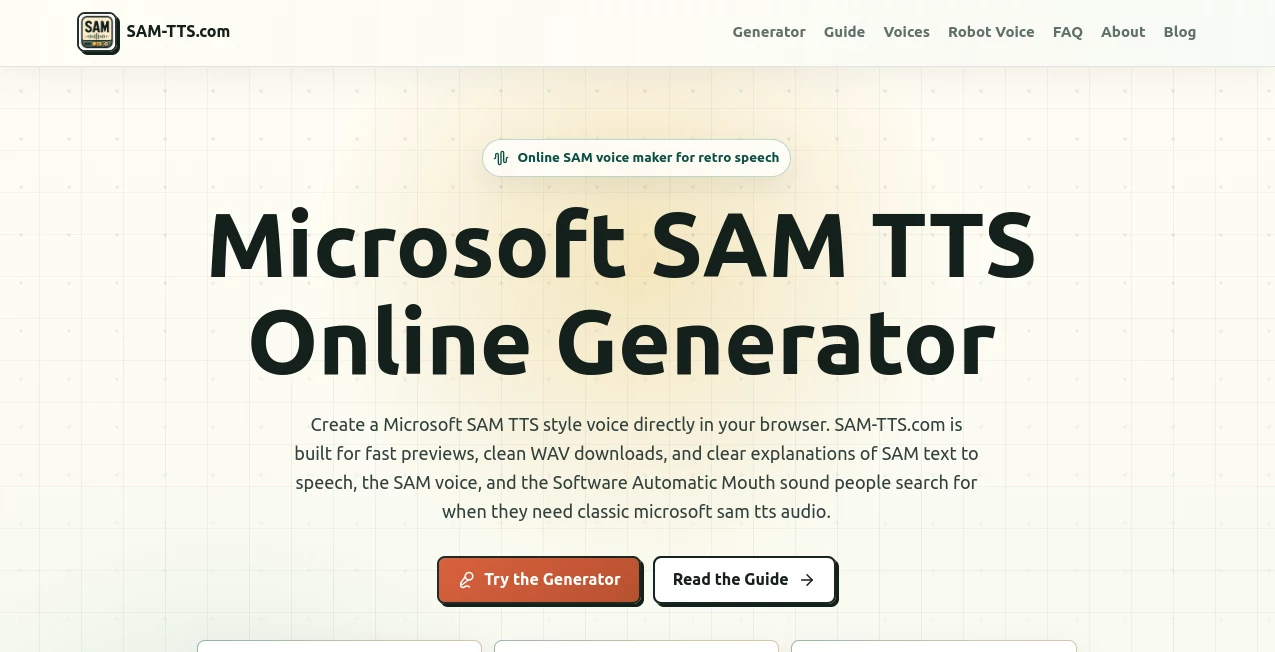
What is sam tts?
There's something undeniably nostalgic about that flat, mechanical, slightly off-rhythm computer voice that defined an entire era of desktop computing. If you grew up with early Windows machines or spent hours messing around with old speech synthesizers, you probably already know the sound this tool brings back. It's not trying to be a sleek, ultra-realistic narrator. It's trying to be exactly what it is: a sharp, synthetic, instantly recognizable robotic voice that people use for memes, retro game dialogue, alert sounds, and playful narration. And honestly, it nails that vibe.
This browser-based generator lets anyone type a line of text and hear it spoken back in that classic Software Automatic Mouth style within seconds. No downloads, no old emulators, no digging through forums trying to get a 1980s speech engine running on a modern machine. Just open the page, type, tweak a few sliders, and you've got your clip.
Key Features
User Interface
The layout keeps things refreshingly simple. There's a text box up top where you type your line, a row of voice presets to choose from, and a small panel of sliders underneath for fine-tuning. Nothing about it feels overdesigned or bloated with unnecessary menus. It almost mirrors the retro feel of the audio itself, which is a nice touch whether intentional or not.
Accuracy & Performance
Generation happens quickly, right in the browser, so there's no waiting around in a queue or refreshing a page hoping your audio finished rendering. Short lines tend to come out clearest, and the tool is upfront about that rather than pretending every long paragraph will sound perfect. It's a refreshing bit of honesty for a web tool.
Capabilities
Beyond the core Microsoft Sam voice, there's a surprisingly deep roster of presets: Mike, Mary, BonziBUDDY-style options, telephone and hall effects, space and stadium variants, even whisper modes. Four main controls (speed, pitch, mouth, and throat) let you reshape the voice from a clipped robotic alert to a heavier, slower "terminal" tone. There's also a pronunciation helper that rewrites tricky words phonetically, which actually makes a real difference in how clear the final clip sounds.
Security & Privacy
Everything runs as a straightforward text-in, audio-out workflow. You type a line, preview it, and download a WAV file if you want to keep it. There's no account wall blocking basic use, which keeps the whole experience low-friction for quick experiments.
Use Cases
- Retro game dialogue — short terminal lines and menu prompts that need personality over polish.
- Video memes and edits — quick, recognizable audio that lands the joke without extra effort.
- Prototype narration — placeholder computer speech while a project waits on final voice direction.
- Educational demos — a clear, practical way to show how rule-based speech synthesis differs from modern neural voices.
- Alert sounds — interface cues that feel mechanical and instantly memorable.
- Creative audio sketches — fast iteration when testing robot characters or alternate phrasing.
Pros and Cons
- Pro: Generates audio instantly in the browser with no installation required.
- Pro: Wide range of voice presets, from classic narrator tones to telephone and stadium effects.
- Pro: Granular control over pitch, speed, mouth, and throat for precise tuning.
- Pro: One-click WAV export, ready for video editors, game engines, or DAWs.
- Con: Not designed for natural, human-like narration — the robotic tone is the whole point, so it won't suit every project.
- Con: Long, dense paragraphs lose clarity; the tool rewards short, punchy lines instead.
- Con: Some modern words or names may need phonetic rewriting to sound right.
Pricing Plans
The generator is accessible directly from the homepage without requiring payment to try the core experience. For exact current pricing details, plan tiers, or any premium options, it's best to check the official site directly, as these details can be updated over time.
How to Use SAM TTS
- Type your line of text into the input box on the homepage.
- Pick a voice preset from the dropdown — classic Microsoft Sam is a solid starting point.
- Adjust speed, pitch, mouth, and throat sliders to shape the tone.
- Use the pronunciation helper if a word or acronym sounds off.
- Press render to preview the clip, then tweak as needed.
- Download the WAV file once you're happy with the result.
Comparison with Similar Tools
Most modern text-to-speech platforms chase realism — natural pacing, emotional inflection, human-like cadence. This tool goes the opposite direction on purpose. Where a neural TTS engine is built for audiobooks, courses, or professional narration, this one is built for short, character-driven audio: jokes, alerts, retro game lines, and nostalgic computer voices. If you need a polished narrator, look elsewhere. If you need that unmistakable, slightly broken robotic charm, this is the more direct route, and honestly, faster to get a usable clip out of than trying to coax a modern voice engine into sounding deliberately artificial.
Conclusion
This is one of those tools that does a small, specific job extremely well. It's not trying to compete with massive AI voice platforms chasing realism — it's leaning fully into nostalgia and making that classic robotic sound easy to recreate without any of the old hardware hassle. For meme creators, game developers, and anyone who just wants to hear that familiar synthetic voice again, it's a quick, satisfying stop.
Frequently Asked Questions (FAQ)
- Can I download the audio I create? Yes, clips can be exported as WAV files for use in video edits, games, or audio projects.
- Why does a word sound wrong? Older speech engines sometimes mispronounce modern names or terms. Rewriting the word phonetically usually fixes it.
- What settings give the most classic sound? Starting near the default preset and adjusting one slider at a time tends to work best.
- Is this useful for more than just memes? Definitely — it's also handy for prototyping game audio, building alert sounds, and demonstrating how rule-based synthesis works.