
















Z-Image
What is Z-Image?
Let me be real with you for a second. Waiting 30 seconds for an AI to generate a single image gets old fast, especially when you are just trying to figure out if an idea looks good. You end up sticking with safe prompts because starting over feels like a drag. There's a new tool from Tongyi Lab that completely shatters that waiting game without turning your visuals into a cartoonish mess.
We are talking about generating high-resolution, photorealistic images in under a second. It sounds too good to be true, right? I thought so too until I saw the benchmarks. This open-source model packs 6 billion parameters into a lean architecture that runs on standard graphics cards. For business owners, content creators, and developers, this changes the rules about what "quick iteration" actually means.
Key Features
User Interface
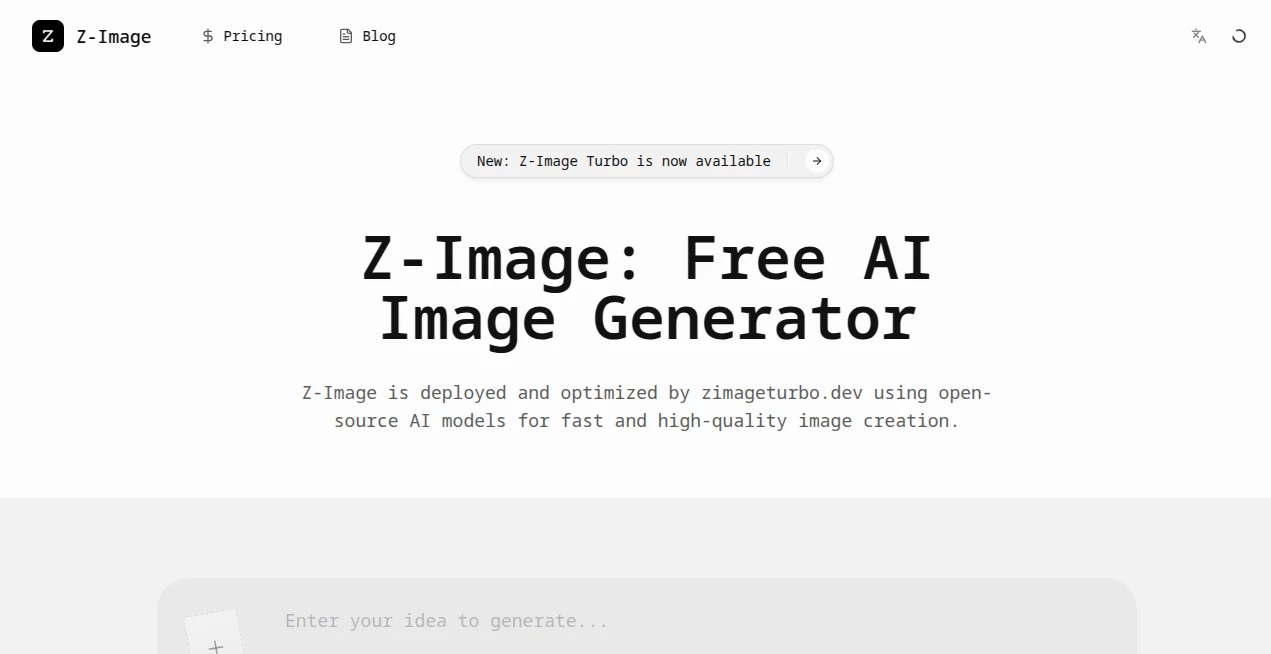
You won't find any confusing sliders or technical jargon getting in your way. Most platforms hosting this model keep things simple: a text box for your prompt, a ratio selector (from 1:1 square to 16:9 widescreen), and a "generate" button. There is also a seed control option, which is a lifesaver when you get a result you like. Locking the seed lets you tweak your prompt slightly without losing the character or composition of the previous image. It feels responsive, like typing into a search engine rather than configuring rendering software.
Accuracy & Performance
Here is where this tool separates from the pack. Traditional models need 30 to 50 sampling steps to produce a decent image, but this engine uses something called Decoupled-DMD distillation. In plain English, it gets the job done in only 8 steps. I ran a test where I generated 10 different variations of "a vintage coffee shop in a thunderstorm" in about 45 seconds. That is less than 5 seconds per image batch.
However, speed also means knowing the sweet spots. The model performs best with a CFG (scale) between 7 and 8. Push it too high, and the colors wash out. Keep it too low, and the AI gets a little too "creative" with your request. Compared to heavier models like Flux or SDXL, it sacrifices a tiny bit of micro-detail (like individual hair strands) to save you massive amounts of time.
Capabilities
This model has a superpower that many competitors lack: bilingual text rendering. If you have ever tried to get an AI to write "SALE" or "OPEN" on a sign, you know it usually looks like alien hieroglyphics. This engine handles English and Chinese characters surprisingly well. It can put realistic text on book covers, posters, or logos without melting the letters into nonsense.
It shines at photorealistic portraits and product mockups. Skin textures look less waxy than Midjourney v5, and lighting feels naturally scattered rather than perfectly staged. For storyboarding, it is a beast. I can knock out sequence frames for a video ad, tweak the camera angles, and have a rough cut visualized in the time it takes to brew a cup of coffee.
Security & Privacy
Since the model is open-source (Apache 2.0 license), you have full control over where your data goes. If you run it locally on your own hardware or through a private server instance like on SiliconFlow or Replicate, your prompts and images aren't fed back to a public gallery for training data. For businesses dealing with unreleased product designs or sensitive marketing materials, this is non-negotiable. You aren't paying with your data; you are just paying for the compute power.
Use Cases
Rapid Concept Art: Art directors can generate 20 variations of a character or environment in seconds to show clients without burning through a budget.
Social Media Graphics: Need a thumbnail for a news-related YouTube video? Generate 5 options, pick the best one, and upload it. The speed fits perfectly with breaking news cycles.
E-commerce & Product Mockups: Place your product in different lifestyle settings. A watch on a marble counter, a candle in a cozy bedroom, or a t-shirt on a model at the beach. It generates the "vibe" cheaply.
Prompt Engineering Practice: Because it is fast and cheap (fractions of a cent per image), it is the perfect sandbox for learning how to write prompts. You can tweak one word at a time and see the result immediately.
Pros and Cons
Pros (+)
- Insane Speed: Sub-second to 2-second generations. It is almost real-time.
- Low Cost: As cheap as $0.0025 to $0.005 per image on serverless platforms.
- Accurate Text: Uniquely good at rendering readable English and Chinese characters.
- Open Source: You can run it locally on a 16GB VRAM card, keeping your work private.
Cons (-)
- Finer Details: Hands, complex jewelry, or distant faces can look a bit soft or "smudged" compared to high-step models like Flux or Dall-E 3.
- Consistency on Long Runs: If you need the exact same character across 50 different scenes, you will have to lock seeds and work hard to maintain the look. It drifts more than professional-grade studio tools.
- Negative Prompt Sensitivity: It reacts very strongly to negative prompts. Saying "no text" might erase textures that look like text.
Pricing Plans
You have options depending on your technical comfort level. Through direct API providers like Replicate or PrunaAI, pricing is based on resolution: $0.0025 for standard definition (under 0.5MP) and $0.005 for 1MP images (1024x1024). Third-party apps that bundle the AI charge subscription fees. For example, "Z Image AI Pro" on mobile runs $9.99 weekly or $39.99 monthly.
However, specific dedicated platforms offer a much better deal for power users. The "Free" tier often gives you daily credits, while the "Basic" yearly plan breaks down to roughly $7.92 per month for hundreds of fast generations. Enterprise users needing dedicated GPUs can reserve instances, but for most solopreneurs, the serverless pay-as-you-go model (half a cent per image) is the cheapest way to play.
How to Use Z-Image-Turbo
Getting started is painless. Head to a platform hosting the model like SiliconFlow, Replicate, or the official Z-Image app website. Simply type what you want into the prompt box. Because this model is a "Turbo" version, keep your sentences direct. Instead of "a very beautiful extremely detailed sunset," try "cinematic sunset over a lake, golden hour, 8k".
Select your aspect ratio (9:16 for phone wallpapers, 16:9 for desktop). Set your guidance scale to 7.0 or 8.0 for the best balance of speed and accuracy. Hit generate. If you see an image you like but need a slight change, copy the "Seed" number, tweak your prompt, paste the seed, and run it again. This keeps the character consistent.
Comparison with Similar Tools
How does it stack against the giants? Against SDXL Turbo or LCM-LoRAs, this model usually wins on photorealism. SDXL Turbo often looks "cartoony" or overly saturated, while this model tends toward natural lighting.
Against Midjourney or Dall-E 3, it loses on raw detail and prompt adherence for complex scenes. Midjourney will give you better hands and eyes. But Midjourney costs $10-$120 a month and takes 30 seconds to a minute per batch. If you are doing rapid prototyping or need 1,000 images for a dataset, the half-cent speedster wins economically every time.
Against its own parent model Z-Image-Base, the trade-off is detail for speed. Base takes 4-5 seconds and costs 1 cent but holds up to cropping better. Turbo is for "finding the idea," Base is for "keeping the final asset".
Conclusion
This tool isn't trying to replace the high-end art studio. It is designed to replace the frustration of waiting. If you need pixel-perfect print ads or flawless hands, you will still reach for the bigger guns. But for 95% of daily use cases—social media content, website hero images, mood boards, pitch decks, and rapid prototyping—the speed is addictive. The fact that it renders readable text so well makes it a hidden gem for graphic designers. Try the free tier or spend a single dollar to run a few hundred prompts. You will likely find yourself moving faster than you ever did before. It is the ultimate "sketchpad" for the AI age.
Frequently Asked Questions (FAQ)
Q: Is this tool really free to use?
A: The software code is open-source and free. However, running it requires computing power. Some platforms offer a small free tier (like 10-50 images a month), but heavy usage usually costs around $0.0025 to $0.005 per image.
Q: Can I run this on my own computer without paying a subscription?
A: Yes, if you have a decent graphics card with at least 16GB of VRAM (like an RTX 4080/4090 or an Apple M2 Max). You can download the model from Hugging Face and run it locally.
Q: Does it work well for printing posters?
A: It is decent for 4x6 prints, but not recommended for large format posters (20x30 inches). The "Turbo" speed causes minor smoothing on fine details like skin pores and fabric weave. For large prints, use the slower base model or upscale the image using a separate tool.
Q: Is it good for making memes or images with text?
A: Surprisingly, yes. This model excels at generating images with short text overlays. However, for very long sentences, it sometimes drops letters. It is best practice to generate the background and add text manually in Photoshop or Canva for perfect results.