

















SciFig
What is SciFig?
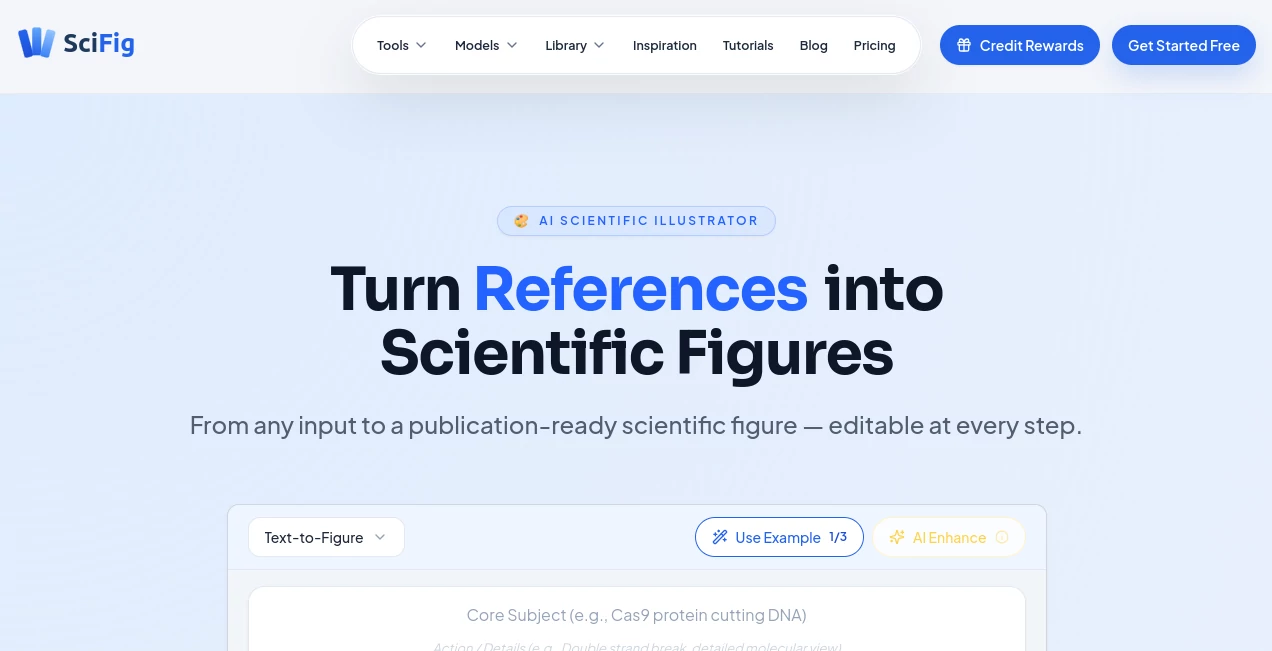
Creating publication-ready scientific illustrations often takes hours of manual work. This platform makes the process much faster by transforming text, sketches, research papers, reference images, and laboratory photos into professional scientific figures. Every result remains editable, giving researchers, educators, and students the flexibility to refine details before publication or presentation.
Key Features
User Interface
The interface is clean and easy to understand. Users simply upload their source material or describe an idea, then choose a publication style. Editing labels, layouts, and visual elements is straightforward, even for people with no design experience.
Accuracy & Performance
The platform is designed specifically for scientific visualization rather than general image generation. It produces high-quality figures within seconds and supports multiple scientific disciplines, making it a practical choice for academic and research projects.
Capabilities
- Generate figures from text, PDFs, sketches, photos, and reference images.
- Edit text and visual elements after generation.
- Export editable PPTX, layered SVG, PNG, and JPG files.
- Enhance existing scientific illustrations without starting from scratch.
- Support multiple publication-ready illustration styles.
Security & Privacy
User files are encrypted during transfer and storage. Uploaded research content is not used to train AI models, providing additional confidence when working with unpublished scientific material.
Use Cases
- Preparing journal figures.
- Designing conference presentations.
- Creating educational science diagrams.
- Visualizing laboratory workflows.
- Building grant proposal illustrations.
Pros and Cons
- Pros
- Designed specifically for scientific illustration.
- Supports multiple input formats.
- Fully editable outputs.
- High-resolution export options.
- Cons
- Advanced features require a paid plan.
- Final scientific review is still recommended before publication.
Pricing Plans
A free plan is available with daily credits for testing core features. Paid subscriptions unlock advanced generation modes, higher-resolution exports, vector editing, additional storage, and commercial publication rights. Plans start at an affordable monthly price for individual researchers and scale for larger teams.
How to Use SciFig
Start by uploading a document, sketch, photo, or writing a description of the figure you need. Choose a preferred visual style, generate the illustration, edit labels or graphical elements if necessary, and export the final figure in the format required for journals, presentations, or teaching materials.
Comparison with Similar Tools
Unlike traditional scientific illustration software that depends heavily on templates, this solution creates custom figures from multiple input types while keeping every important element editable. It also combines generation, enhancement, and vector editing in one workflow, reducing the need for additional design software.
Conclusion
This platform offers an impressive balance between AI automation and manual control. It helps researchers produce polished scientific visuals in far less time while preserving the flexibility needed for professional publication. For anyone preparing research papers, educational resources, or technical presentations, it provides a practical and efficient workflow.
Frequently Asked Questions (FAQ)
Who can benefit from this platform?
Researchers, university students, educators, research laboratories, and science communicators.
Can exported figures be edited?
Yes. Editable PPTX and layered SVG exports allow further customization.
Does it support multiple input formats?
Yes. Text, PDFs, sketches, reference images, and photos can all be used to generate figures.
Is there a free version?
Yes. A free plan includes credits for exploring the main features before upgrading.
Can the generated figures be used for publications?
Paid plans include commercial and publication rights, making them suitable for academic journals and professional presentations.