

















Screendone
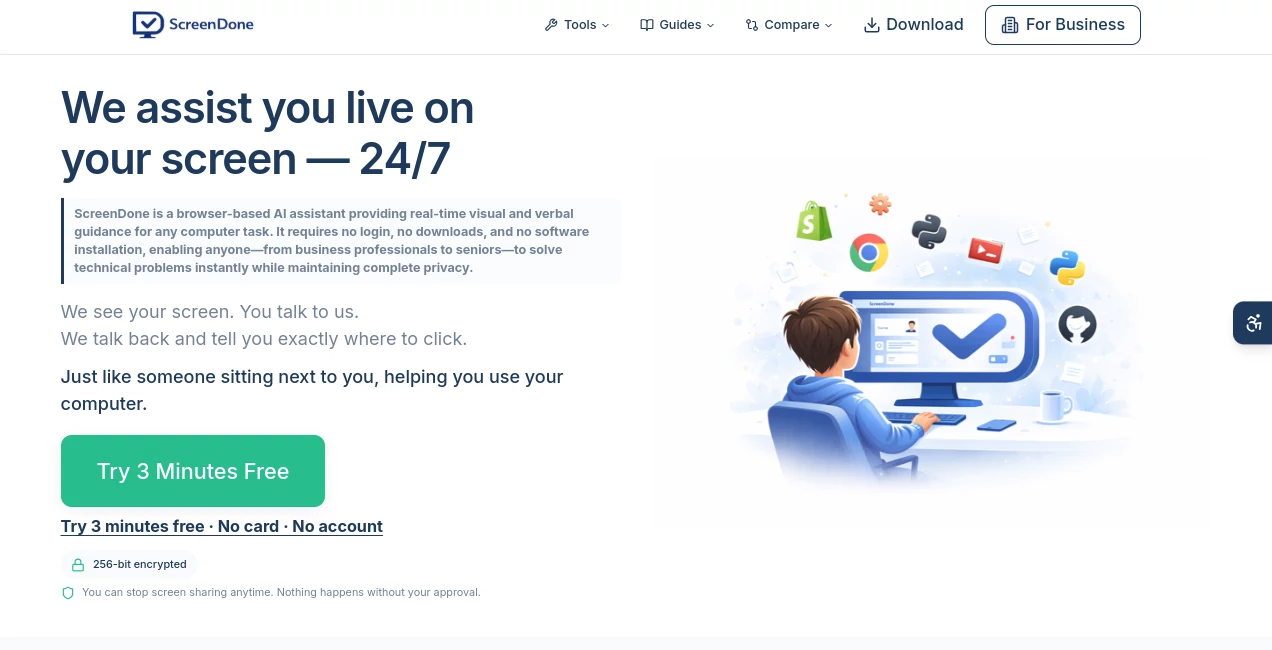
What is Screendone?
In a digital world where clear communication matters more than ever, screen recording tools have become essential for teams, creators, and support professionals. This platform is designed to make capturing your screen effortless, allowing users to record, explain, and share visual instructions in seconds without complicated setups or technical barriers.
What makes it stand out is its focus on simplicity and speed. Instead of spending time configuring heavy software, users can start recording immediately and focus on what truly matters: explaining ideas clearly and visually.
Key Features
User Interface
The interface is clean, minimal, and beginner-friendly. Everything is placed where users expect it to be, reducing the learning curve and making it accessible even for non-technical users.
Accuracy & Performance
Recording quality remains smooth and stable even during long sessions. The tool ensures that audio and video stay synchronized, which is essential for tutorials, walkthroughs, and professional explanations.
Capabilities
It supports quick screen capture, browser-based recording, and easy sharing options. Users can create tutorials, product demos, or bug reports without needing additional editing software.
Security & Privacy
User recordings are handled with care, ensuring privacy and secure storage practices. This makes it suitable for both personal and professional environments where sensitive information might be involved.
Use Cases
- Creating software tutorials and onboarding guides
- Reporting bugs with visual explanations for development teams
- Recording product demos for clients or stakeholders
- Enhancing remote communication between teams
Pros and Cons
Pros
- Extremely easy to use with no learning curve
- Fast recording and sharing workflow
- Works well for both personal and professional use
- Lightweight and efficient performance
Cons
- Advanced editing features are limited
- May not replace full-scale video editing software
Pricing Plans
The platform typically follows a flexible model that may include free access for basic recording features and premium options for advanced capabilities such as extended storage, higher quality exports, or team collaboration tools.
How to Use this Tool
- Open the web interface and start a new recording session
- Select the screen or window you want to capture
- Start recording and explain your process naturally
- Stop recording once finished and review your content
- Share the recording instantly via a generated link
Comparison with Similar Tools
Compared to traditional screen recording software, this solution focuses more on simplicity and speed rather than complex editing features. While some competitors offer advanced post-production tools, this platform prioritizes instant usability and lightweight performance, making it ideal for quick communication and fast workflows.
Conclusion
For users who value speed, clarity, and ease of use, this screen recording solution offers a practical way to communicate visually without unnecessary complexity. It is especially useful for teams and individuals who want to replace long written explanations with clear, visual demonstrations.
Frequently Asked Questions (FAQ)
Is it suitable for beginners?
Yes, the platform is designed with simplicity in mind, making it easy for anyone to start recording without prior experience.
Can I share recordings instantly?
Yes, recordings can typically be shared through a generated link right after finishing.
Does it require installation?
It is generally designed to work directly from the browser, reducing the need for complex installations.
Is it good for professional use?
Yes, many professionals use it for tutorials, product demos, and team communication.
Can I edit my recordings?
Basic functionality is focused on recording and sharing, with limited editing features.
AI Recording , AI Video Editor , AI Productivity Tools , AI Video Recording .
These classifications represent its core capabilities and areas of application. For related tools, explore the linked categories above.

Screendone Alternatives Product

Khuram Youraj

David One

ApplyBtn

Skywork Supe…
Video to GIF…

AI Motion Co…

ace.me

Zeemo AI
morse code t…
